
16 Mills in 4 Days!

Murrays Mill, NC
I needed to visit my parents who live in St. Louis as they have moved into an assisted retirement home and were selling their house! They wanted me to take some furniture back south to my kids so that they would have something to remember them by and assist a little with the house in general. The entire process was pretty painfull and stressfull except for the 2 days of travel at each end of the trip! For those 4 days I was in heaven!
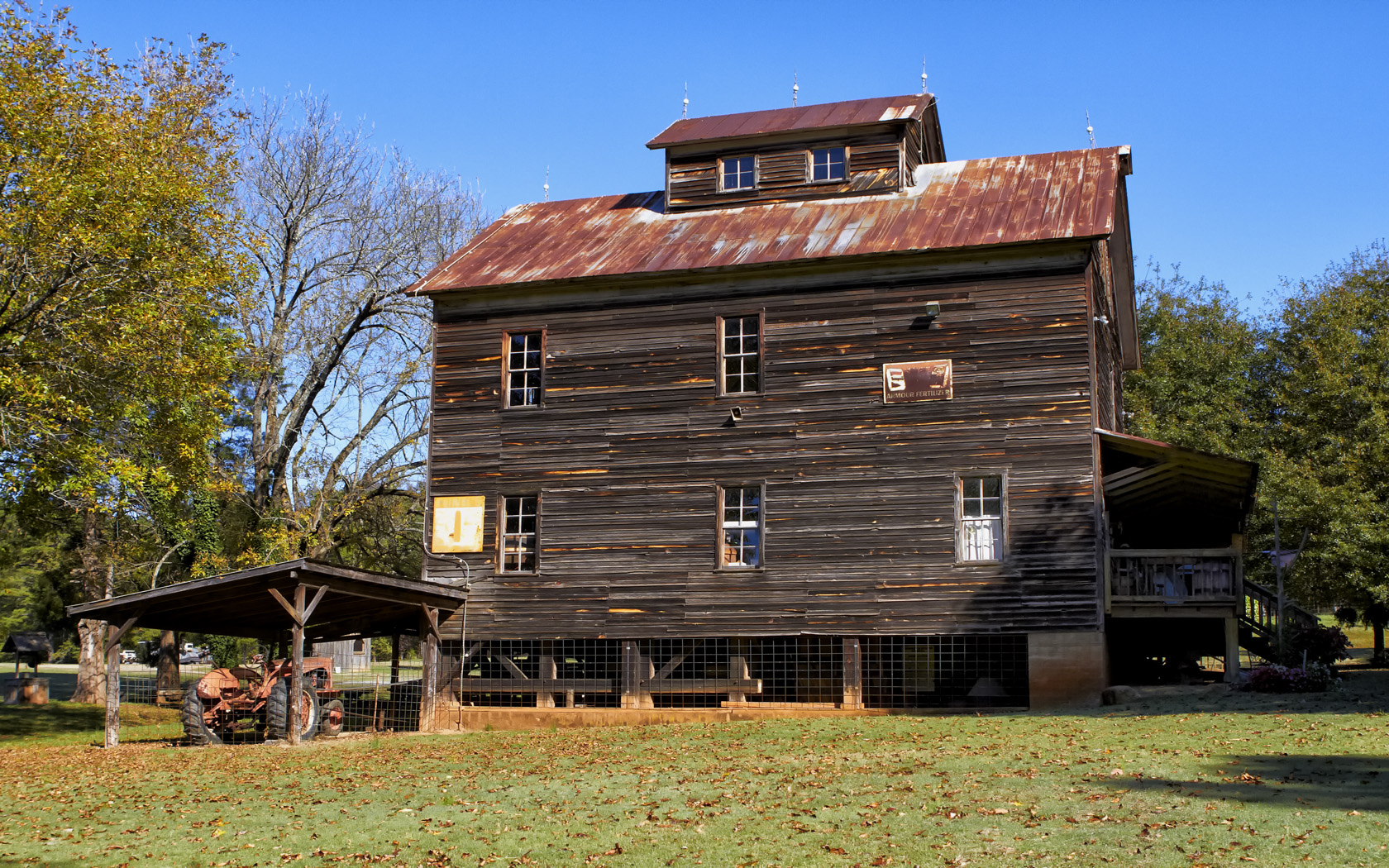
Bost Mill, NC
I have 173 grist mills programmed into my GPS in the truck that covers every state from Florida north to Boston then west to Missouri down to Texas! I had no specific stoops planned except for the Glade Creek Mill in West Virginia (which I have been wanting to visit for years) SO… I pointed the GPS to Glade Creek and then went to my Favorites section on the GPS which told me how close I was at any time to specific mills which I could then simply touch and direct the GPS to take me to as a VIA Point! Using this process I managed to visit 16 mills and could have made 20 or so but it was simply too much to do and still have time to sleep!
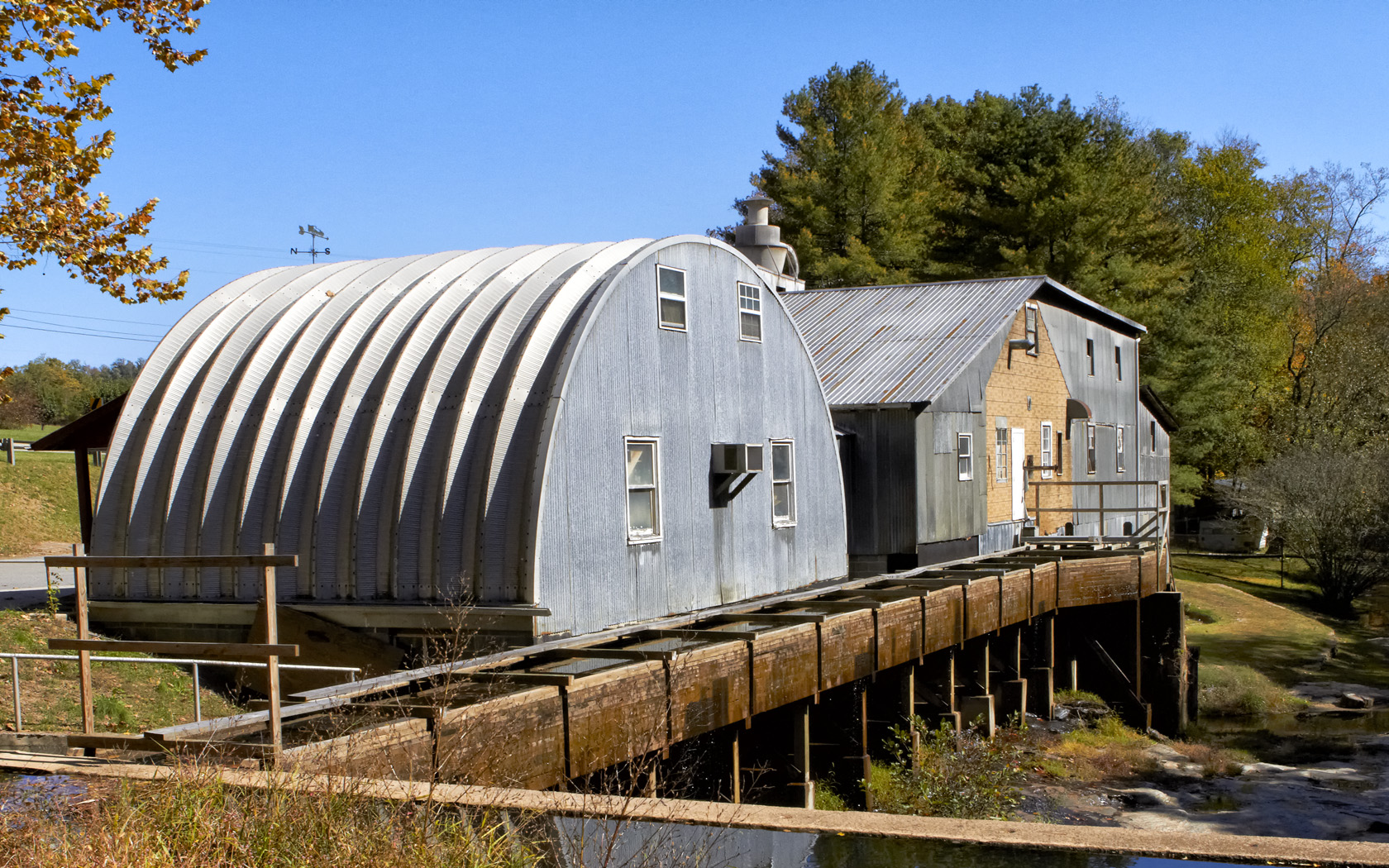
Linneys Mill, NC
I spent a lot of time in North Carolina as there are just so many mills there to visit. Some are totally useless as photographic subjects but still could be saved. I skipped those that were in such condition along my route. I also would stop at a pretty barn as well but my priority were mills!
Several of the mills along the way were actually working mills that ground corn in order to make a living! This style of mill is not nearly as pretty as the older 1800’s version but can still be very interesting! The Linneys Mill in North Carolina is one such mill and very much worth the effort to find and photograph! It sits along a very pretty stream that has been damed and if viewed from the back is a worthy photographic subject!

Linneys Double Metal Wheel!
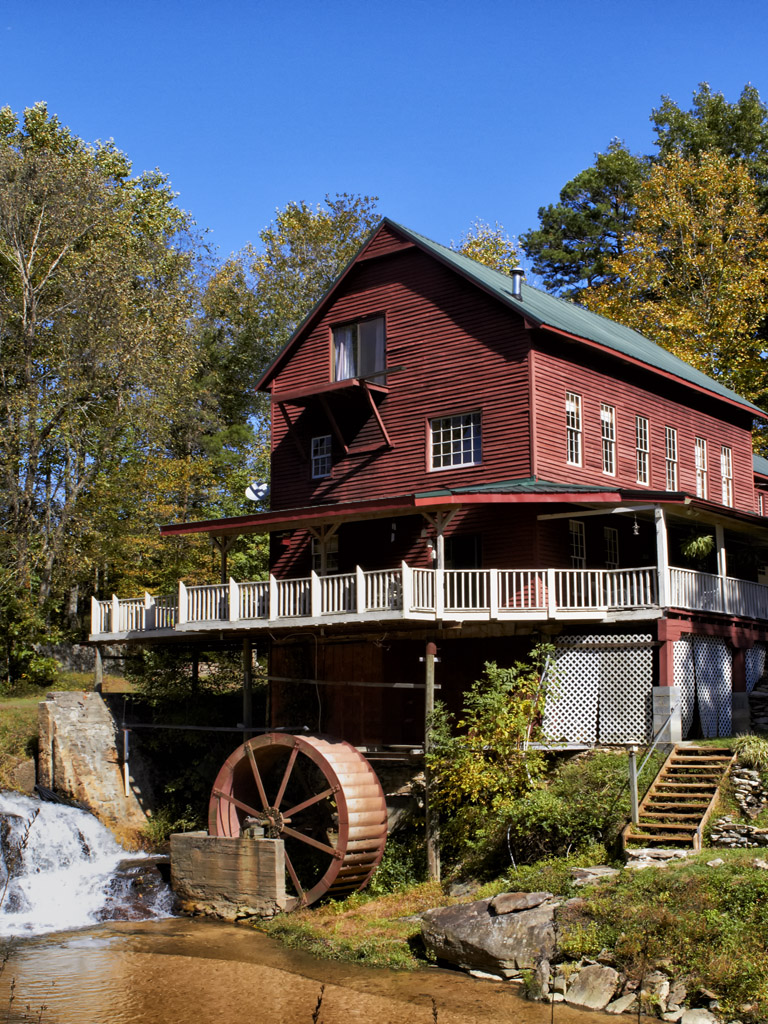
Mitchell Mill, NC
Aside from the occasional commercial mill and tons of old mills there are quite a few of old mills that have been converted to private homes. I especially like to visit these as long as the owners try to keep the exterior the same as designed! The Mitchell Mill in North Carolina is one such mill and the owners have even kept the mill workings operational! They were not home when I visited and I really did try to talk to them but alas I was only able to make friends with their three dogs before shooting the mill! Perhaps the next time I go thru I will stop and attempt to visit them again…
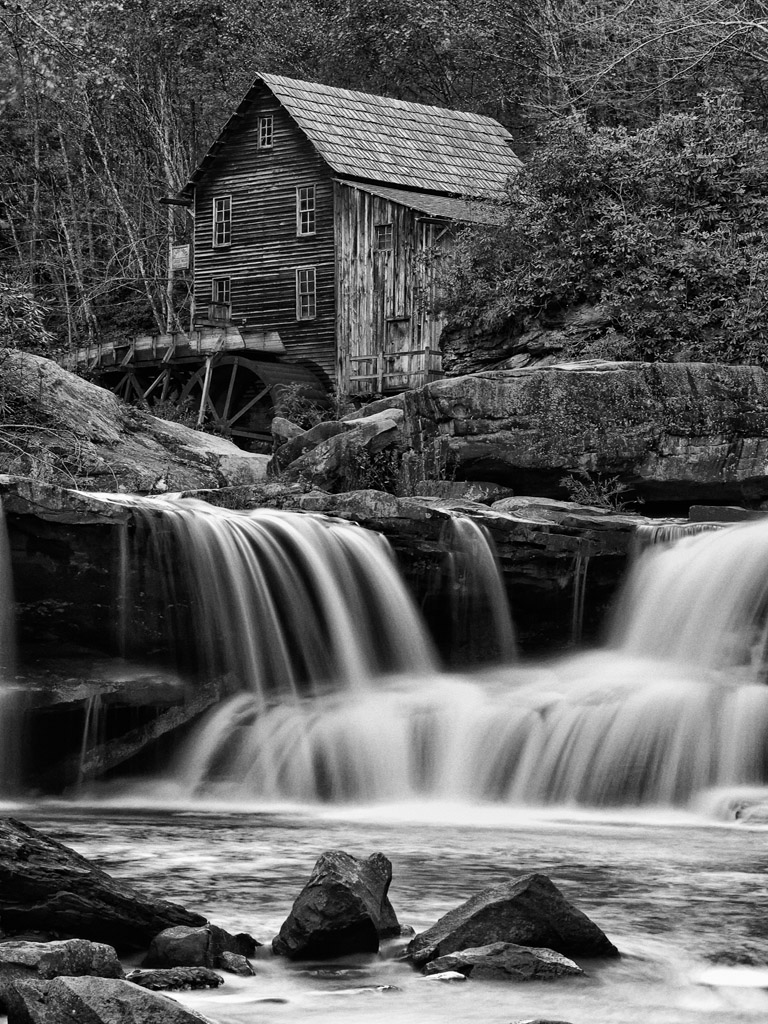
Glade Creek Mill, WV, B&W
OK, it is time to visit the Glade Creek Mill in Babcock State Park in West Virginia! As I said before, this one mill has been on the TOP of my wish list for several years and the point of my chosen route to St. Louis. I really didn’t know if morning or evening would be better for shooting here so I kept my options open and planned to stay at a local hotel in case I needed a morning shot! I needn’t have worried though as I actually arrived at 6 pm and the light was perfect, the fall leaves stunning and there was serious water flowing along the creek and over the various water falls! There were about 50 photographers there and I had to wait for the locations I wished to shoot from. I shot both in Color and Infrared but really Color was the priority due to the Fall colors. I used a Canon 7D body with the 24-70 L f/2.8 lens and a Singh Ray 8 stop Vari-ND filter to slow the exposure way down and allow for soft creamy water motion. Of course I shot on a heavy tripod using a remote shutter release and mirror lockup!
I processed all of my Color shots for B&W as well. I also kept HDR in my mind as I setup and shot several sequences for later processing using the new Nik HDR Pro software!
Here are a selection of my favorite images of the Glade Creek Mill:
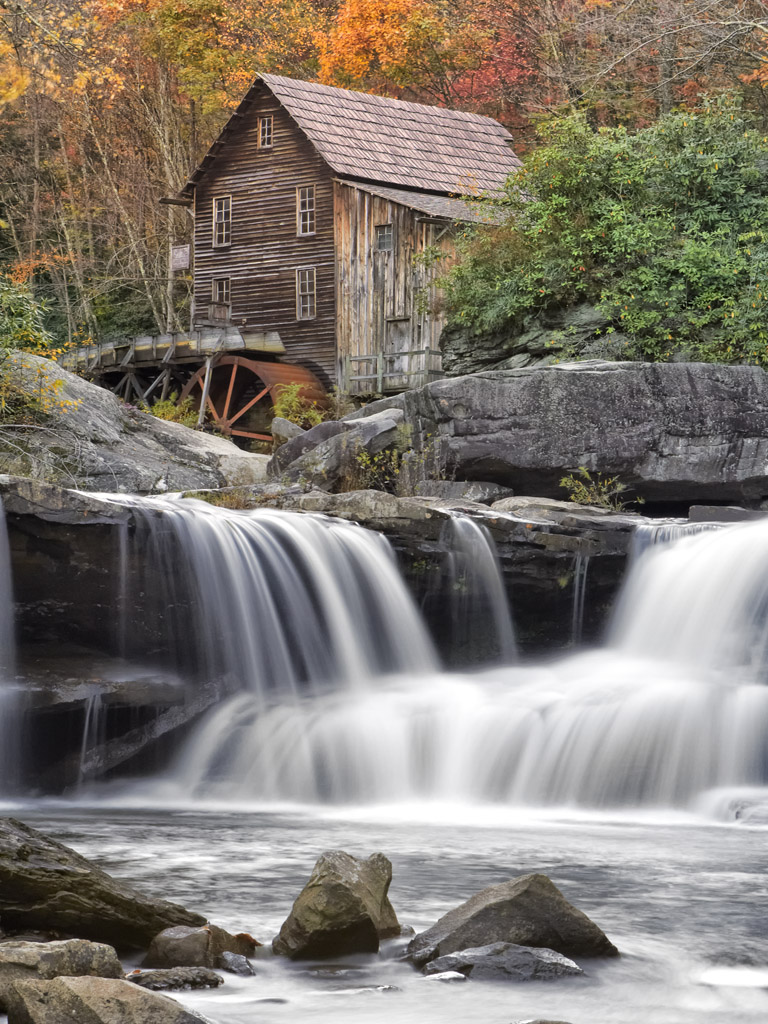
Glade Creek Mill, Single Shot, 30 second exposure!
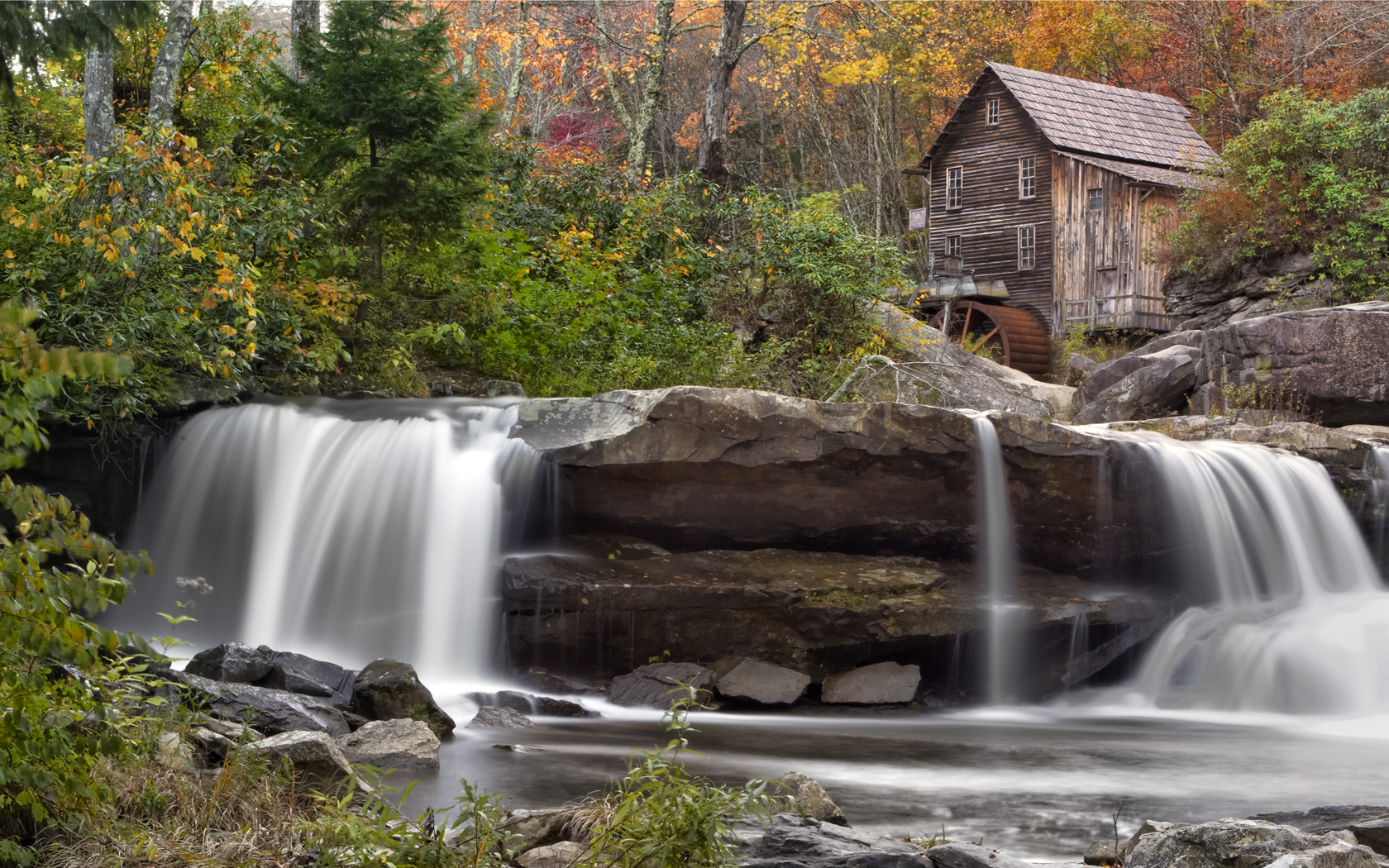
Glade Creek Mill, Landscape, High Lighting The Waterfall
Next, a 3 shot HDR image using Nik’s HDR Pro Software:
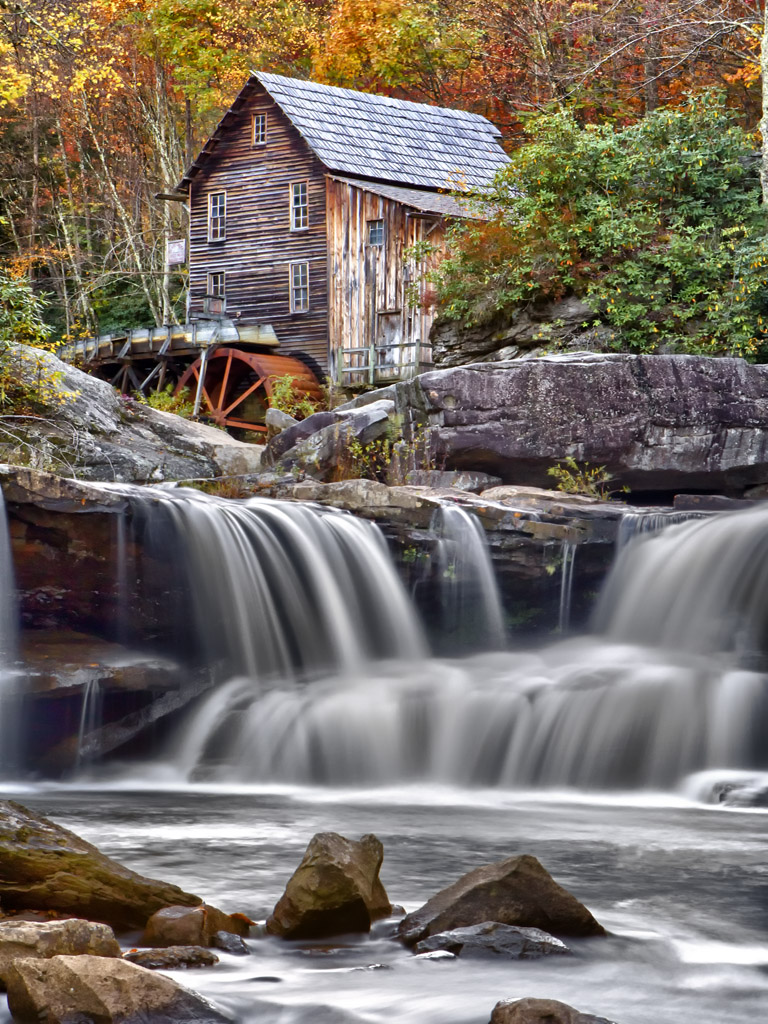
Glade Creek Mill, 3 Shot HDR, Nik HDR Pro
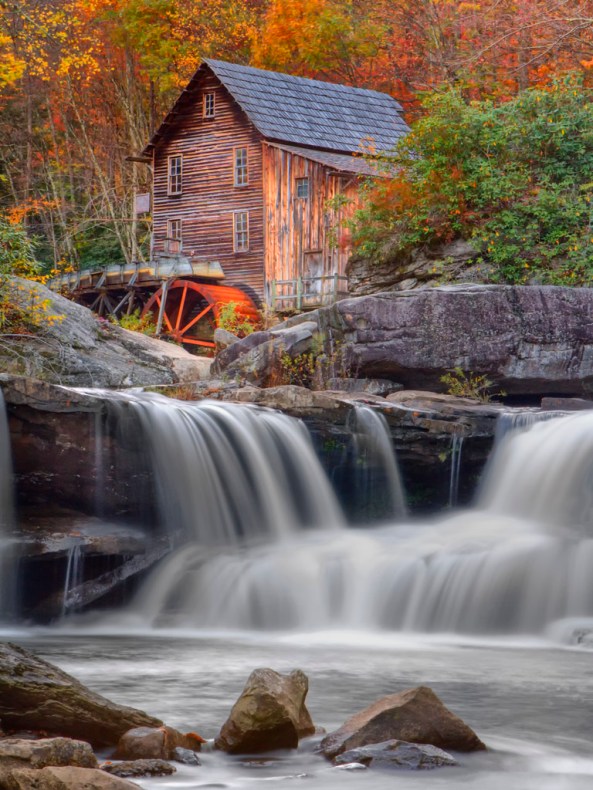 Glade Creek Mill, 7 Shot HDR, Photo Matrix Pro Software
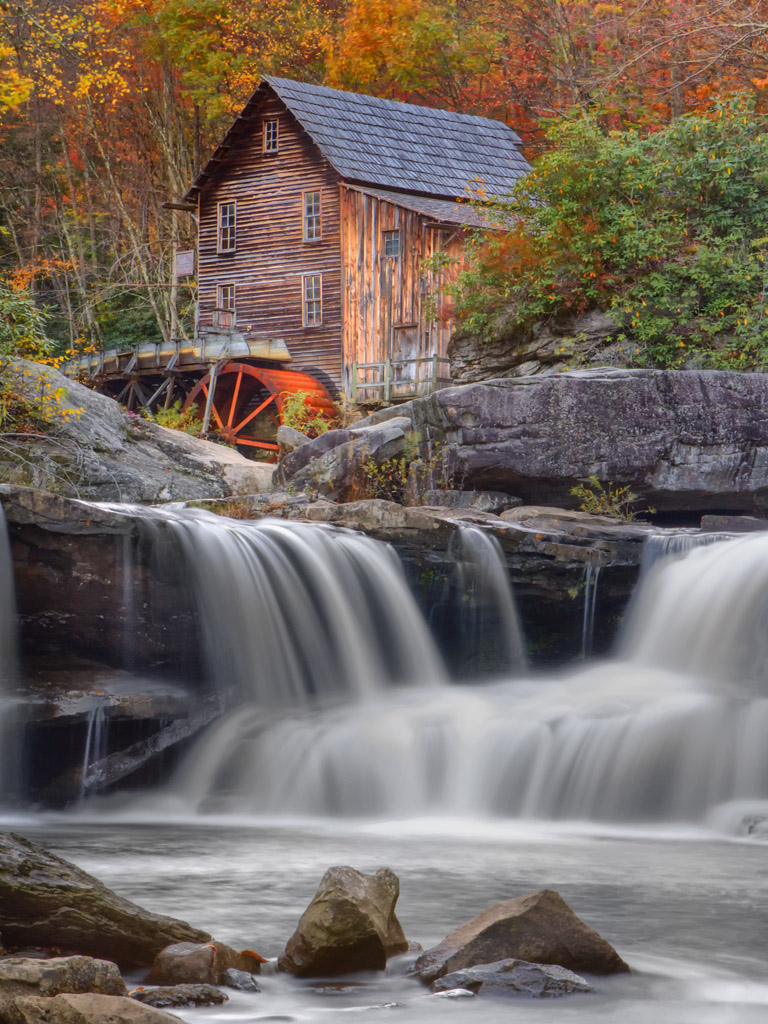
As you can see, the two different HDR versions give drastically different results. I like both but can NOT decide which is best! Perhaps you can help with this?
Glade Creek Mill was a dream come true for me and while there are several more world class mill shots coming in the next 3 postings, it was the highlight of my trip. It was worth the extra miles I drove to include it in my trip and the evening proved the best time to photograph it. I did make several discoveries while at Glade Creek, the most important is that I needed very GOOD ankle high boots in order to safely climb below the water falls and negotiate the rocks! I did not get a local hotel but chose instead to drive much further on for the night before I stopped.
My next post will be a few mills that I saw on day two!
Stay tuned!

 Mark Hilliard Atelier's Blog