Things that I think about. It is just so sad…
“I drifted into photography like one drifts
into prostitution. First I did it to please my friends,
and eventually I did it for the money”
-Philippe Halsman
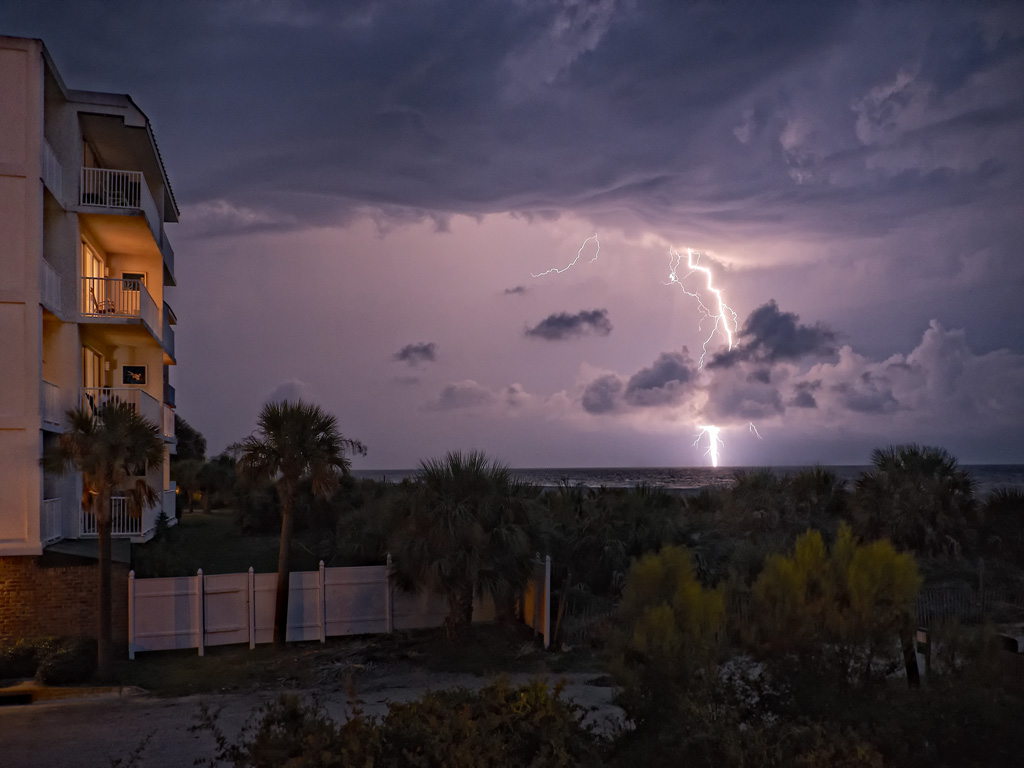
Sea Strike… Panasonic GH2

Sea Strike… Panasonic GH2
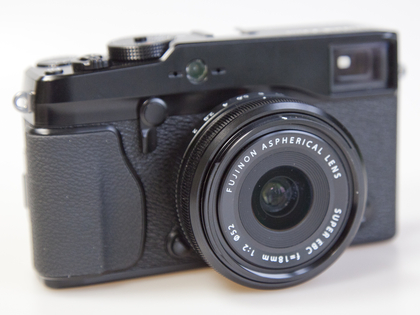
Using the Fuji X Pro 1 for Infrared
Infrared photography means so many things to me… I have a popular Infrared Educational Blog at http://infraredatelier.wordpress.com/ where I have shared all of my secrets surrounding Infrared photography for several years, I have a book in work on Infrared photography, but MOST IMPORTANTLY, I have practiced the art of creating emotionally charged Infrared images for longer than I can remember, even as long as 45 years ago with film. Here, today, I will disscuss with you the technical details of using your Fuji X Pro 1 camera system to create these emotionally powerful images as well.
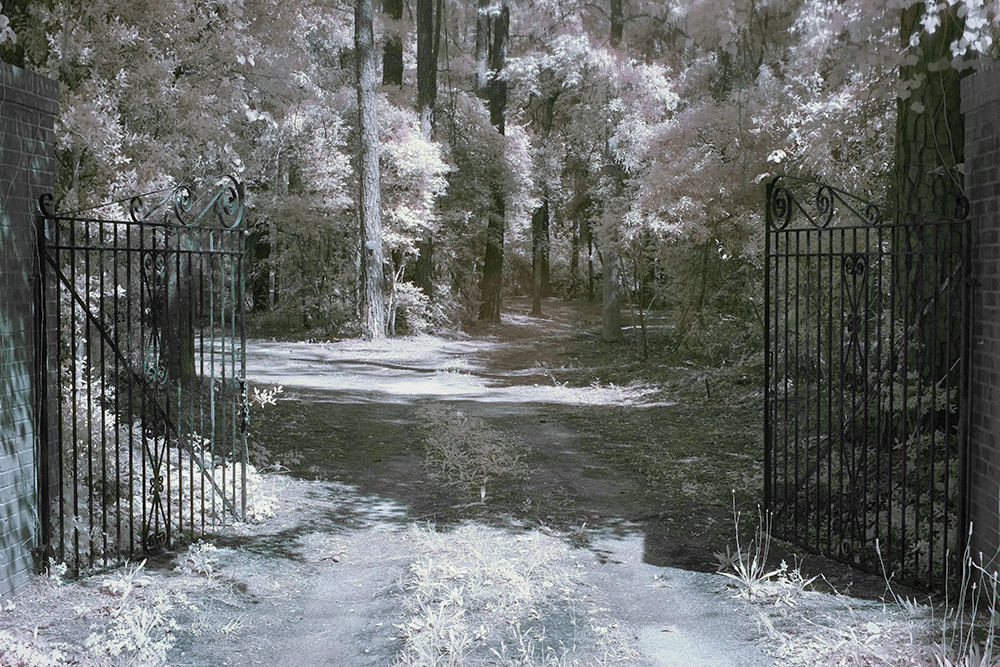
X Pro 1 Faux Color IR Image with only the channel swap
Understand this, you can create Infrared images several different ways:
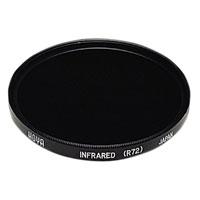
Hoya R72
Standard Digital COLOR Camera: With the addition of a 720nm or 850nm IR filter on your camera lens your camera can capture Infrared images. There is a tradeoff to this way though because each camera manufacturer places some sort of UV/IR blocking filter over the image sensor that allows only visible light to pass through. Some of these filters are weaker than others and these cameras make for a system that will do well in Color and OK in Infrared with reasonable IR exposure times around a second or two. Others have a strong filter allowing only a small amount of IR energy to pass. These require VERY LONG exposure time in order to overcome this filter. The Fuji X Pro 1 is one of the cameras with a weaker filter! This is exciting because it enables you to easily create IR images with an unmodified camera system!

What your camera sees!
So with regard for the Fuji X Pro 1 system we are going to discuss option #2, the standard color camera with an external IR filter attached to its lens. But you ask: “What filter can I use?”. Well since we are not modifying the internal UV/IR blocking filter you must understand that the camera will pass normal visible colors as well as IR if the external filter allows it. This is both good and bad! If you were to install a 590nm IR filter on your lens the camera, it would see everything from 590nm up to 1000nm. But because the internal UV/IR blocking filter allows much more visible light than IR through, it will poison the exposure metering system. It is going to see the vast majority of the light as color (red) and expose for that rather than the IR portion. So attempting to do this will cause very unreliable exposure and great frustration on the part of the photographer.
What we need is to attach an IR filter that blocks ALL of the visible light and only passes IR to the sensor! So it is best to choose a 720nm IR pass filter to your lens like the Hoya R72 or a 800nm B&W IR only filter like the B+W 093. The higher you go in nm the longer the exposure time will be…
Now, knowing that we are going to use the 720nm filter which will only pass IR energy from 720nm and up while blocking ALL of the visible light our metering system will now function as it should!
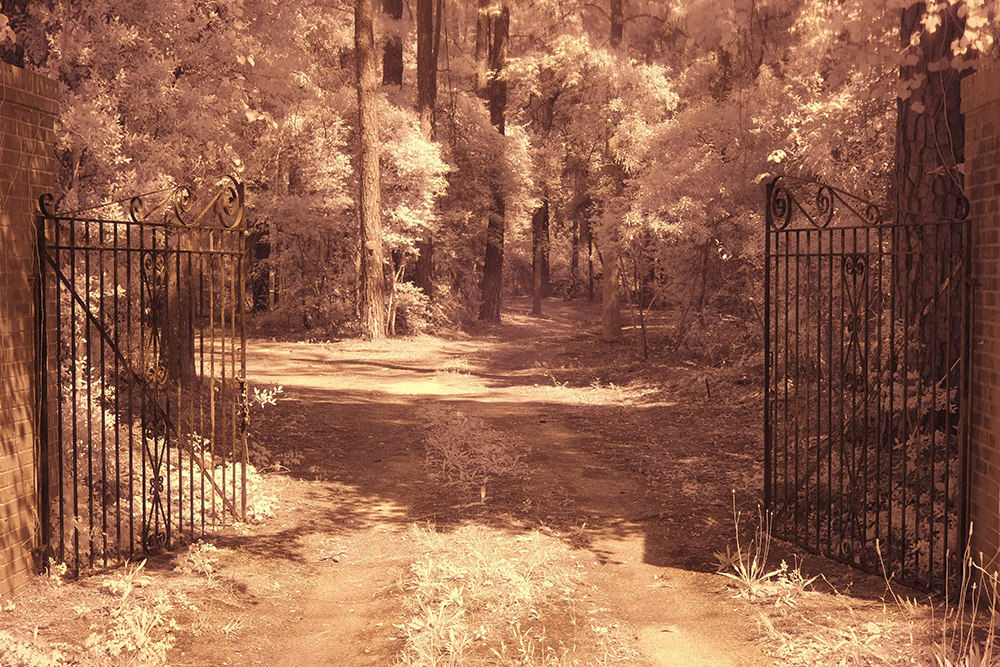
Fuji X Pro 1 with a custom WB right out of the camera. This is as close as you can get but will still generate a great image.
White Balance is IMPORTANT when shooting in IR! The X Pro 1 will NOT reliably do a custom white balance with the 720nm IR filter installed. But it does have a manual Kelvin White Balance option, so when shooting IR you need to go to this sub menu in the WB settings and set it to 2500K. I have talked to others doing this and have heard that they also take away green as well in the menu. I personally think that this is unnecessary and by leaving the green neutral you will get more pleasing Faux Color images. A properly white balanced image taken on your camera has s slight reddish cast, the sky should be bronze and the green leaves should have a monochromatic feel with a bluish cast. (more on this later) An improperly white balanced camera image will be pure dark red. While you can still use this image in post processing the lack of a good white balance will throw off your exposure system. Read your camera manual on white balance and understand it!
Ok, enough of this for now. Lets talk images…
The Hoya R72 IR filter is almost black. You can see very little through it but don’t worry, the camera can see through it just fine! You can find these filters on Amazon for about $58.00 in 52mm. There are a lot of other filter companies out there that make these, some good some not so good… I trust the Hoya!
Mount the filter on your lens, set the ISO to around 1000 and put the camera on a tripod. Make sure that you have properly set the WB either as a custom on or as a Kelvin entry. If you choose custom, the camera will require a lot of light to due this properly. Use green grass to generate the custom white balance.
I like to use the optical viewfinder rather then the LCD or EVF for shooting in IR. Choose and frame your subject carefully. Hmm, a word about composition…
There are three items that can make IR images really powerful and full of emotional impact:
The more of these items you can get in your images the better they will be! Here is an example…
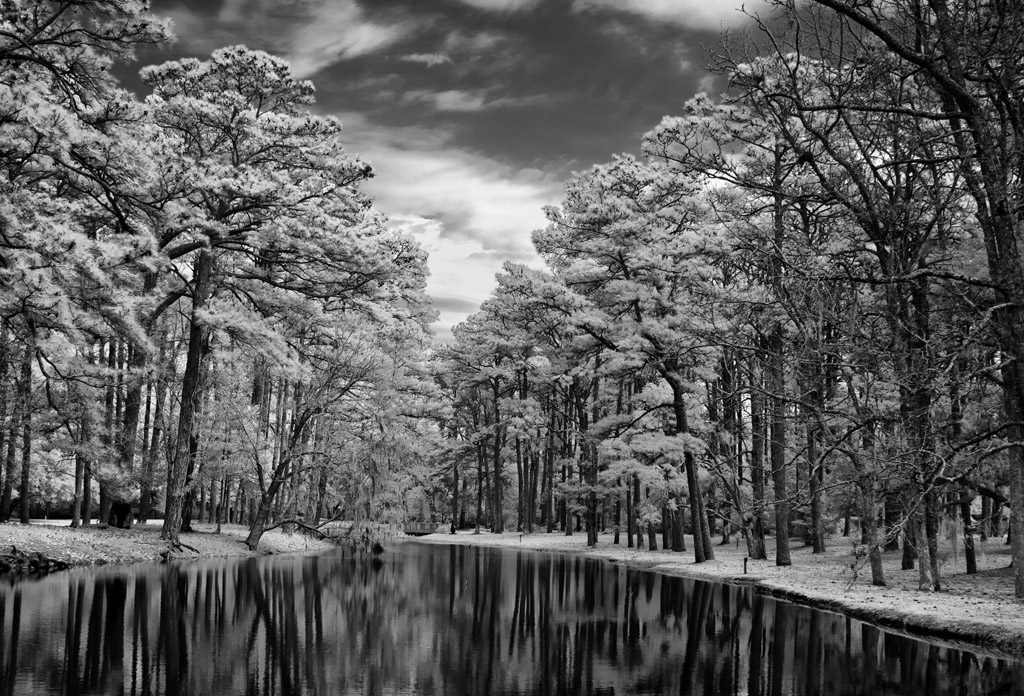
Clouds, Water and Leaves! What more could you ask for? While not done on a X Pro 1, this image could just have well been so!
As you can see, the sky, reflections and leaves create an emotionally packed, etherial image that draws your viewer into it! Keep these three compositional elements in mind as you go forth and create your images!
OK, last part of this post! There are a few small exposure issues that you need to be aware of while doing IR work. They are:
OK, this is enough for today. The next post will be a detailed Post Processing tutorial that will take you through both Faux Color and B&W processing. I even have a photoshop action that you can download to semi automate the channel swap and cut down your post processing time!
 Mark Hilliard Atelier's Blog