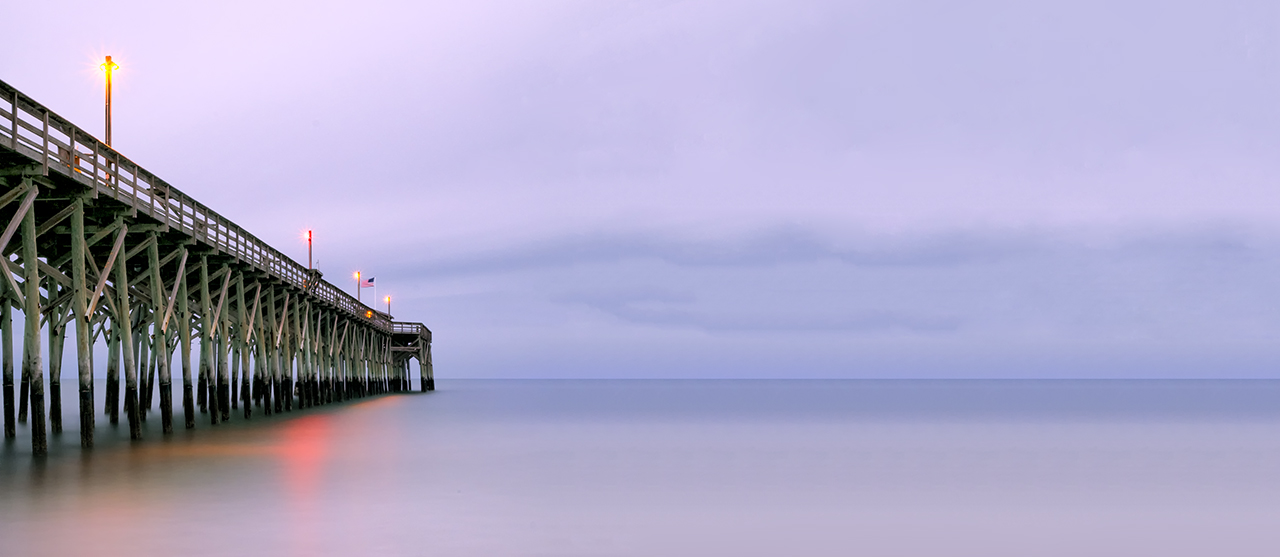
Further X-E1 Long Exposure Work


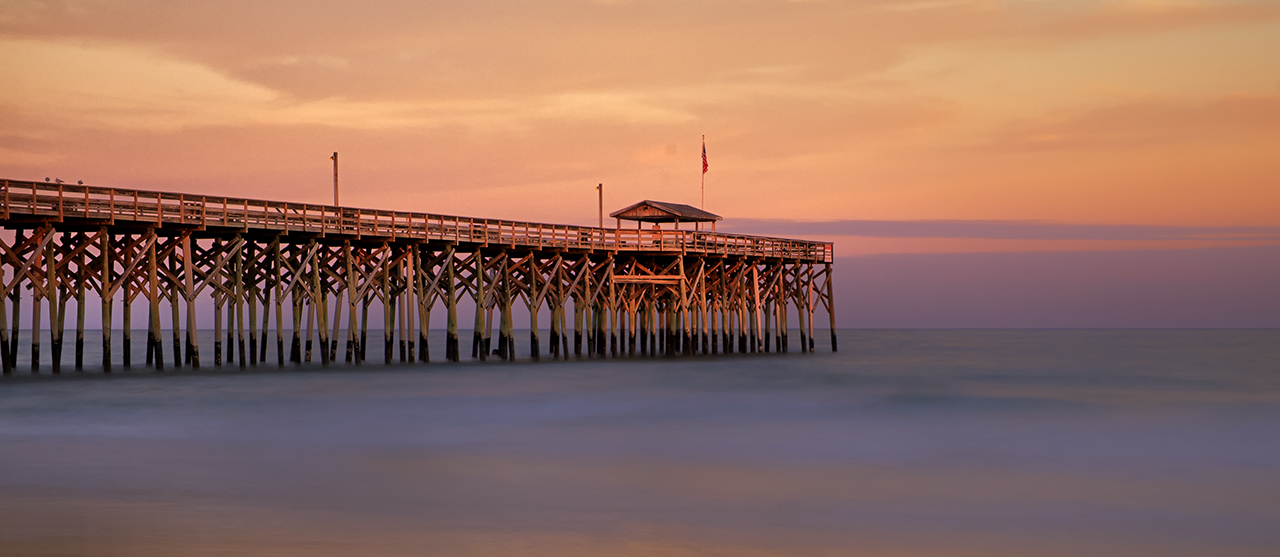
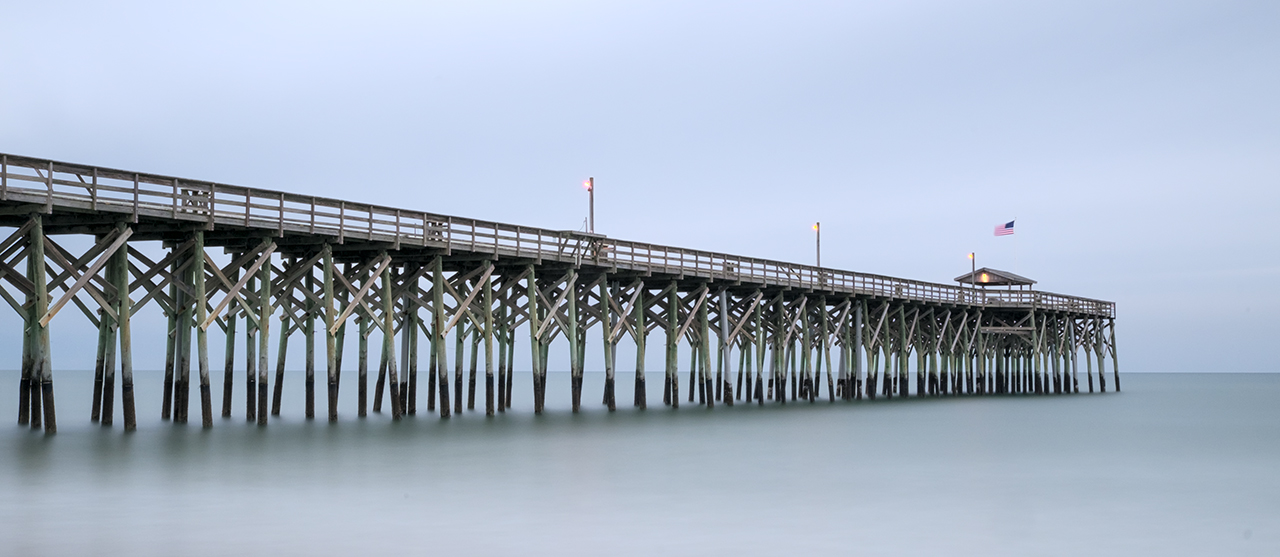
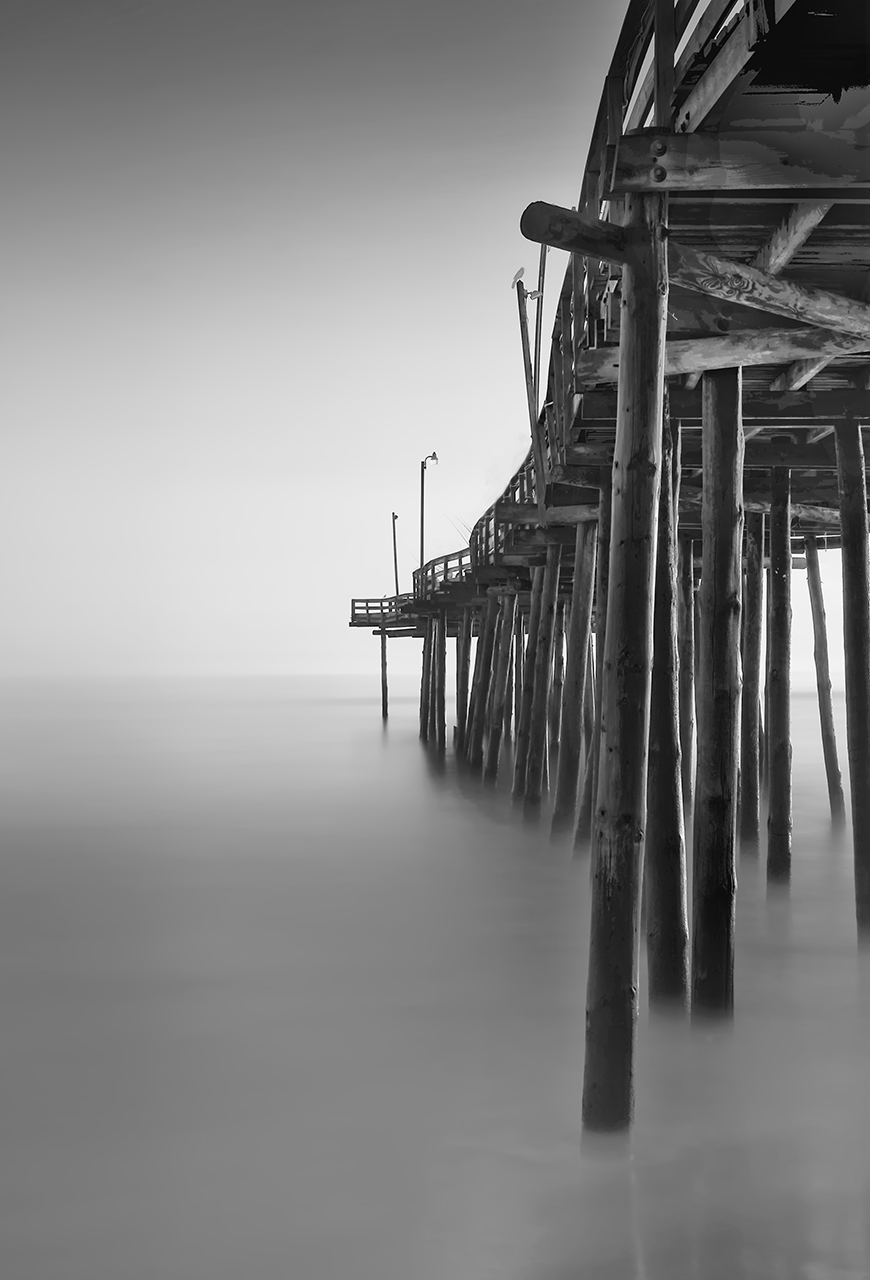
Fuji X-E1 280 second exposure at f/8

Fuji X-E1 280 second exposure at f/8


Or, if your are thrown off the horse, climb back on!


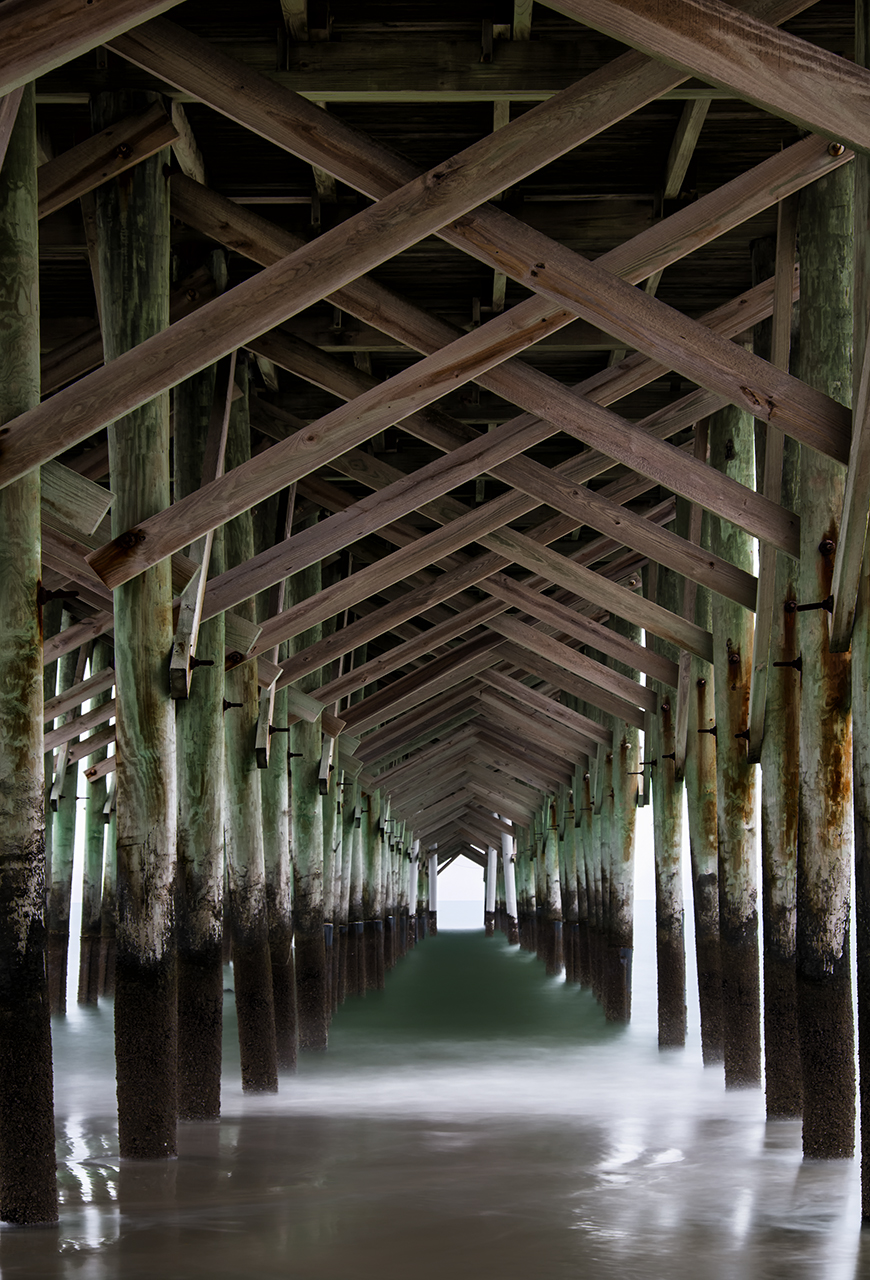
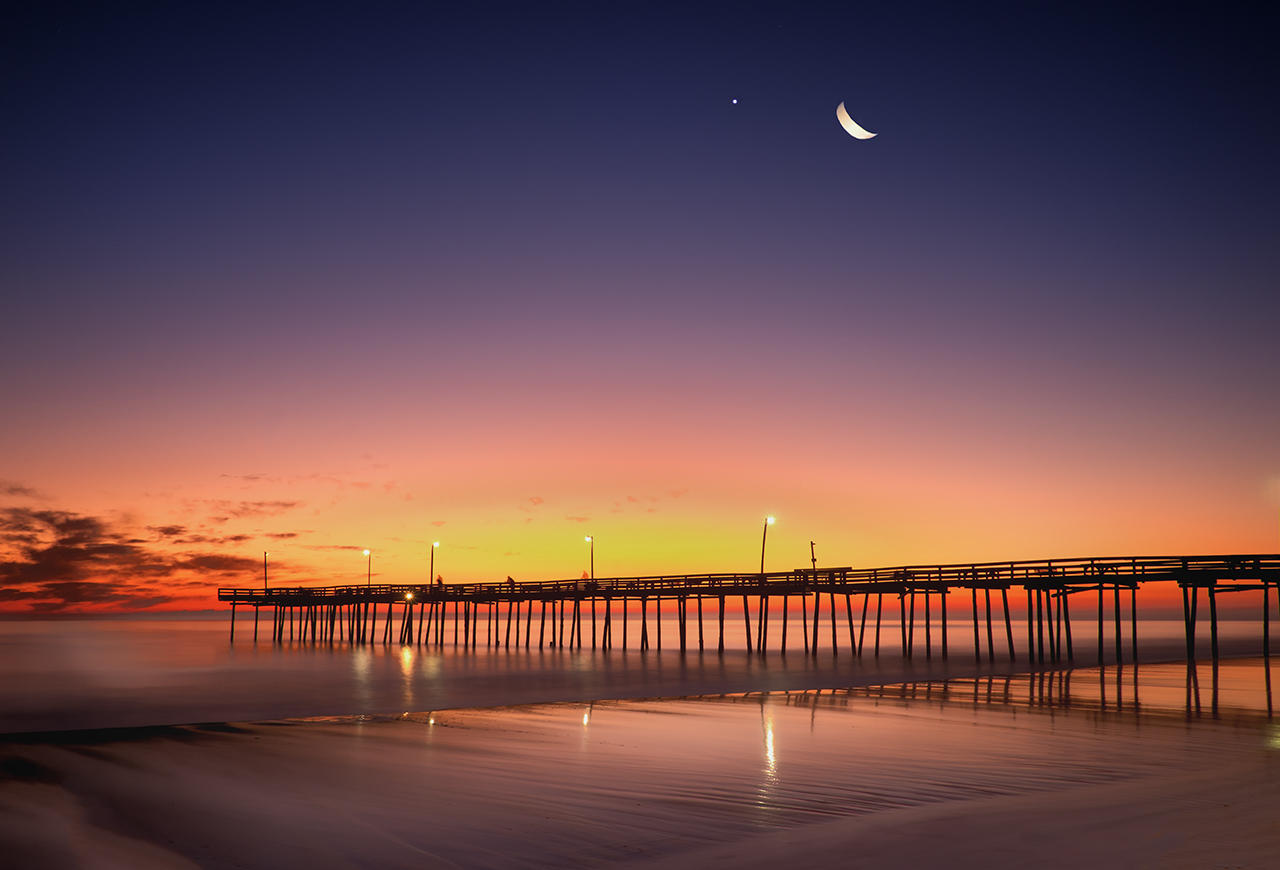
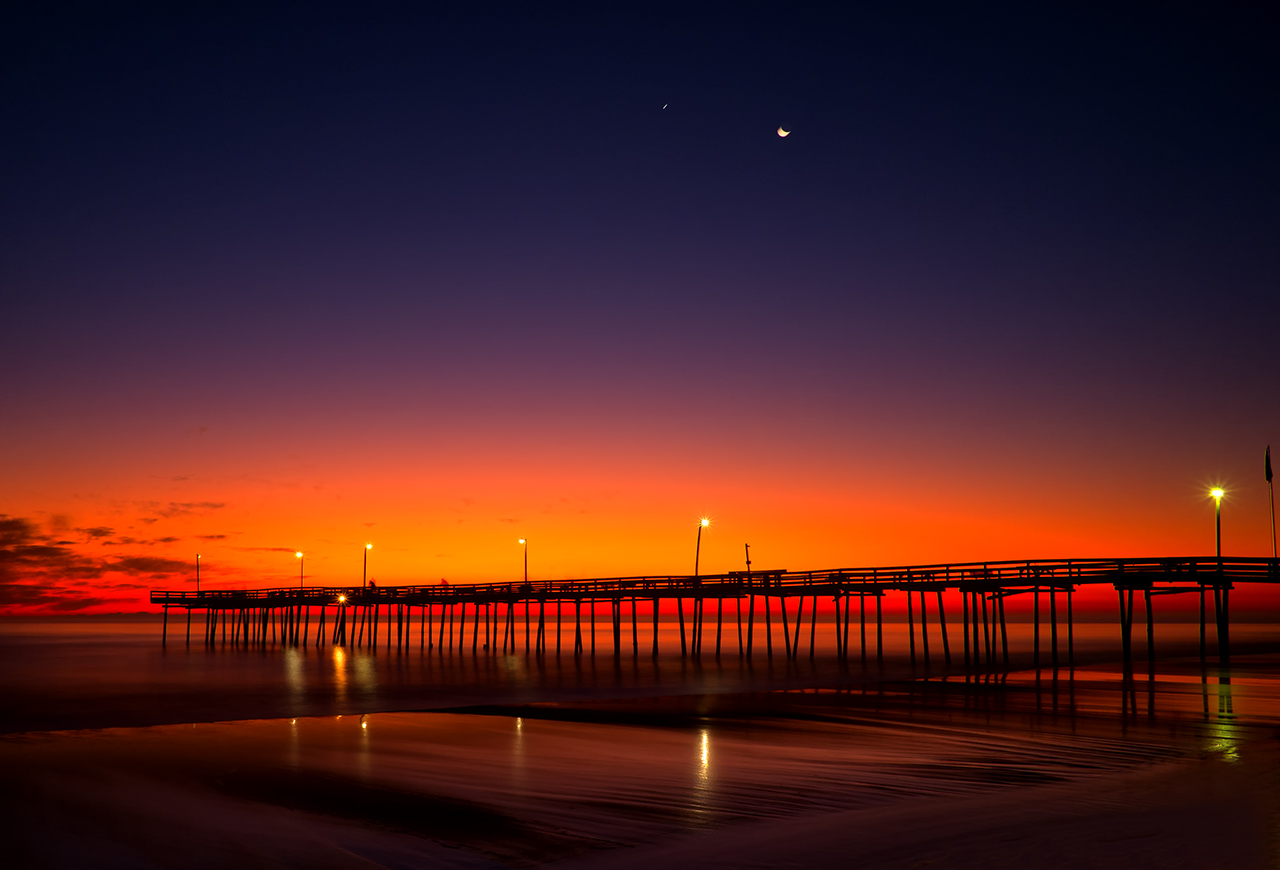
I went out tonight at sunset to the Pawleys Island Pier to try some more very long exposures with the Fuji X-E1.  I used the new 18-55mm lens with a B+W 6 stop ND filter until it got really dark then I shifted to just the lens.

It was just perfect out tonight.  A few clouds in the sky, medium wind and very little blowing sand in the air.  I setup with an angle on the pier with the moon behind my back.  I got there early enough to setup and pre-focus.

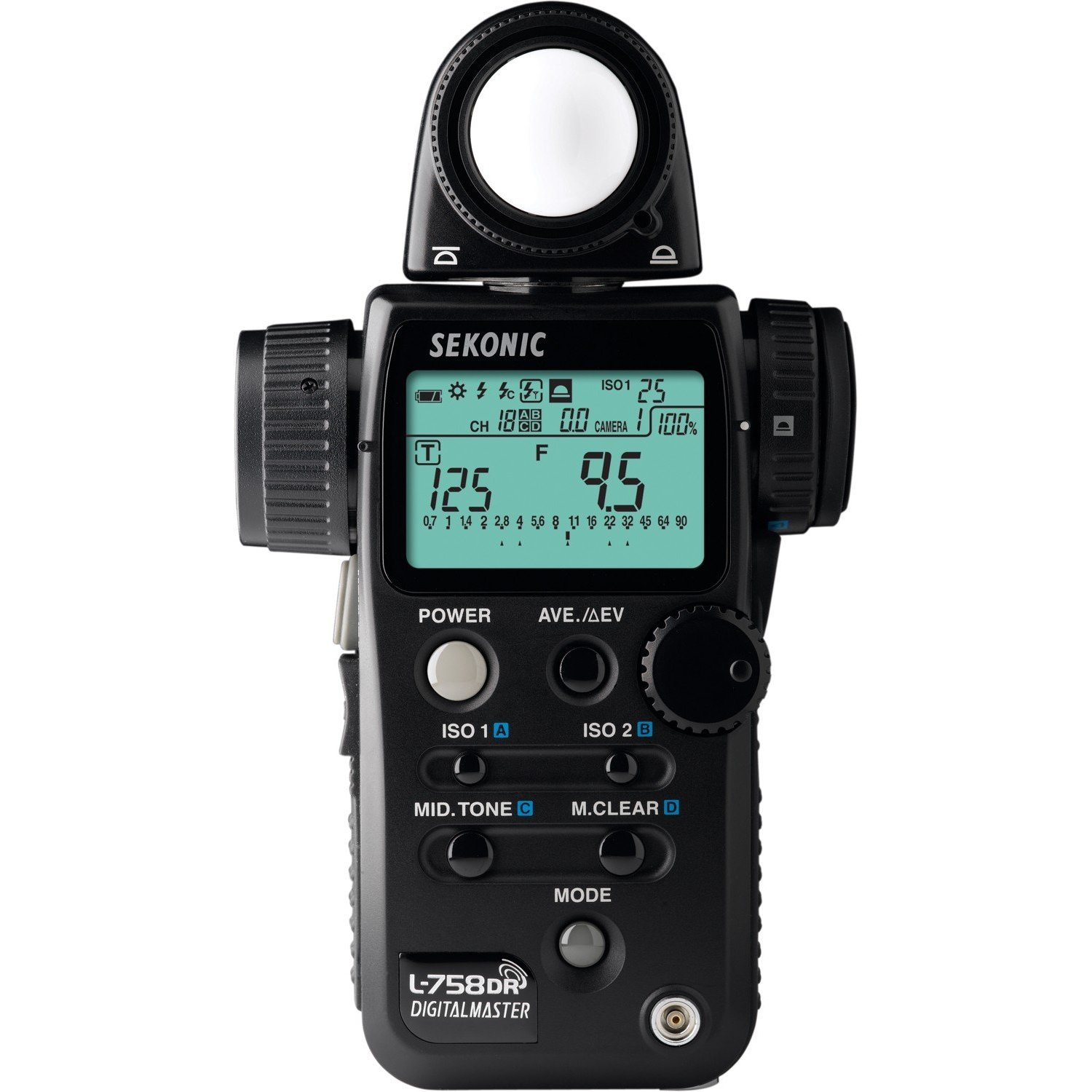
I used my Sekonic L758DR light meter with 6 stops of exposure compensation dialed in for the ND filter and started shooting.  In failing light, the hand held spot meter makes exposures easy, fast and perfect!  I simply aimed the 1 degree spot at the gray/purple band of clouds right next to the horizon and took my meter reading from that. Then I moved it from Zone 5 to Zone 6 or 1 stop brighter.  The meter gave me 15 seconds of shutter speed and f/22 so I simply added 1 more stop by changing the shutter speed to 30 seconds!  Very easy and by using the Zone system when thinking about exposure it can fast become second nature.

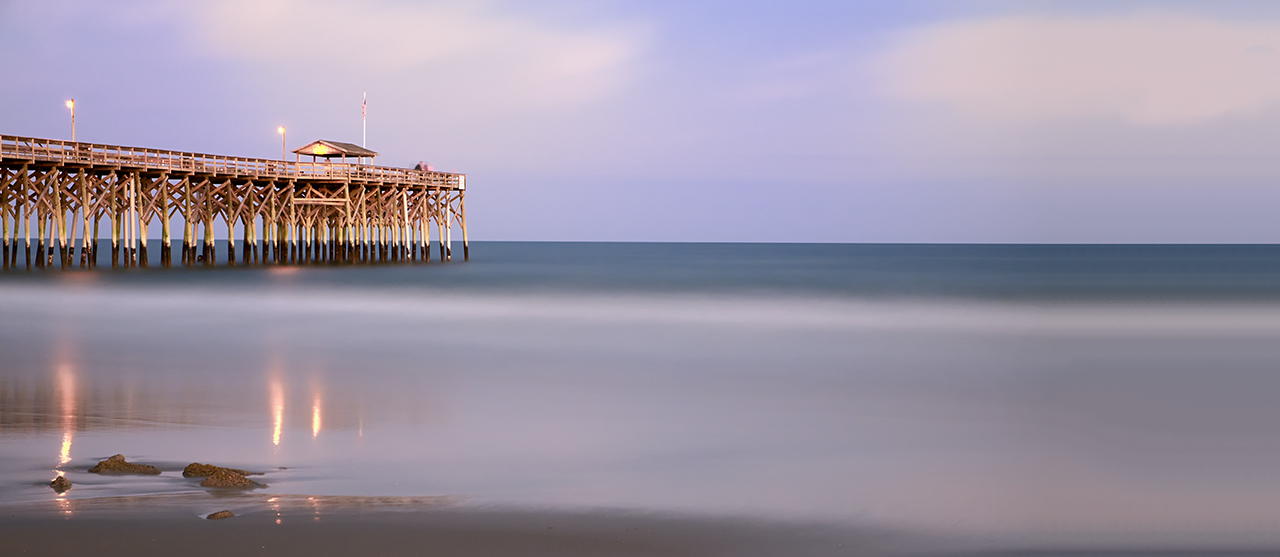
Fuji X-E1 30 second exposure at f/22

Fuji X-E1 30 second exposure at f/22

The first 10 min or so I was only able to get 30 second exposures but only at f/22.  I did have a 10 stop ND filter in the bag but I decided to just stay with the 6 stop. Even at 30 seconds, they were still quite pleasing!  I really like the Time mode on the X-E1 as it makes setup easy, but the Bulb mode is very well thought out. It gives a nice count up timer on the LCD screen and makes for perfect exposure!

Even checking the focus after it gets too dark to see is easy with the X-E1. Place the camera into manual focus mode place one of the pier lights into the middle of the focus square and push the jog dial straight in. This will cause the camera to magnify what is inside of the cameras focus box. You then go back and forth with the lens focus ring till you get the smallest sharpest light!  All done.

As it got darker I was forced to re meter the scene again and again. For this next shot the light had faded another entire stop and forced me to again double the shutter speed to compensate for the changing conditions and still allow me to capture the clouds on the horizon at Zone 6!

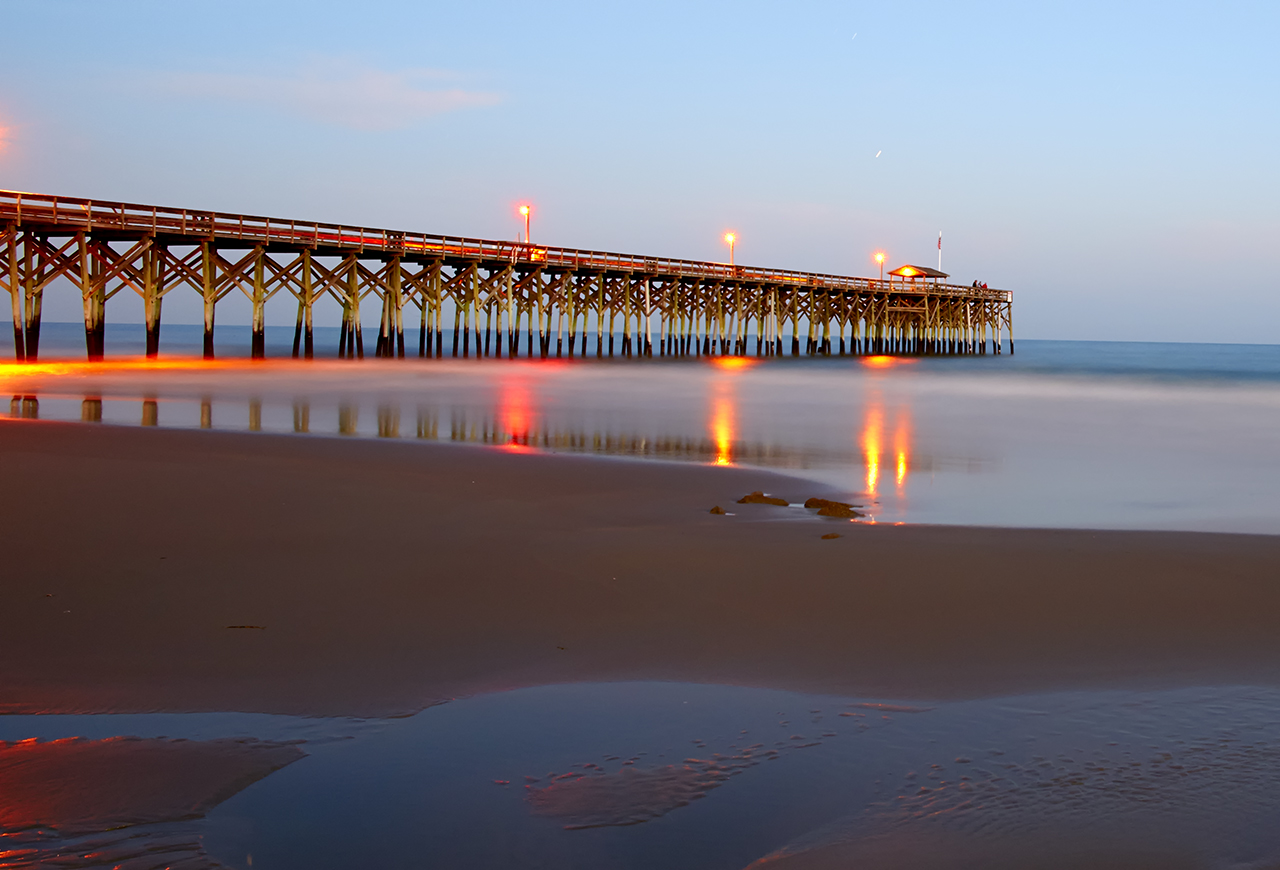
60 second shutter speed at f/8

60 second shutter speed at f/8


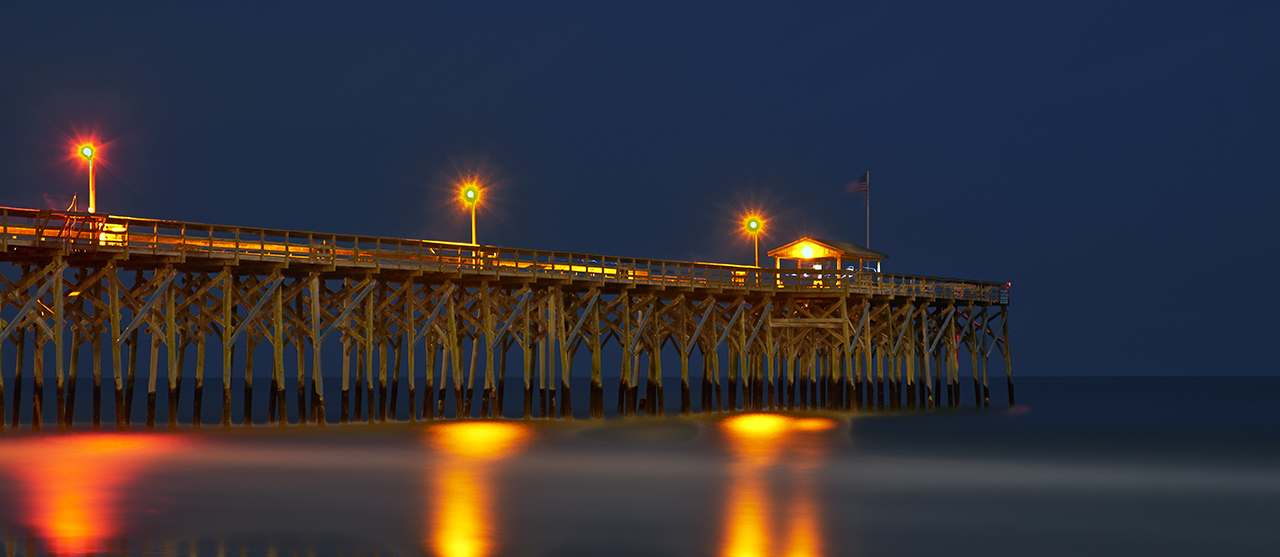
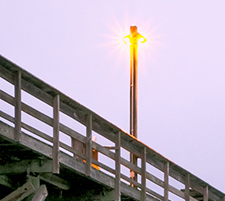
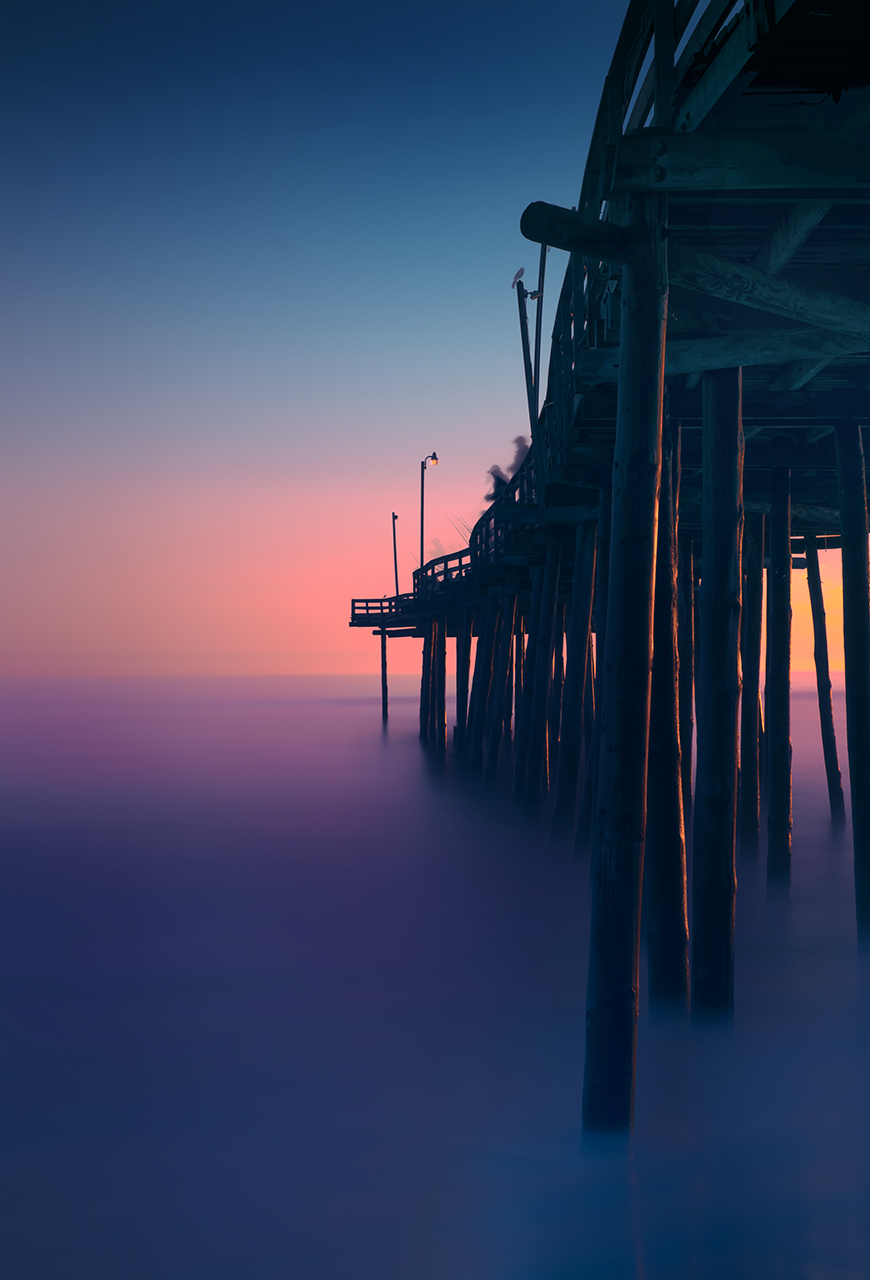
Things start to get very complicated and fast as the sun falls below the horizon.  The next image was metered at 140 seconds but during that exposure, the light dropped another 2 stops!  so I split the difference and increased the exposure by keeping the shutter open another stop or 280 seconds.  this worked quite well and gave a very pleasing exposure!  Please keep in mind that this image was taken after the sun was totally gone and it was quite dark out but with enough light left to give a good exposure of the clouds and pier. You can tell that this image was taken in very low light because the pier lamp reflections are prominent in the picture.  Here is that image:

280 second exposure, f/8

280 second exposure, f/8

Remember, for every minute of exposure the camera requires a minute of noise reduction. So for the above exposure the total time of forced waiting was 560 seconds!  So for this last image a lot of time passed while I waited and it was TOTALLY dark out now.  The moon gave very little light but the lights on the pier worked very well and put some interesting colors on the waters surface!

Ok for this last image there is ZERO light left in the sky.  The stars are very bright and fill the sky with a wonderful pattern.  But, the pier lights are so bright that they pollute the image and wash out the sky blocking the stars in the image.  Another complication is that it is just too dark out now to need the ND filter.  So I removed it and adjusted the meter so that the compensation is now set to zero.  The reading suggested was 425 seconds at f/8.  Why f/8?  Well I desired the sharpest image possible so I locked the meter to that.  I still needed to move the lower sky 1 stop brighter, you know from Zone 5 to Zone 6.  This made it necessary to move the shutter speed from 425 seconds to 850 seconds (14 minutes) and now I am ready to shoot.  So lets look at this last shot, 850 seconds of exposure then 850 seconds of in camera noise reduction.  So I have to wait for 28 minutes from the start of the exposure until the image popped up on the LCD panel!

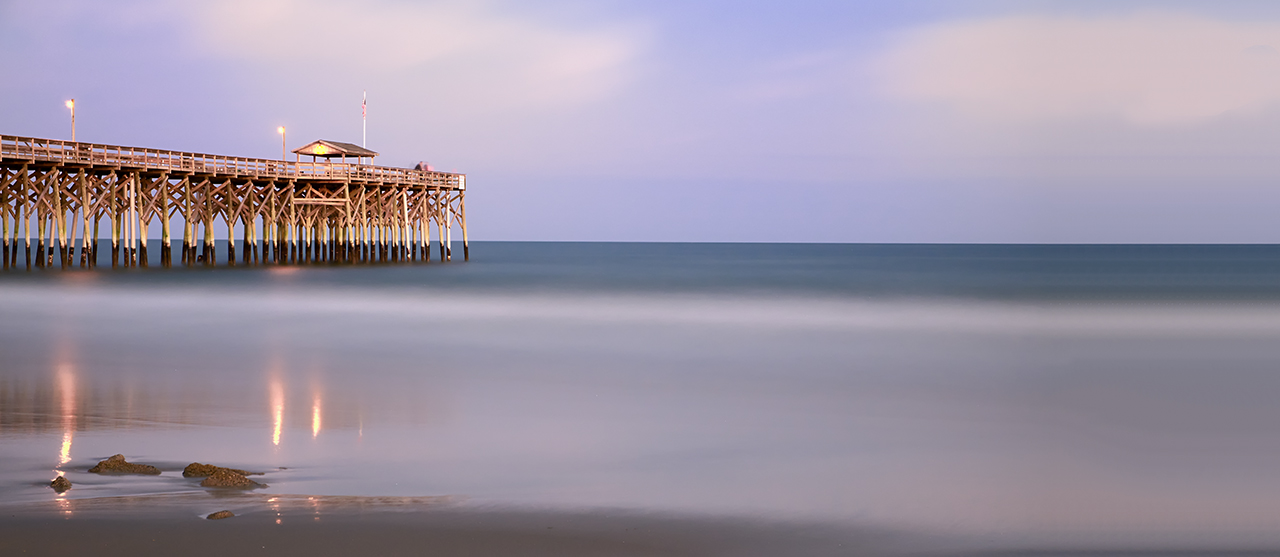
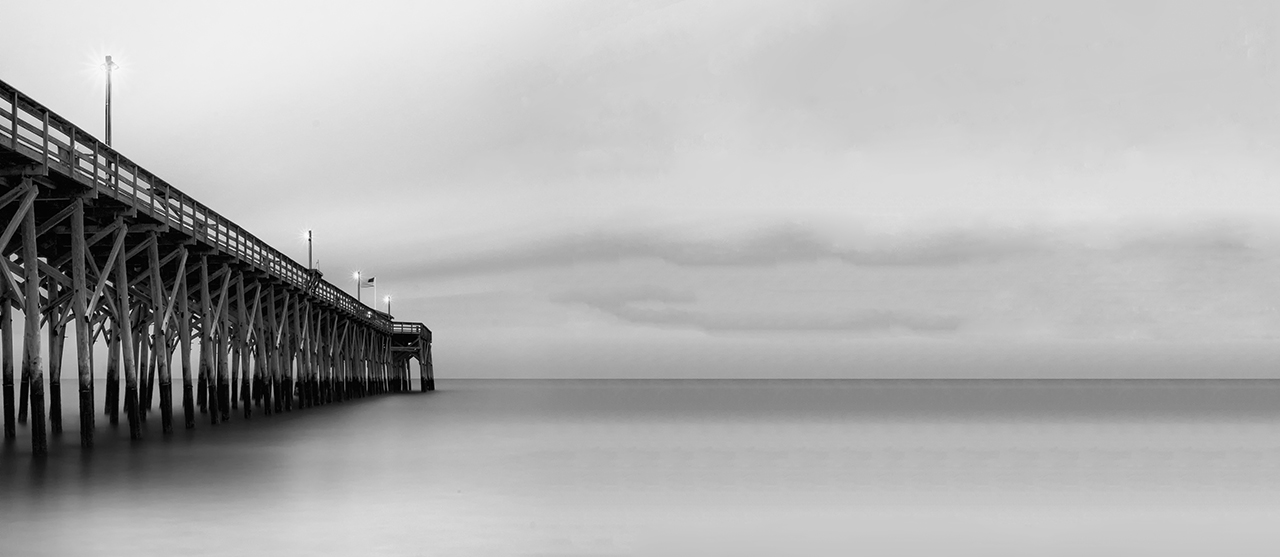
Here is the final image of the evening, a 14 minute exposure at f/8.  Yes the pier light reflections close to the pier/water intersection is a little harsh but still, this demonstrates exactly what you can achieve by thing long exposure, but more importantly, it shows what the Fuji X-E1 is capable of capturing with a little bit of creative thinking!

850 second (14 min) exposure at f/8

850 second (14 min) exposure at f/8

Did you find any of this post helpful?  Please let me know!

Dang, “DID I REALLY DO THAT? REALLY!!!”


Sometimes you get the bear, sometimes the bear gets you…

Long day today at the gallery.  The electrician was in all day installing 22 new high intensity lights with floods to better light the co-op walls.  But the place has a lot of dry wall dust around and a simple sweeping will not be enough.

I needed to get away…

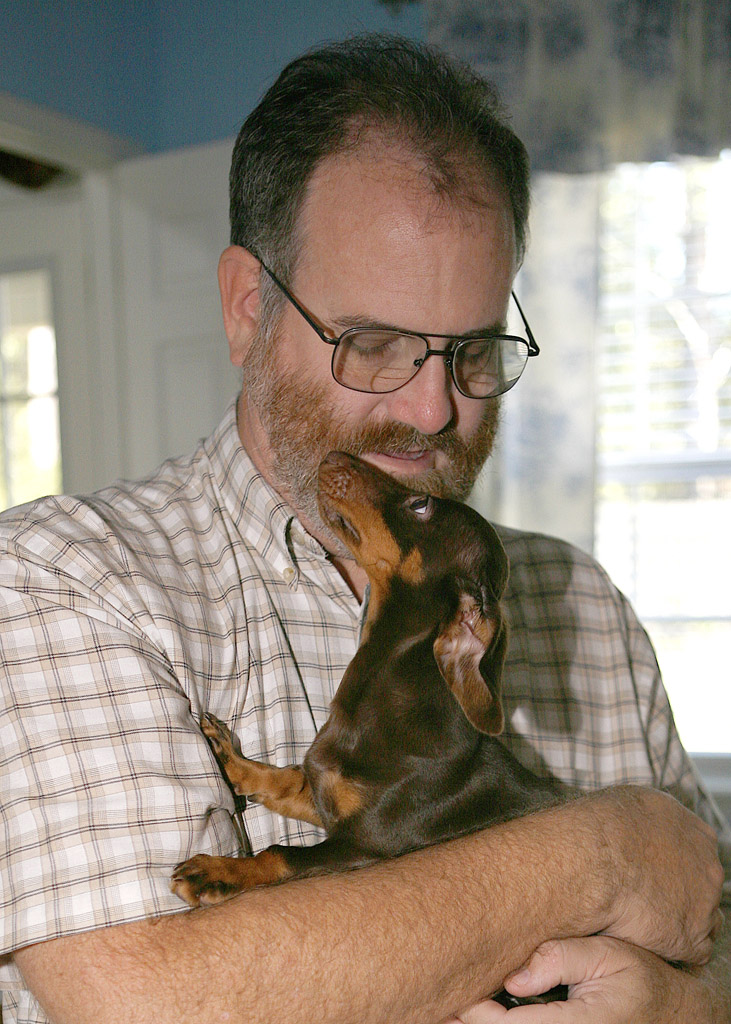
Skittles & me.

Skittles & me.

So at 5 I went home and took the doggy out.  She was happy to see me to say the least.  I really do not pay enough attention to her.   But after a half hour there with her I grabbed:

  • Fuji X-Pro 1 camera
  • Fuji 18-55mm lens
  • 3 stop ND
  • 6 stop ND
  • 10 stop ND
  • Sekonic L758DR spot meter
  • Remote shutter release

Please notice that I did not grab my camera bag…

So off we go to the island.  I did the Pawleys Island Pier the other night so I headed to the south end and the groin there to shoot some long exposures.

It was nice out, warm and empty of people.  Perfect.  Got out the Sekonic, dialed in 6 stops of EV to correct for the B+W 6 stop ND, set the meter to ISO 200 and started taking reading off the sky just above the watery horizon.  Got several changing values but it was fast getting dark.  The first few image captures went very well and I was starting to warm up to the evening on the beach.

Feel guilty being out here tonight, Ellen (my wonderful wife) loves the beach and has been deprived of this for the entire year and to add insult to injury she is working all night at the local hospital.  I suppose that i will just have to enjoy this for her.

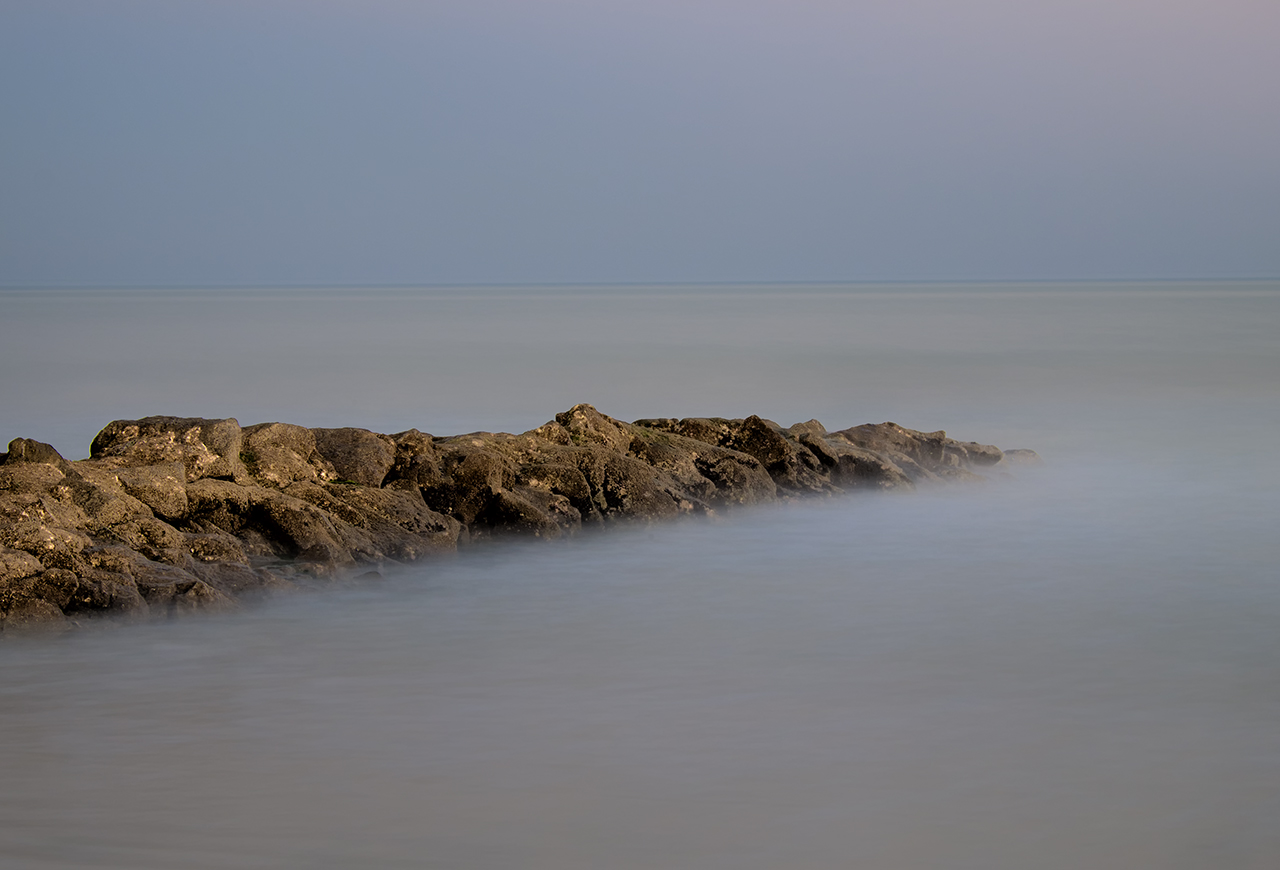
Pawleys Island south groin.  30 seconds @ 30 seconds.  Fuji X-Pro 1 with the 15-55mm lens.

Pawleys Island south groin. 30 seconds @ 30 seconds. Fuji X-Pro 1 with the 15-55mm lens.

I got some very nice 30 second shots at f/11 but I was aching for something more meaningful, you know around 20 minutes!  So it is time to change things around and go after the really long exposure.  I get out the meter again, set it and the camera to f/8 for the best sharpness, check the shutter speed… hmm f/8 @ 8 minutes but this is a metered spot on the horizon and I simply do not want it in Zone 5, so I add in 2 more stops to move it into Zone 7, set the camera and shoot!

Time goes by…

Still going by…

Slowly…

10 minutes have gone by… Why didn’t I bring a flash light?  It is so dark that I can hardly see!  Gee Mark YOU KNOW BETTER THAT THAT!  So I give myself a smack on the head, then shake it in minor annoyance of myself and … HEY WHAT THE HECK!! MY FEET ARE WET!!  THE TRIPOD IS SINKING INTO THE SAND!  DANG!  DARN CRAP!!

Stop the exposure at 11 minutes and move the tripod up the beach to dry sand  and wait….

Still waiting…

Dang, the in camera long exposure noise reduction takes sooooo looooonnnnggg… Didn’t I tell you that what ever you long exposure is the camera takes the same time after it to do a noise reduction???

I QUIT!  I carry the tripod/camera to the truck  with it still doing the noise reduction when it happens… you know, the REALLY BAD THING!

The camera quit the noise processing and the image pops up into the LCD panel  and it is….

WHITE!   WHAT HAPPENED?  

I got wet for white? I stood here for 22 minutes for white?

THE EXPOSURE WAS PERFECTLY METERED AND ENTERED INTO THE CAMERA! THIS CANNOT BE MY FAULT…

Ohhh…

I am SO STUPID!  Look at that, the ISO has been set to 1600 instead of 200.  How did that happen?  I only shoot at high ISO’s when I am with the grandkids at Disney World! Now I recently got back from Disney and I took this camera and haven’t  used it since then…. No, that can not be it, the first 30 second images came out properly as metered…

Hmm, lets see, ISO 200 to 1600, and the image had already been shifted from Zone 5 to Zone 7!

DANG AGAIN!  That is an additional 3 stops of brightness..  ZONE 10!

!*:$@!)&$ DANG, (*!#&(^!(@&) DARN )(*&$&#@)$&

Ok, I am calm now, it didn’t cost any film, wet feet can dry and I can go out and shoot it again on another night.  ZONE 10!!!  No wonder the image was white! !#)*(#*@&(E*Q&R

22 minutes W A S T E D and no ultra long exposure.

_____________________________________________

OK, what did I/WE learn here?

  1. BRING A FLASHLIGHT!
  2. Be aware of the changing tide!
  3. If you are going to take super long exposures DOUBLE CHECK YOUR EXPOSURE VALUES and do NOT forget to check the ISO!  I think someone walked up to the camera in the dark and changed it on me while my back was turned!
  4. Bring a change in socks!

See, we all make mistakes, even photographers with 48 years of experience!

Got it?  I hope so, because I would be so embarrassed to hear that you made so many beginner  mistakes,  After all we do have appearances to keep up!

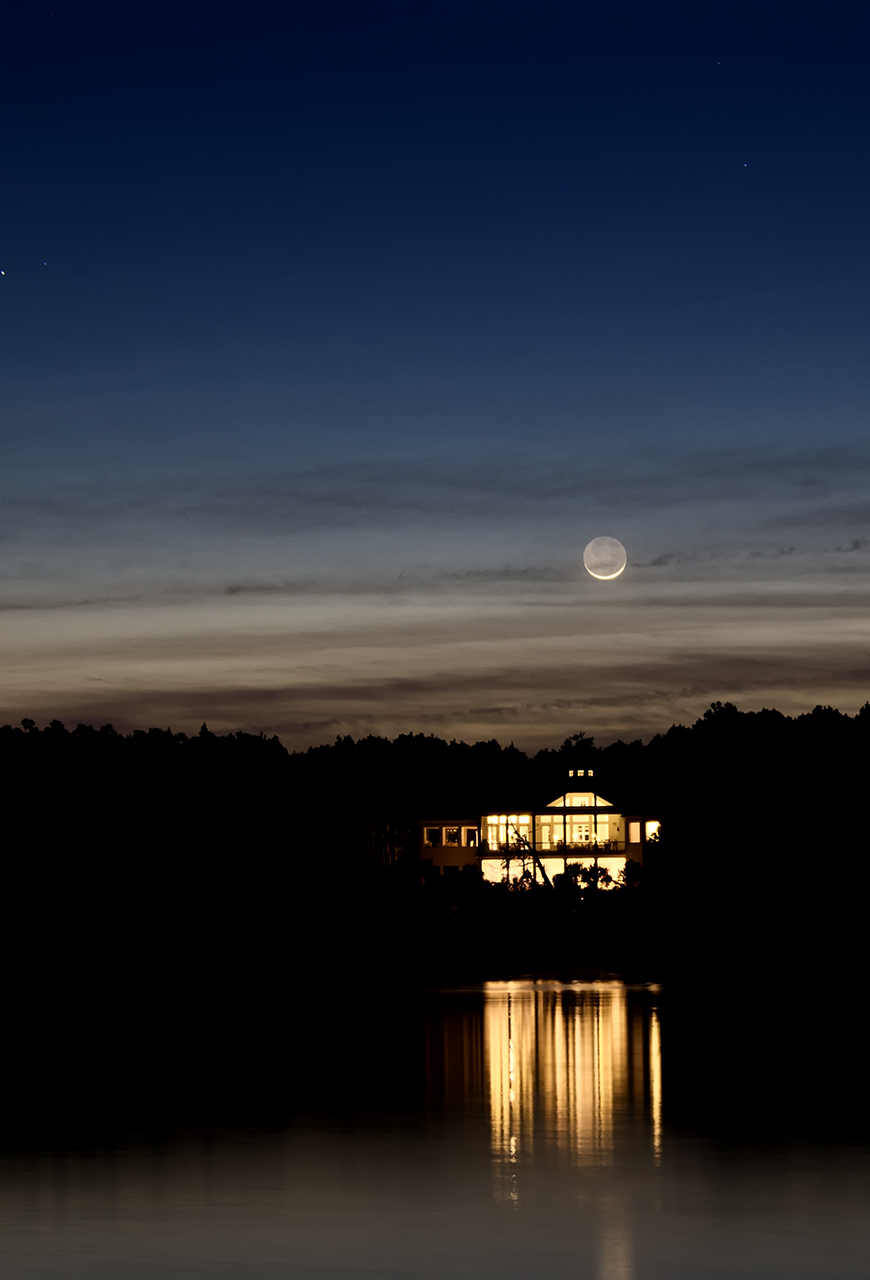
Smile, life goes on… and we occasionally get lucky.  In the parking lot packing up to leave I see this across the tidal creek…

Moon over the Marsh.. 4 second exposure

Moon over the Marsh.. 4 second exposure

So the bear won this time but there is always tomorrow night…

Update:

I have had a lot of questions about this creek image.  Mostly folks want to know how I got a dark blue sky in the deep night!  And it was totally black out when I took this image.  There was supposed to be NO moon this night.  But for some strange reason there was the smallest sliver of it showing under its bottom.  I mean so small that it was almost cut with a knife!  The clouds below the moon were barely there because for what ever the reason the moon was getting a little light it reflected down and highlighted the clouds.  Above the moon the sky took on the deep blue cast (again due the to the strange lighting on the moon).  This only lasted about 5 minutes then the moon disappeared totally, the sky turned black and the clouds lost their light and faded from view.

The exposure data:

  • ISO 200 (yes I double checked this time)
  • 4 second shutter
  • f/4

Ultra Long Fuji X-E1 Exposure Tutorial


Slower can be better…

Pawleys Per, Fuji X-E1, 480 seconds, f/22, 6 stop ND

Pawleys Pier at night, Fuji X-E1, 480 seconds, f/22, 6 stop ND

Ultra long exposure photography can be a very fulfilling pursuit and generate etherial images that draw your viewer into them leaving them week in the knees! As a photography master generalist I can tell you that there are a few speciality areas that can really excite me and force my juices to flow!  Specifically they are:

  • Ultra High Speed photography: Water Drop Collision Photography, Daytime Lightning Photography & Hummingbird Photography
  • Infrared Photography
  • Grist Mill Photography
  • Ultra Long Exposure Photography.

This post is a tutorial on Ultra Long Exposure photography using the Fuji X-E1 camera with its 18-55mm lens, a 6 stop B+W ND filter and a Sekonic L758DR spot meter.
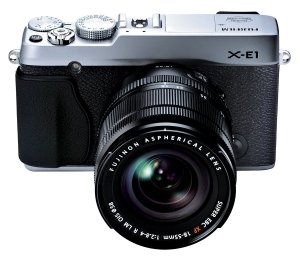
Fuji X-E1 with its 18-55mm lens

Fuji X-E1 with its 18-55mm lens

The Fuji X-E1 is my 3rd in the Fuji line. I started with the X100 and moved to the X Pro 1 in order to have interchangeable lenses, then to the X-E1 to take advantage of its Electronic Shutter Release. I have always been a Canon shooter with closets full of L lenses.  But due to a spinal operation that went dreadfully wrong I lost 80% use of both hands and arms.  No longer able to hold heavy camera equipment I started on a long journey searching for high quality camera system that was small and light weight and produce world class images.  A long story shortened, I settled on the Fuji X lineup and their fine quality lenses along with a few CV and Leica M mount lenses.

Now, the Fuji X-E1 with its electronic shutter allows me to hook it up to my water drop machine, Lightning Trigger and Hummingbird control system!  The only lacking item is its short lens lineup.  With the introduction of the new 55-210mm lens this spring even that will no longer be a problem for me!

Long exposure has several issues that you must overcome to successfully create the etherial, emotionally charged image.

  • Long Shutter Speed: Even in low light you will find it difficult to get a shutter speed at f/8 (sharpest).
  • Difficulty Focusing:  Darkness you know…
  • Unreliable Metering: Especially with an installed ND filter.
  • Camera Shake:  Requires a STURDY tripod and REMOTE SHUTTER RELEASE.

The Long shutter speeds generally can range from 15 seconds to 20 minutes. These are difficult to reach unless you shoot at night with light from the moon.  What I find that I do is shoot at dusk on or just before sunrise to overcome this issue.  Usually I will add a Neutral Density Filter (ND) to reduce the total amount of light reaching the image sensor. This will allow you to shoot with more ambient light and generally make this style of photography easier!

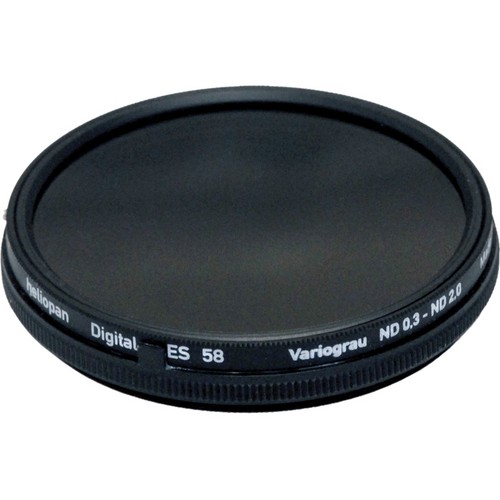
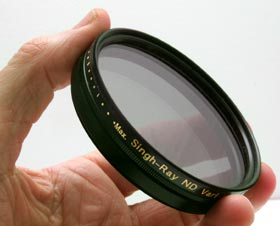
Heliopan Variable ND Filter
Heliopan Variable ND Filter

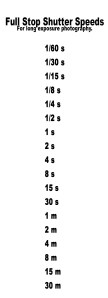
Shutter Speeds in Full Stops

Shutter Speeds in Full Stops

I like the B+W line of ND filters and keep 3 on hand for each of my lenses I use:  3 Stop, 6 Stop and 10 Stop.  There are also some really good variable ND filters as well.  But be warned: You get what you pay for with these!  If you get one of the Fader filters on Ebay for $30 then you are sure  to be disappointed.  But on the other hand if you get the Singh Ray Vari ND (~$450) or the Heliopan Digital Vari ND (~$350). The trouble with the variable ND filters is that they are generally limited to 6 stops before they start to generate artifacts into your images.

If you take a look at your standard 1 stop shutter speeds you can see what adding 6 stops of ND filter will do… If you have a metered exposure say, f/8 at 1 second, adding a 6 stop ND filter will give you a 1 minute exposure!

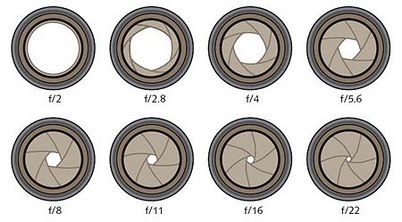
Aperture in Full Stops

Aperture in Full Stops

If you desire a longer shutter speed you can also increase your aperture value up to a higher number forcing the shutter speed down to allow more light to strike the sensor.

We started at f/8, but by moving it 3 full stops to f/22 (see chart on the right) we can then move our shutter speed 3 more stops slower to 8 minutes!

You can move the aperture and shutter speeds up and down to get the balance you need for your artistic interpretation you desire for your image.  Remember though, the sharpest that most lenses are capable of is at f/8!

Ok, lets talk about the issues in focusing!

It is dark out, you can see very little detail in your viewfinder!  How can we accurately focus?  Here are some ideas for you to consider!

Use a Light as a focus point

Use a Light as a focus point

  • If shooting a subject like a pier or a lighthouse, set your camera on manual focus and adjust the focus to create a sharp round ball of one of the pier lights. These lights are a great focus point. You can also look between pilings for areas of dark/light.
 

Surefire E2D

Surefire E2D

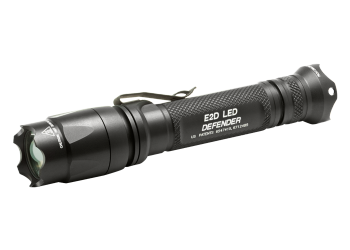
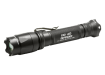
  • If there are no lights to focus on then you can use a high power flashlight to high light the part of the scene you wish to focus on. There are several high power LED tactical lights that you can get and are a good idea to have in your case.  Look at the Surefire E2D LED light.
  • Get someone to go stand at your selected focus point if possible with a light, then focus on the light!
  • You can manually set your focus distance to the hyper focal value if you have previously determined it for your camera/lens combination.
  • Remember, manual focus is the best and easiest way to get the focus that you desire.

Unreliable Metering…

Ok, this is a biggie.  You will find that when using a 10 stop ND and on some cameras, the 6 stop ND that the in camera metering system does not work reliably.  Plus to make this even more interesting consider a very long exposure, say 10 min where the light is changing and getting a stop or 2 darker during the exposure!  These are not small matters to overcome. There are several work arounds for this from a simple pain in the but to advanced hand held meters!

Here is a list of suggestions for you to consider..

  • Try shooting in Aperture mode:  Allow the camera to attempt to set the shutter speed.  If shooting at dusk or in the dark with a ND filter installed you have about a 50/50 chance on getting the correct exposure.  But… this is DIGITAL, and you will have a histogram with your exposure which will give you a baseline on which to adjust the exposure up or down! This is a good low cost way to get it spot on for the 2nd shot.  There is a down side to this though, if the shutter speed is long, then you have to wait the same amount of time after the exposure for the in camera noise reduction software to run.  This means that a 8 min shot becomes a 16 min wait!  Workable but time consuming.
  • Leave your ND filter OFF the camera, in manual exposure mode: Compose, focus and meter, then screw in the ND filter and adjust the exposure manually to account for the addition of the ND filter.  You must be careful to  NOT change the focus by screwing on the filter. The exposure adjustment must of course be correct.  Leave the aperture sat at a standard value like f/8 and do your adjustment via the shutter speed.  So for a exposure of f/8 at 15 seconds with no ND, the addition of  a 6 stop ND will change the exposure to f/8 at 15 minutes!  you need to be able to do this in your head.
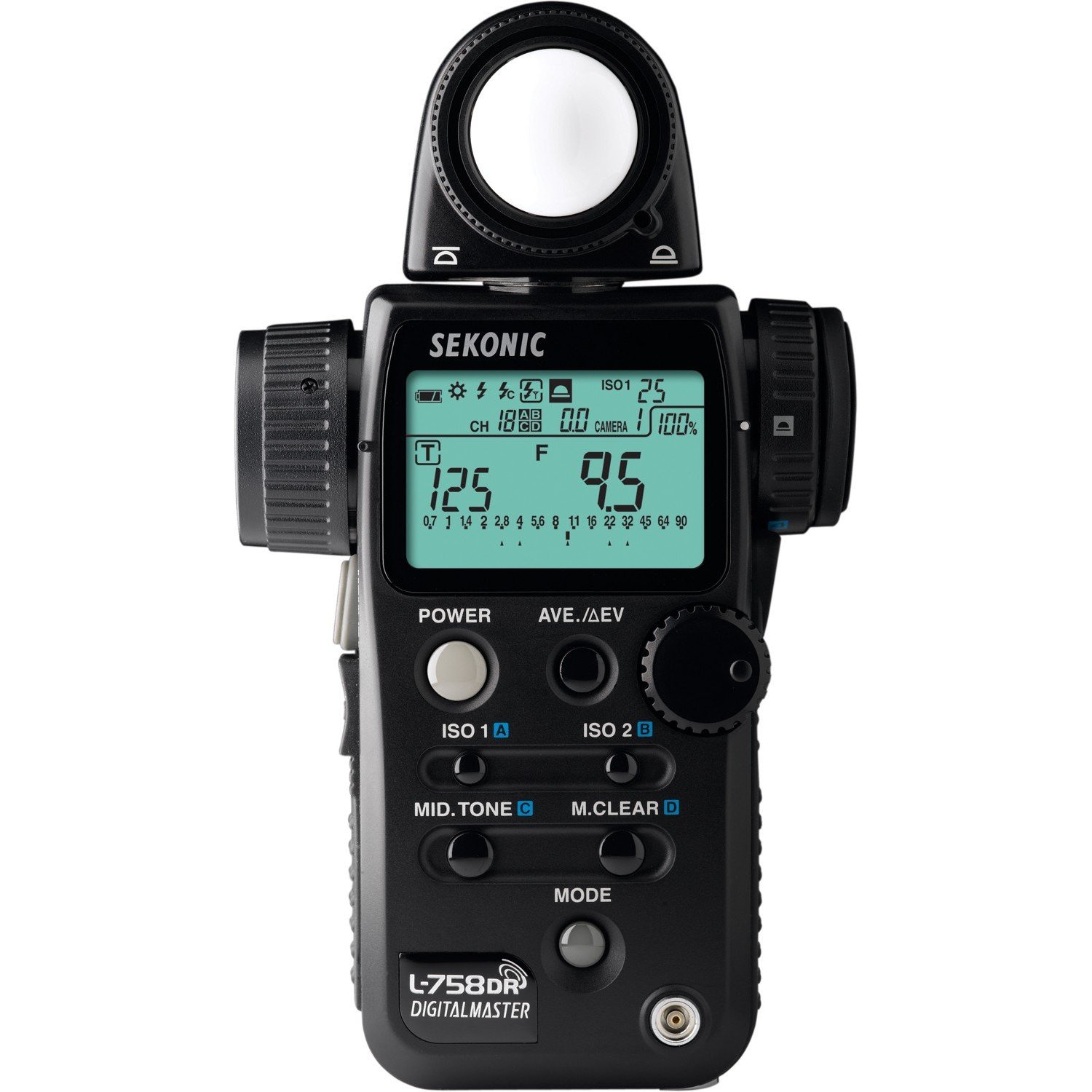
  • Use a hand held meter like the Sekonic L758DR spot meter.  This meter allows you to set in a filter based exposure compensation of +/- 10 stops.  You decide upon the ND filter you wish to use, dial in the exposure compensation into the 758 and meter on a spot in the scene that you desire to be 18% gray and the meter will give you the proper exposure settings!

Using the Sekonic L758DR Spot Meter with the Fuji X-E1 Camera system for Long Exposures…

Now, it is time to go through exactly how I created these images using the spot meter and the Fuji!
The scene as seen...

The scene as seen from my eyes at the time I was setting up…

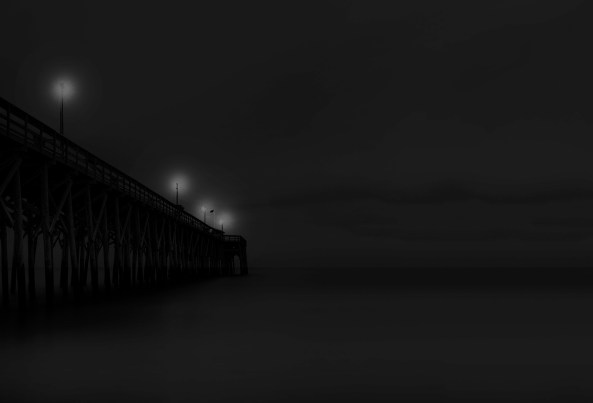
Above is how the scene looked like at 7:30 pm (dark) when the image was taken.  As you can see it was so dark that the only way to focus was to use the bright spots of light on the pier  to manually focus, then pot meter on the sky with the L758DR meter.  This gave an initial meter reading of f/22 @ 2 seconds thus making the sky 18% gray (too dark for me) with ZERO exposure compensation dialed into the meter (not yet adjusting for the 6 stop ND)!  Now, adjusting the meter for the 6 stop ND filter by entering 6 stops of exposure compensation, the reading became f/22 @ 2 minutes but with the sky still at 18% gray.  My imagined, finished image was one with the sky 2 stops brighter, or moving the spot metered point from Zone 5 to Zone 7 which is 2 stops!  So I simply added 2 more stops and moved the shutter speed to 8 minutes (2 stops brighter) and shot the image.

Normally, I would have the 6 stops of compensation dialed into the meter ahead of time and make this a 1 step process.

So here is the resulting image…

f/22 @ 8 minutes with a 6 stop ND and moved to Zone 7

f/22 @ 8 minutes with a 6 stop ND and moved to Zone 7

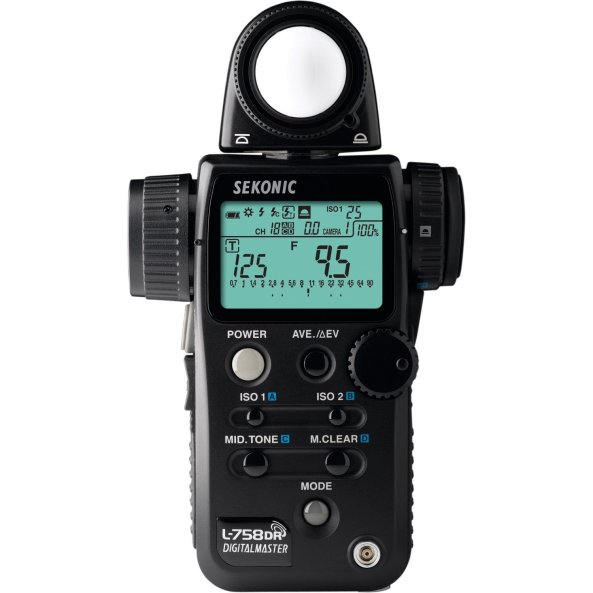
I am showing you the images in B&W so that you can better visualize the shades of gray to see the 18% moved from Zone 5 to Zone 7!  The Sekonic is very easy to use and is a true 1degree spot meter.  To dial in the 6 stops of exposure compensation I held down the  ISO1 and ISO2 buttons and turned the control dial.  The meter reading adjusted for the ND filter and gave a perfect exposure the first time!
71M770oi3RL._AA1500_

Sekonic L758DR Spot Meter

The exposure compensation shows up on  the LCD screen so that you know what you are actually measuring.  You could have easily set it to 4 instead of 6 and that would have taken the move from zone 5 to zone 7 for you but I prefer to do that adjustment in my head!

Zones…

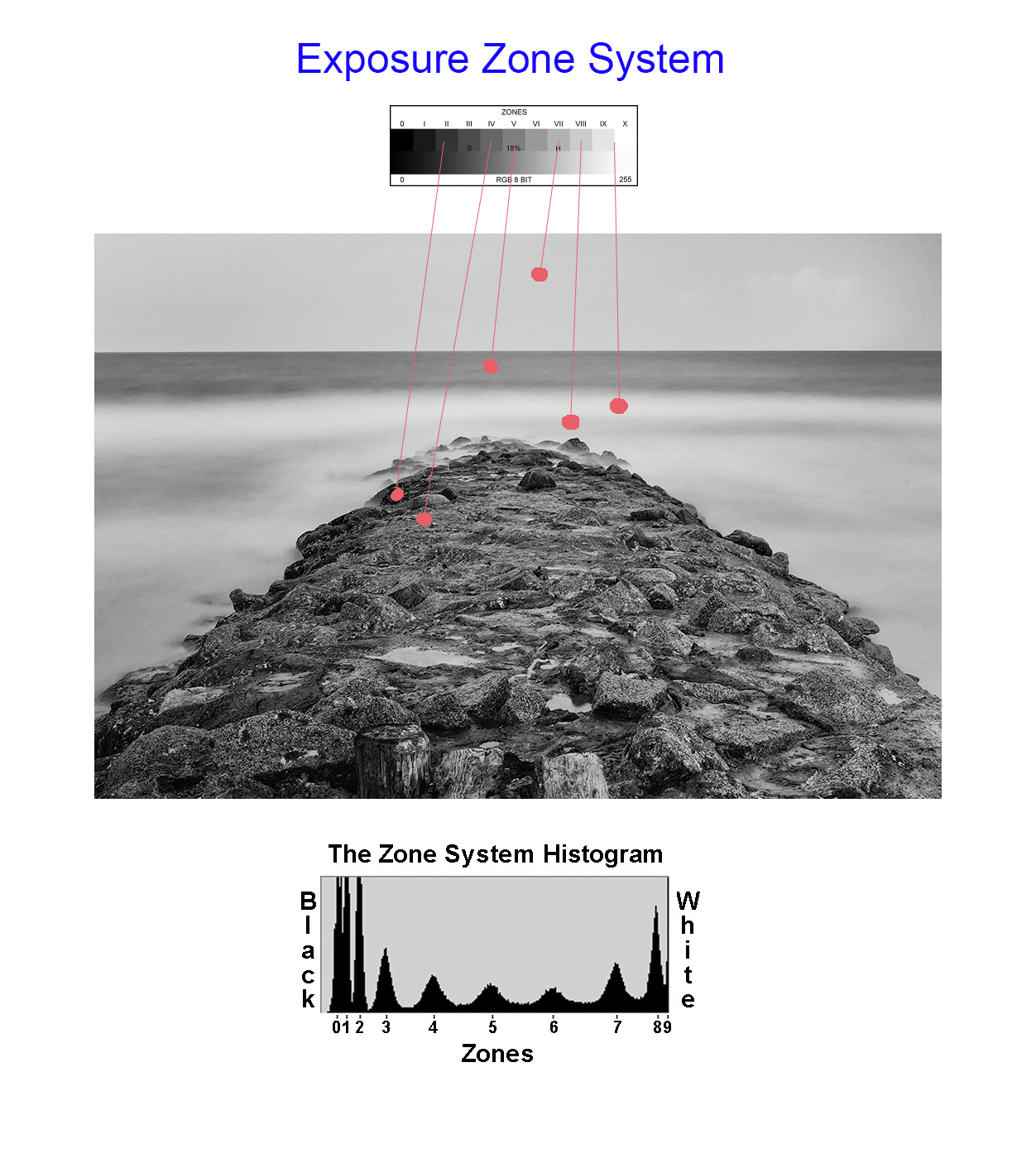
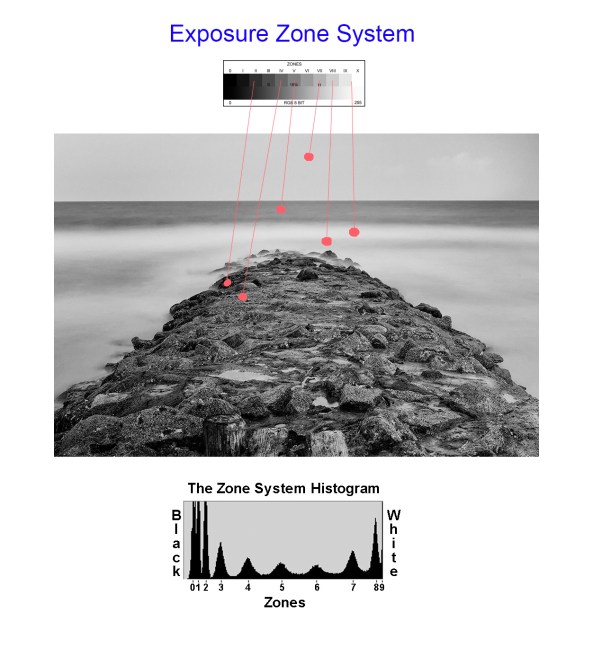
Simply stated the Zone System (Ansel Adams), assigned a series of stepped gray changes, 1 stop apart and across a valued scale of 10 stops with Zone 5 being 18% gray which is where ALL camera and handheld meters place the exposure.  By looking at the chart below you can see the change between Zone 5 & 7 (2 stops) and what difference it will make on the brightness of the sky!  I use the Zone System in ALL of my exposure calculations and it is how I see contrast changes across my image!

The Zones...

The Zones…

There are plenty of great books out there that will teach you the Zone System of exposure control and adjustments! Here are 2 on Amazon:

Here is how you would apply actual Zone values to an image.  Then you can shift the exposure to move the metered Zone up or down to adjust the overall brightness of the image!
Using Zones to understand what your meter sees...

Using Zones to understand what your meter sees…

Now given the meter reading for Zone 5 you can change the exposure up or down to brighten/darken the overall image!  Combine Zone Exposure techniques with Long Exposure photography then  you can see how easy it is to control your final image.  Plus if you use a handheld spot meter that allows for +/- 10 stops of compensation  then you can see how easy it becomes to get a good exposure that is measured in seconds  or minutes!

Here is a simple explanation of what each Zone looks like:

The Zone System explained.

The Zone System explained.

Here are a few more images taken this night on the beach!  I hope you enjoyed both the article as well as the images!  Please let me know!

250 second exposure, Fuji X-E1
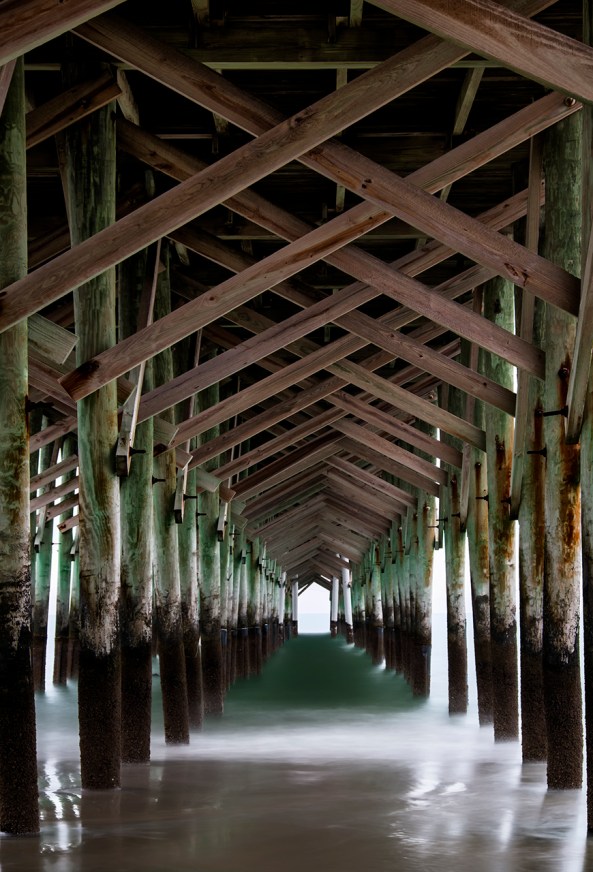
250 second exposure, Fuji X-E1

30 second exposure just before sunset

30 second exposure just before sunset, Fuji X-E1 shifted to zone 7

A DETAILED look at X Pro 1 long exposures….


The Fuji X Pro 1 camera system is VERY WELL suited to this style of photography!

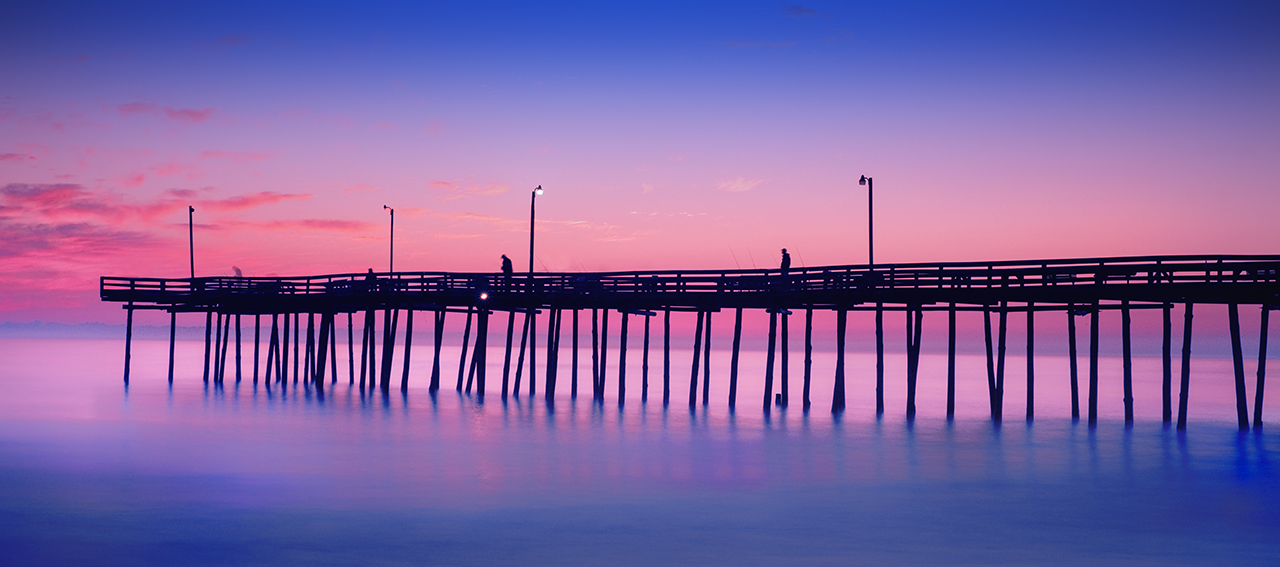
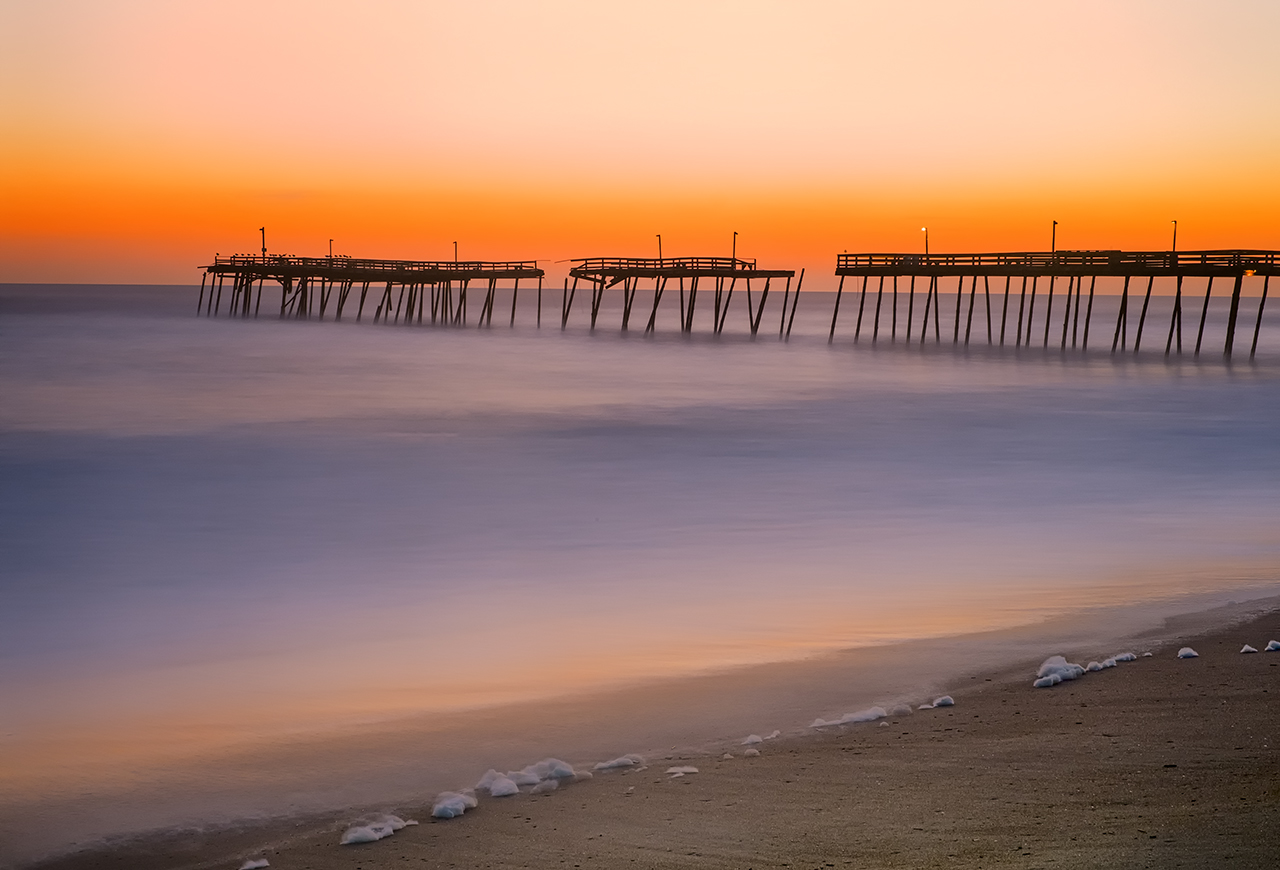
Outer Banks FIshing Pier Sunrise, Fuji X Pro 1 + 10 stop ND filter

Avalon Pier Sunrise, 30 second exposure

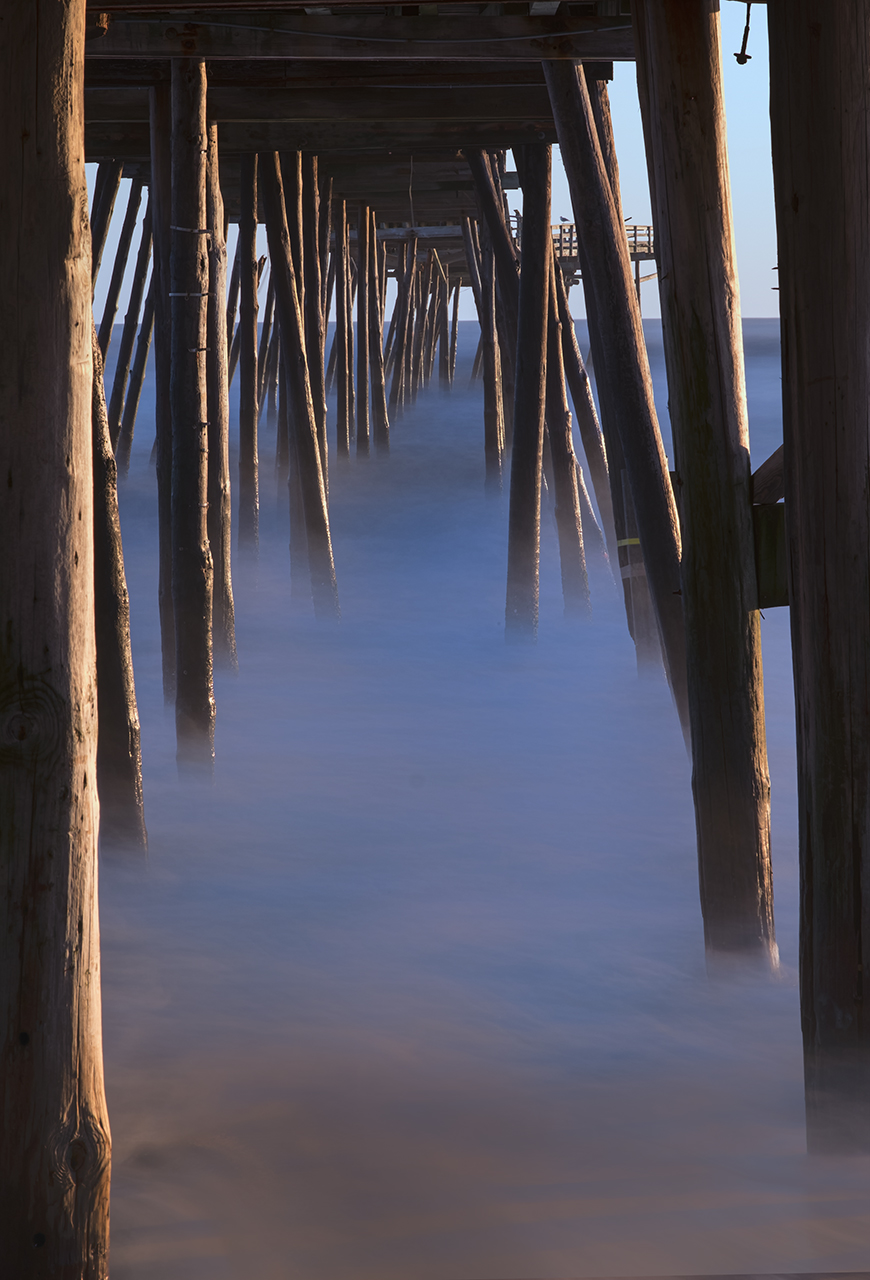
I just got back from leading an advanced photo workshop & excursion to the outer banks on Nags Head Island in the Outer Banks!  The subject was HDR and Long Exposure Photography.  It was an amazing workshop filled with great students and we visited amazing locations.  What was so special about this was the sunrise locations at the Avalon Pier (which was broken into 3 parts) and the Outer Banks Fishing Pier.  The wave conditions were a little high due the the North Easter having just passed and made for tough long exposures due the the required shutter speeds!

As you can see with the image on the left, the waters surface was still a little bit misty even with a 30 second exposure.  The light was simply too bright and the waves too large to get a slower shutter speed.  Still, the image is pleasing and as you can see from the blue sky it is just after the sunrise was finished.

Ok, some discussion on equipment is in order here.

  • A sturdy tripod is a must.  It must be able to hold the camera steady even if the water washes over the tripod legs.  I use a large Gitzo Carbon Fiber Tripod with the Really Right Stuff large ball head on top.  The X Pro 1 has the Really Right Stuff L bracket installed.  This system works very well.
  • A remote shutter release is also a must.  The X Pro 1 can only use a mechanical one so I have two in my bag, a 14 inch and a 40 inch.  Both have a BULB lock which enables you to lock the shutter open.
  • A 10 stop and 6 stop ND filter.  I like the B+W versions due to their German Schott Glass construction.  BUT, be aware, the X Pro 1 (in fact most camera systems) cannot meter through the 10 stop ND filter.  If you have a hand held spot meter you can get accurate exposures even with the ND filter!
  • A lens hood is an absolute must for long exposures.  This will keep light from striking the objective element of your lens and reducing contrast and causing lens flare.
  • Know where the sun is going to rise!  There are several great apps for smart phones out there that will tell you this right on the spot!

For rough seas, the longer you can get the exposure the smoother the water will become.  The X Pro 1 will allow up to a 30 second exposure in the T mode. You simply use the arrow keys to change the exposure up or down, but 30 seconds is the max.  For longer, you must use the BULB mode.  The Fuji has a very well designed  BULB mode!  When you trip the shutter, a counter will start on the back LCD screen counting up!  This makes for very easy timing control.  Here then is an example of a 90 second exposure in both Black & White and color.

Outer Banks FIshing Pier Sunrise, 90 second exposure with the 35mm lens. Exposure: 90 seconds, f/16, ISO 200, 10 stop ND filter.

Outer Banks FIshing Pier Sunrise, 90 second exposure with the 35mm lens. Exposure: 90 seconds, f/16, ISO 200, 10 stop ND filter.

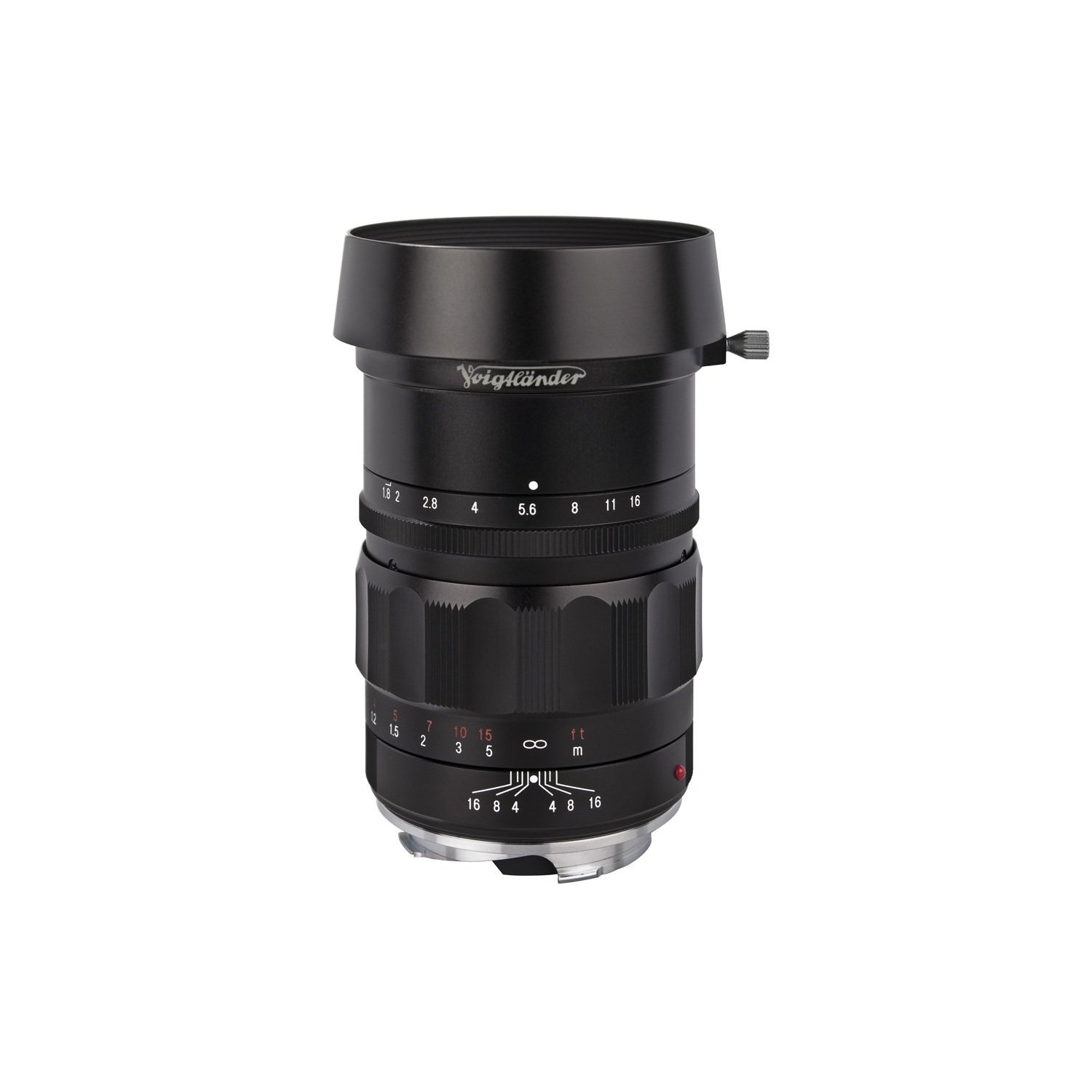
Voigtlander Heliar 75mm f/1.8 Lens

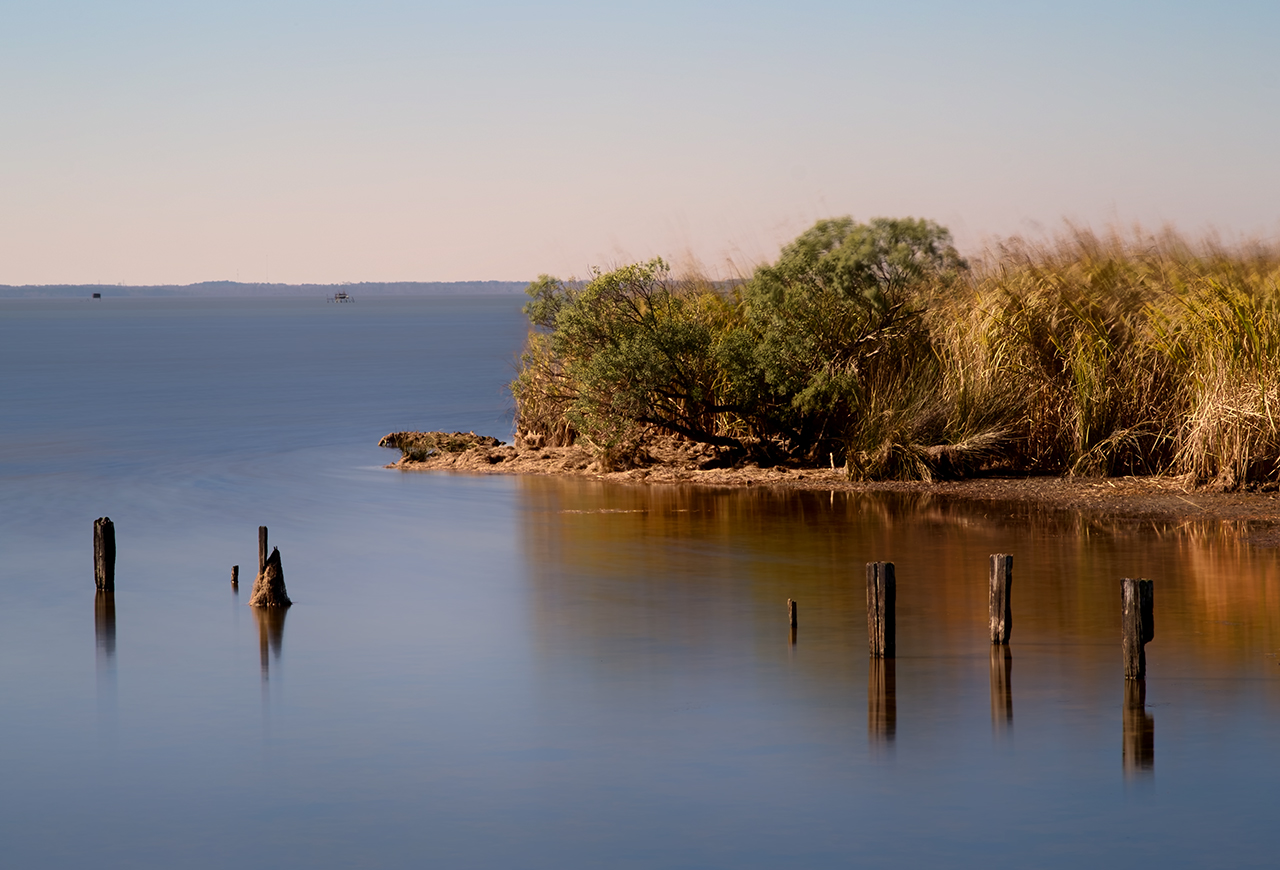
Not all long exposures require such a long shutter speed.  For some a shorter speed can generate a nice image as well.  Here are two for your consideration.  The first is simply a daylight shot of a creek mouth into the bay but with the exposure slow enough to smooth out the water and show a little pattern there! This was a 15 second exposure using the incredible Voigtlander Heliar 75mm f/1.8 Lens with the Fuji M mount adapter shot at f/16 and ISO 200.

Mid Day Creek Mouth, CV 75mm f/1.8 lens.

You can see patterns in the water just at the point on the right side.

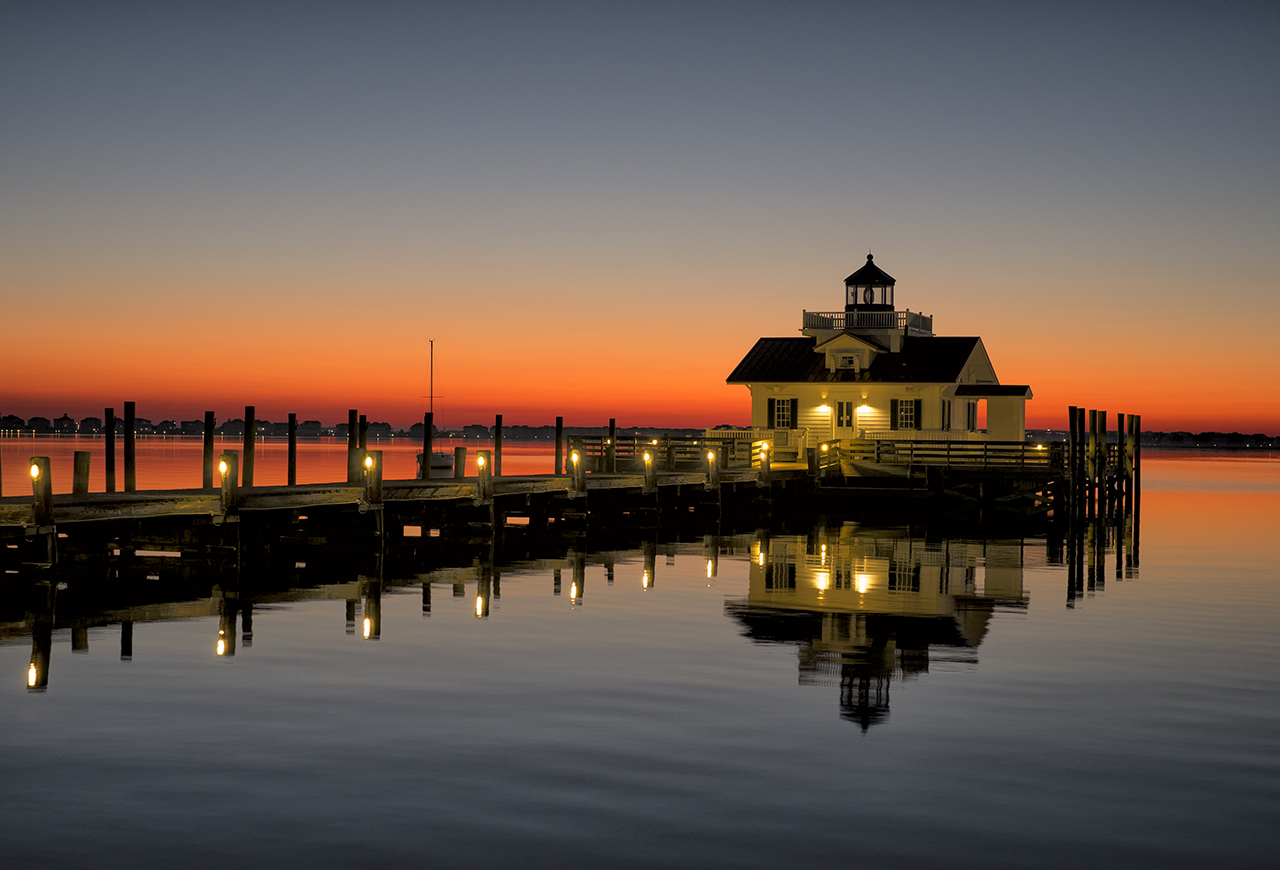
The second image is of the Roanoke Marshes Lighthouse at sunrise. This was a .3 second exposure at f/3.2.  This image was a bit challenging as I wanted detail in the front of the lighthouse.  I used a Sekonic 758 DR hand held spot meter to measure the building and set the exposure accordingly. This is a very easy to use metering system and will NEVER fail you in use.  Sometimes you simply cannot use the cameras metering system to get the proper exposure.  This is always a factor when you are using ND filter attached to the lens!

For this shot I used the Fuji 35mm lens with a lens hood attached to keep incident light from striking the objective element at an angle.

X-Pro1-Roanoke Marshes Lighthouse Sunrise

Here are a few more sample images for you to think about.  I hope that you enjoy them!

Avalon Pier Sunrise

Outer Banks Fishing Pier Sunrise, 60 second exposure

Sunrise

60 second exposure, Outer Banks FIshing Pier Sunrise

So, take heart, get a ND filter and go out and try some long exposures at sunrise or sunset. If you do not have access to the ocean then use the exposures to slow the motion of the Clouds!  There are all sorts of possibilities out there for you to experiment with!

Voigtlander Heliar Ultra Wide-Angle 12mm f/5.6 Lens and the Fuji X Pro 1


Good things that come in small packages!

Voigtlander Heliar Ultra Wide-Angle 12mm f/5.6 Lens

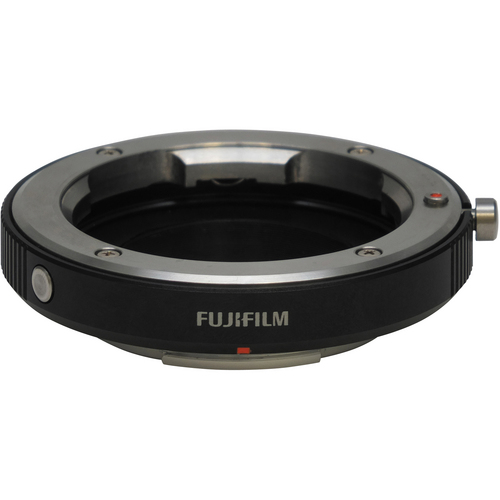
Fuji M Mount Adapter

I have been testing the Voigtlander Heliar Ultra Wide-Angle 12mm f/5.6 Lens with the Fuji M mount adapter on the X Pro 1 for the last week or so and have to admit that I am both impressed and love use and feel of this lens! It is well made and smoooooth to operate!

 I have tested it both on the Kipon adapter and the new Fuji M mount adapter and have to say that the differences between the two are major due to the fuji’s ability to adjust corner color and darkened corners live with version 1.11 firmware!  Pincoushion adjustments still require you to shoot and adjust.

I adjusted the pincushion by taking a picture of the pattern of 2×4’s on the surface of a deck. This allows you to maintain straight lines. I found for the 12mm that an adjustment of +4 was perfect.

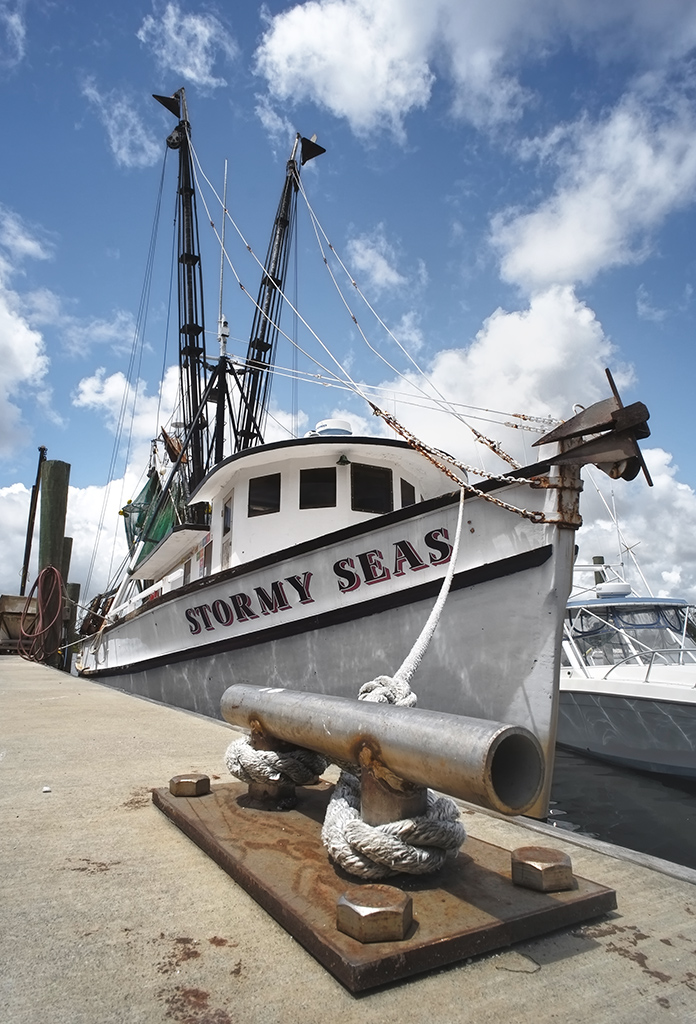
I took the  12mm out to two locations for testing, Shem Creek in the Charleston, SC area and the waterfront in Georgetown SC.  Both locations provides nice vistas and shrimp boats full of color and character.

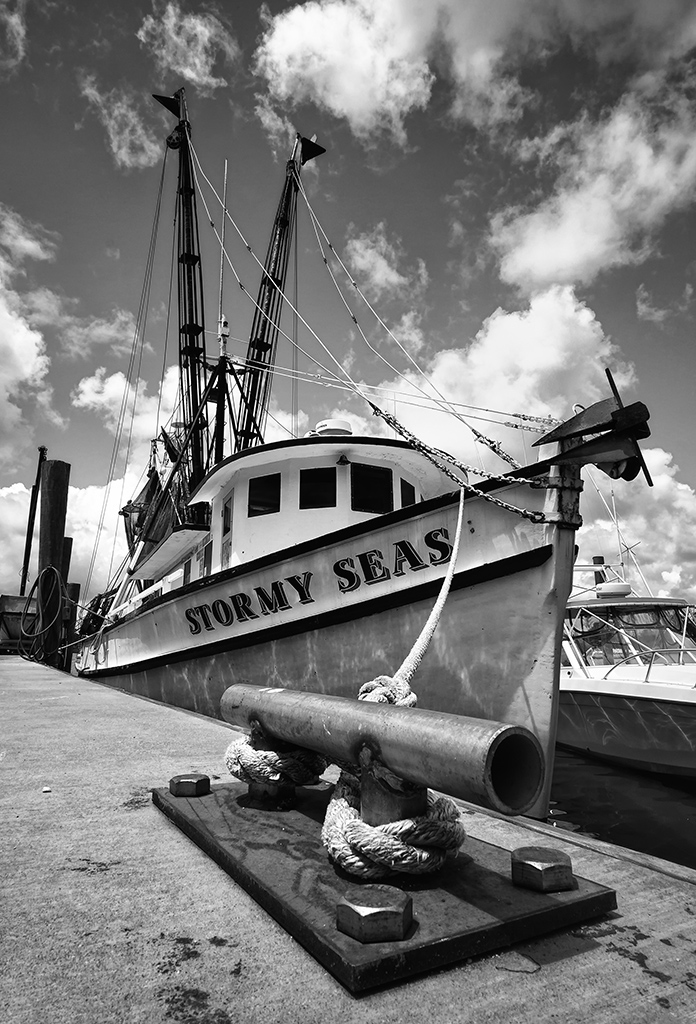
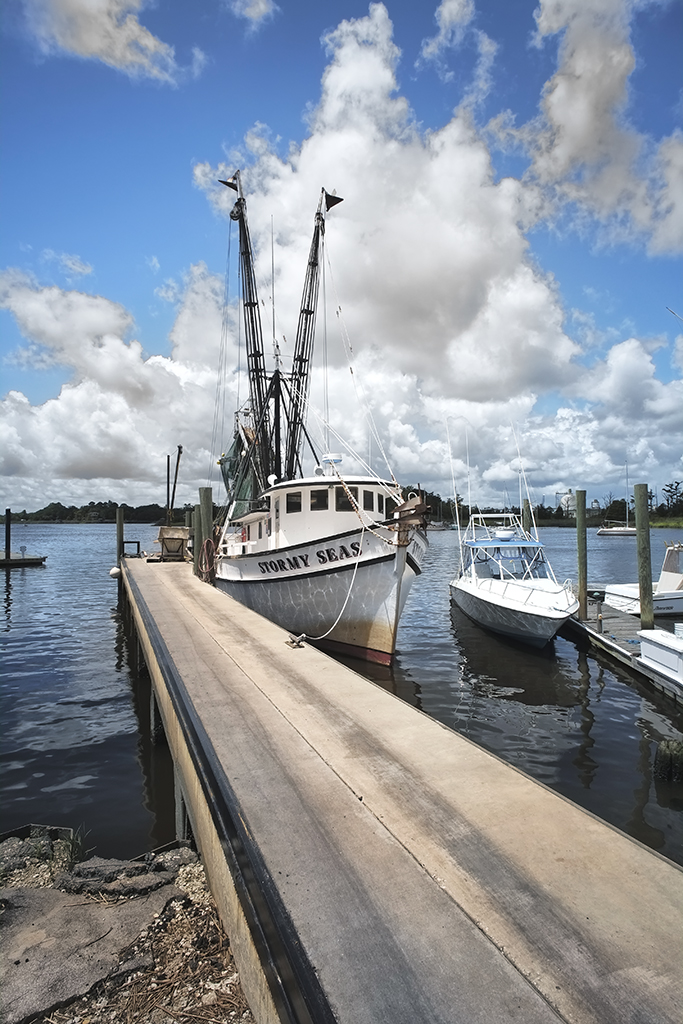
Stormy Seas at the dock. Voigtlander Heliar Ultra Wide-Angle 12mm f/5.6 Lens. Notice the focus from about 3 inches to infinity.

As you can see, the DOF of the 12mm is simply amazing.  The cleat was about 3 inches from the camera.

Here is a monochrome of the same image.

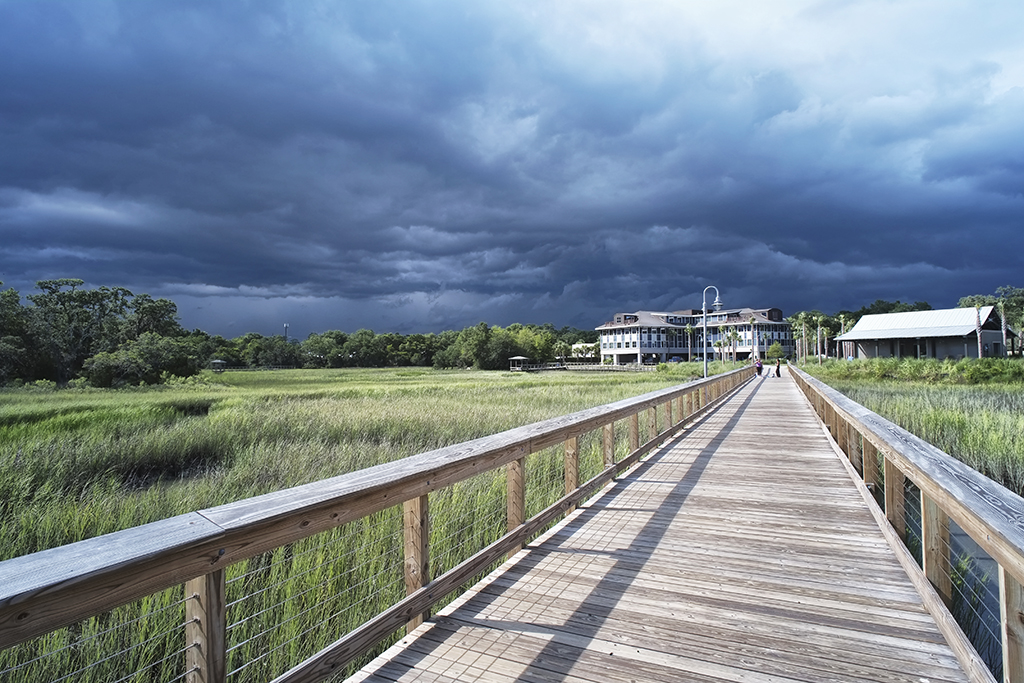
Shem Creek with approaching storm, Voigtlander Heliar Ultra Wide-Angle 12mm f/5.6 Lens

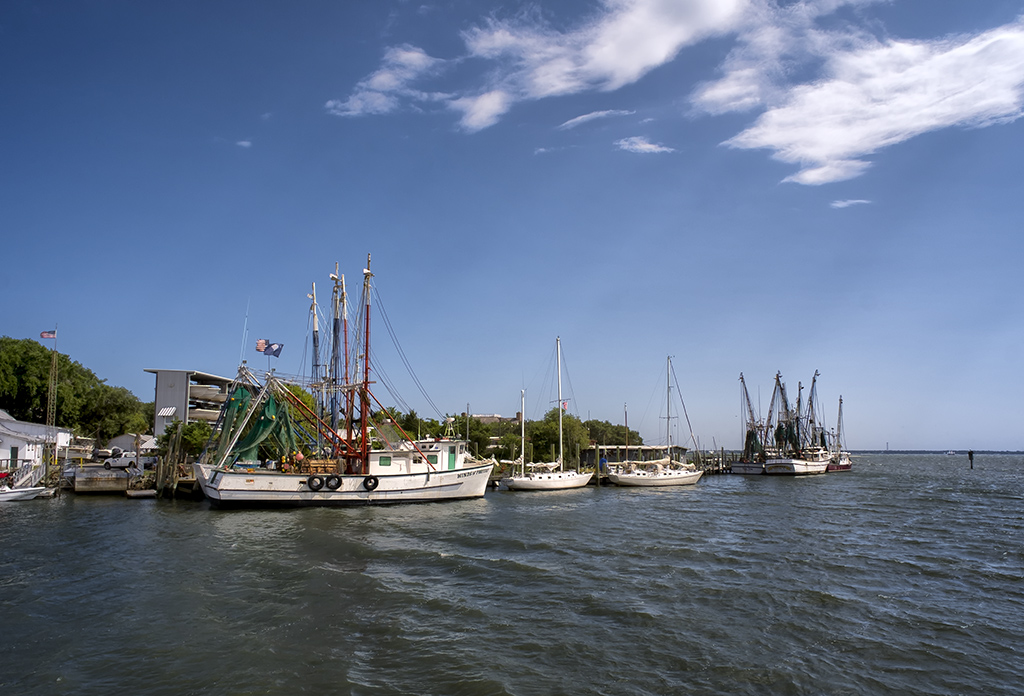
Shem Creek Shrimpers, Voigtlander Heliar Ultra Wide-Angle 12mm f/5.6 Lens

Notice the light rays coming down from right to left thru the clouds!  The lens is VERY sharp and a real pleasure to use!

Let me know what you think!

Using Light Painting with Very Long Exposures!


Bringing Out Foreground Details..

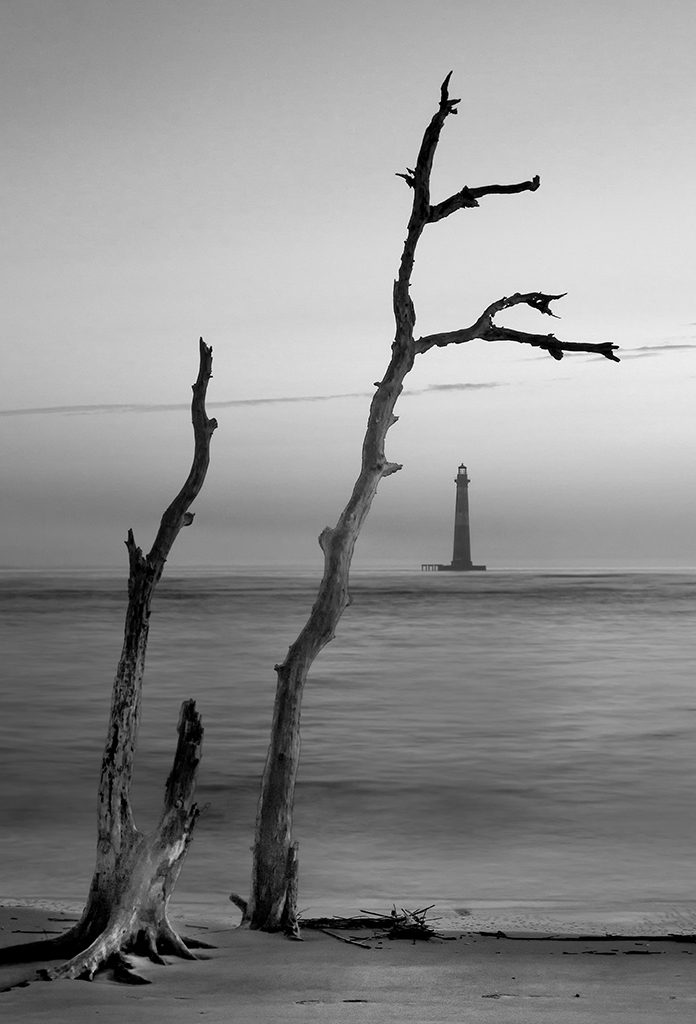
A few months ago Jamie Davidson and I led a photo workshop and excursion to Charleston, SC. The workshop was in both Infrared and Color photography and we had several sunrise shoots in various locations.  One of my favorites was on Foley Beach looking out at the Morris Island Lighthouse.  There was a groin  (rock break wall) there as well as a boneyard (driftwood forest).

Morris Island Lighthouse Sunrise

My Vision:

What I had in mind was to photograph the  Morris Island lighthouse in silhouette  with the sun rising behind it with driftwood in the foreground as a very long exposure to flatten the ocean surf.  I also wanted to have some surface detail in the driftwood and beach in front of the camera so I knew that I would have to use a very high power flashlight to paint those items during the exposure. Long exposure photography will generate very etherial images that will draw the viewer into the image.  Learning how to generate these types of images is a very worth while endeavor and I hope that you are interested enough to experiment with it as well!

My Equipment:

  • I wanted to shoot this with my Fuji X Pro 1, but at that point I was still waiting for its delivery.
  • Canon 7d camera body.
  • Canon 17-40L lens.
  • Remote shutter release cable.
  • A very stable carbon fiber tripod!
  • Sure Fire U2 variable LED tactical 100 lumen flashlight.
  • Fortitude to get up very early and drive/walk out to the beach (no small task!).

Singh Ray Variable ND

After arriving on site, I looked  for a suitable piece of driftwood to place in the foreground and have it frame the lighthouse.  I setup back about 20 feet so that I could get enough depth of field to have both the tree and the lighthouse both in focus. Setting up the tripod well back from the surf to keep the water from under cutting its legs I framed the shot above.  It looks bright enough but it was so dark that I could not even see the tree!  Please keep in mind here that I also wanted to slow down the movement of the water, so I have installed a variable 8 stop neutral density filter from Singh Ray on the lens.  Even at its minimum setting there is still a 2 stop darkening of the image throughout he viewfinder.  What I am looking for is an exposure time of at least 30 seconds  but longer if possible. What I do is to set the ND at 2 stops then use the flashlight to provide a bright spot for focus. After focusing, I setup the camera in manual mode by adjusting the aperture to f/11 to f/16 and the shutter speed to a starting point of 30 seconds.  I then adjust the variable ND filter to give me a 0 ev exposure in the metering system!

It is this special filter that allows me to really slow down the shutter speed  enough to smooth out the ocean surface!  You do not have to use a variable ND, a set filter like a 6 or 10 stop ND from B+W filters will work fine, but you have to setup the composition and focus before you attach the filter because you will not be able to see through the viewfinder once it is installed.  All of these ND filters are expensive, the B+W ND’s will be over $100 and the Singh Ray will be just at $400!  But EVERY photographer needs some sort of ND filter in order to slow down the shutter speed to smooth out water or cloud movement for a soft etherial image.

The viewfinder must also be covered up once everything is set and before the exposure is made in order to not effect the camera meter.

Ultra Bright Tactical Light

Trip the shutter and step away from the camera/tripod.  Now taking the ultra high power flashlight I use it to paint the surface of the tree and sand around it.  This is a continuous movement of the flashlight over the tree and sand again and again.  I do not want them brightly lit, rather I am looking for just enough light to ensure that the tree is  not a silhouette and that the sand has some detail and structure in its surface.  This can be difficult and you might have to walk closer to the tree in order to have more light from the flashlight fall on it.  But being digital we can take several images before the sky becomes too bright to work!

You can use any light source but you do need to be careful not to use a light that is yellow in color.  The tactical lights are expensive but do not fail due to the bulb and will last a lifetime.  At high power the batteries will only last for an hour or two, but most of these lights have several power levels and can stretch the battery life up to 20 hours!  They are great for photography but they can also save your life in an emergency as well.

Here is a Black & White version of the image above.  This was converted in Photoshop CS6 with Nik Filters Silver EFX Pro 2.

Morris Island Lighthouse Sunrise

If you look up at the very TOP of this page you will see my Blog Banner Image, which was also taken at this location within moments of the Lighthouse image!  This type of photography (long exposure can be very pleasing in it process and is certainly easy on the eyes!

Below is one further image, this time taken by the Fuji X Pro 1 without light painting in the mid morning.  For this image I did use a 52mm B+W 10 stop ND filter, but no light painting as it was already too bright out and was not necessary.

Ultra Long Exposure with the Fuji X Pro 1

Please let me know what you think!

Pin Hole Photography Primer…


Today is the day!  Get out your Pin Hole cameras and go shooting!

World Wide Pinhole Photography Day, 2012!

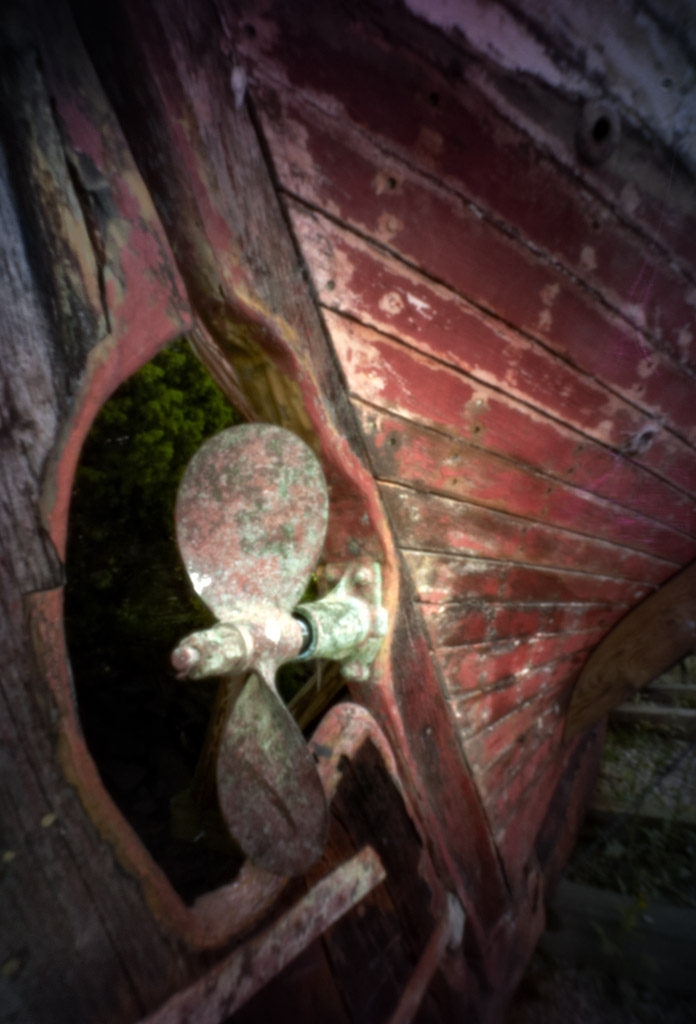
Fuga City Detail, Pinhole image, Panasonic GH2 with the PinWide f/127 pinhole plate.
Today is the world wide pinhole photography day.  Thousands of folks around the world are out shooting pinhole images today and posting them on the http://www.pinholeday.org/ web site.  It is great fun and takes us back to an era when photographic experimentation was the word of the day!  A pinhole camera system is one without a lens. I simply has a VERY SMALL hole thru which the light passes and creates the image on the back of the camera on film or sensor.  You can purchase pinhole plates for most cameras made today plus you can easily create one of your own!

Do a little research here on the net thru Google and you will find a ton of information on it.  But remember today is the yearly big day!

I have pinhole plate adapters for ALL OF MY CAMERA systems.  There are many companies who make them.  Here is a short list to get you started:

  • Skink (ebay) (For ALL cameras)
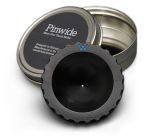
  • Pinwide (for Micro 4/3)
  • Lenox Laser (good selection of models for various cameras!
  • Lens Baby

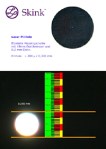
Here are what some of these plates look like…

Pinhole images are typically not very sharp, BUT they are at the same sharpness from the very front edge of the pinhole plate to infinity!  They can be created with one to several pinholes and there is no limit to how the film can be placed, flat, curved, round and so on!  For digital systems, you can indeed have multiple pinholes, but only a flat sensor.  They can and will create very etherial images that are very pleasing to the eye and great fun to create!

Here are some example images of my own pinhole creations, please let me know what you think!!

Pawleys Marsh Pinhole image. Leica M mount Skink f/207 pinhole plate at 3.2 second exposure

Pawleys Marsh Pinhole image. Leica M mount Skink f/207 pinhole plate at 3.2 second exposure

Fuga City Detail, Pinhole image with the Pin Wide f/127 pinhole plate.

Fuga City Detail, Pinhole image with the Pin Wide f/127 pinhole plate.

Tybee Island, GA, Hidden Paradise!


Once here it is difficult to leave!

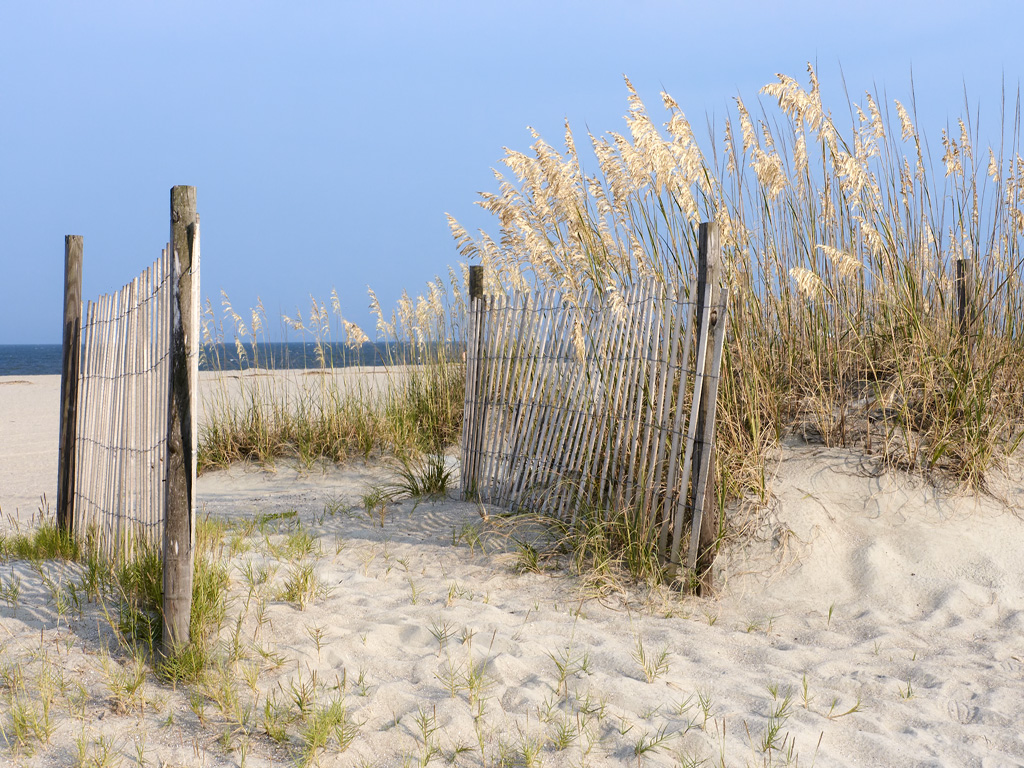
Tybee Island Beach in front of our rental!

Every year I try to make it down to Tybee Island, GA for a visit.  It is one of the hidden treasures of the Southeast coast!  There are two lighthouses there, shrimpers, beaches, birds and many more photographic subjects!  Last year, my wife Ellen made arrangements for a family vacation there with a rental right on the beach.  There were 9 of us there in all and we had a great time!  For me the exciting parts of the week were the photographic excursions out and about.  I am always excited to visit the same places many times as they will always present themselves in a different fashion on each visit!  Below is a small selection of the many things to experience while visiting…

The sand on the beaches there is a fine off white sugar sand and the kids loved to play in it.  There were ALWAYS large ships lined up  to leave and enter the river going up to the port!  Every morning there were shrimp boats going back and forth just off of the beach fishing!

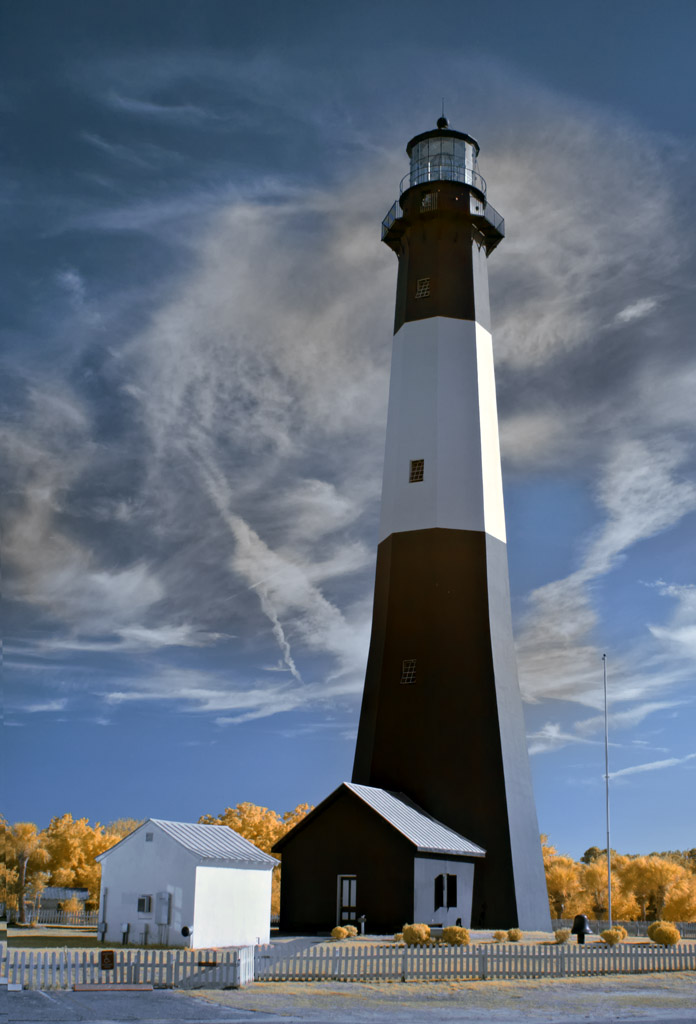
The Tybee Island Lighthouse is a MUST SEE!  It is one of the better looking lighthouses on the coast and always makes a great photographic subject!

Tybee Island Lighthouse in 590nm Infrared.

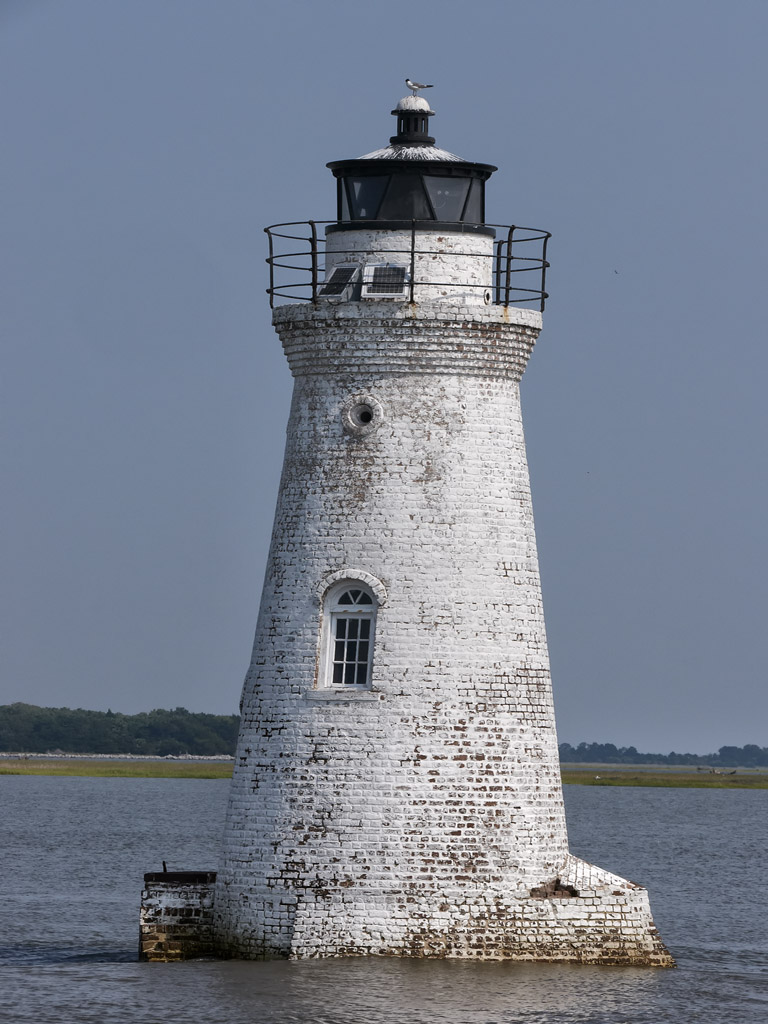
Cockspur Lighthouse , the 2nd local light house is up the river a mile or so from the Tybee Island Lighthouse.  You can visit it by heading north off of Tybee Island and stopping just before the first bridge and taking the small dirt road off to the right to the marina.  You will then have access with a longer lens to photograph it.  I have done this many times but for this trip we took a Dauphin boat trip out into the river and went around the lighthouse several times.

The Cockspur Lighthouse in Tybee Island.

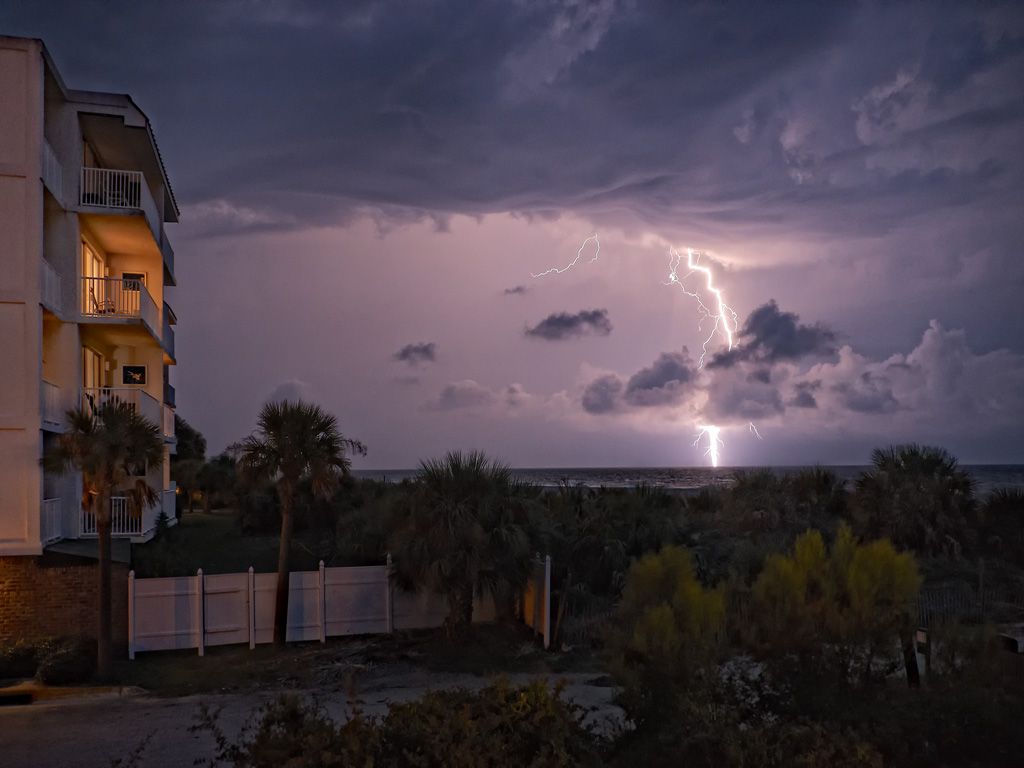
One of the more interesting things about Tybee Island is the fact that during the summer there are usually daily thunderstorms the come thru the area and this makes for a good opportunity to grab some high speed lightning shots!

High speed daylight lightning capture from the deck of our rental!

Tybee Island is worth taking the time to visit anytime of the year.  Go for a day or a week, you will not be disappointed!

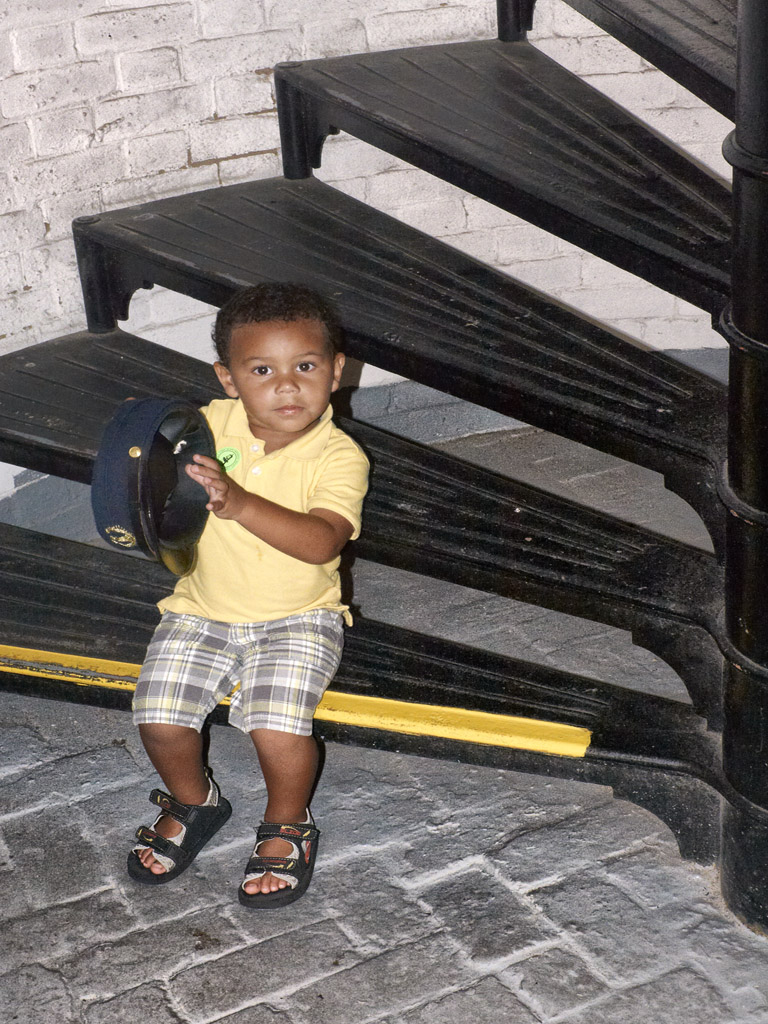
My grandson Jordan pondering the lighthouse keeper's hat as he gets ready to climb the lighthouse stairs!

Going Back To Momma…


Falling In Love With The Fuji X Pro 1 Camera system..

Or, what does a camera system have in common with a good doggie?

Fuji X Pro 1 System

A little history:

I started in photography over 45 years ago (yes I am an old fart)… A long time for sure!  I started using and learning on an Argus C3 35mm rangefinder camera then just started working up through many many more rangefinders.  Along came SLR camera systems and like  most other photographers of the time I decided that I too must have one of these so that I could actually see through the lens to see what I  am going to get.  Many years passed and every time I would pass a camera store I found myself looking with lust  at rangefinders of all things.  At first I thought that there must be something wrong with me, why else would I be drawn to an older technology after the many thousands of dollars I had invested in the best Canon bodies and lenses over the years?

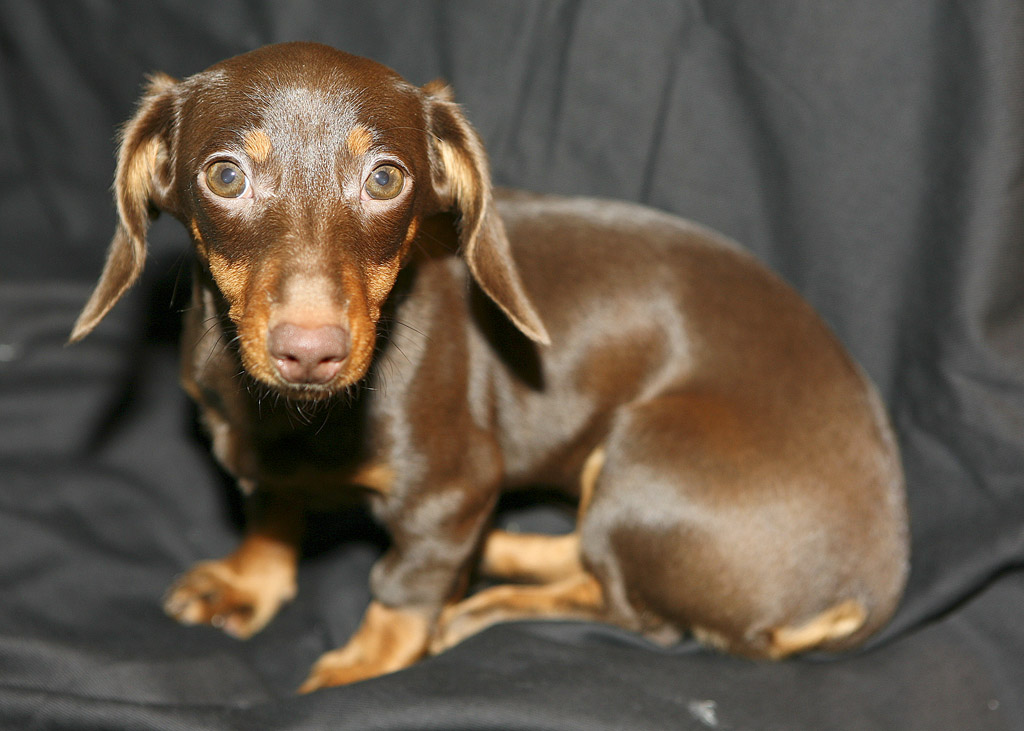
Skittles the Dashound, #9

After much reflection I decided that it must be like dogs!  You know… your parents purchase you your first dog which you fall in love with,  and you are forever imprinted with love for the dog and the type of dog.  Then for the rest of your life you desire only that type of dog!  I am on my 9th dashound now and wouldn’t dream of any other type!  So, back to the point, cameras, like dogs are imprinted upon us at an early age and we tend to gravitate back to momma so to speak!  After coming to grips with this fact I went out and spent another $2500 on the Hasselblad XPan II rangefinder and was forever re-hooked.  Yes, I still have and shoot Canon bodies and L glass, but my true passion is for rangefinders and dashounds!  I have accepted this fact as part of who I am. I find that I even occasionally purchase an old rangefinder camera to display in a glass case in my studio!

Ok, enter Fuji!  Last year, Fuji introduced the X100, which is a digital rangefinder styled camera, not a rangefinder focusing camera.  It looked great and got great press. I wanted one from the very first but held off for a year.  Last fall I actually purchased one and was instantly in love with the thing!  It was small and light and SILENT…  It has a fixed 23mm lens and did I mention that it is totally silent in operation!!  Oh yea, in love to be sure.  This February (2012) my wife and I went to Italy for 11 days of photographic heaven and the only cameras I took were a small Infrared camera (Panasonic GH2) and the Fuji X100.  It was a match made in heaven for travel.  Light,  small and no work to lug around!  I got amazing images with the Fuji even though it had a wide fixed lens.  I simply had to rely upon my sneaker zoom to get close!

I found that I was not totally satisfied with the X100 because it was limited to a single lens.  So I ordered the new digital Fuji X Pro 1 interchangeable lens system with the 35mm f/1.4 and the 60mm f/2.4 lenses, and I have the 18mm f/2 lens currently on order.  It arrived at the end March and I was amazed by its light weight but enhanced functionality that the camera system provided!  now after a month of shooting with it I feel like I have returned to momma and have again found myself through my roots in photography!  God, please help me.. I am so locked onto this camera system that I can not  see any way to ever break away, hooked, addicted with a big fuji monkey on my back!  Fuji also says that  later this year they are offering a 14mm and a 18mm to 72mm zoom!  Then 3 more new lenses next year!  I can feel the dollars slipping away now.. I hope that my wife can forgive me for these future purchases.  I WILL keep the X100, it is after all a rangefinder styled camera and it is silent in operation!  I will purchase new lenses for the X Pro 1 and look to the future for the Pro 2 and Pro 3 bodies…

It seems as though I have found yet another addiction…

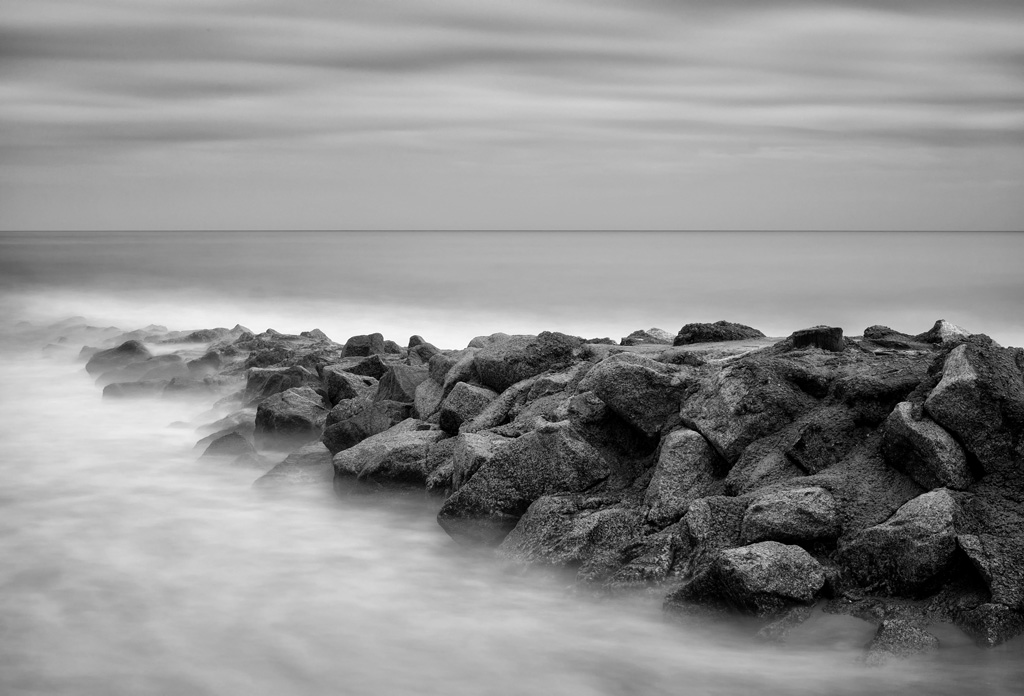
X Pro 1, 30 second exposure, 35mm f/1.4 lens, B&W Seascape of Pawleys Island Groin

This post is not a review of the X Pro 1, there are a ton of those out there on the web. It is simply a short series of statements and facts about the camera and why I love it so!

It will NOT replace my Canon 7d for (5%):

  • Lightning Photography, because it does not have a electronic shutter.
  • Water Drop Collision Photography, because it does not have an electronic shutter.
  • Macro Photography, well, it might actually work out for this one.
  • Birds in flight, focus is not fast enough.
  • Sports Photography, I simply don’t do this anyways.
  • Movies, has HD movies but no external mic hookup.

I will use this camera for(95%):

  • Landscapes
  • Seascapes
  • Hummingbirds in flight, works great.
  • Grist Mills & Covered Bridges
  • Long Exposures, works great.
  • Travel, light with many lens choices.
  • My MAIN every day camera system!

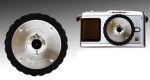
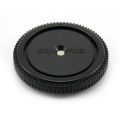
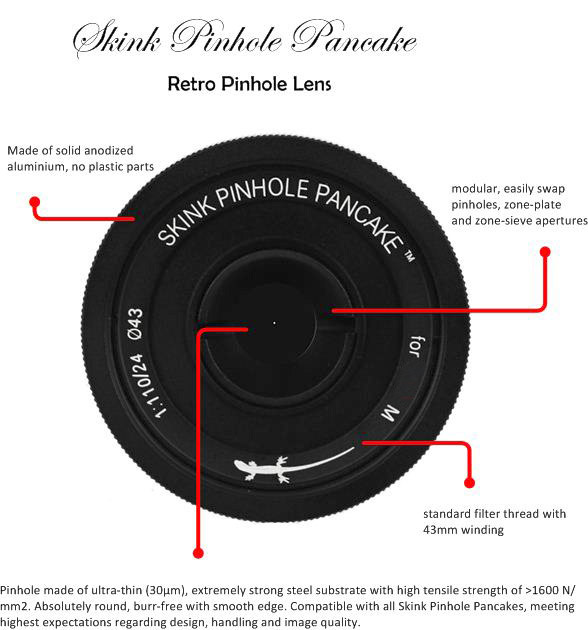
Leica Pin Hole pancake

I was considering the Voigtlander Super Wide Heliar 15mm f/4.5 M Mount Lens instead of the Fuji 18mm but there have been so many web posts on how bad this lens is on the Fuji that I have decided against it.  I instead will use a Leica M mount Pin Hole plate from Skink on the Leica to Fuji adapter!   I love Pin Hole photography and have them for ALL of my camera bodies!  There is just something very peaceful and satisfying about using technology for the early 1800’s and the resulting images are very etherial!

Ok, more to come on this great new camera system in the future, I have to have a chance to actually go out and shoot the thing!

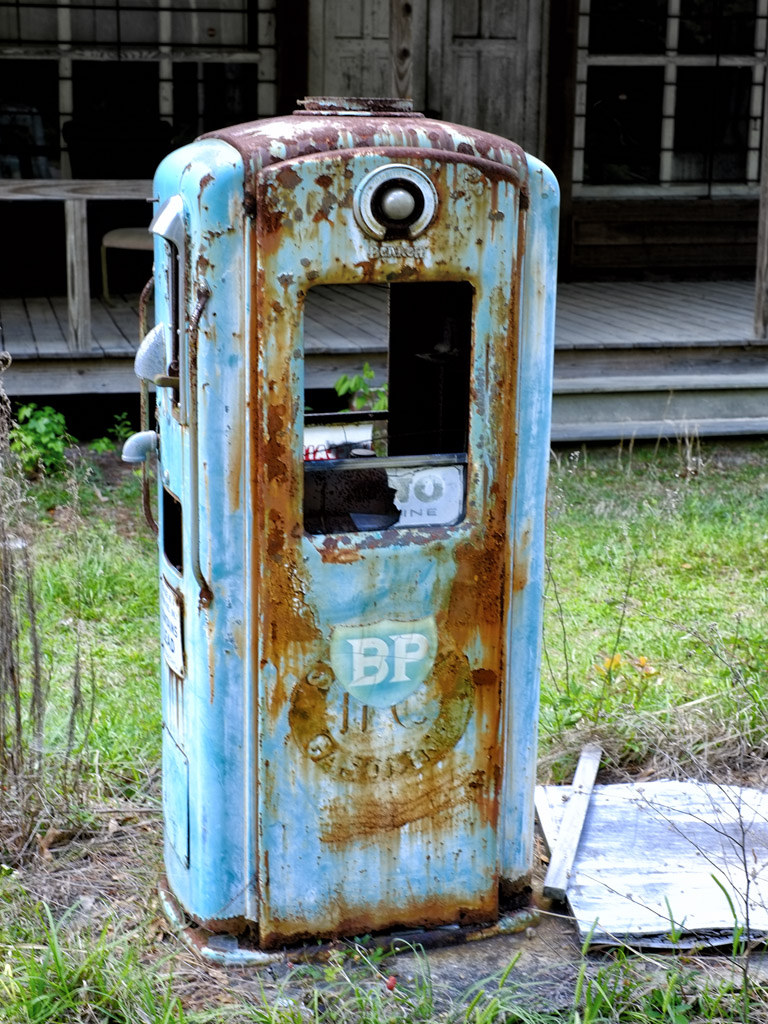
Antique Gas Pump, Fuji X Pro 1

So…

Returning to the love of our roots can mean:

Camera Love <= Really does equal => Doggy Love

Told you I was a sic person…

Smile!

Galleries Are Here!


The Gallery pages are coming online!

Sunrise on Folley Beach, Light painting on the driftwood with a white LED light! Very LONG Exposure...


On the top menu of the blog you will find several pages listed across the top.  The one labeled Galleries is actually a series of drop down menus which will let you select several organized image galleries containing my favorite work from over the years.  So far, I have 4 galleries populated but will be expanding over this month to around 15.  Please stop by for a visit and come back often to see the changes there!

I hope that you enjoy viewing them as much as I enjoyed creating them!  They cover about 15 years of my work since living in the Low Country of South Carolina and cover about 19 different states and 6 different countries! I even have some high speed water drop photography thrown in as good measure.

Comparing Color To B&W For Viewer Impact


Mattamuskeet Light, B&W Conversion

B&W or Color, The Eternal Question!

Wow, talk about a loaded topic!  I have ALWAYS preferred B&W over color, but until recently the public voted with their dollars for color over B&W about 3 to 1.  Along came Infrared and the trend totally reversed!  So I find myself looking at B&W conversions of my color images each and every time I sit down in front of the computer!  This is especially true in Infrared also.

What this means is that as I post process my color images I also do a B&W version just to be sure…


After doing my RAW conversion and basic cropping for my master image library size I use the Nik filters in the following way…

Color Work Flow:

  • Nik Define 2.0 – In the auto mode simply select the defaults and check OK to complete.  If needed you can switch over to Manual and add extra control points in noisy areas but make sure you select the measure noise button before clicking OK.  This process cleans up the  the image but doesn’t reduce clarity!
  • Nik Color EFX 4.0 – I usually run the Tonal Contrast recipe but always try the Warmth and Brilliance and others as well.  This is to sharpen and adjust the saturation levels!
  • Nik Viveza – Overall spot corrections.
  • Flatten Layers and save as a 16 bit PSD file with a usable name keeping the camera image serial number as part of the name.

B&W Work Flow:

  • Always run through this workflow after finished with your color processing.  Never switch your camera over to it’s B&W internal mode.  You will get better conversions using the Post Processing!
  • Nik Silver EFX 2.0 – Boy this is a tough one.  There are so many recipes plus millions of individual adjustments.  For me I usually use the Basic recipe, or the Full Spectrum recipe (my choice most of the time) but for some images the Wet Rocks recipe is too magic to overlook!
  • Under Image > Mode select B&W than flatten the layers keeping the image in the 16 bit mode.
  • Save As giving the image a new name with BW in the name field.

That’s all there is to my workflow from the color world.  Infrared is much different and you can read great volumes about it on my IR blog at:

infraredatelier.wordpress.com

OK, here are some color/B&W comparisons for you to ponder over…

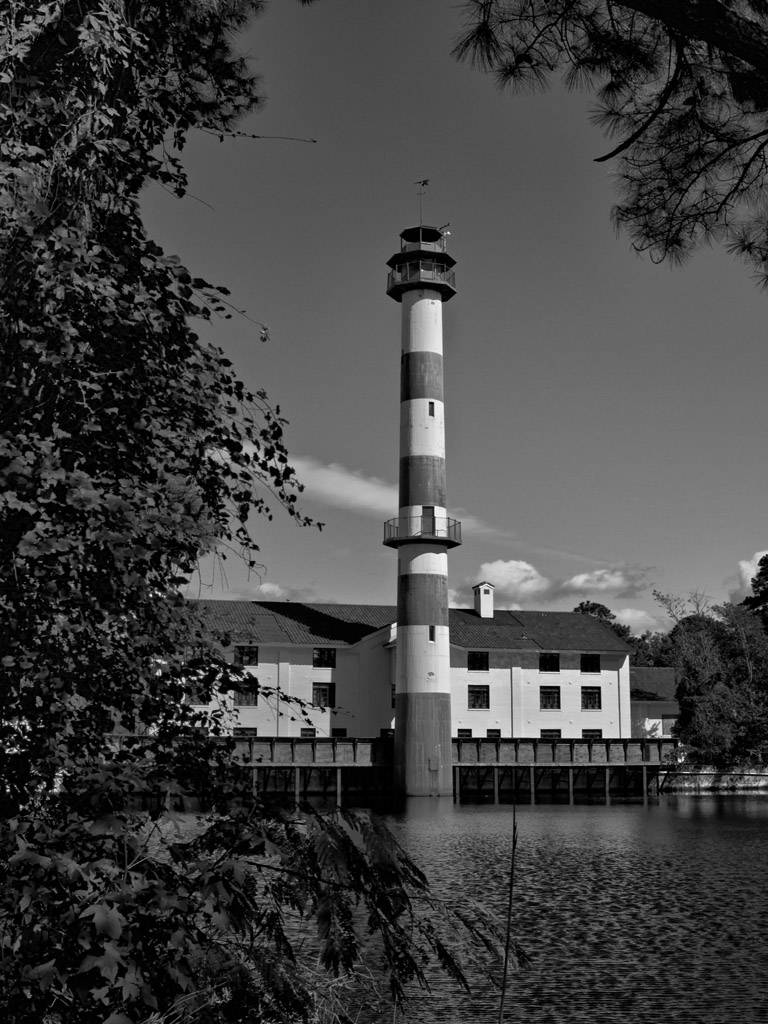
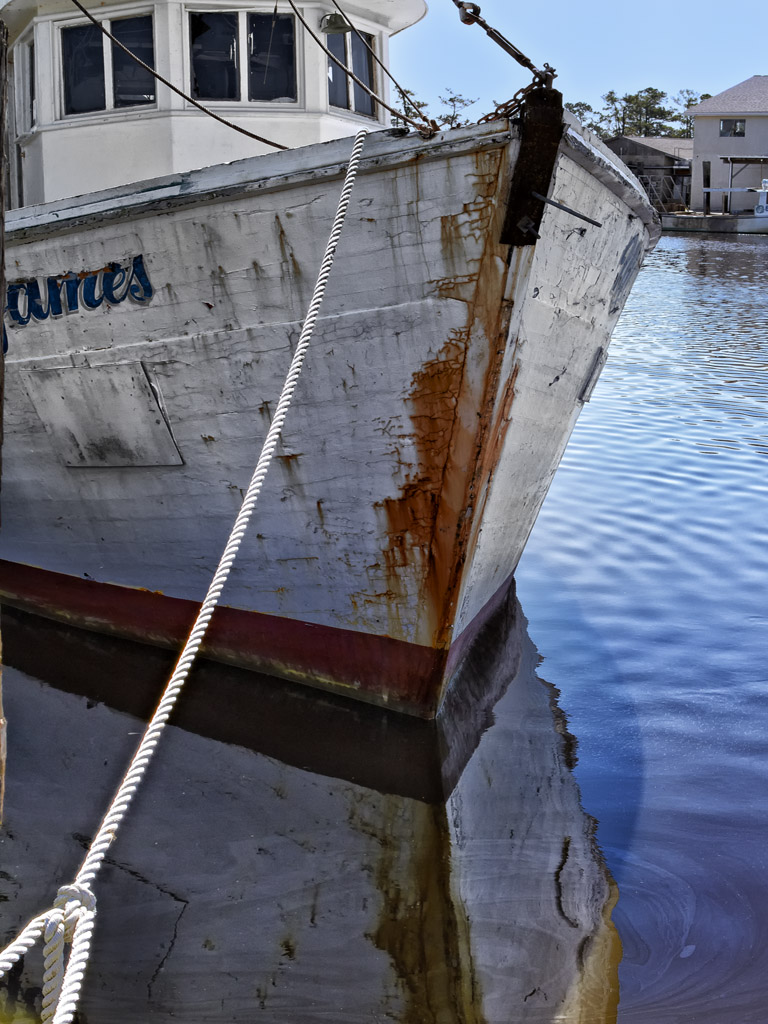
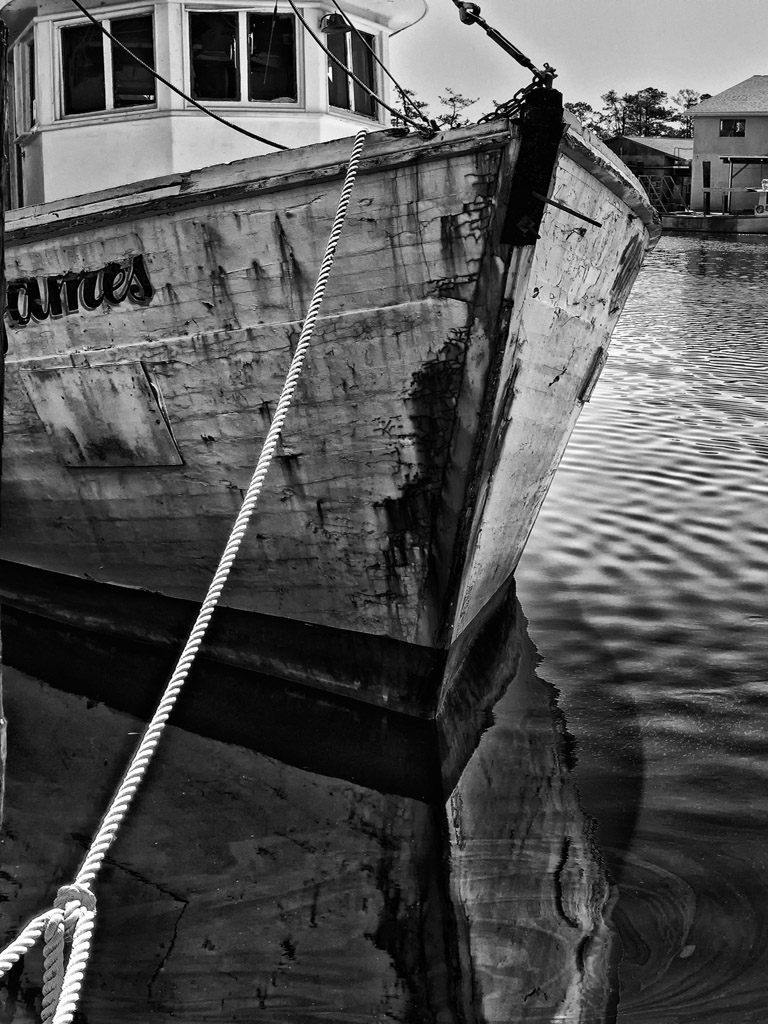
Capt James, Very Moody & interesting image

But, check out how the B&W version draws you into the image and smacks you around a little!  Both images are good but the B&W works better for me!

Emotionally Charged, Moody... Perfect!

B&W - Down & Out, Moody, Nice but a little plain don't you think?

But the Color image is something else!

The Color version tells more of a story and works better!

As you can see, I like the Color version much better.  This goes to prove that you never know which is going to work out the best so you should process for both each and every time!

What do YOU think?

Shrimp Boats from the NC Infrared Workshop!


Infrared vs. Color/B&W, So Many Choices – So Little Time!

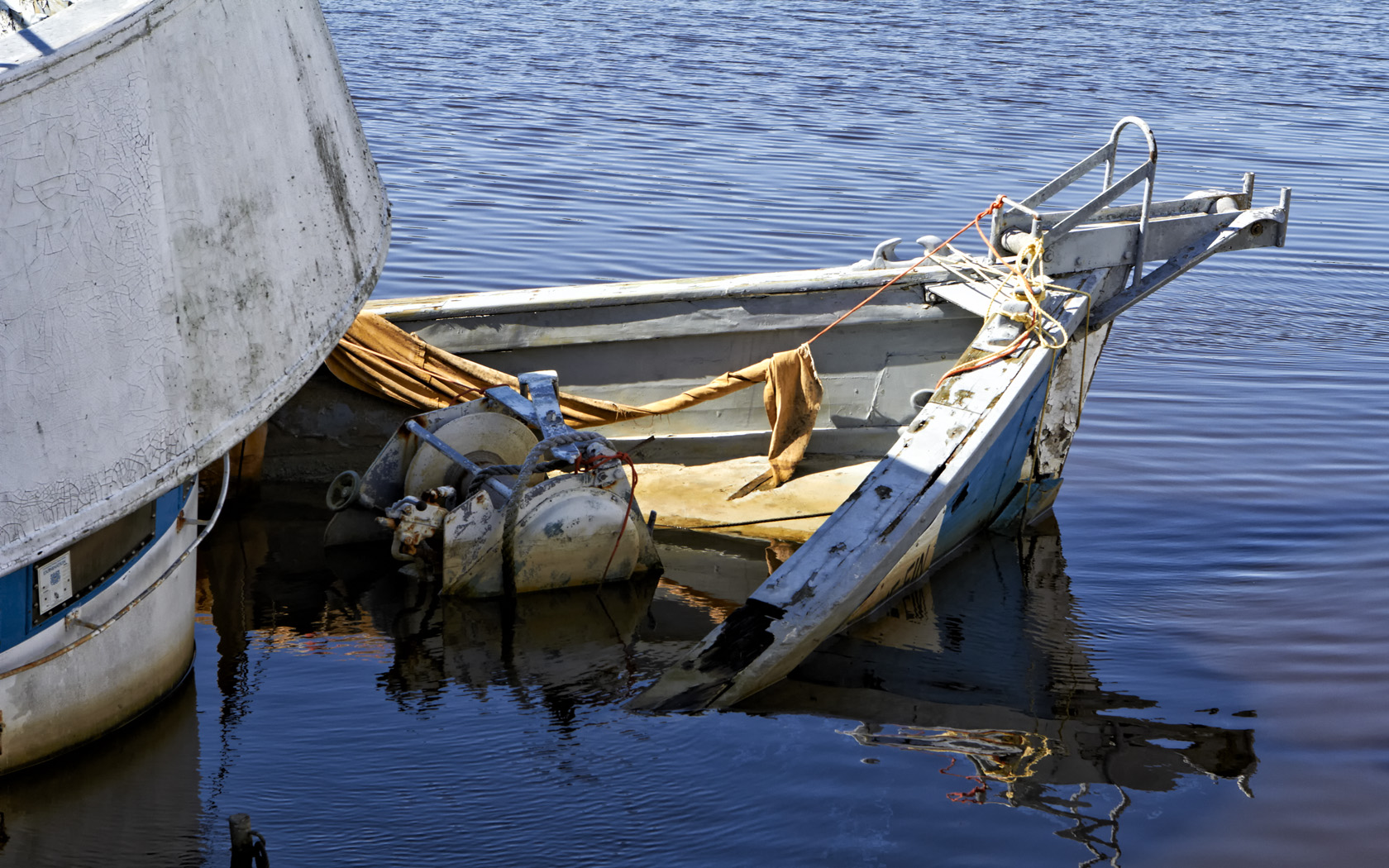
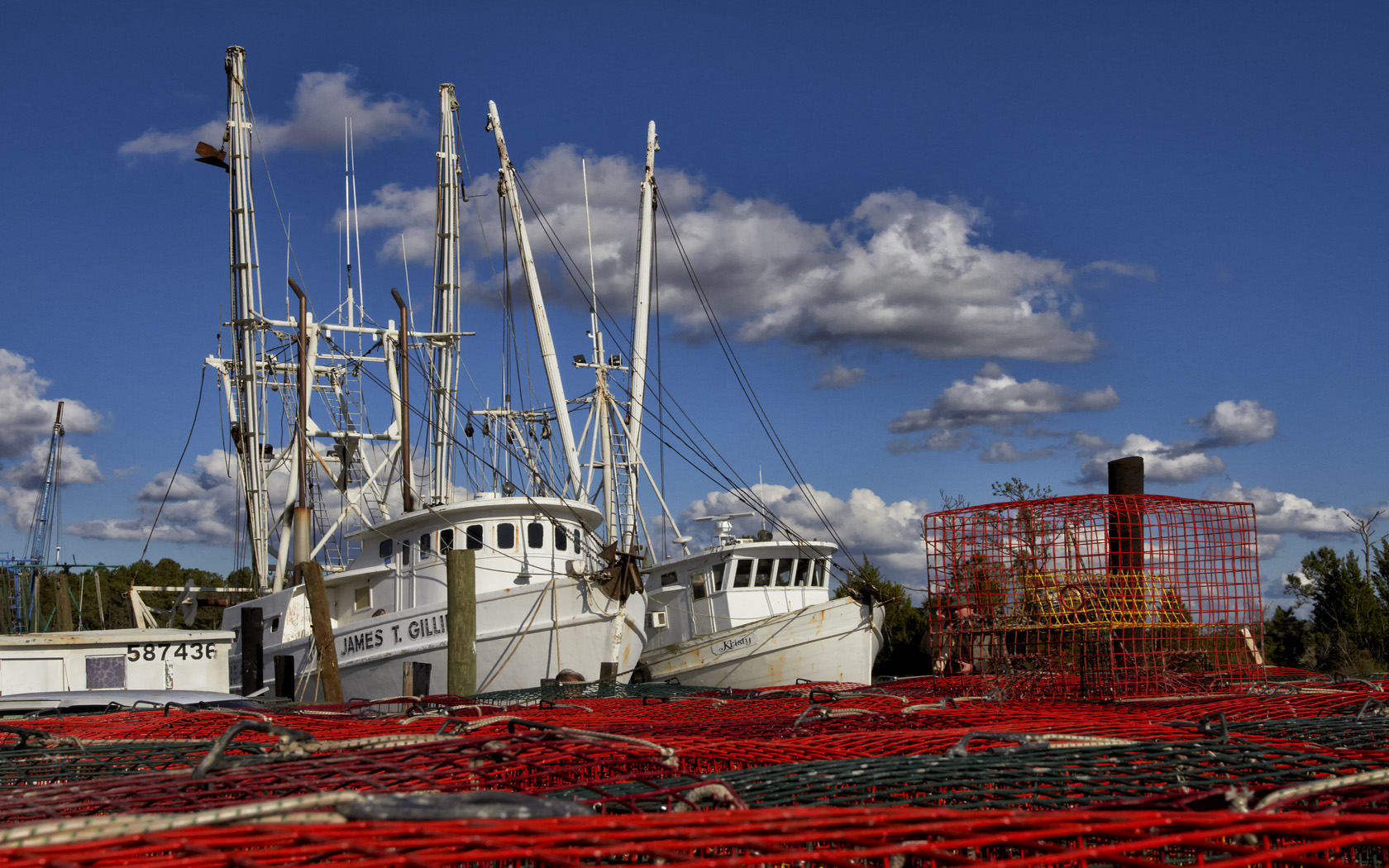
Shrimp Boats & Crab Pots!

I know, it really was an Infrared workshop given in the Swan Quarter area of North Carolina!  BUT, (really big but!) I wanted to capture these shrimpers in color.  The lighting was perfect, the clouds were moody and there were literally hundreds of the boats in port in both Swan Quarter and Englehard.  It was a dream come true!

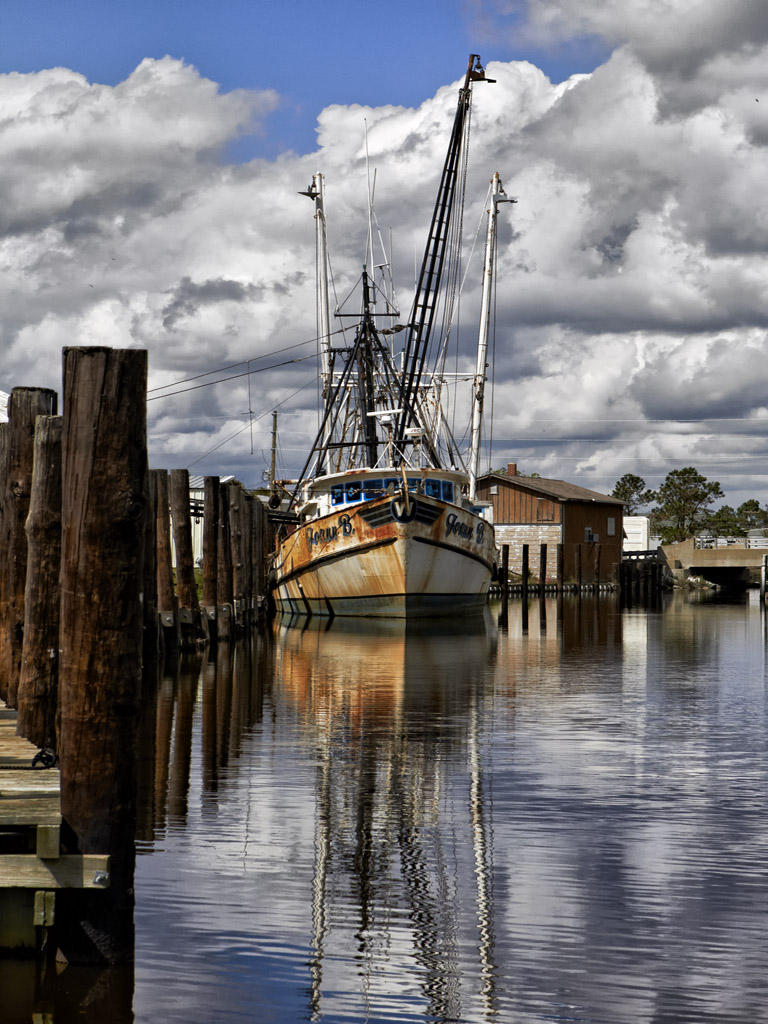
Joane B. - Englehard, NC

Just look at these colors!  This first image was taken in Swan Quarter.  The fleet infrastructure was dismal and beyond poor condition.  Some (most) docks were physically crumbled but yet still had boats tied up!

The difference between Swan Quarter and Englehard was simply amazing!  Englehard was well maintained and full of boats.  Everything was sparkling (well, as much as a fleet of shrimpers can be!)

And yes, I did shoot in Infrared as well but will post those images on the IR Blog at infraredatelier.wordpress.com.

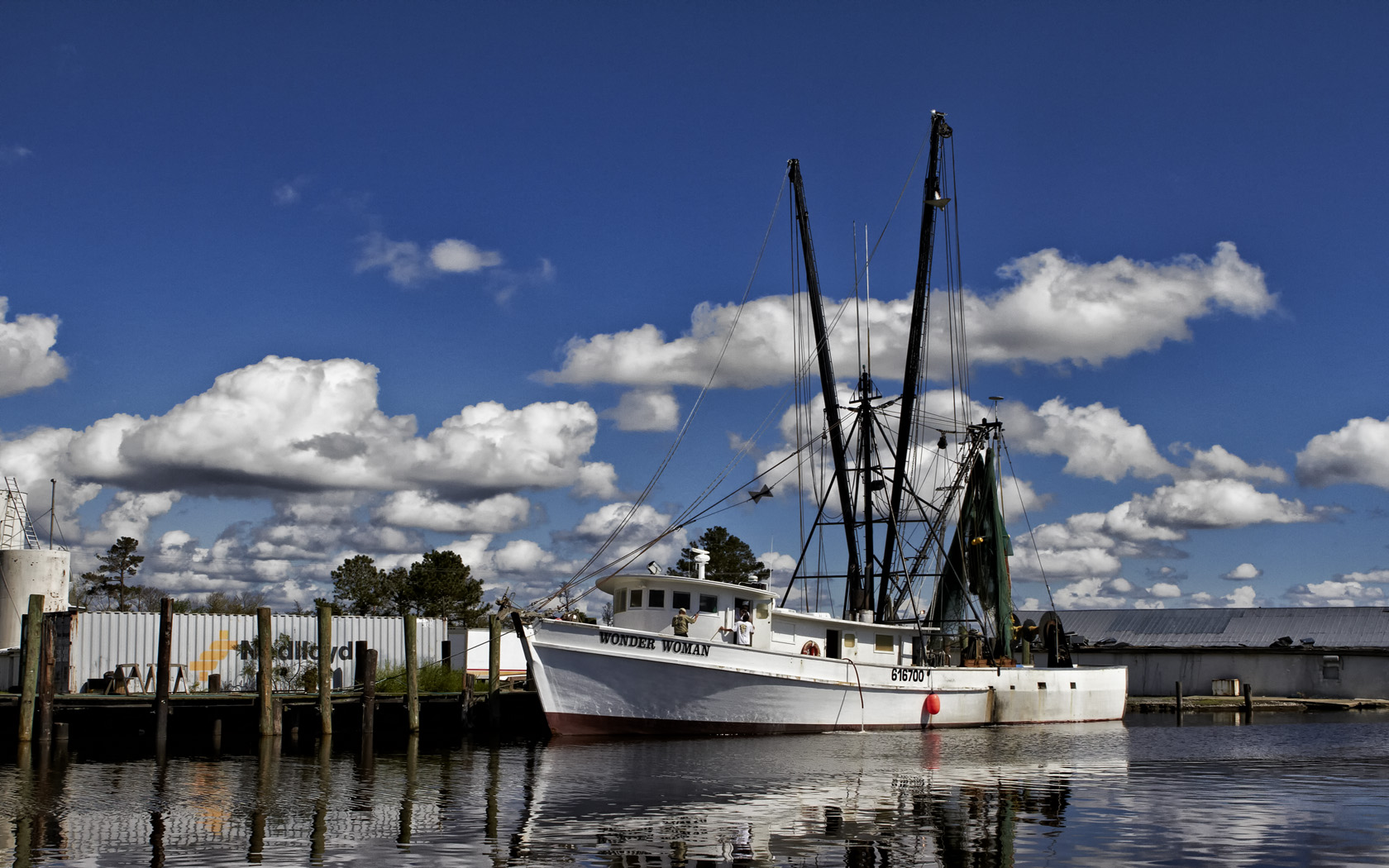
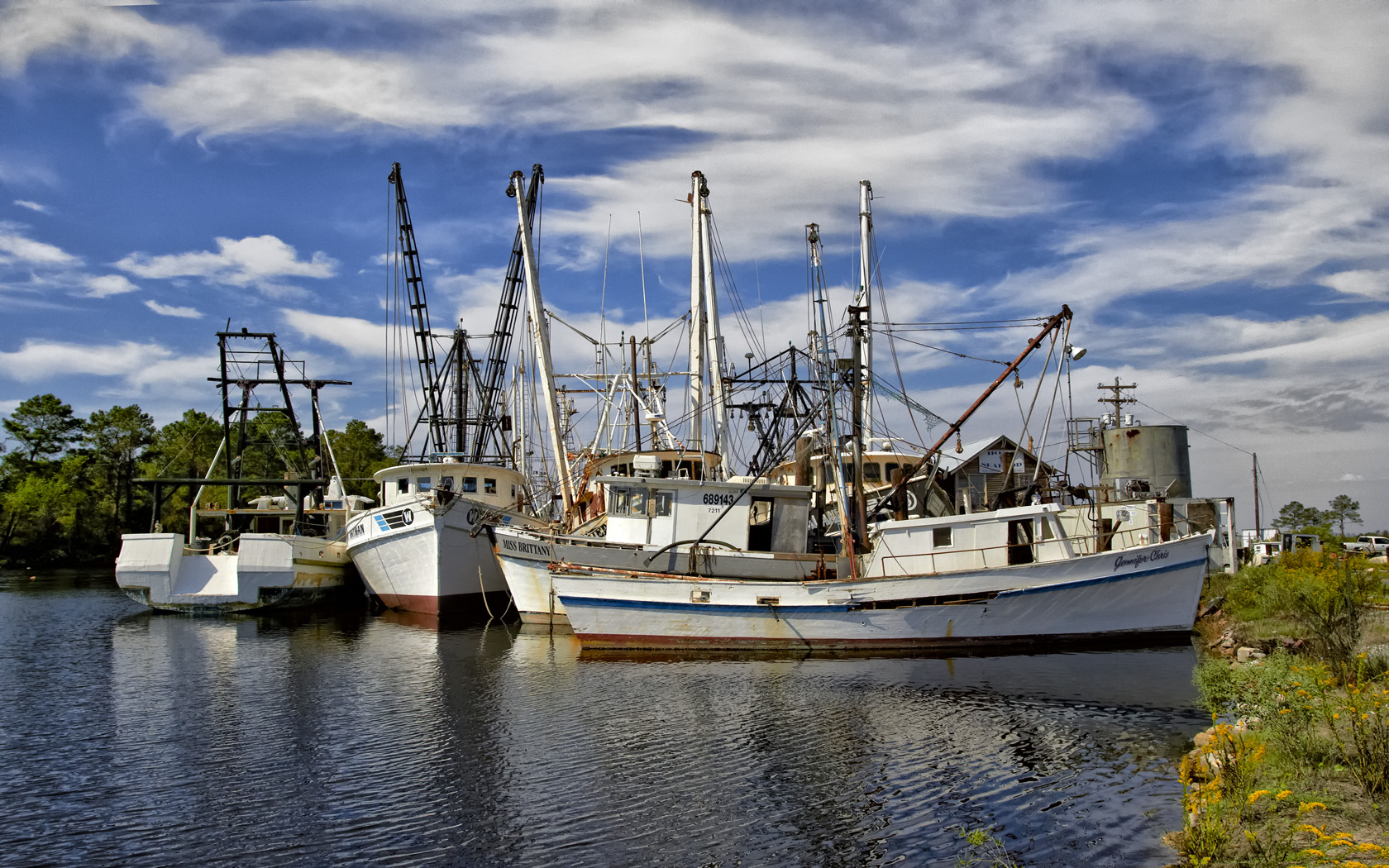
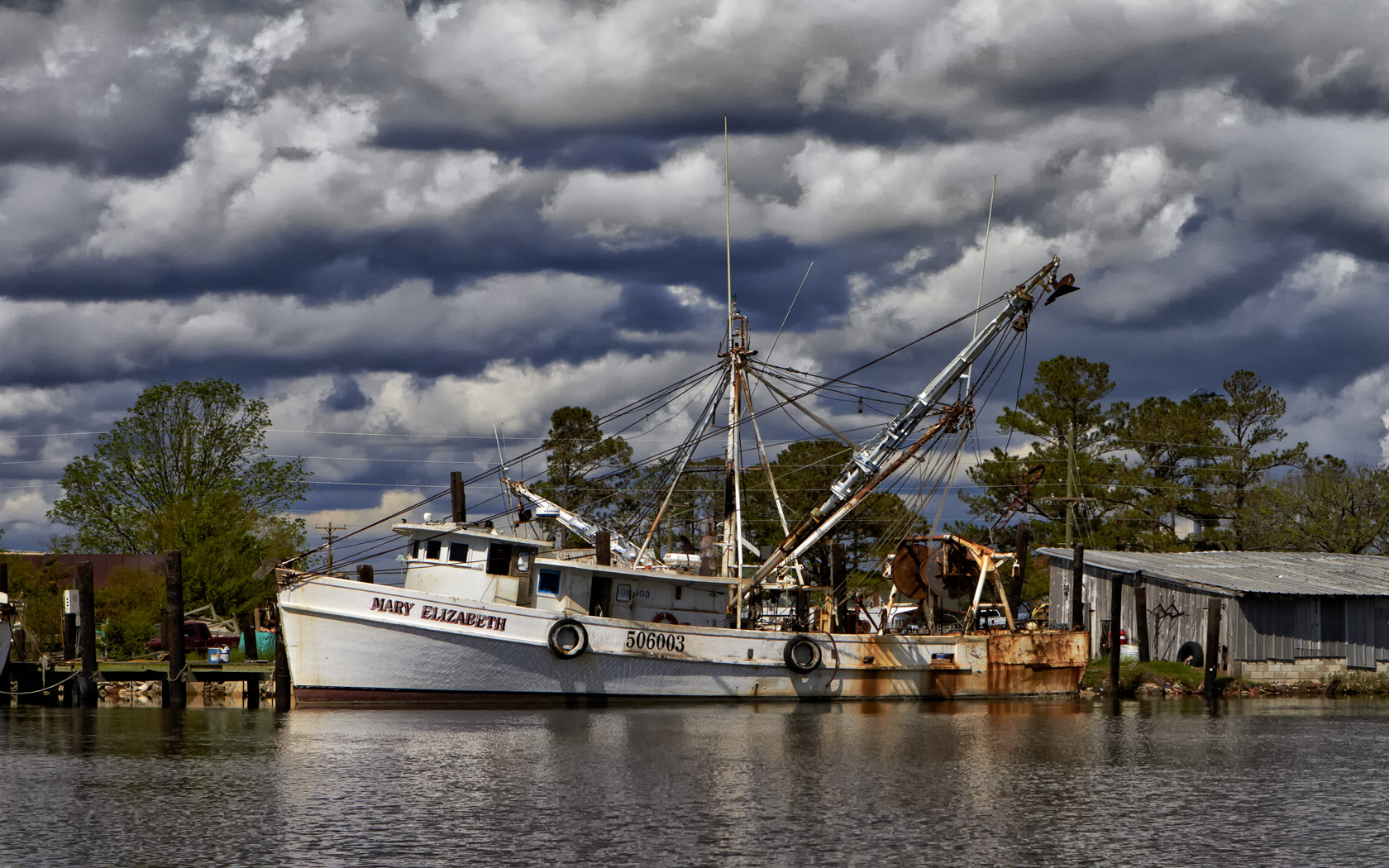
Ok, and now for some of my favorite shrimp boats of the weekend.  All were shot with the 7D switching off between the 24-70L f/2.8 and the 17-40L f/4 lenses!

Wonder Woman, Englehard, NC

Swan Quarter Fleet

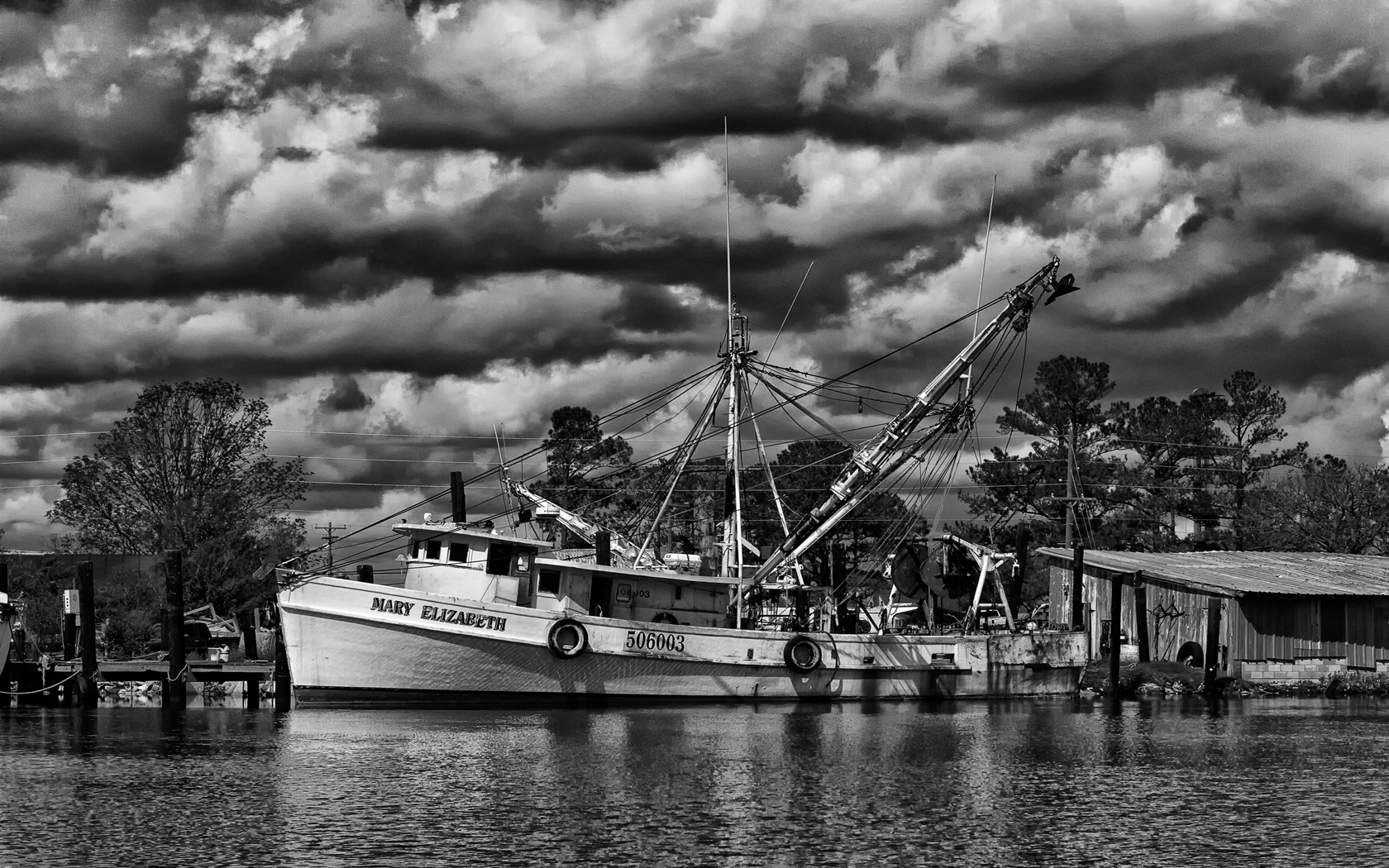
Mary Elizabeth, Englehard, NC B&W

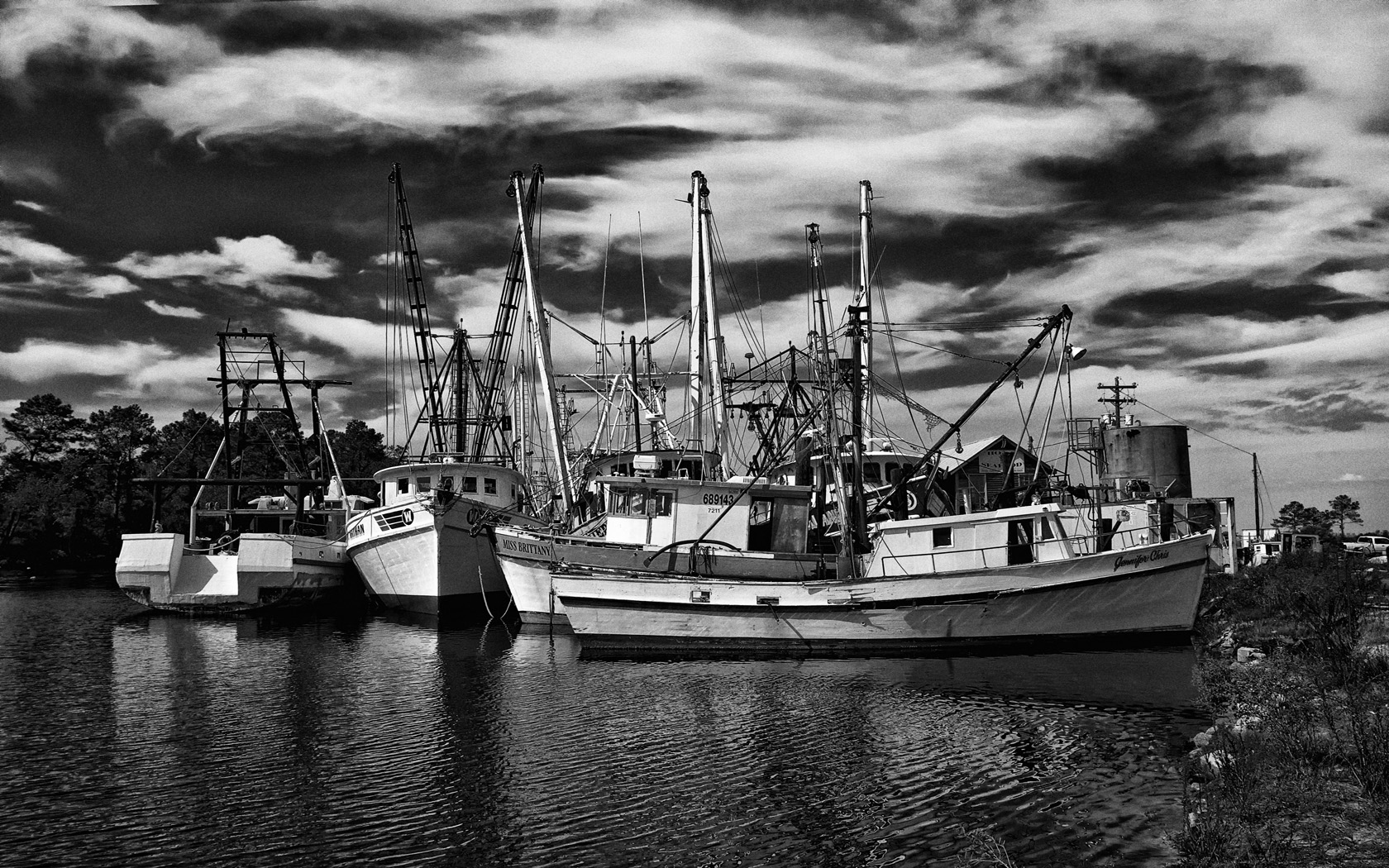
I did mention B&W shrimp boat images didn’t I? Sometimes, B&W images can be so stunning that they can take your breath away.  They pack and incredible emotional punch that can grab the viewer by the throat and scream “Look At Me!”

Swan Quarter Fleet, B&W

Mary Elizabeth, Englehard, NC

All images were processed in Adobe CS5 using the Nik Filter set.

Please let me know what you think!

Time & Time Again…


How Infrared Changed My Life!

I am getting old and definitely tired.

I shoot Canon gear and always have.  I always purchase 1D bodies and currently have the 1DMK3.  For lenses I only use L glass.  I have been a photographer for 48 years and am retired from Eastman Kodak.  I have a lifetime of photographic experience.

That being said I must tell you that except for my hummingbird shots in Sept and Oct (on the tripod only) that I have not used my Canon equipment since June 2009.

On June 9, 2009 I went into the hospital to have severe spinal damage fixed in my neck that had taken the use of my arms in less than 30 days. I was only to be there for 4 days.  53 days later (25 in ICU on a ventilator) I came home with a breathing tube in my neck and a feeding tube in my stomach because everything in my neck was paralyzed and I could not swallow water or food for another 6 months. In 2010 both tubes were removed when I started to swallow again and I started thinking about photography again. I lost 50% use of both hands and 80% of my neck motion due to 3 levels of cadaver bones and 5 levels of steel cage.

I could NOT even hold the Canon body let alone a 400mm prime!  So what I did was to buy an Olympus E-P1. I was amazed by the quality from this little camera that I COULD carry so I started buying lenses. One thing led to another and along came a E-PL1 so the E-P1 was turned into Infrared and I was so happy with it that I started my IR blog (below). So (OK, I told you that IR was an addiction!)within a week of having the L1 that I had it converted to full spectrum IR!  Eventually I missed the ability to use a remote shutter release (water drops and lightning trigger) so I got an E-P2 which I am going to LEAVE color!

The only thing that I miss is the Canon L glass which is superior in ALL WAYS to the Olympus micro 4/3 glass except that it is HEAVY.  But even this would not make me give up my Olympus system!  I might never be able to fully use my Canon equipment again but I am happy enough with the PEN that I do not obsess over it any more!  Understand, the PEN is a compromise system which does have good quality glass (which is all important) and the quality it produces places my images almost on equal footing with my past works with my Canon. My normal print size is 22×32 canvas prints which the PEN’s produce brilliantly!

Well, you ask yourself, what in the world does this have with Fine Art Photography?  Simple…. Smaller Lighter ultra high quality Infrared camera systems mean that I HAVE THEM WITH ME 100% OF THE TIME! I am taking more images, better images more often! This had lead to a rejuvenation of my artistic juices!  I am re-born artistically…

That being said, you have to know now that I shoot about 100 Infrared images to every single color image except during hummingbird season! I am enthralled with the ethereal nature of a WELL TAKEN infrared image.  They talk to me on an emotional level that no other type of photography has ever accomplished!  So much so that I have dedicated TWO web pages to it (see links on the right side)!  But I digress, the reason you are here is to see and experience the images (hopefully) the way that I meant them to be experienced!
Enjoy…

"The Wheel House Bell" B&W Infrared

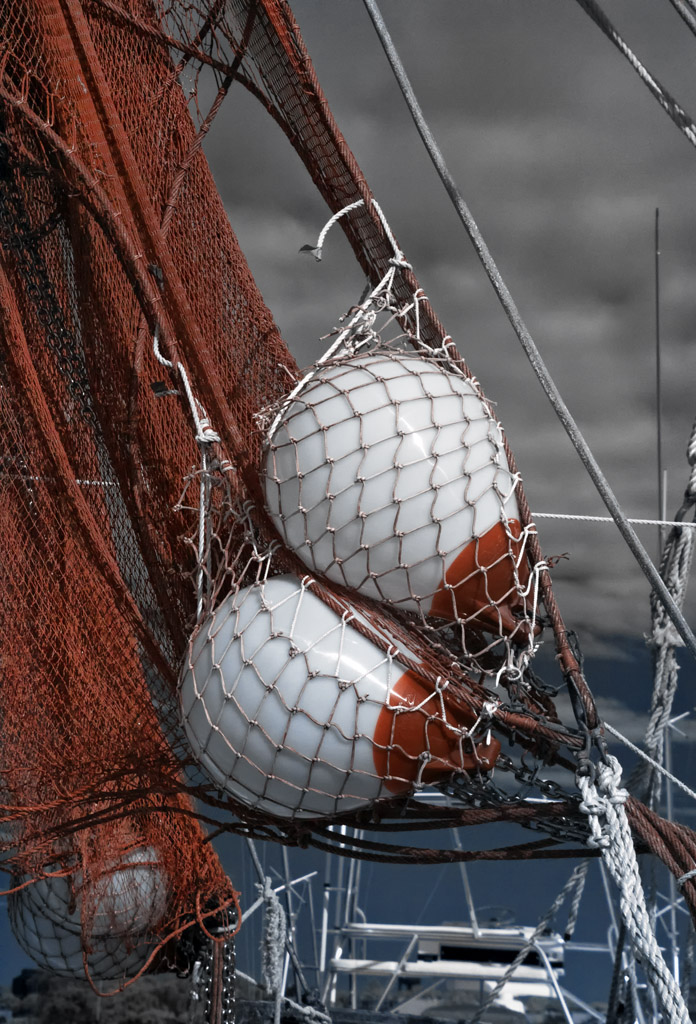
"The Nets" Faux Color Infrared

"Carolina Trunk" Faux Color Infrared

"The Boots" B&W Infrared

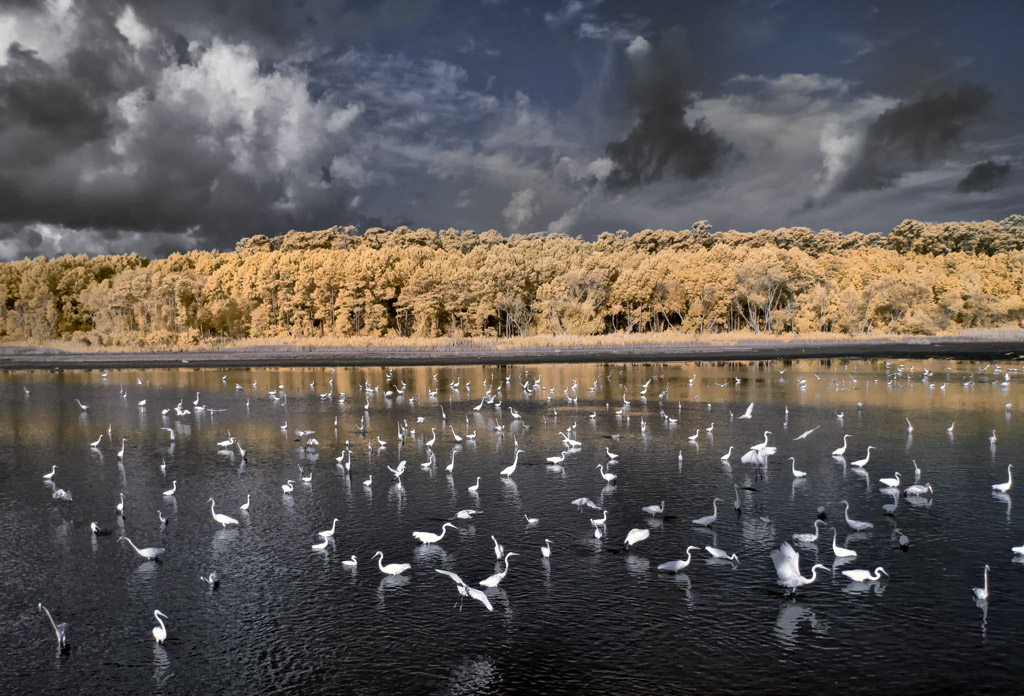
"A Gathering Of Egrets" Faux Color Infrared Image

"Hagood Mill" Faux Color Infrared, Pickins, SC

"Pawleys Pier In Hurrican Hanna" Faux Color Infrared Image

This is just a SMALL example of some of my own personal favorite Infrared work.  Each of these images have been selected based upon the emotional impact generated within me as I view them.  I literally have thousands of such images and invite you to visit my two Infrared WEB sites (links menu on right) for more information and images!