UPDATE: Fuji X Pro 1 and Advanced HDR Photography with NIK, Photomatix & Merge


WOW, the world sure changes fast if you close your eyes!

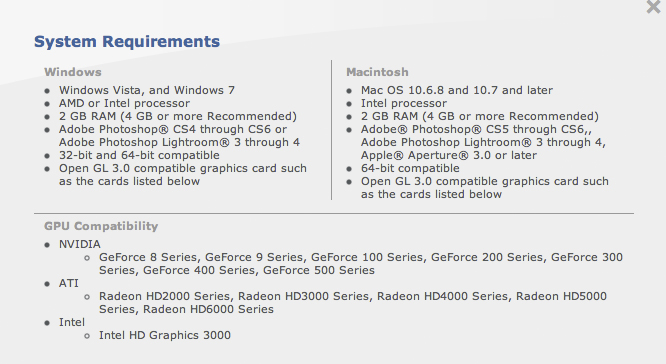
OK after one of my readers left a comment suggesting that the new version of Nik’s HDR EFX Pro 2 was likely supported in Lightroom I decided that I should perhaps do a little research!

Here is what I found:

Detailed compatibility specs for NIK HDR EFX PRO 2

So, as you see, as long as you are running a 64 bit OS plus very specific hardware in the graphics department it seems as if you can now run this fine HDR tool in Lightroom and Aperture!

Nice upgrade Nik!

Fuji X Pro 1 and Advanced HDR Photography with NIK, Photomatix & Merge


Or, Look Mom at  what I made!

A brief overview of the  4 major HDR tools…

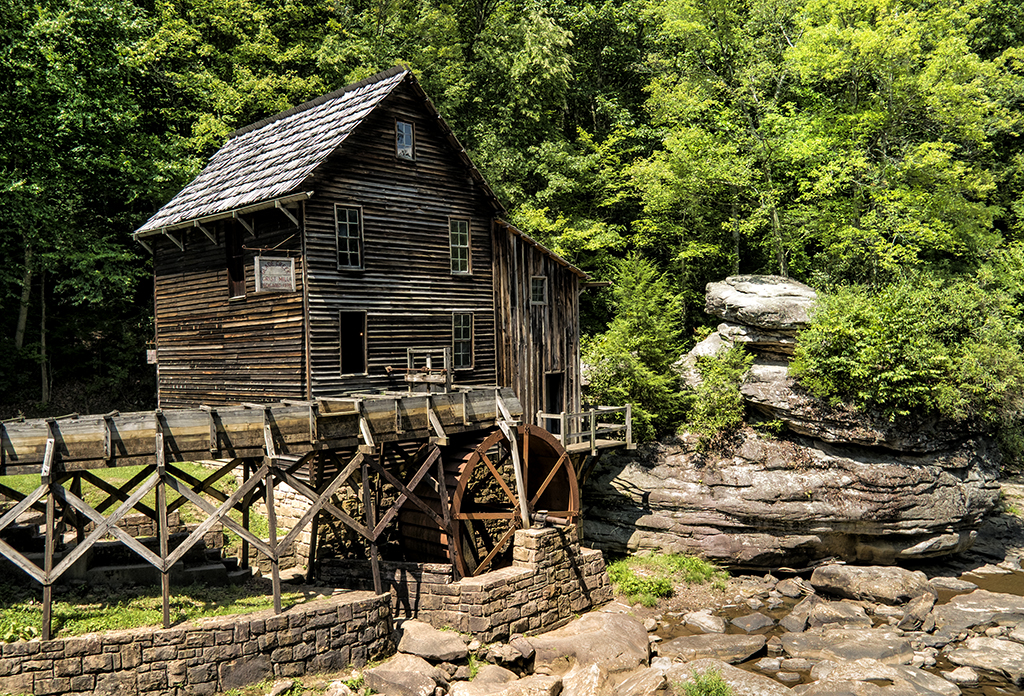
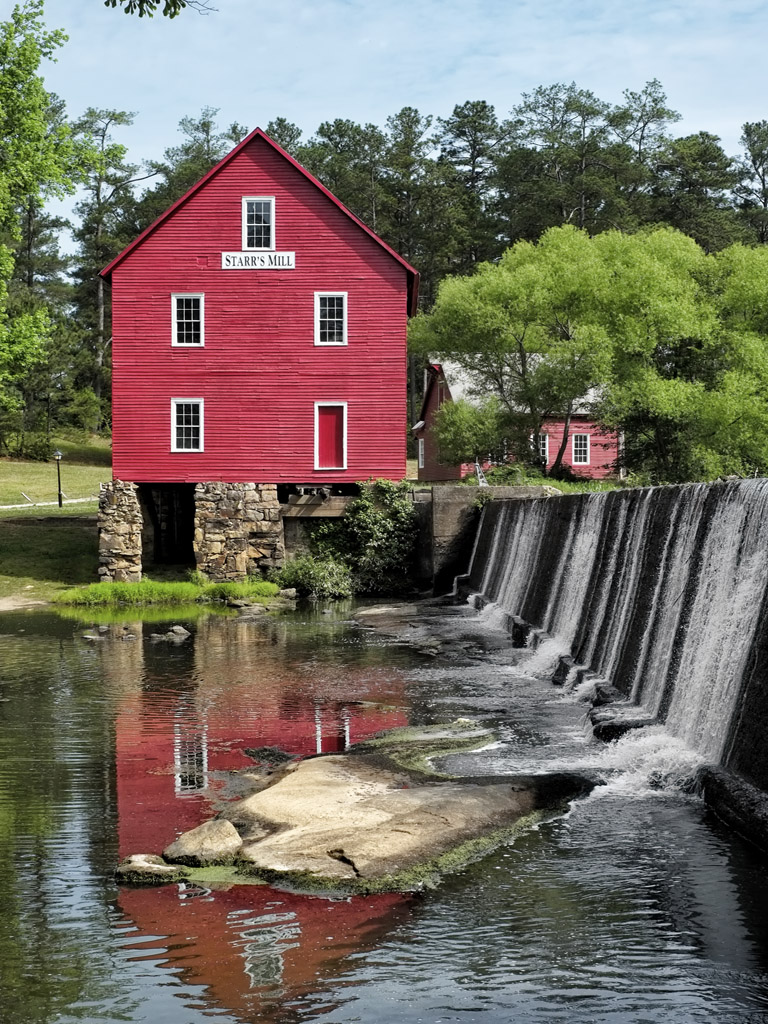
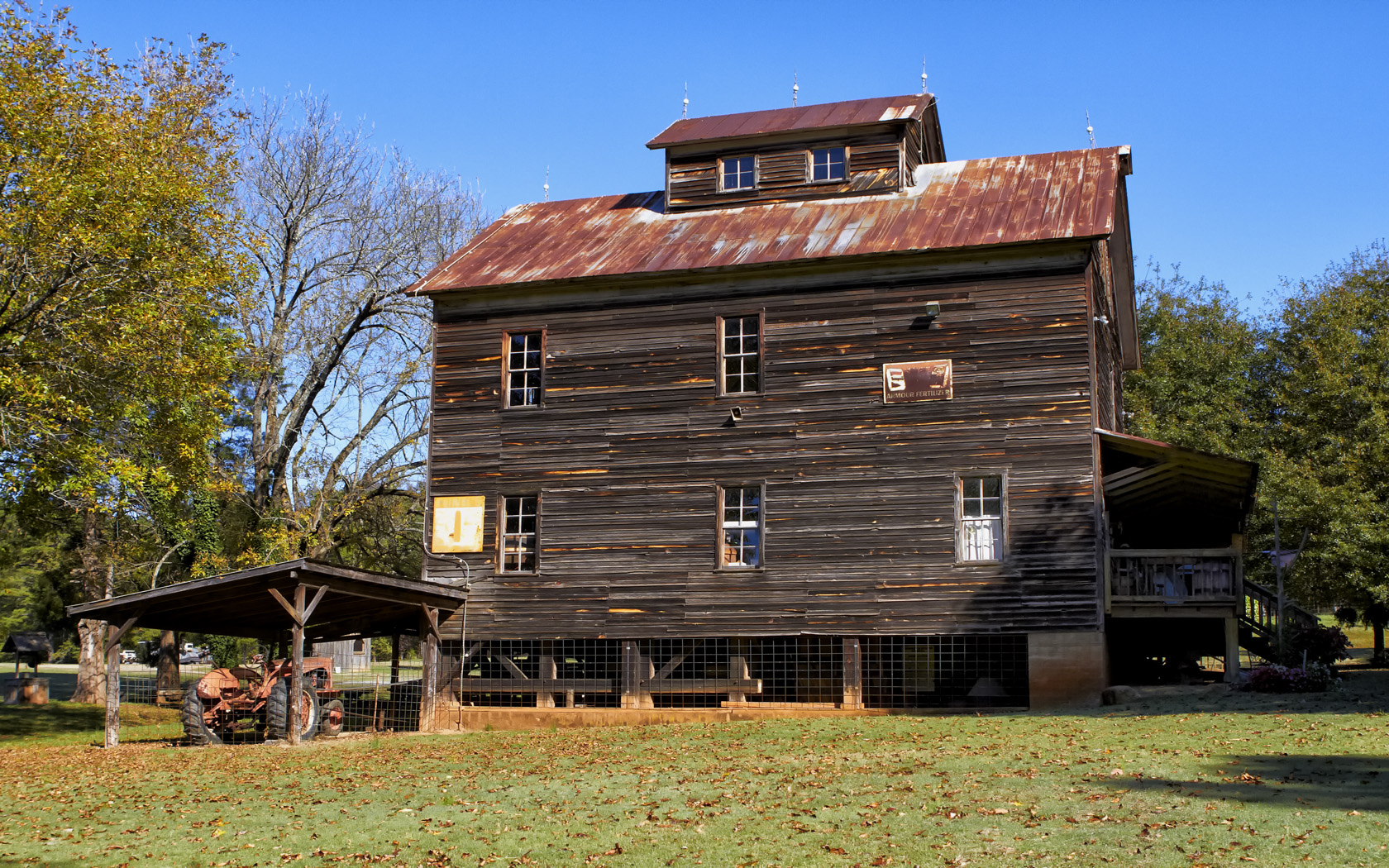
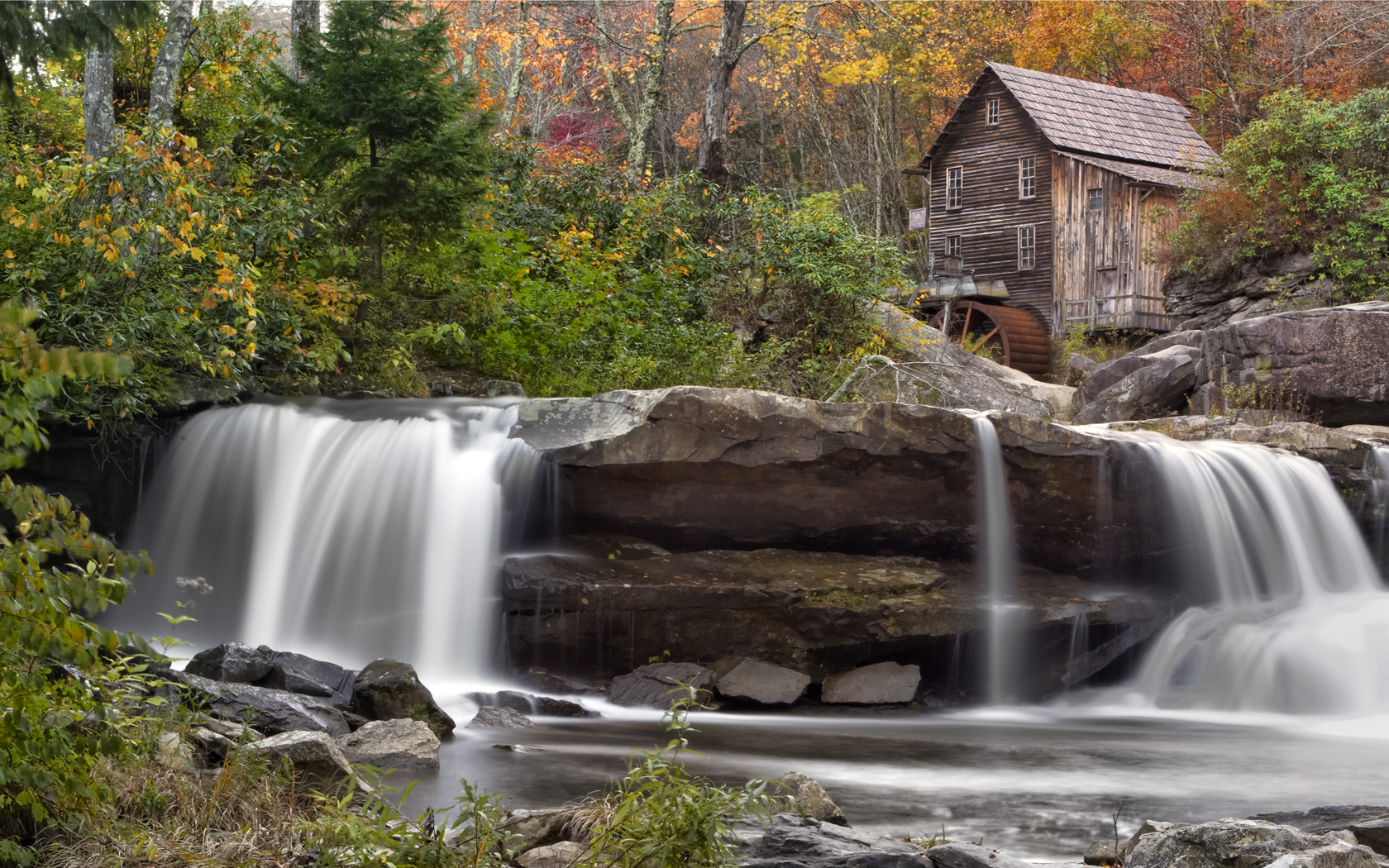
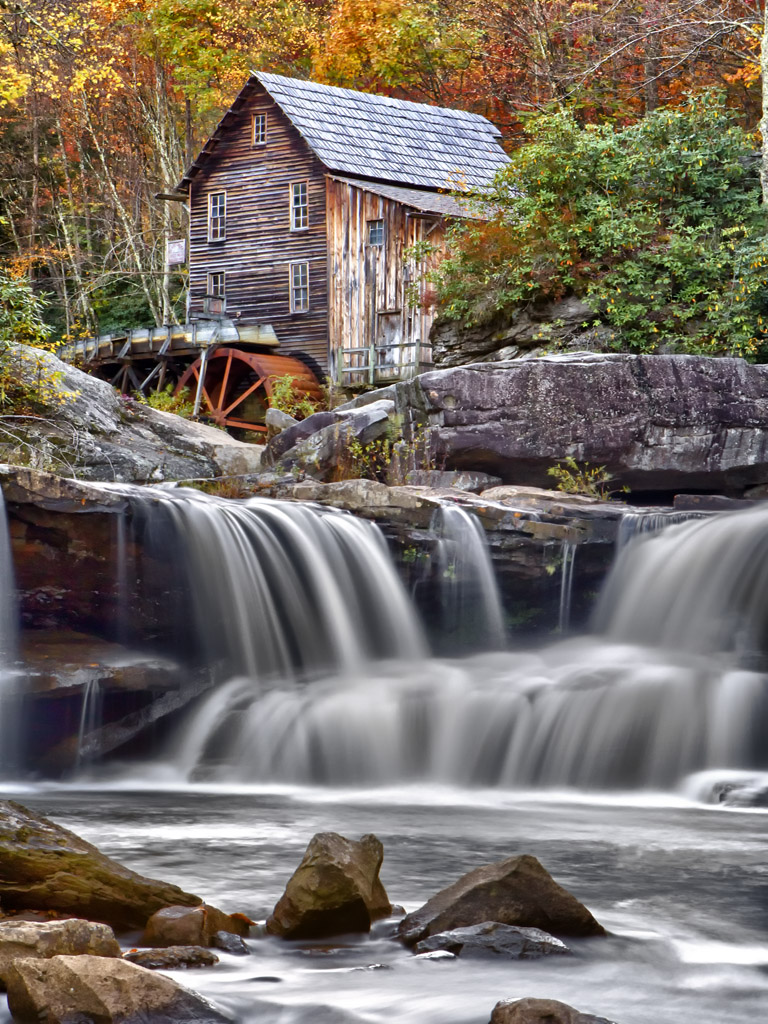
The Glade Creek Mill, Fuji X Pro 1 w/ 60mm lens, 10 stop ND and Nik HDR EFX Pro 2 with 3 source files

I just got back from a major workshop that Jamie Davidison and I led to the New River Gorge in West Virginia where to took our students on a hectic 4 day workshop/excursion.  We explored waterfalls, grist mills, trains and vistas while studying Infrared and Color post processing back in the classroom each night till about midnight.  This was EXHAUSTING to say the least but never the less, a great workshop full of great photographers who gave as much as they took!  My days started every morning at 5am and ended about 1am.  I am still recovering!
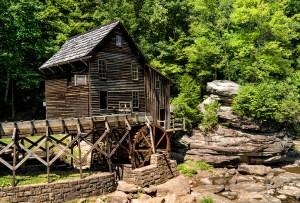
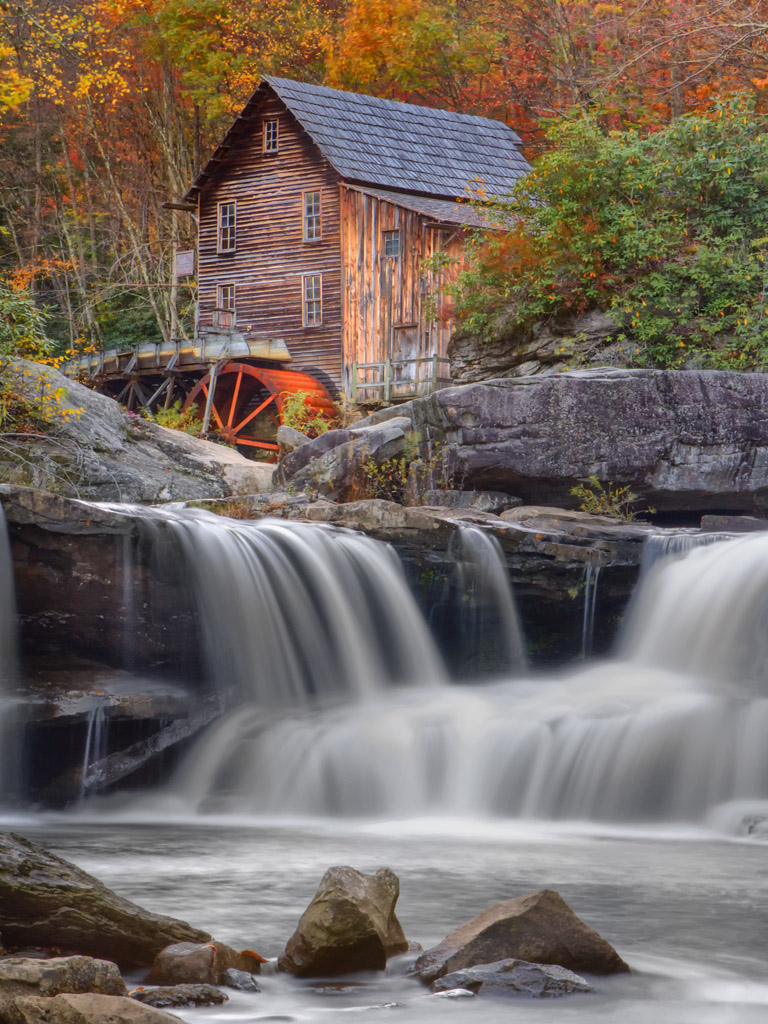
The Glade Creek Mill, Fuji X Pro 1 with the VC 12mm lens

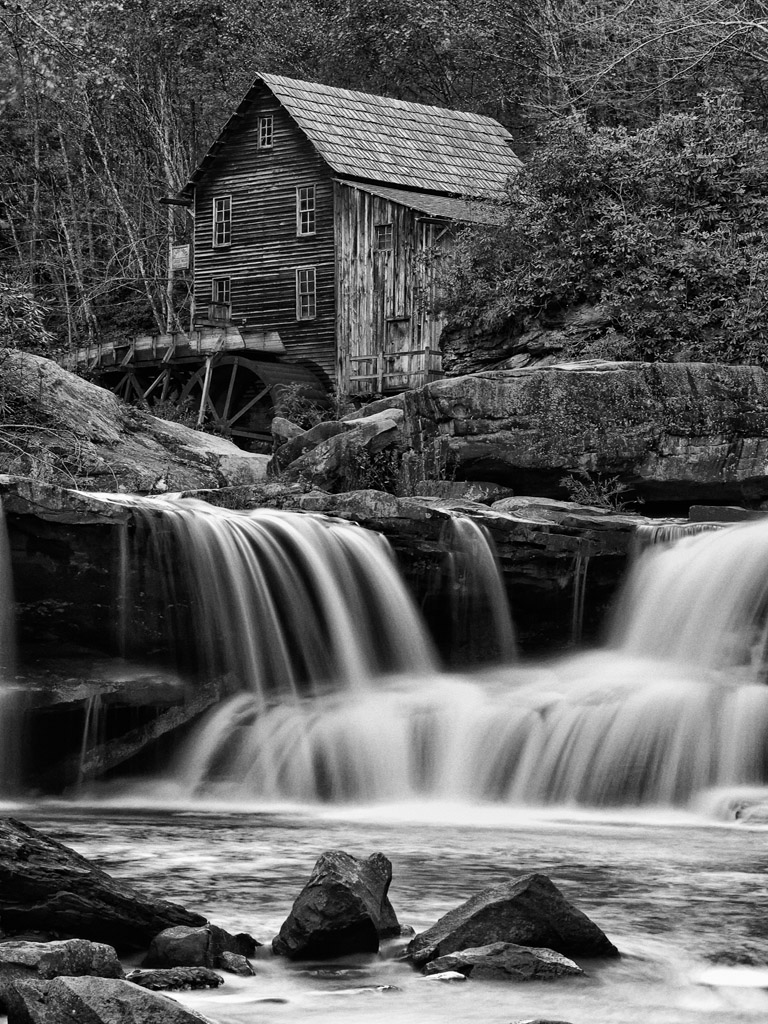
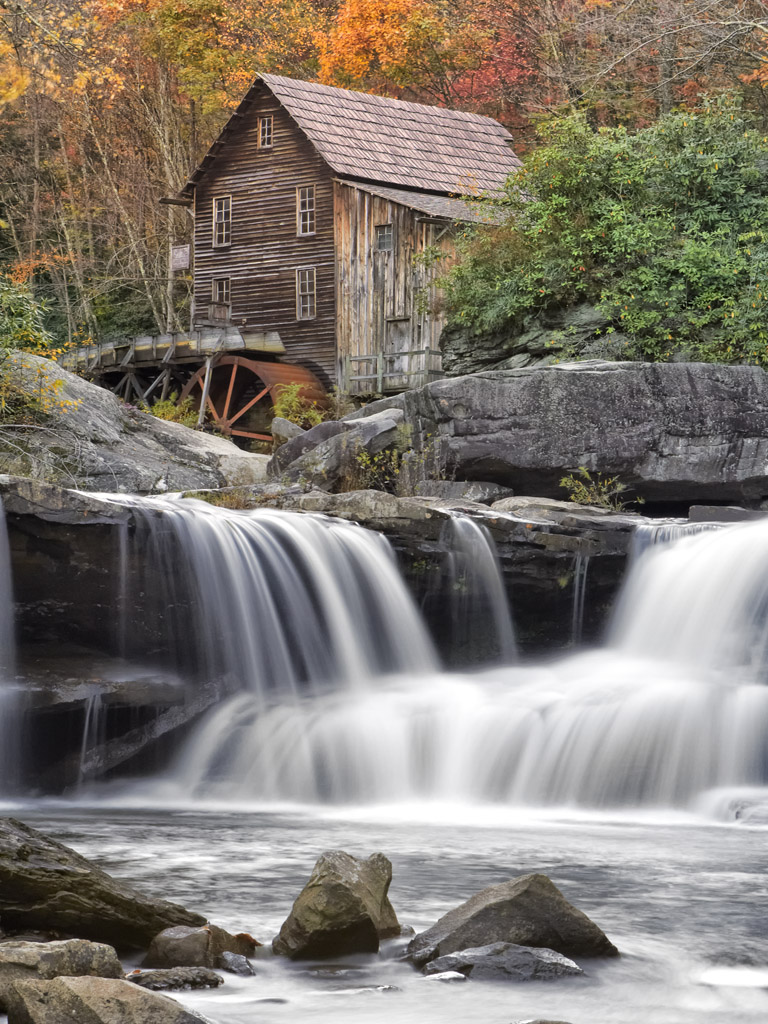
While the main focus was shooting in Infrared and its associated post processing, I needed to provide loaner IR camera systems to those who did not yet own one, so even though I own three IR systems I was forced to shoot color!  The sky each day was free of clouds and very bright, so if I wished to photograph in color I was forced most of the time to shoot HDR images in order to overcome the dynamic range of the day!  A lot of the time I was able to successfully capture an image with The X Pro 1 in a single shot like the one shown here on the right of the Glade Creek Mill.  But the norm was indeed HDR. The X Pro 1 camera has an unfair advantage over most other camera systems, it has a wider dynamic range and can capture more image data!

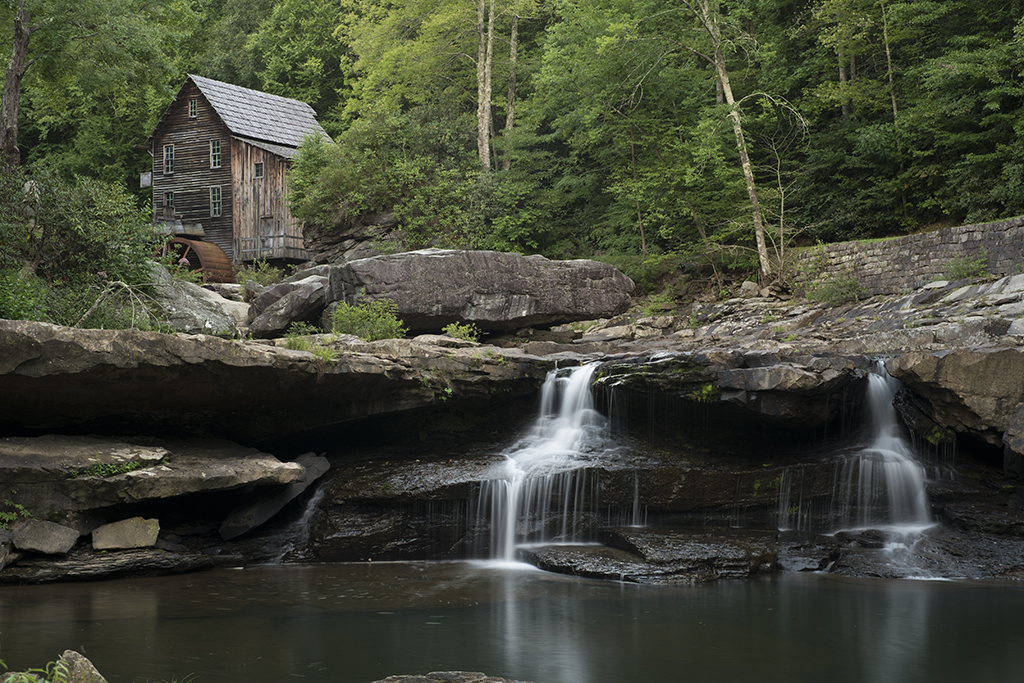
Notice that the mill did have some running water which forced me to use very long exposures in the range of 10 to 5 seconds in order to slow the water down.  While there was not a lot of water flow there was enough to make the images very nice.  I used the 60mm lens on the camera along with a 10 stop ND filter in order to slow it down!

OK so let’s get to it!  From this point on, we are going to be working with the same three source files.  I will take you through the post processing for the following HDR tools:

  • Nik HDR EFX Pro
  • Nik HDR EFX Pro 2 (new)
  • Merge To HDR Pro (Photoshop CS6)
  • Fotomatix Pro 4.2.3

I also will be using Nik’s Color EFX Pro 4 and Viveza 2 for post processing (fine tuning) after the HDR conversions are finished!

Overview:

OK, what is HDR?  HDR stands for High Dynamic Range.  Think of it this way… You are out taking pictures during the brightest part of the day.  You can get a good image of the foreground subject, but the sky is totally blown out, you know pure white.  The total range of the light from black to white in your image exceeds what your camera is capable of recording, but our eyes can still see and understand the complete range.  So, in the world of photography, we have developed the ability to take several photographs, say three to six, each one with a different exposure from way too dark to really blown out.  With these pictures in hand you can now run one of several software programs available that will combine the best of each of these differently exposed image into one that can display the entire range of of the image from black to white!

Now this requires a image with more data than you can store in a 8 bit JPG image, and even more than your 16 bit RAW, TIFF or PSD image!  Now we move into the world of 32 bit images that can hold and display  a far greater range of black to white data.  Now, 32 bit images are all but useless to us in the real world so the HDR software will compress it down to 16 bits by removing select bits of brightness data without really negatively affecting the view of the image and making it possible to view and print the image!   Pretty neat technology don’t you think?

What I normally do when shooting HDR is to take a test image and evaluate the histogram.  I will look to see what areas are out range, or totally black or totally white.  Usually, the blacks will be fine but the whites will be blown out.  I will then retake the same image with a negative EV dialed in and re evaluate the image again looking to see if the blown out white areas of the image are now in the proper range.  This gives me an idea of just how wide the range of the image needs to be.  If the blown out areas take two or three stops of adjustment to bring them back into range then I will then  decide upon how many HDR images are needed to be taken to get the total range covered in 1/2 stop increments.  You will need to set your camera on a tripod and have it locked down to assure that you get the same exact composition in each shot.  You can either use the auto bracket mode on your camera to generate your shots or do it manually.   Weather or not you change the ISO or shutter speed is dependent upon the scene or your artistic intent.  Some cameras will bracket at most three shots, some 5 and some even 7 or more!  You can usually choose to bracket with Aperture, Shutter Speed or ISO.  It is important to keep the Aperture constant as to not change the depth of field.

For these shots, as long as I kept the shutter speed longer than 3 seconds I would not have any issues with keeping sharply defined slow moving water to generate the HDR.  So I chose a 3 stop bracket using the Shutter Speed, leaving the Aperture and ISO steady.

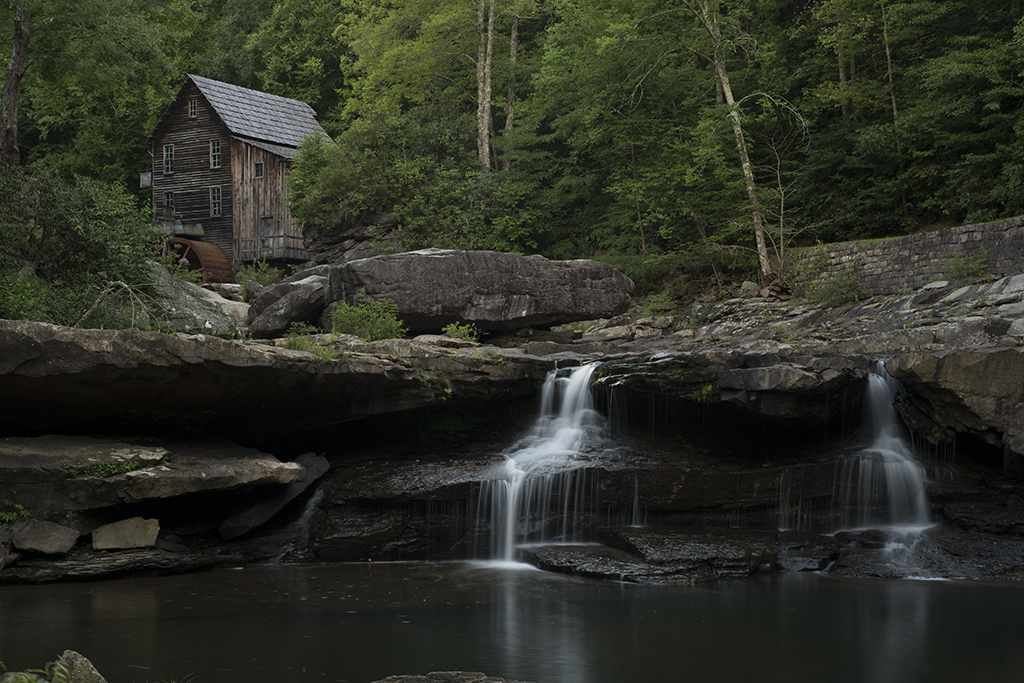
Here are the 3 component images that make up the final HDR image:

  • In the first, 3495, the trees and mill look good, the water is overexposed about a stop and has lost detail and the rocks are a little under exposed.
  • The second, 3496, the rocks are perfect but the water is very over exposed. There is some detail in the black area under the top of the falls.
  • The last, 3497, the water is perfect but everything else is just to dark.
  • The water was always the key to this shot, getting it so that it was not blown out is the reason to use HDR.  These three images generated by the camera without any processing other than raw conversion and bracketed .7 ev apart with -1.3 ev being one of them, -.6 ev and lastly –2 ev.  If you decide to try this, keep in mind that the closer together the exposures are, say 1/2ev the more data you will have to generate your final image.  You can also add more data with more images. Every HDR you setup and shoot will be different and you must evaluate how many shots to take at what exposure.
  • The very dark black under hang below the top of the waterfall was another consideration when deciding the exposure values of the component images.  I needed a brighter image to bring out some detail here as well.
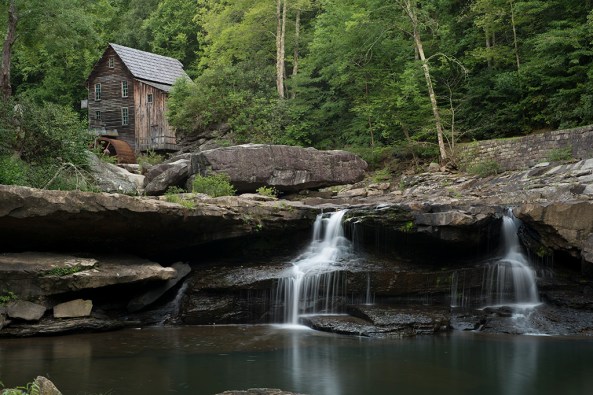
3495, -1.3 ev, f/8 8 seconds, I chose this value to get the correct exposure on the trees
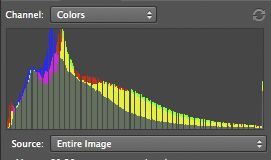
3495 Histogram, -1.3 EV

________________________________________________
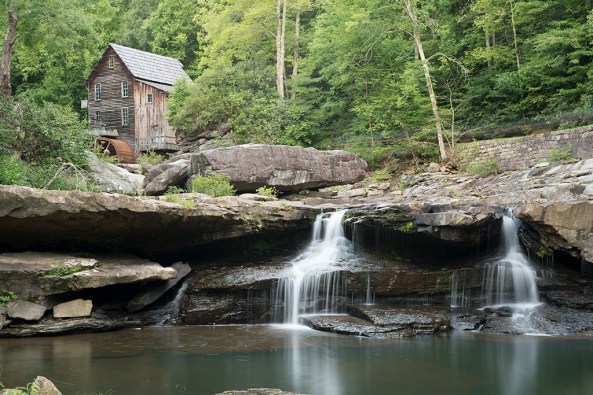
3496, -.6 ev, f/8, 13 seconds. I chose this value to get the rocks and mill exposure correct knowing that the water would be blown out
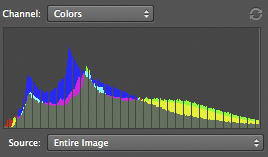
3496, -.6 ev

________________________________________________
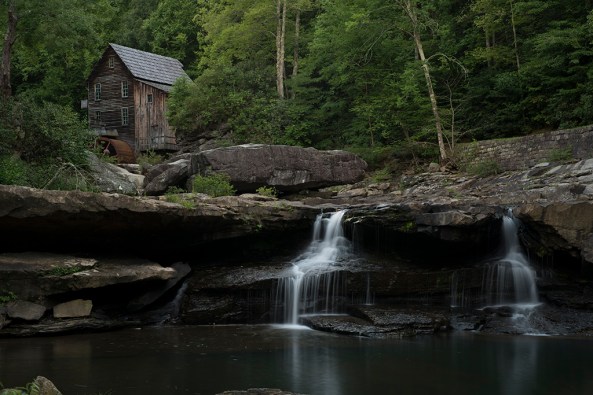
3497, -2 ev, f/8, 5 seconds,  I chose this exposure for the correct falling water exposure
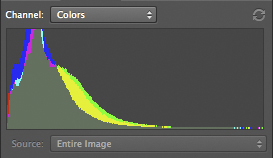
3497, -2 EV

________________________________________________

These three images are the only ones that I will use to explore the various HDR processing software.

Final considerations on component images that make up the HDR image:

  • You MUST shoot on a tripod to control camera movement (prevent ghosting) and to lock the composition.
  • Use a remote shutter release.
  • Wind will cause plant and tree movement which will cause a ghosting effect (bad).
  • Keep the aperture constant to force the depth of field the same between shots.
  • ISO bracketing is ok as long as you keep the jumps in ISO below the level where noise is introduced by your camera.
  • Exposures closer together will allow you to generate better HDR’s as long as the subject matter doesn’t move.
  • More component images mean more data to  build a better HDR image.
  • Take notes in the field as you shoot so that you can remember what your intentions were at that point in time!  This will help you when you build the HDR.

Some notes on the software:

  • HDR conversions require image editing software that can process in 32 bits.  This means that unless you purchase HDR stand alone software like Photomatrix Pro you MUST use Photoshop CS5 or CS6. Elements and Lightroom simply will not work.
  • I do not like over cooked HDR images.  I process them to a natural look and feel, close to what I can see with my eyes!
  • CS5 & CS6 both include an internal HDR conversion filter called Merge to HDR Pro for free.
  • The NIK HDR software, HDR EFX Pro and HDR EFX Pro 2 require a 64 bit operating system and the appropriate 64 bit CS5 or 6
  • Photomatix Pro is a stand alone filter that does NOT run inside of Photoshop and will allow you to save a 16 bit HDR converted image that can be opened in Elements.
  • All of the conversion software will cost between $100 and $200.
  • I am not going to take you step by step through each of the HDR conversion packages.  This is HIGHLY SUBJECTIVE and no two photographers will get to the end results via the same path!  There a quite a few good books out there on this!

Photoshop CS6 Merge To HDR Pro

This HDR program comes built into Photoshop CS6.  It is quite powerful and gives you a lot of options.  I found it very easy to use and it gives very nice results.  You will find it under the FILE > Automate menu and it  will ask you to locate and open your component images or add images already open!

Once your images have been chosen, it will open them and drop you into a full screen dialog where you can make any image adjustments.  Once done the software will drop the finished image into Photoshop where you can then do your final tuning with Nik’s Color EFX Pro 4.  I like to use the Tonal Contrast filter due to the ability to adjust color contrast in the Highlights, Midtones and Shadows separately from each other.  This one tool will really bring out the full potential of your images.

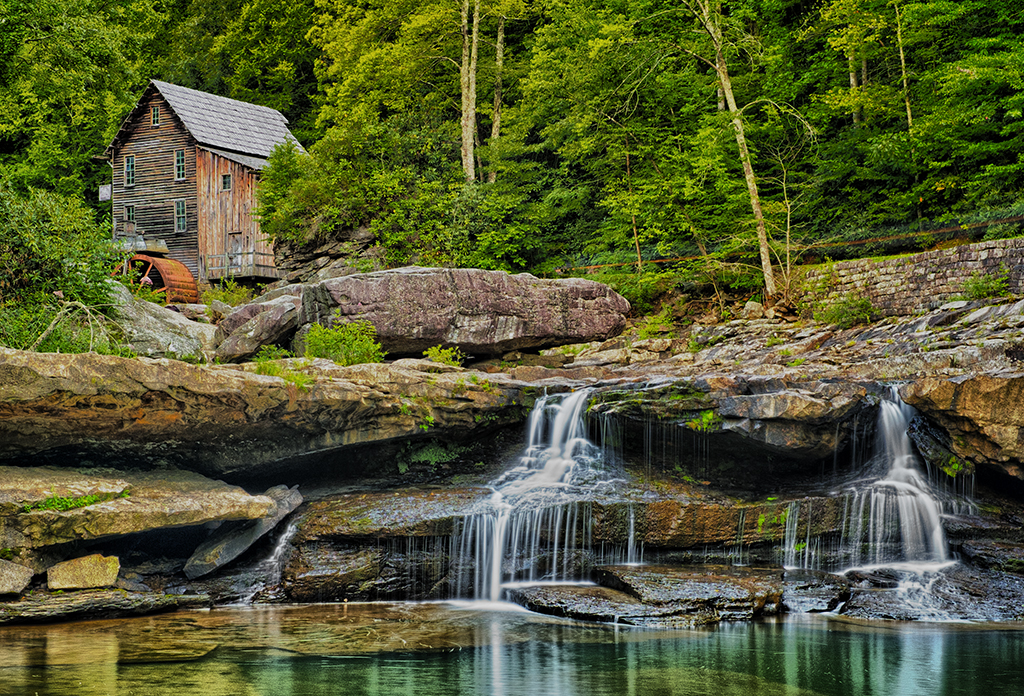
Here is my version of the three component images processed in Photoshop’s Merge To HDR Pro:
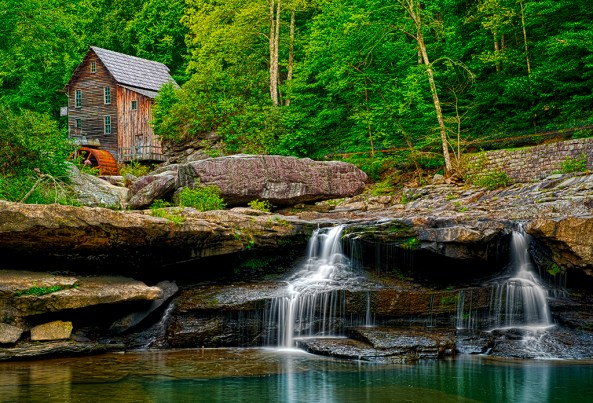
X-Pro1-3495 3496 3497 -Glade Creek Mill -2012 -M to HDR Pro

Here is my version of the three component images processed in Nik’s HDR EFX Pro:

OK, onto Nik Softwares HDR EFX Pro.  This is the first version that Nik offered earlier this spring (2012)  It has a great interface and does a pretty good job, but requires a little more fine tuning after the HDR conversion is finished.  The tuning process was again done using Color EFX Pro 4 and Viveza 2.  This is a plugin filter for the Photoshop family and requires that you run a 64 bit operating system in Windows or OSX.  It will NOT run on Elements and Lightroom.

I found that the images to be a little flat and lifeless until I applied the Color EFX Pro 4 in the after process tuning steps, then the images started looking pretty good.
X-Pro1-3495 3496 3497 -Glade Creek Mill -2012_NIK HDR EFX Pro

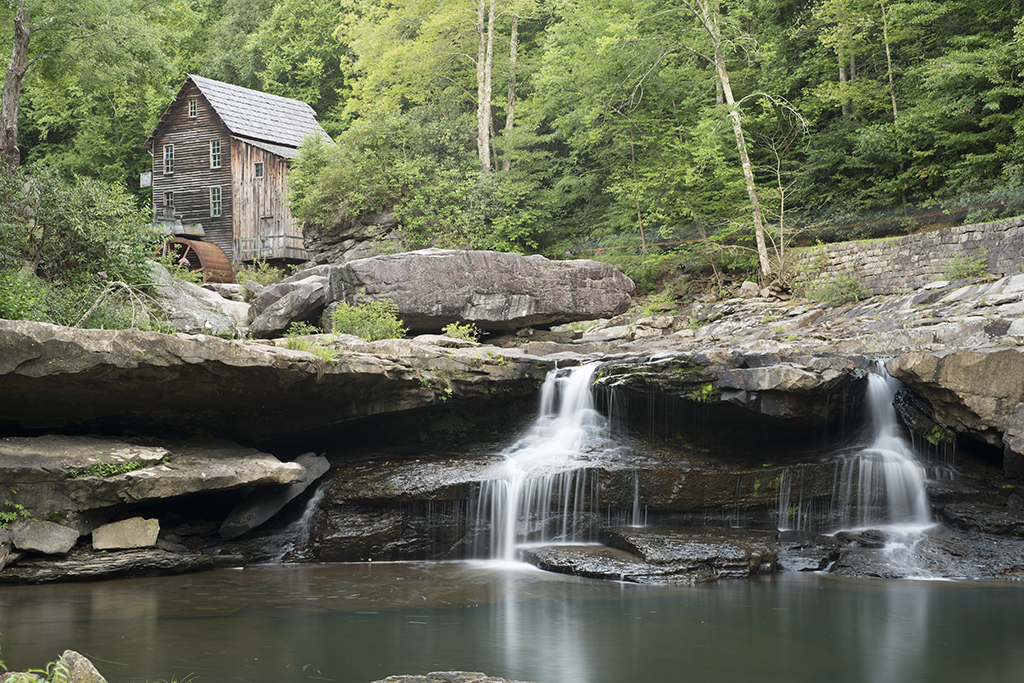
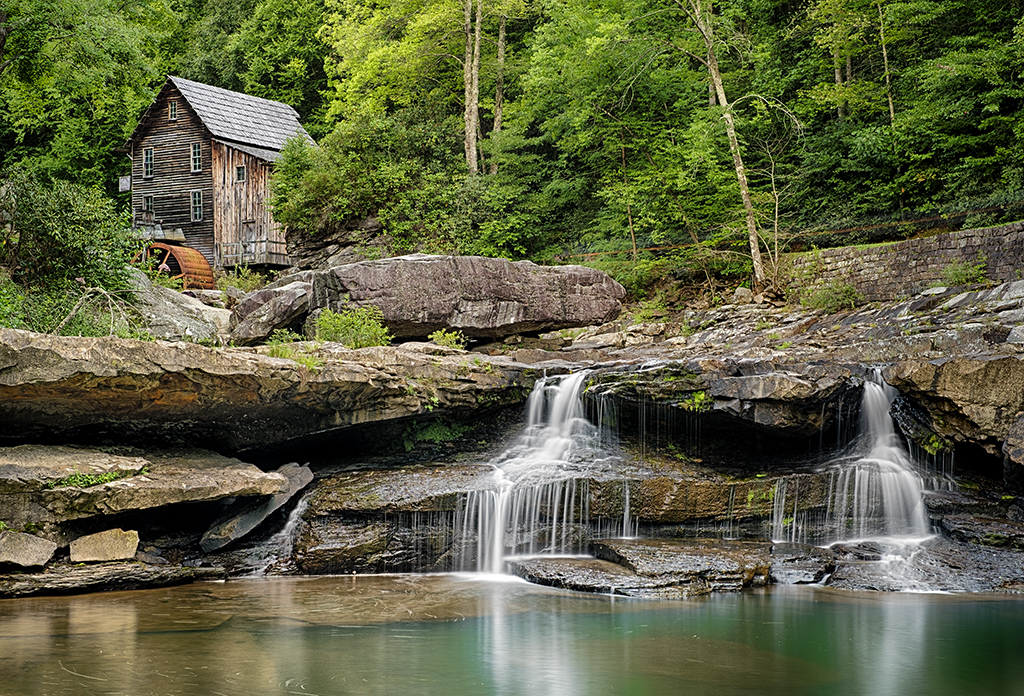
Here is my version of the three component images processed in Nik’s HDR EFX Pro 2:

OK, now, this is a MAJOR upgrade to Nik’s HDR software.  This one revision corrected all of my complaints about flat and lifeless images!  There is VERY LITTLE fine tuning needed at all.  I think that Nik’s HDR EFX Pro 2 is my favorite conversion tool out there.  But I will let the images speak for themselves!
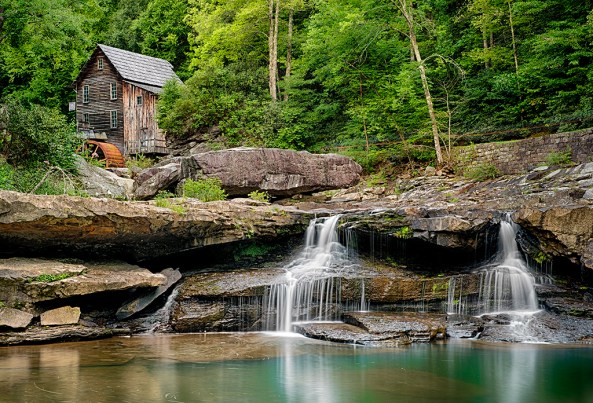
X-Pro1-3495 3496 3497 -Glade Creek Mill-2012 NIK HDR Pro 2

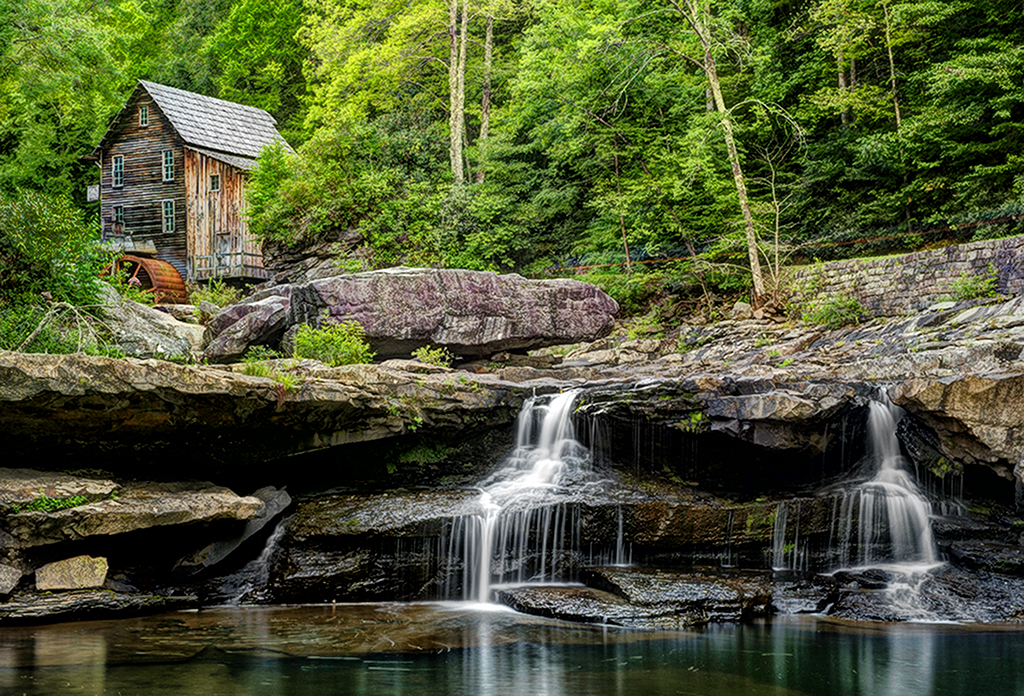
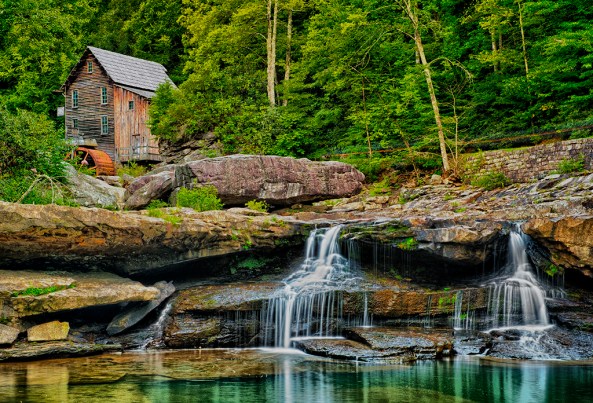
Here is my version of the three component images processed in Photomatix Pro ver : 4.2.3

Photomatix is likely the most popular HDR conversion package on the market.  It cost around $150 and does NOT require CS5 or CS6 to run.  It is a standalone system and when it finishes it will directly save a 16 bit version of your HDR image on your computer that you can then open for further editing.  It has many recipes and adjustments and you can do great work with it. I highly recommend it even if you are already running a 64 bit operating system and CS6. You will not be sorry!
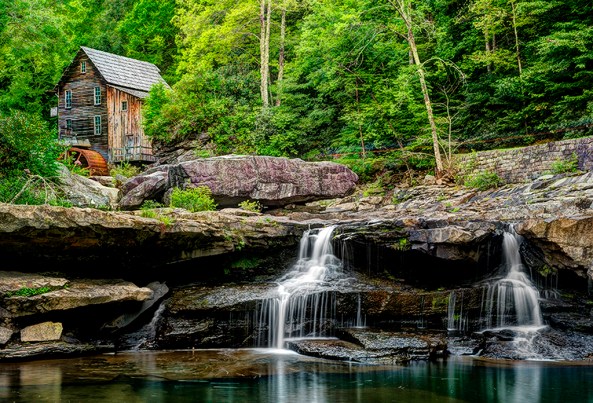
X-Pro1-3495 3496 3497 -Glade Creek Mill -2012 -Photomatix Pro HDR

As you can see, the 4 converted HDR images are not at all the same.  That would be difficult if not impossible to achieve.  Each software package has its own adjustments and none of them are exact.  I like Nik’s HDR EFX Pro 2 and Photomatix 4.2.3 the best.  They are all easy to use and as long as you properly evaluate the scene that you are trying to photograph and properly choose the exposure values of the component images you will get really nice HDR shots!

What do you think?  Please let me know!

Voigtlander Heliar Ultra Wide-Angle 12mm f/5.6 Lens and the Fuji X Pro 1


Good things that come in small packages!

Voigtlander Heliar Ultra Wide-Angle 12mm f/5.6 Lens

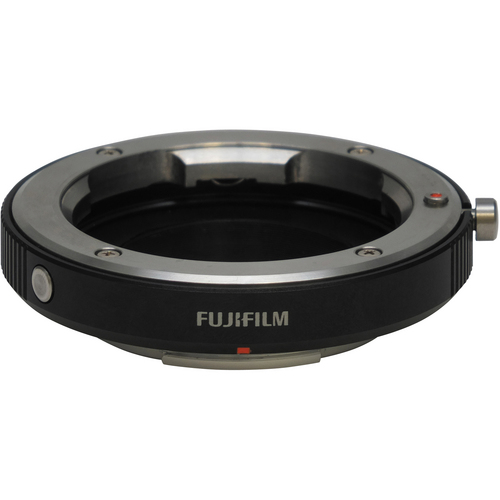
Fuji M Mount Adapter

I have been testing the Voigtlander Heliar Ultra Wide-Angle 12mm f/5.6 Lens with the Fuji M mount adapter on the X Pro 1 for the last week or so and have to admit that I am both impressed and love use and feel of this lens! It is well made and smoooooth to operate!

 I have tested it both on the Kipon adapter and the new Fuji M mount adapter and have to say that the differences between the two are major due to the fuji’s ability to adjust corner color and darkened corners live with version 1.11 firmware!  Pincoushion adjustments still require you to shoot and adjust.

I adjusted the pincushion by taking a picture of the pattern of 2×4’s on the surface of a deck. This allows you to maintain straight lines. I found for the 12mm that an adjustment of +4 was perfect.

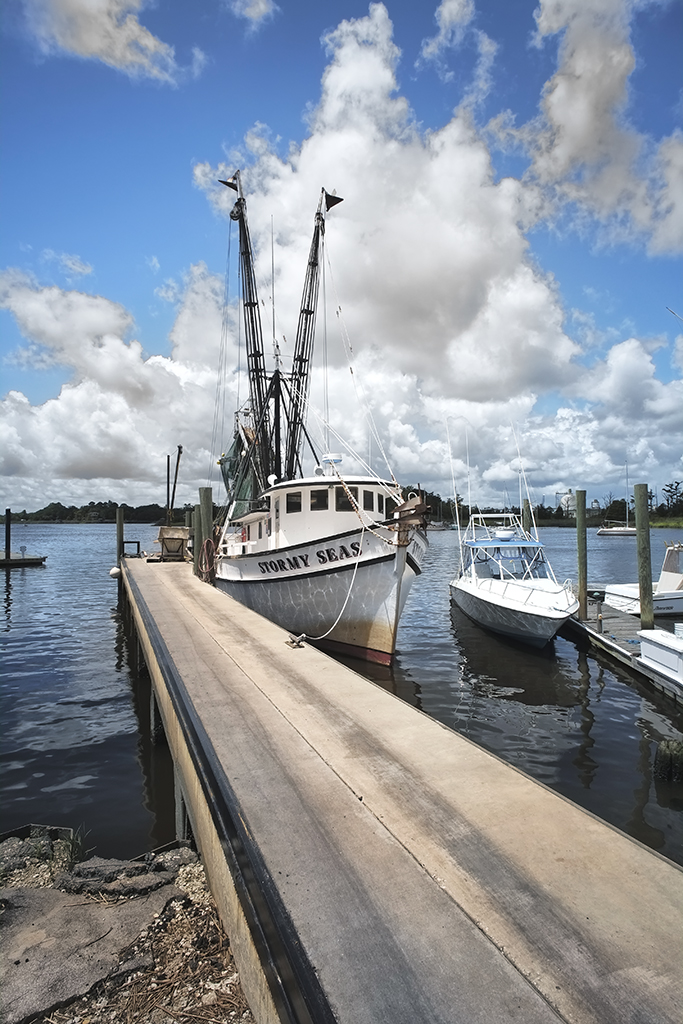
I took the  12mm out to two locations for testing, Shem Creek in the Charleston, SC area and the waterfront in Georgetown SC.  Both locations provides nice vistas and shrimp boats full of color and character.

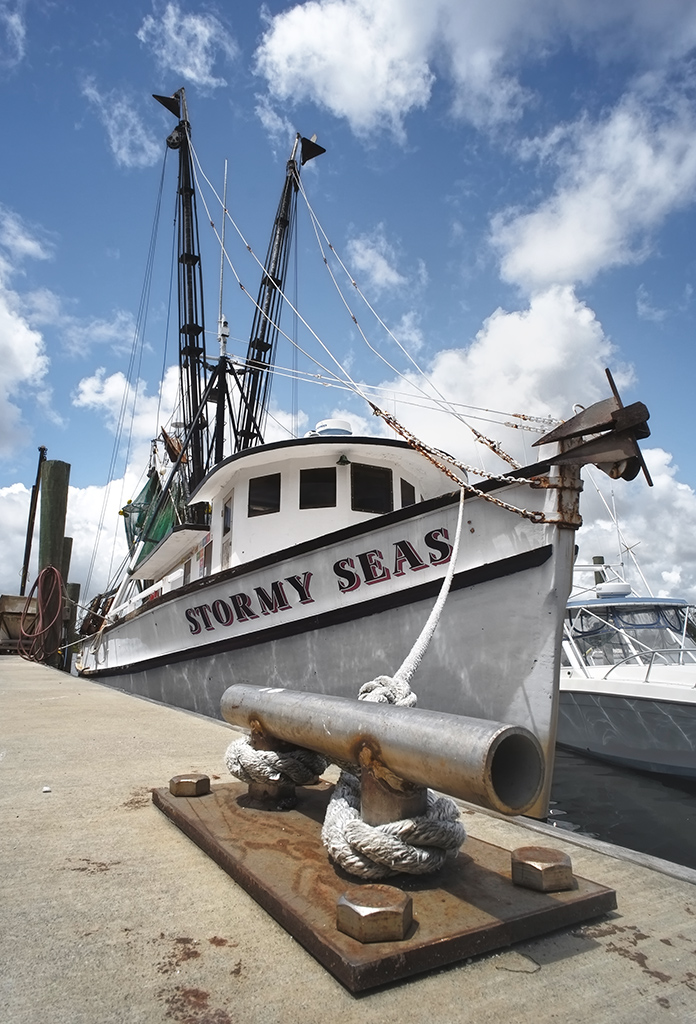
Stormy Seas at the dock. Voigtlander Heliar Ultra Wide-Angle 12mm f/5.6 Lens. Notice the focus from about 3 inches to infinity.

As you can see, the DOF of the 12mm is simply amazing.  The cleat was about 3 inches from the camera.

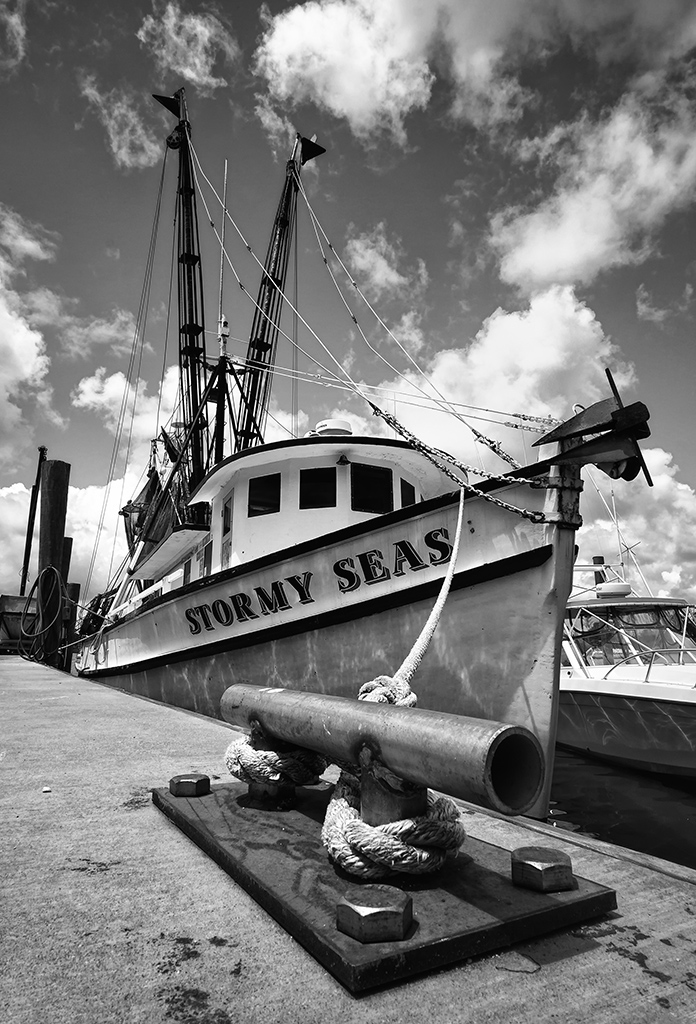
Here is a monochrome of the same image.

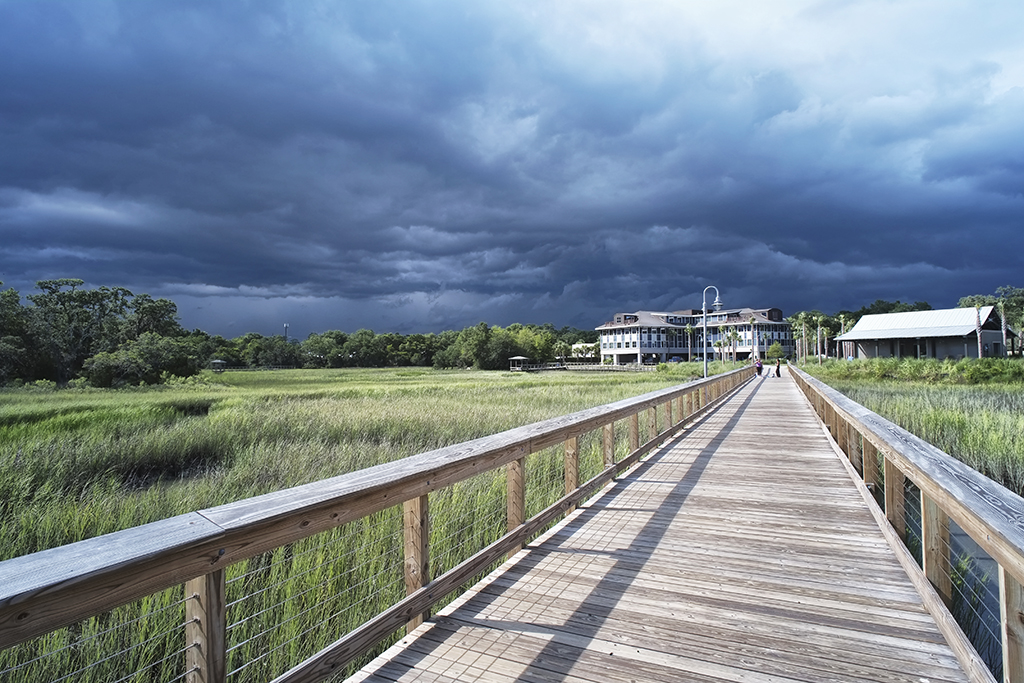
Shem Creek with approaching storm, Voigtlander Heliar Ultra Wide-Angle 12mm f/5.6 Lens

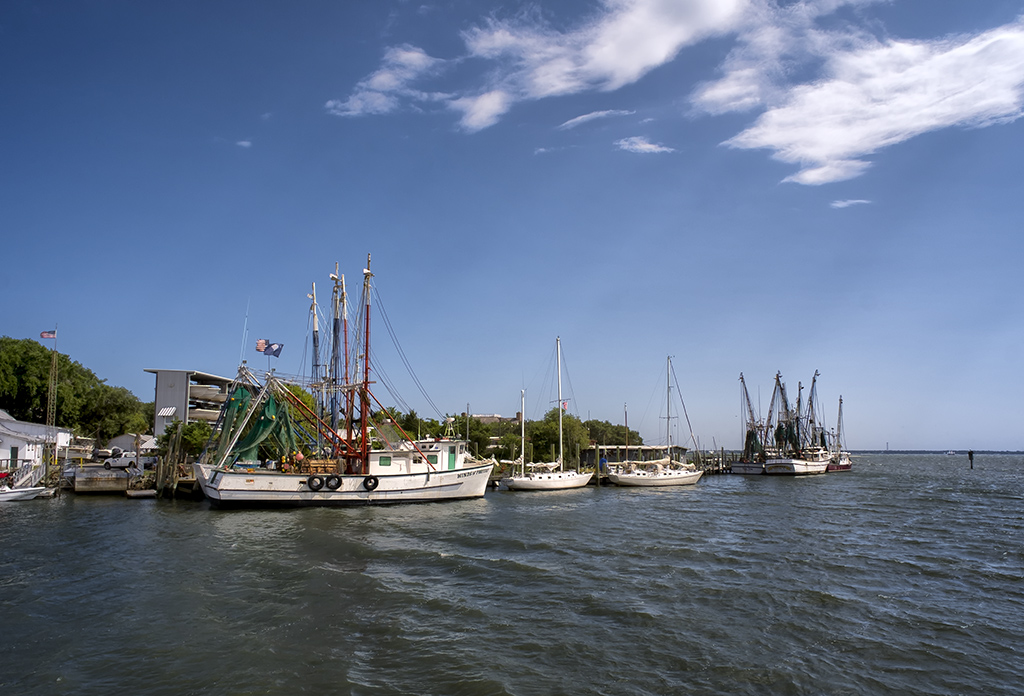
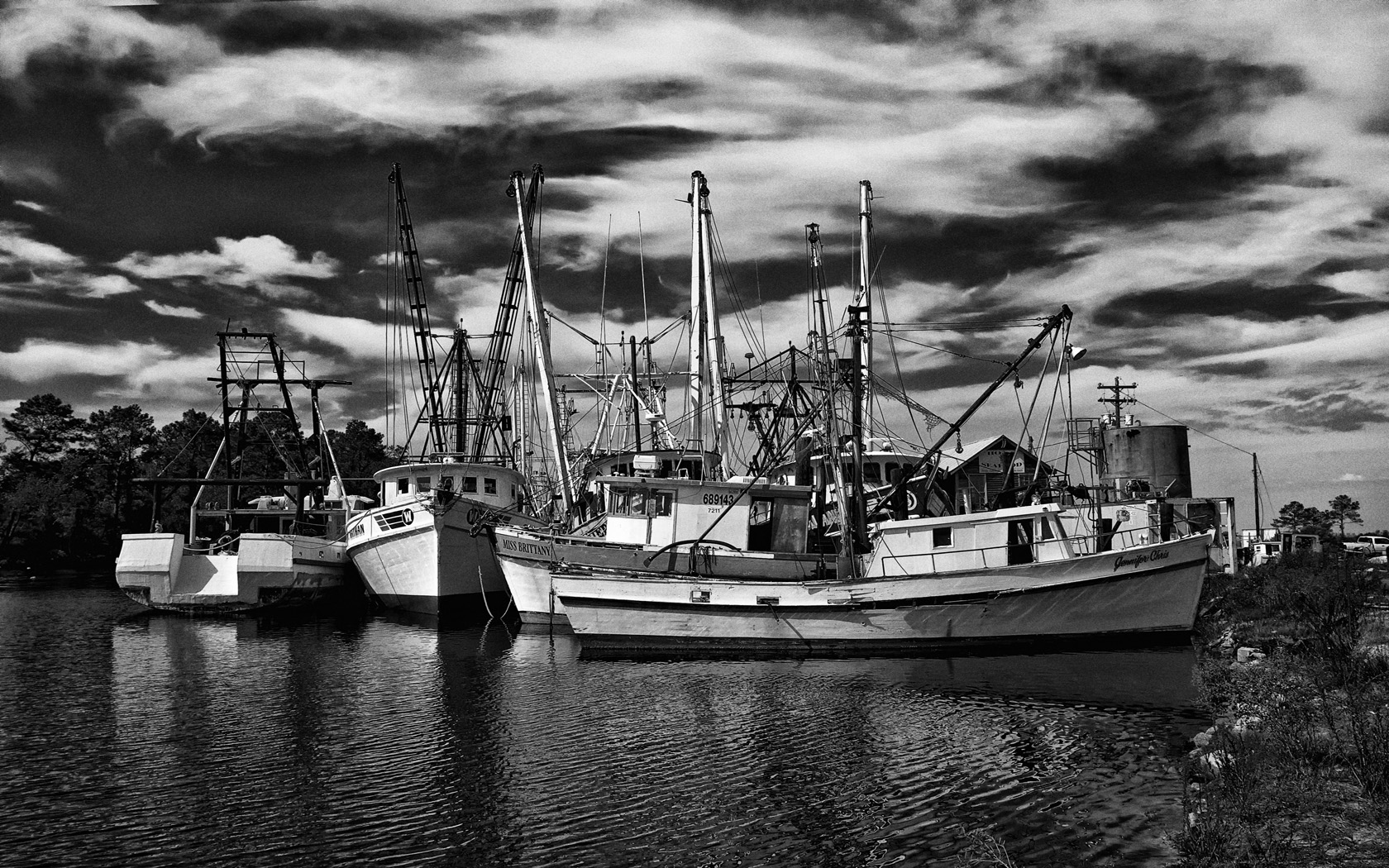
Shem Creek Shrimpers, Voigtlander Heliar Ultra Wide-Angle 12mm f/5.6 Lens

Notice the light rays coming down from right to left thru the clouds!  The lens is VERY sharp and a real pleasure to use!

Let me know what you think!

True Macro With The X Pro 1


Being Small in a Large World..

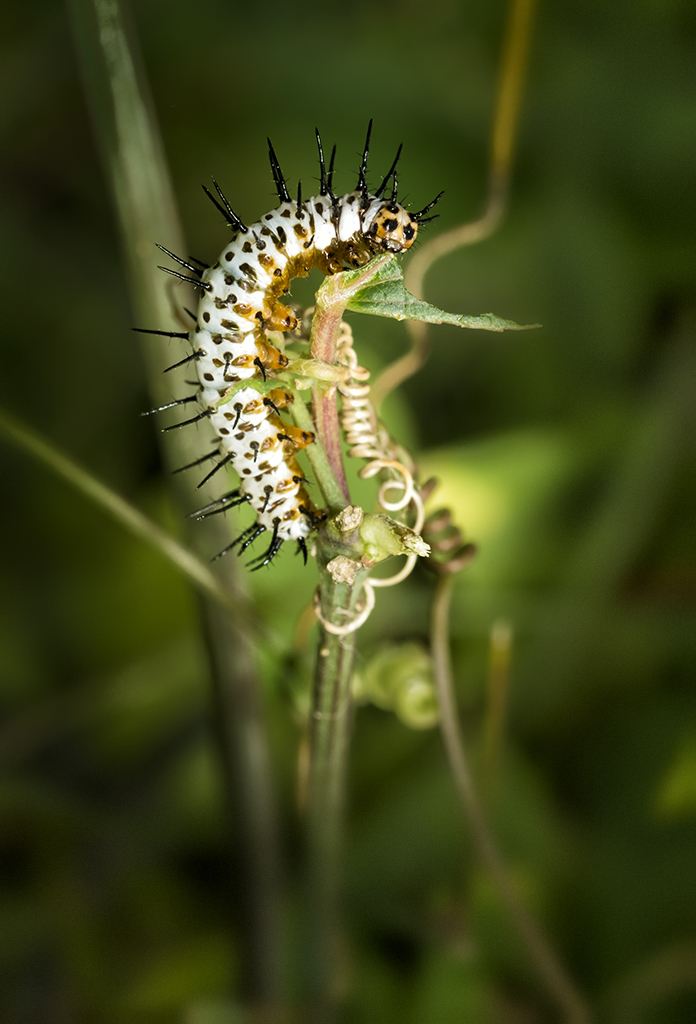
Zebra Longwing Butterfly Caterpillar, 1/4 inch long, Fuji X Pro 1 and the 60mm f/2.4

In another creative fervor with the Fuji X Pro 1, I decided to attend a formal CNPA (Carolinas Nature Photography Assn.) outing yesterday at Cyprus Gardens in Moncks Corner, SC.  The park is full of flowers, swamp and a nice butterfly house.  I had decided to leave all of my other camera equipment at home (it seems that this is becoming the rule now with the X Pro 1!) and concentrate on macro/closeup work with the Fuji system.  In truth, I spent all day with the 60mm f/2.4 macro lens.  The lens can shoot in the macro mode at .5x which is 1:2.  The closest focus range on this lens is a little over 10 inches.  With these limitations in mind I setup on a sturdy tripod and got about the business of creating images!

This post is NOT intended as a macro or flash tutorial. I will post images that I consider are the best at macro and closeup that this camera system is capable of creating.  Anyone can create this type of macro images with just a little forethought and a full understanding of the physics of exposure and how to use your camera as a tool! I intend to show you what this camera system is capable of creating with thought out setups, exposure and lighting!  I am going to share with you my experiences in using the camera system with the following accessories, modes and shooting supports:

  • Fuji X Pro 1, aperture priority, spot metering
  • Fuji 60mm f/2.4 lens
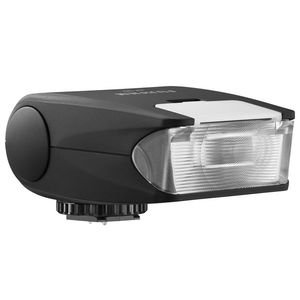
  • Fuji EF-20 flash
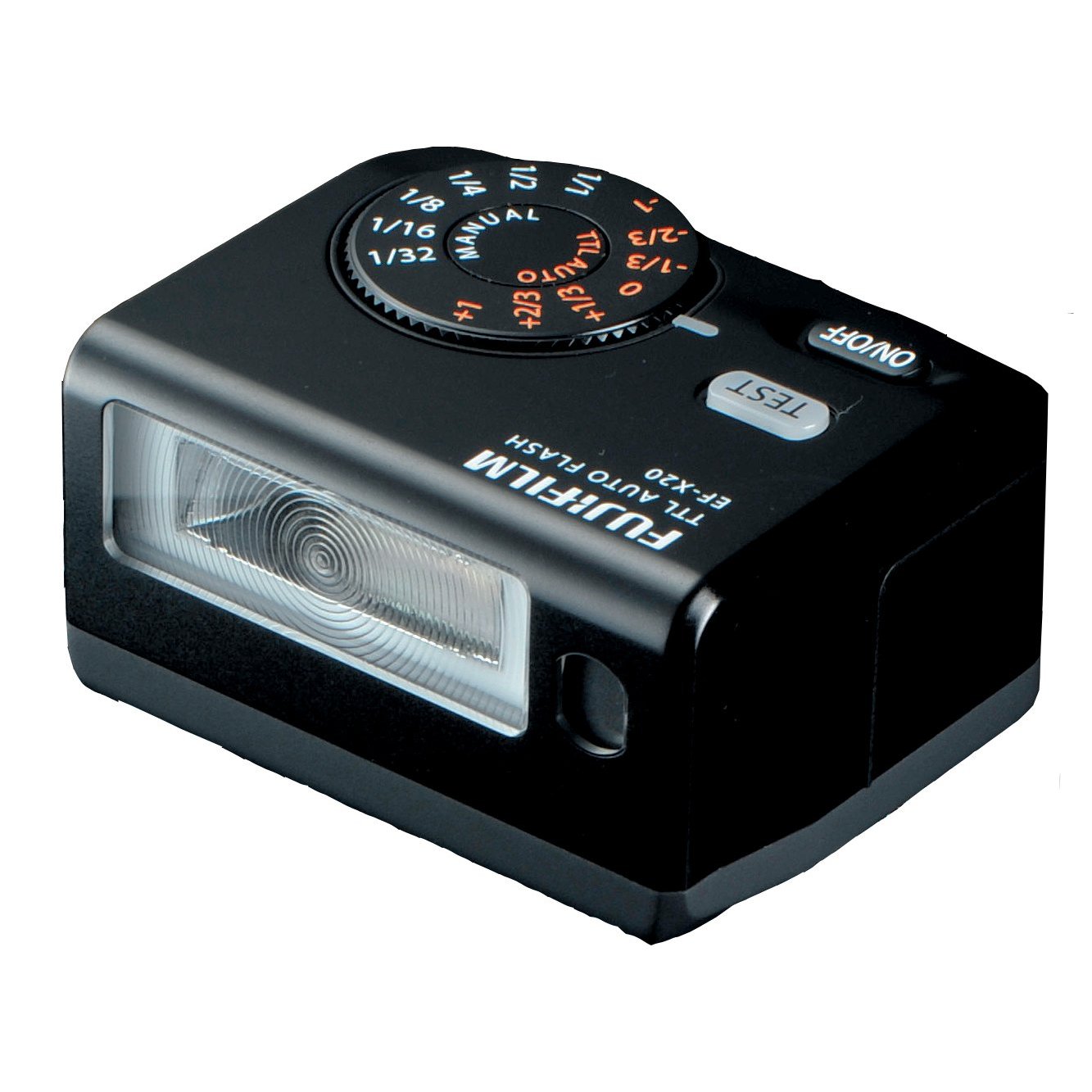
  • EF-X20 flash
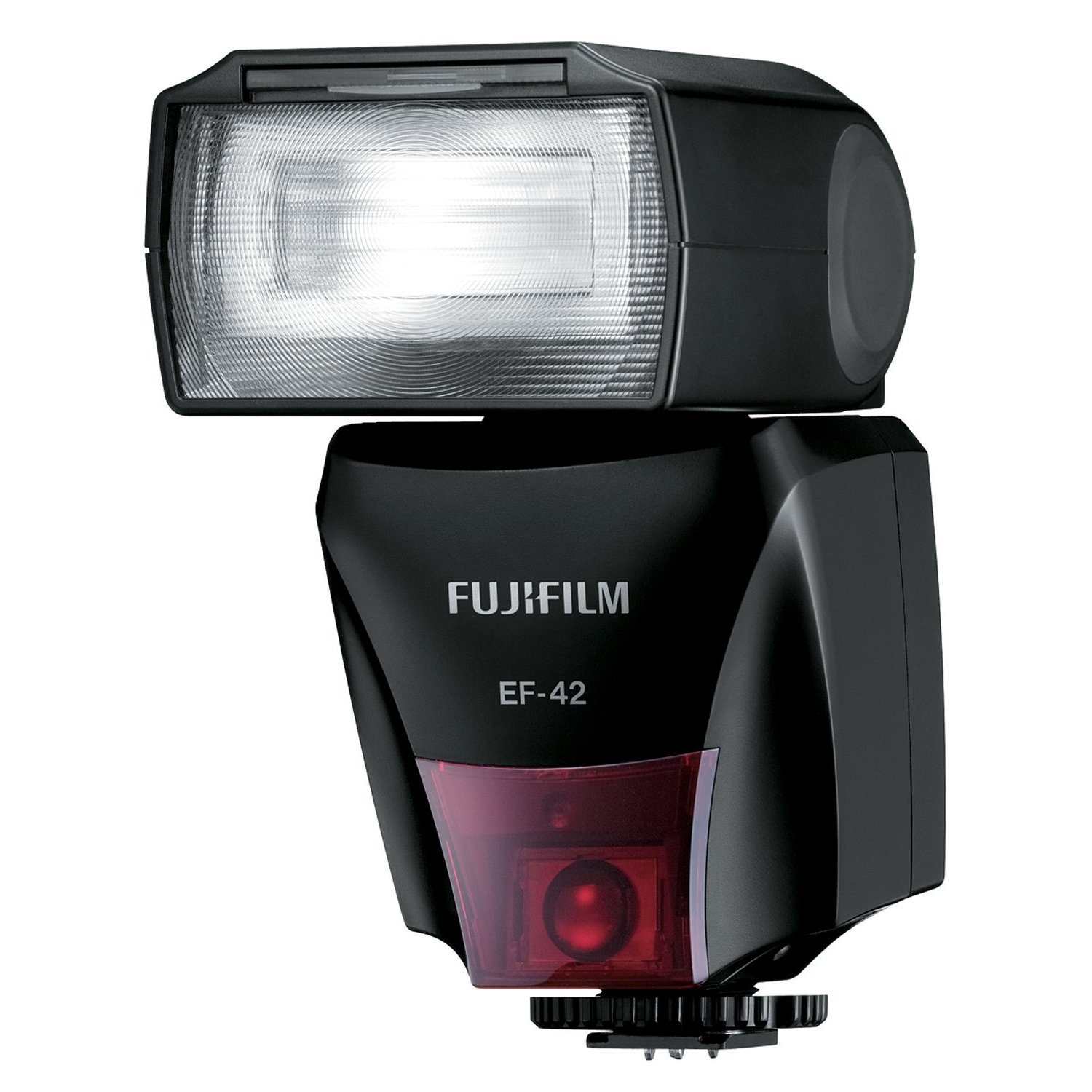
  • Fuji EF-42 flash
  • Surefire 6PX Pro LED flashlight
  • Tripod and hand held
  • 40″ remote shutter release

Fuji EF-20 Flash

The Zebra Longwing caterpillar  above was about 1/4 inch in length and was taken with the Fuji X Pro 1 with the 60mm f/2.4 lens on a tripod.  Lighting was the Fuji EF-20 flash unit on camera but tilted down and set at -1ev.  As you can see, the overall setup gave a very nice image with reasonable lighting given only 1 flash!  The overall image ratio is about 1:3 which puts this squarely in the macro range.  I kept the aperture set to f/9 in order to get the entire insect in sharp focus and have a little bit of detail in the background.  Now, the real surprise:  the focus was auto with the selected focus point being the middle of the curve on the insect!  Normally, we expect to manually focus when working in macro, but I intended to test the focus capabilities of the system as well.

  • TIP: I added a slight lens vingyette in post processing   to darken the top and sides of the image to further accent the main subject.

Given that the flash uses two AA batteries, the re-charge time should be considered quite slow, but it was actually quite fast.  I enjoyed using this flash because the tilting head enabled me to shoot past the end of the the longer 60mm lens and keep the subject in nice light with no lens shading even with the lens hood installed at the 10 inch focus distance!  I did find that using the button on the back of the flash to set the EV value to be a bit tedious but since I usually set it to some negative value and leave it there it was not a very large negative!

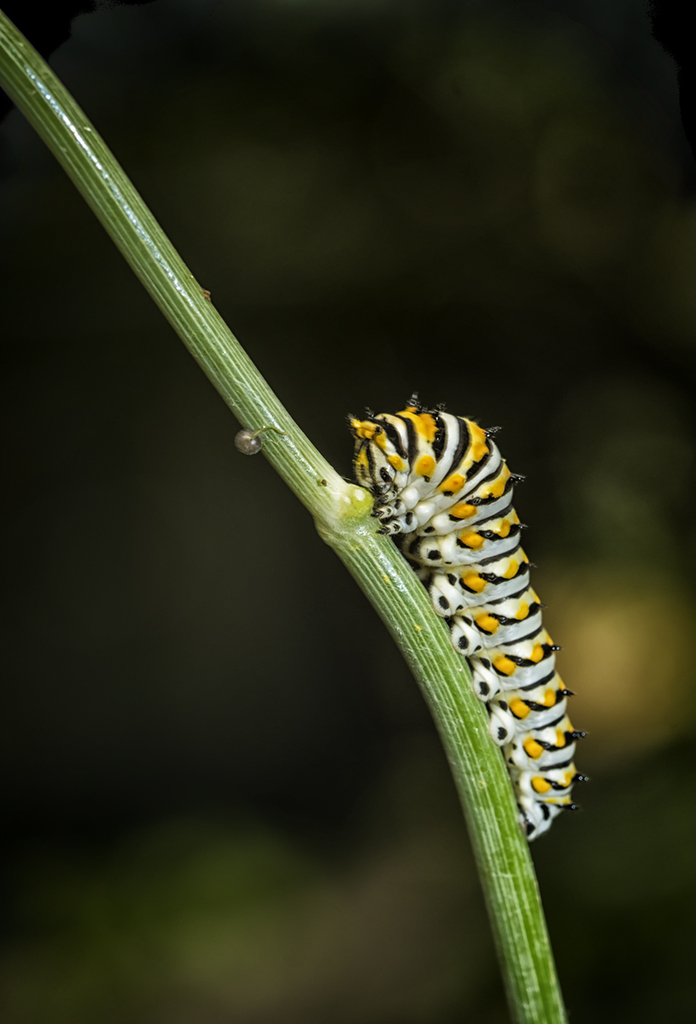
Swallowtail Butterfly Caterpillar, Fuji X Pro 1, 60mm f/2.4, 10 inch focus, 1:2 ratio, Fuji EF-42 at -.5ev

Fuji EF-42 Flash

This next image of the Swallowtail butterfly caterpillar was taken using the Fuji EF-42 flash set at -.5ev and an aperture of f/8 on the tripod.  Here I intended to have more of a blurred background (remember in the macro range the DOF is very narrow and even a a mid aperture you will get a very blurry background) yet again keep the insect in sharp focus across its entire focus plain.

The EF-42 flash is a much higher power unit compared to the EF-20 and it uses four AA batteries for a faster recharge time.  The controls are easier to use BUT the flash head will NOT angle down beyond the level plain.  This can be overcome by pulling out the wide angle lens on the top and using it as s bounce surface to angle some light down.  As you can see in the image I created the exact image I envisioned.  The main subject (insect) is in perfect focus and the exposure is dead on with no blow out of the whites.  The background is nicely indistinct and blurry with only slight detail thus taking nothing away from the subject!  Focus was again in auto with the spot set on the top hump of the insect as it was getting ready to move forward up the branch.   Again, I added a slight lens vingyette in post processing to darken the top and sides of the image to further accent the main subject.  As stated, this was all pre-planned before I ever looked at the camera!

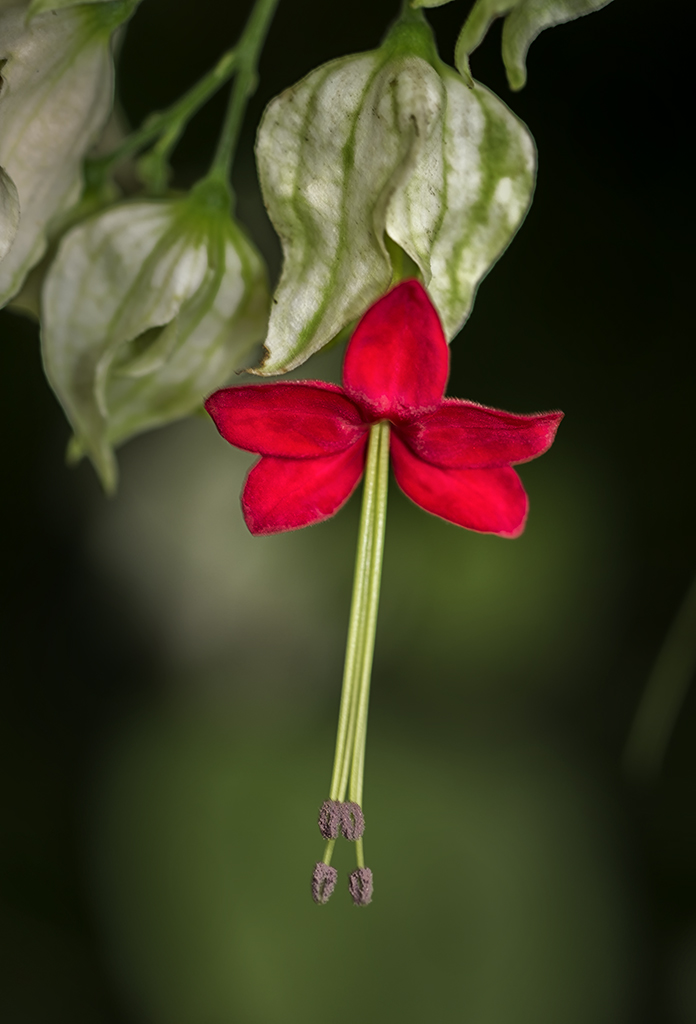
The Red Flower, Fuji X Pro 1, 60mm f/2.4 lens, 1:4 ratio, Ef-42 at -1ev.

OK this image of the small red flower (sorry, I have not yet identified it yet…) was again done with the X Pro 1 with the 60mm lens and the EF-42 flash at -1 ev.  The big difference here was that this was hand held.  I just could not get the camera into a position on the tripod in order to capture it.  Plus I was setting up to switch over to shooting butterflies on the move which you just cannot do on the tripod.  The flower was about1 inch in length so the image ratio here is about 1:4 which puts this image in the closeup range.  Depth of field is much better in this range so in order to have a un-defined background I set the aperture down to f/4 which gave me a sharp focus on the entire flower in its plain of focus yet blurred the background nicely.

  • TIP: The flash was setup using the wide angle adapter pulled partly out in order to reflect some of the light down towards the flower.

All in all  I think that this is a nicely done image considering it was hand held!

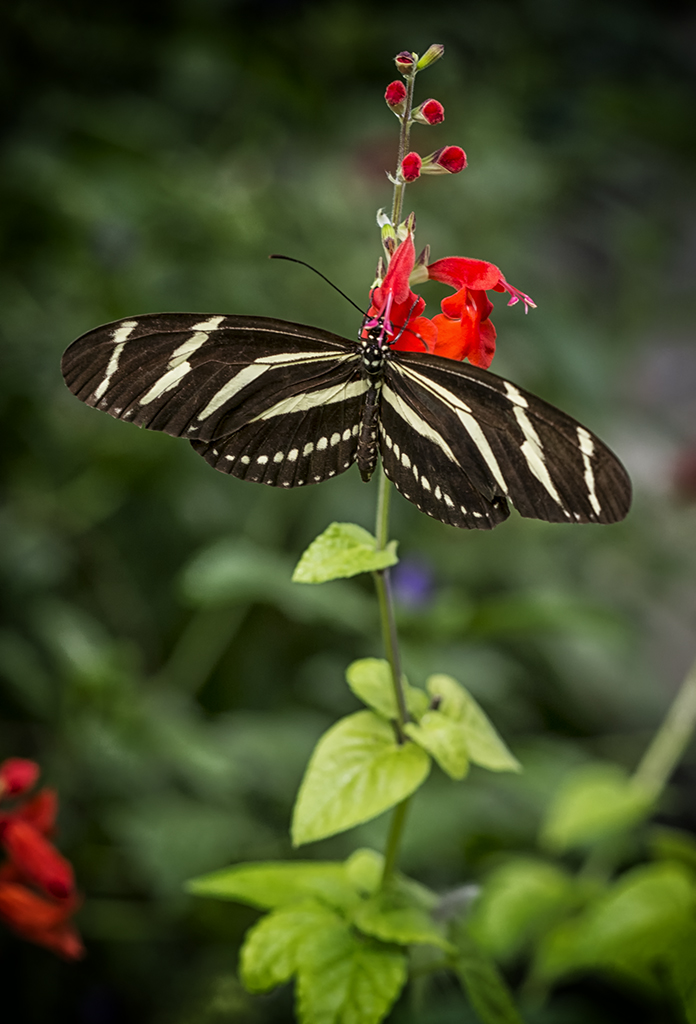
Zebra Longwing Butterfly. Fuji X Pro 1, 60mm f/2.4 lens, EF-20 flash at -1ev 1:8 range

Ok, moving up further into the closeup range, I created this image of a Zebra Longwing butterfly.  This was again handheld but using the EF-20 flash set level at -1ev.  Focus was auto with the focus point set silghtly off center to the top in the portrait mode.

  • TIP: When shooting macro/closeup, I always set the focus point for each and every shot.  This gives me far greater control during the setup and composition phase of my process.

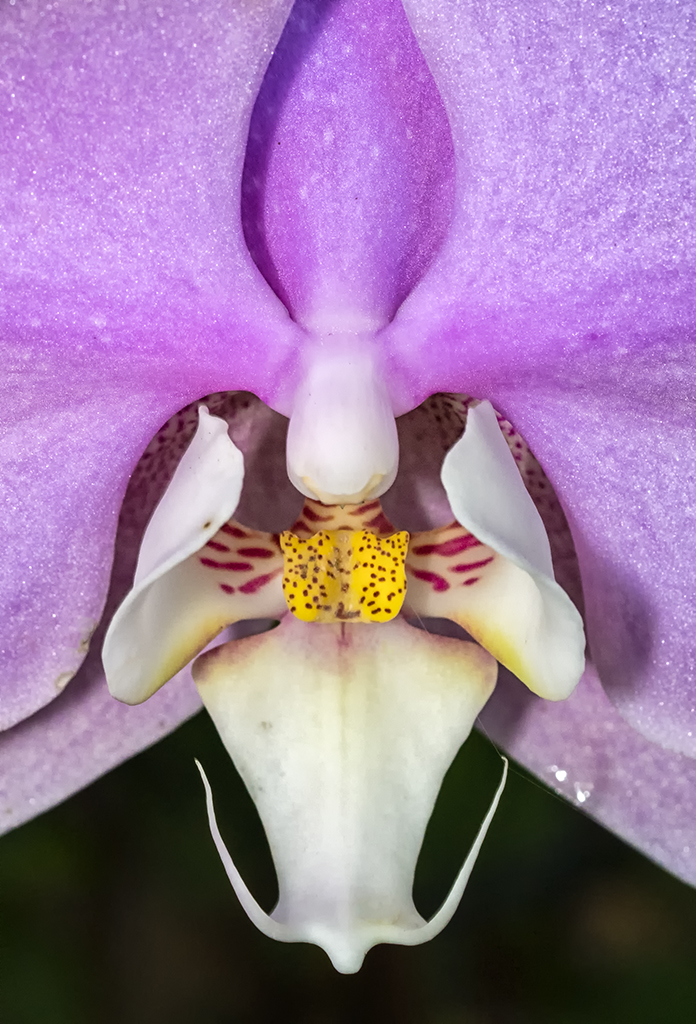
Purple Orchid, X Pro 1, 60mm f/2.4, EF-20 at -1ev, 6PX Pro LED Tactical light.

Fuji EF-X20

OK, almost done!  This last image of a purple orchid was shot on the tripod  in shadow was one of the more difficult images of the day.  I had to use a 40 inch remote shutter release and hunch below the flower and tripod with a 5000 degree kelvin LED flashlight angled up into the flower.  I also used the EF-X20 flash set at -1ev to give the purple of the flower even lighting and a sparkle.  The EF-X20 is the easiest of all the Fuji flash units to control due to its top mounted mode dial.

Surefire 6PX Pro

The LED flashlight is a 6PX Pro Tactical light with variable output and is perfect for macro work.  Its light is bright white and since you can control the power level it makes for very easy control!  This light and many others can be found at  www.Surefire.com but be advised, they are expensive!  I keep several versions of these tactical lights on hand.  They are all useful and a positive addition to a macro kit!

OK, that is it for today.  But consider this last point, Macro work can be done with any lens, you do not need to have a dedicated macro lens.  With the simple addition of a closeup adapter (I recommend the Canon 500D series of adapters) you can convert ANY lens to macro/closeup!

What did you think of this post?  Please feel free to leave feedback and comments!  I value your input.

Ultra Long Exposures with Fuji X Pro 1 using the Zone System and a Heliopan Variable ND Filter


Interesting Things Come To Those Who Wait….

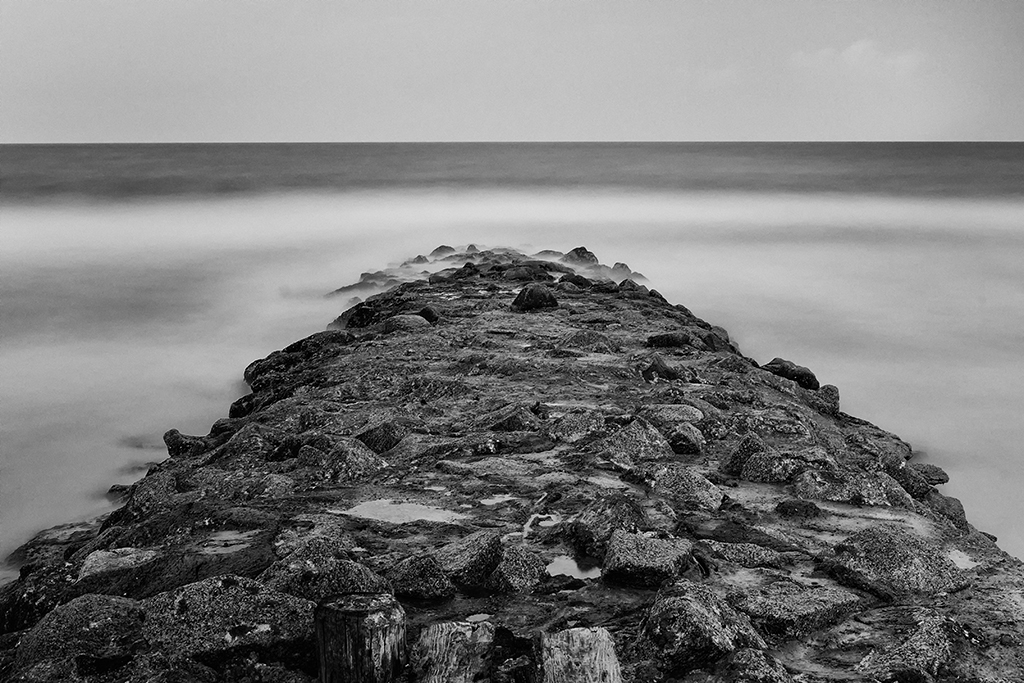
Pawleys Island Surf, X Pro 1, 2 1/2 min exposure

Heliopan Variable ND w/ Stops

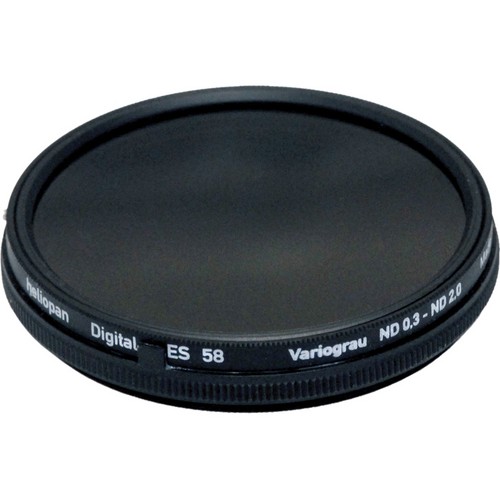
This variable ND filter from Heliopan comes in a 52mm size which works on both the Fuji 35mm and 18mm lenses.  It is touted as being totally color transparent with no color shifts!  Online reviews have stated that it is by far the best variable  ND on the market.  My own testing has shown that it adds ZERO color cast to my images and that the physical stops on the filter work very well while the settings are quite repeatable.  The only negatives found are:

  • The fit of the ring components are very sloppy.  They are loose and easily moved.  I like a little tension between the moving rings on any adjustable filter and this one fails in that regard!
  • The base of the filter is wider than the top.  You cannot attach any lens hood because of this.  Since there are no filter threads on the front if the filter you cannot attach a screw on hood.  This bothers me quite a bit, but the fact that the filter adds no color shift allows me to overlook this.

Its stops on the filter that keeps you in the 2 to 6.2 stop range and generates no banding at all.  So far I have been very impressed with the images created with this filter in all way.  Yes you can do the same job with a fixed ND filter but even the high quality B+W ND filters add a slight color cast to your images!

Suggested Equipment:

  • Sturdy Tripod
  • Remote Shutter release cable ( I found a 40″ model online ) You can typically find many choices here for the X Pro 1 at Adorama, BH Photo and Amazon.  I have 2 in my kit, a 12 inch and a 40 inch model which allows me to back away from the tripod a little..
  • Bubble level. ( for some reason the internal built in level is not accurate ) You can always fix a tilted horizon in post processing, but you will loose part of your image in doing so.  As with all things photographic, the better the image created in the camera the better the final image will be!  The level really helps in this and you can find them for next to nothing on Amazon!
  • Charged camera battery ( long exposures chew up batteries), there is nothing worse than having to walk back to the truck for another battery!  Keep an extra in your pocket.
  • Lens cleaning kit ( beach shots in the wind cover everything in salt spray )
  •  ND filter (variable or fixed, Heliopan or B+W 6 or 10 stop)
  • External Spot meter like the Seikonic 508 (not necessary but make exposure a little easier!), more on this on later in the post!

Subject Considerations

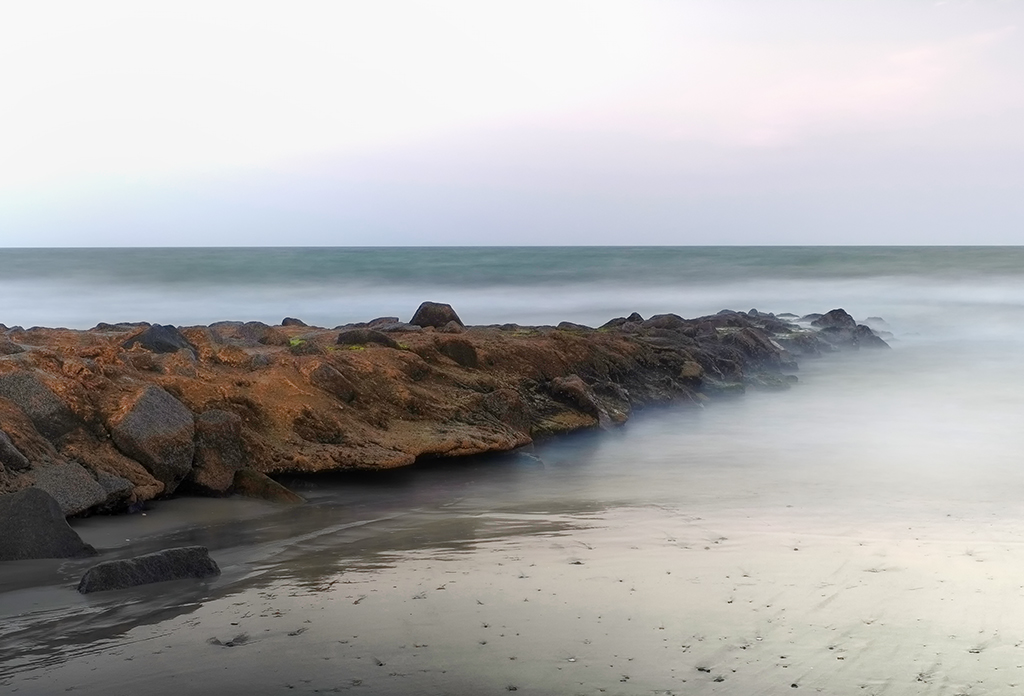
  1. Foreground, Mid Ground & Background:  As with any photography, it is very important to have easily recognized areas within the images.  The best images contain three.  Foreground, mid ground and backgrounds that are clearly defined will draw you viewer into your image and make a longer lasting impression!  This is the same in long exposures.  I like to find objects in or that project into the ocean to achieve  this effect.  In the images here I have the rock groin, the ocean and the sky/horizon that cover these three areas.  You should consider these important compositional areas as you pick your image.
  2. Size and timing of the waves: When photographing the surf, and attempting to soften or smooth  the waters surface you need to consider the distance and timing of the waves.  A long period between the waves will require a longer exposure to even them out.  This is just as true with larger waves as well!  A good starting point for the normal surf is a 30 second shutter speed.  This should give you 3 or 4 waves coming ashore with which to average the waters movement.  The B&W image shown here in the post was a 2  min 30 sec exposure.  The reason for the difference is because to flatten the waters surface I needed a much longer exposure due the the size of the waves (12 feet).
  3. The Sky: The sky is a funny thing in long exposures.  Normally we hope for some structure in the sky, especially with color.  But the ultra white sky can also add a striking compositional element to our images as long as there are other darker areas within the composition to balance against.  The addition of clouds, especially clouds that are moving will add another etherial component to your long exposure image.  The clouds will be tearing across the image, trying to flatten themselves with movement.  Usually, this effect is very subdued due to the slower movement of the clouds as compared to the waves!  Some photographers make the moving clouds their main compositional components, something to think about…
  4. B&W or Color: For me this is an easy choice… I prefer B&W to almost any other type of image!  There is just something striking about a well done B&W image.  Don’t get me wrong, I do shoot in color and like it very much, but the B&W image is universal in the way it tends to draw viewers into the image.  The complexity of the colors having been removed seem to show the soul of the image in all of its splendor!  This is an area in which the Fuji X Pro 1 really shines!  The various built in art filters with their various options (red, green and so on) gives splendid B&W internal conversions within the camera.  I am always amazed by the clarity and quality of the Fuji B&W images that I get out of the camera! The B&W image shown here is one such example of an in camera conversion.  I used the B&W with Red filter choice in the Fuji X Pro 1’s film type selections!

Zone System Metering & Exposure:

Zone Exposure System
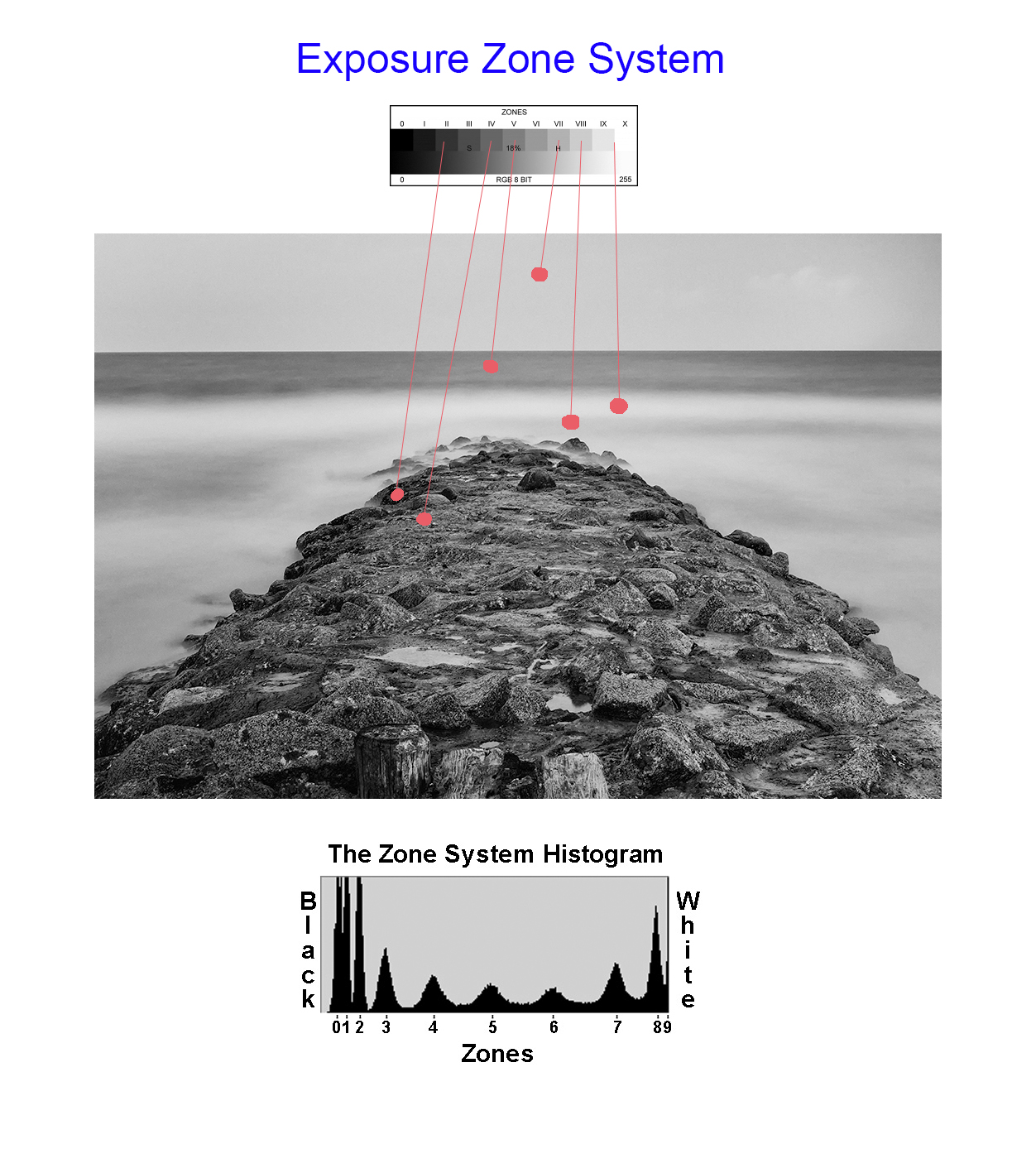
The ZONE system is an old exposure evaluation tool developed by Ansel Adams.  While old, it has a real place in modern digital photography as well.  There are many books and videos on the subject and I STRONGLY suggest that you take the time to learn about the tool.
Simply, by taking a spot meter measurement on a particular part of the subject, you can place it in the 18% gray area or Zone 5.  Then you simply adjust the exposure up or down to place it in its proper zone!
It is a very easy to understand exposure evaluation system that can save you important time and thinking when you are evaluating your exposure setup.
Here is an example on how I use the Zone System to evaluate exposure:
  • Take a SPOT meter reading on the sky.
  • The meter in the camera or hand held meter will place the tone of the spot it measured into 18% Gray or Zone 5.
  • Knowing that I wanted the sky to be in Zone 8, I will lighten it by adjusting my exposure lighter by 3 stops by opening the aperture 3 stops wider!
  • The entire image is shifted by the decision I made above.  I could have chosen ANY OTHER SPOT to measure and adjust according knowing that the camera spot meter would force that tone area under the spot meter to 18% gray!

The Zone System for exposure control in this image

So, looking at the sample image above, you can see that a spot meter reading on the sky which I want to place in Zone 8, is forced into Zone 5 by the camera metering system.  If I left it here then end sky would be a dark gray and the overall image way underexposed.  So, knowing this I simply adjust the exposure lighter by 3 stops, shifting the sky into Zone 8 and brightening the entire image properly!  Look at the image above, notice that I have shown spot meter readings for several areas of the image?  You could also choose ANY of these, knowing that the camera would force the area chosen into Zone 5 and then make adjustment up or down via the aperture to place it in the Zone that YOU wish it to be in.  Perfect control!
One last thought on this for you.  When using a fixed or variable ND filter, you simply take the meter reading through the filter then make your zone adjustments.  The LCD preview of the X Pro 1 works VERY well in low light and allows you to do so easily and accurately!
The Zone system is a very easy way to understand and control your cameras exposure for perfect pictures.

Pawleys Surf, Long Exposure, 25 seconds, Fuji X Pro 1

So, what do you think?  The Heliopan Variable ND Filter is a VERY good tool to have in the camera bag.  But, it is VERY expensive ($300/52mm).   Optically, it is pure with no color poisoning at all.  I have not check out how it works in the IR spectrum yet but I will in the future.  The only real complaint for me is the lose fitting elements!

Detailed Fuji X Pro 1 Infrared Tutorial: Part 1, Equipment & Shooting!


Creating Emotional IR Images From Your Heart

Using the Fuji X Pro 1 for Infrared

Infrared photography means so many things to me… I have a popular Infrared Educational Blog at http://infraredatelier.wordpress.com/ where I have shared all of my secrets surrounding Infrared photography for several years, I have a book in work on Infrared photography, but MOST IMPORTANTLY, I have practiced the art of creating emotionally charged Infrared images for longer than I can remember, even as long as 45 years ago with film.  Here, today, I will disscuss with you the technical details of using your Fuji X Pro 1 camera system to create these emotionally powerful images as well.

X Pro 1 Faux Color IR Image with only the channel swap

Understand this, you can create Infrared images several different ways:

  1. Film:  Rolli makes a great 720nm IR film in many different formats that with the addition of a 720nm filter on your lens will create great IR images at 100 ISO, and with no filter great B&W images at 400 ISO!
  2. Hoya R72

    Standard Digital COLOR Camera:  With the addition of a 720nm or 850nm IR filter on your camera lens your camera can capture Infrared images.  There is a tradeoff to this way though because each camera manufacturer places some sort of UV/IR blocking filter over the image sensor that allows only visible light to pass through.  Some of these filters are weaker than others and these cameras make for a system that will do well in Color and OK in Infrared with reasonable IR exposure times around a second or two.  Others have a strong filter allowing only a small amount of IR energy to pass.  These require VERY LONG exposure time in order to overcome this filter.  The Fuji X Pro 1 is one of the cameras with a weaker filter! This is exciting because it enables you to easily create IR images with an unmodified camera system!

  3. Converted Infrared Camera:  This type of system is the most popular by far.  There are 2 types:
    • Full Spectrum conversion: The internal UV/IR blocking filter is removed and replaced with a clear glass filter. You can then program the camera with an external IR filter in any range from UV to Color to Infrared!  This is the most adaptable IR system but costly because IR filters for your different lens sizes are expensive!
    • Dedicated Infrared Conversion:  This type has the internal UV/IR blocking filter removed and replaced with a specific IR pass filter and will create IR images in that band only.

What your camera sees!

So with regard for the Fuji X Pro 1 system we are going to discuss option #2, the standard color camera with an external IR filter attached to its lens.  But you ask: “What filter can I use?”. Well since we are not modifying the internal UV/IR blocking filter you must understand that the camera will pass normal visible colors as well as IR if the external filter allows it.  This is both good and bad!  If you were to install a 590nm IR filter on your lens the camera, it would see everything from 590nm up to 1000nm.  But because the internal UV/IR blocking filter allows much more visible light than IR through, it will poison the exposure metering system.  It is going to see the vast majority of the light as color (red) and expose for that rather than the IR portion.  So attempting to do this will cause very unreliable exposure and great frustration on the part of the photographer.

What we need is to attach an IR filter that blocks ALL of the visible light and only passes IR to the sensor!  So it is best to choose a 720nm IR pass filter to your lens like the Hoya R72 or a 800nm B&W IR only filter like the B+W 093.  The higher you go in nm the longer the exposure time will be…

Now, knowing that we are going to use the 720nm filter which will only pass IR energy from 720nm and up while blocking ALL of the visible light our metering system will now function as it should!

Considerations of problems that must be overcome within the X Pro 1 to get good IR images

  • Even though the Fuji X Pro 1 has a weak UV/IR blocking filter there is still one there.  Exposure time at a normal low noise ISO of 800 and below will still require an exposure time too long to hand hold and still get sharp images.  Most of mine were at 1/30s and longer.
  • Yes, the X Pro 1 works well at high ISO settings, but in IR the camera will still create noise in the dark areas of the image.
  • Fuji X Pro 1 with a custom WB right out of the camera. This is as close as you can get but will still generate a great image.

    White Balance is IMPORTANT when shooting in IR!  The X Pro 1 will NOT reliably do a custom white balance with the 720nm IR filter installed.  But it does have a manual Kelvin White Balance option, so when shooting IR you need to go to this sub menu in the WB settings and set it to 2500K.  I have talked to others doing this and have heard that they also take away green as well in the menu.  I personally think that this is unnecessary and by leaving the green neutral you will get more pleasing Faux Color images.  A properly white balanced image taken on your camera has s slight reddish cast, the sky should be bronze and the green leaves should have a monochromatic feel with a bluish cast. (more on this later) An improperly white balanced camera image will be pure dark red.  While you can still use this image in post processing the lack of a good white balance will throw off your exposure system. Read your camera manual on white balance and understand it!

  • Longer shutter speeds need a tripod to get sharp images!
  • Remote shutter cable to cut down on camera shake!
  • The Hoya R72 720nm IR filter will generate good Faux Color infrared images some of the time, but good B&W images all of the time.  Keep this in mind while shooting and plan to always explore both options in post processing!
  • Faux Color IR images require a channel swap in post processing.  ONLY the Photoshop family (CS through CS6) has this function built in!  Photoshop Elements has an optional plugin called Elements Plus that you can purchase to do this.  Lightroom and Aperture DO NOT have this function!

Ok, enough of this for now. Lets talk images…

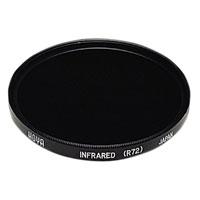
 The Hoya R72 IR filter is almost black.  You can see very little through it but don’t worry, the camera can see through it just fine!  You can find these filters on Amazon for about $58.00 in 52mm.  There are a lot of other filter companies out there that make these, some good some not so good… I trust the Hoya!

Mount the filter on your lens, set the ISO to around 1000 and put the camera on a tripod.  Make sure that you have properly set the WB either as a custom on or as a Kelvin entry.  If you choose custom, the camera will require a lot of light to due this properly.  Use green grass to generate the custom white balance.

I like to use the optical viewfinder rather then the LCD or EVF for shooting in IR.  Choose and frame your subject carefully.  Hmm, a word about composition…

There are three items that can make IR images really powerful and full of emotional impact:

  • Sky with clouds!
  • Water reflections!
  • Green Leaves!

The more of these items you can get in your images the better they will be!  Here is an example…

Clouds, Water and Leaves! What more could you ask for? While not done on a X Pro 1, this image could just have well been so!

 As you can see, the sky, reflections and leaves create an emotionally packed, etherial image that draws your viewer into it!  Keep these three compositional elements in mind as you go forth and create your images!

Exposure Issues…

OK, last part of this post!  There are a few small exposure issues that you need to be aware of while doing IR work.  They are:

  • Red Channel over exposure: The RED channel will aways expose a stop or more higher than the blue and green.  After you have taken the image and see the preview on the LCD panel look at the histogram.  It only displays the combination monochrome histogram and if it is close to being overexposed you will get better results by dialing in -1ev exposure compensation and re-take the image.  This is due to the red channel being more sensitive to infrared and causing the overexposure.  You can really see this during the RAW conversion or in photoshop during post processing by looking at the RGB histogram there.
  • Hot Spots:  Some people have reported hot spots in the center of their images when using the 18mm lens.  I have NOT personally  seen any evidence of this with my system as of yet.  Hot spots are areas in the center of each picture that is usually a stop brighter.  They are caused by light bouncing back and forth between the sensor and the lens elements.  These are lens specific and very little can be done while taking the picture to stop or reduce them.  BUT, the aperture can have a drastic effect on them!  If you see these then try adjusting the aperture and review the results, you just might be surprised!  You MUST ALWAYS use a lens hood when shooting in IR.  This will also help stop hot spots by stopping light from striking the objective lens at extreme angles then bouncing around inside the lens between elements.  If you do notice the hot spot you can remove it in post processing very easily by using Nik Filters Viveza.  You use the selection point by placing it in the center of the spot and then reduce the brightness!

OK, this is enough for today.  The next post will be a detailed Post Processing tutorial that will take you through both Faux Color and B&W processing.  I even have a photoshop action that you can download to semi automate the channel swap and cut down your post processing time!

Fuji X Pro 1 and Lightning Photography


Once in a while we just get lucky…

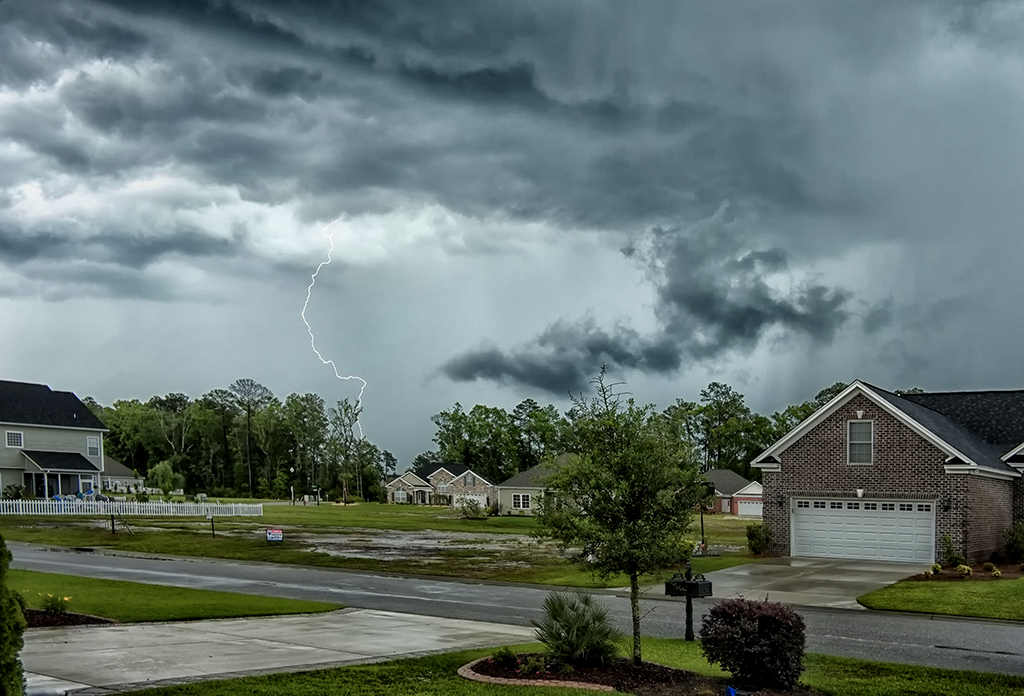
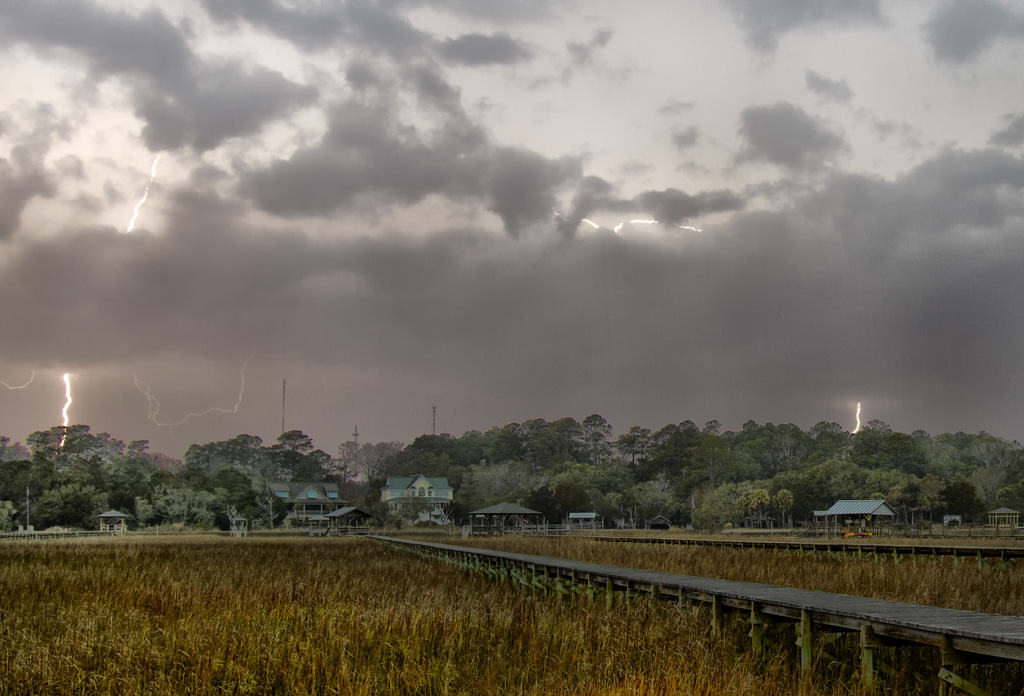
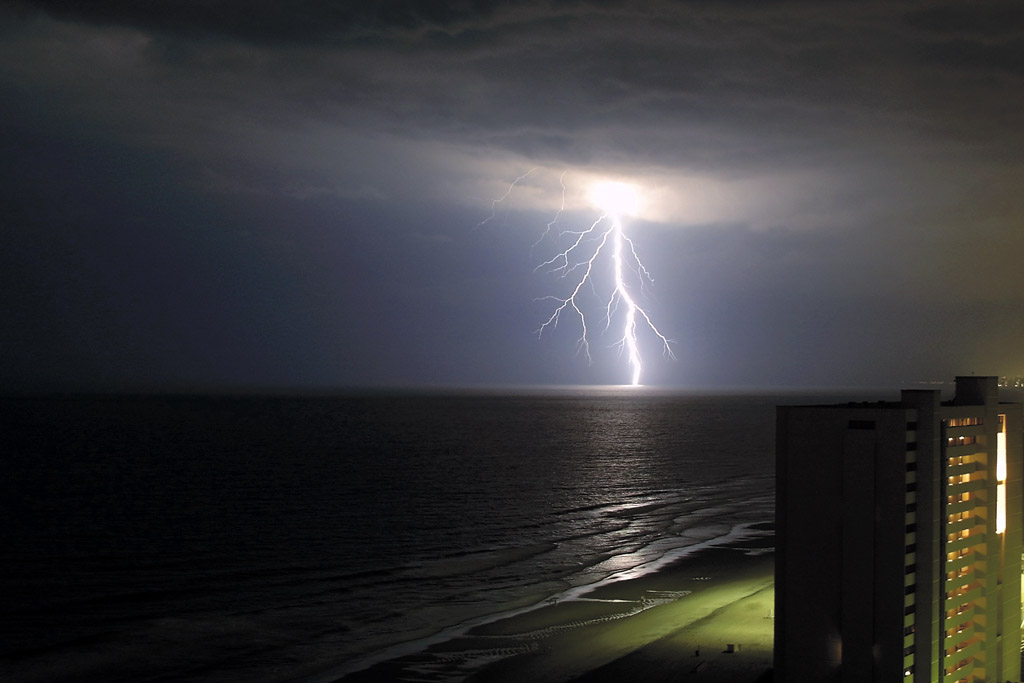
The Super Storm Strike, Fuji X Pro 1

I shoot lightning.  I have specialized gear and cameras just for this.  The Fuji X Pro 1 is NOT a camera system that we would normal associate with daylight lightning photography but sometimes we just get lucky! But, I choose to be both SMART and LUCKY when I am shooting bad weather including lightning, even if I am not properly prepared.  In this post I will share the process of capturing lightning strike images with you!

Normal Daylight Lightning Capture

Normally, I have a Canon 7D or sometimes a Panasonic GH2 dedicated to shooting daylight lightning.  I use it with a Canon 17-40L lens and the Lightning Trigger from http://www.lightningtrigger.com/ which is the BEST lightning trigger on the market simply due to its automatic gain and sensitivity circuits built into it by its creator!  If you want to shoot serious lightning images during the daylight this is the system to get.

But on this particular day I was at a daughters house waiting for the cable guy to arrive when we had a 100 year storm blow across the Low Country of South Carolina.  We had over 600 lightning strikes!  There I was stuck at her house with my lightning camera system at home, no tripod or nd filter and only my new Fuji X Pro 1 camera system in the truck.  I was so mad at myself for not bringing the other equipment along that I almost missed the entire storm.  Eventually I went out to the truck and got out the X Pro 1 and set it up with the Fuji 18mm lens and started shooting in a vain attempt to capture a few strikes.  This is difficult as most lightning strikes are there for an instant then gone… But once in a while a feeder will go up from the ground and cause a multiple discharge from the cloud down that can span a second or two!  For this image that is what happened.  I  saw the strike, triggered the shutter while pushing the camera into one of her porch columns and hoped for a multiple discharge to lengthen the strike time.  I got lucky and actually managed to capture a rare daylight strike by hand!

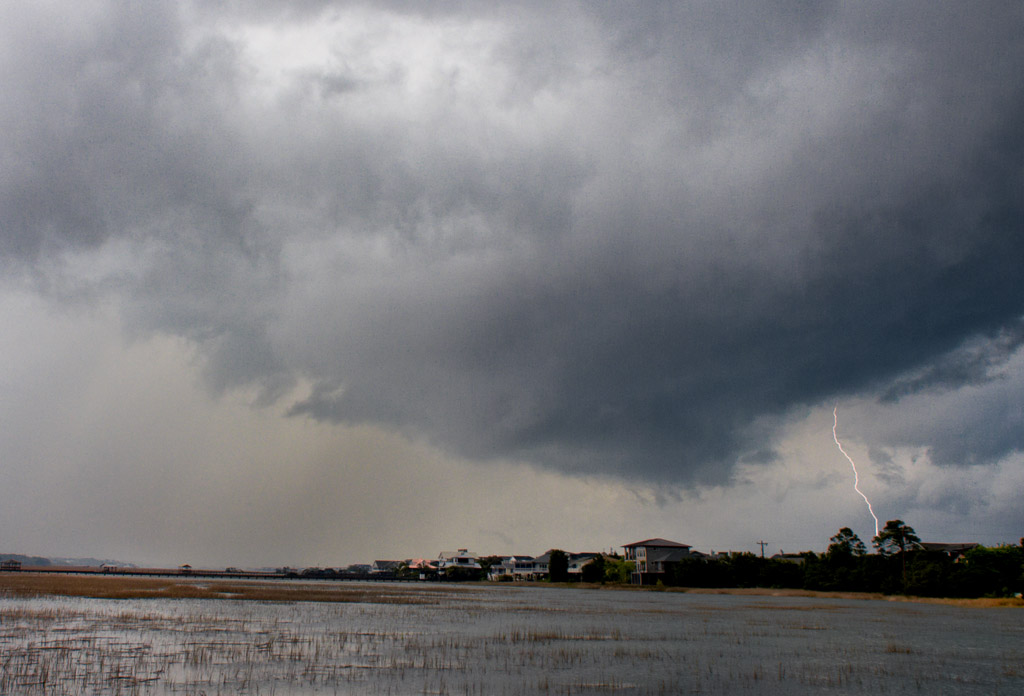
Have you really sat down and watched a thunderstorm in progress?  You really should.  Pay attention to the lightning strikes.  Notice that there are several types:

Several Cloud to Cloud and Cloud to Ground Strikes.

  1. Cloud to cloud: This type of strike is on the edge of or within the cloud itself.  It is pretty but not as emotionally charged as a ground strike.  Usually these strikes are high speed with a single pulse and unless you are currently making an exposure your chance of capturing one without a Lightning Trigger is going to be very rare.  Here is an example of one such strike showing 6 separate strikes in the same exposure at once!  Look closely at the image on the right and count the actual strikes in the picture.
  2. Single Pulse non branching.

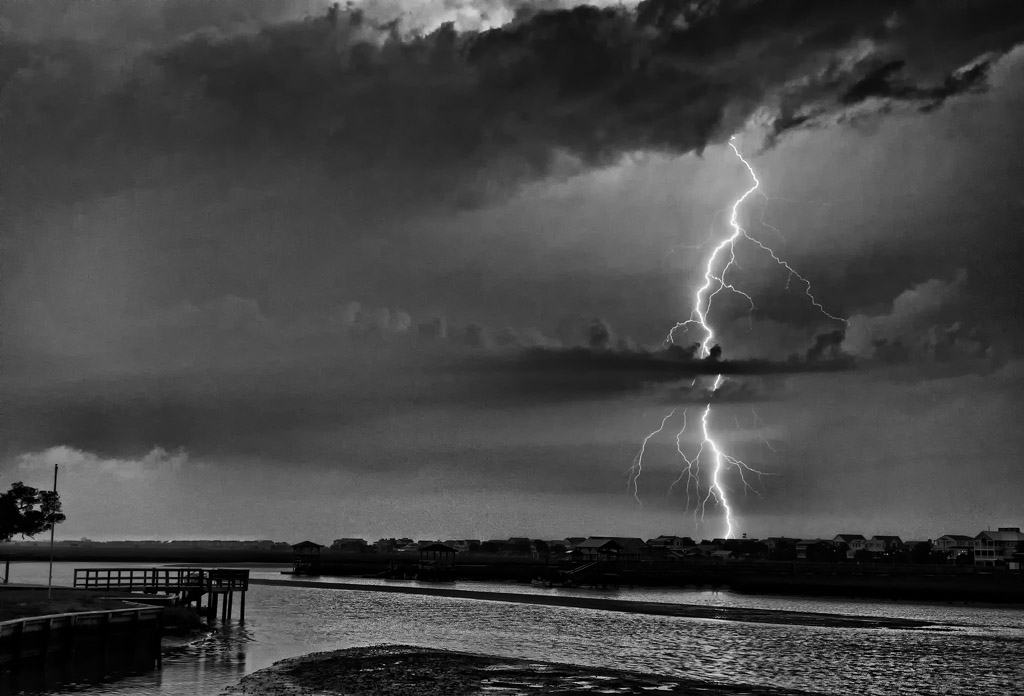
    Cloud to Ground, single pulse: This strike is a quick flash usually with out branching strikes.  It is so quick that the only chance you really have of capturing one is for you to be using a Lightning Trigger or have a long exposure currently in process during the strike. These types of strikes are not as dramatic as a multiple pulse strikes because they are not as bright and do not usually branch out like a tree limb while searching for the upward leader.  Still, any lightning capture is worth the time and frustration necessary and you will be happy to have captured this!  Have you noticed in viewing these images how much more dramatic the daytime strikes are?  Again remember to think in terms of both Color and B&W lightning images.

  3. Cloud to Ground, multiple pulse: This is the big boy of strikes and what we are actually looking for in lightning photography!  In this style of strike a ground feeder rises from the ground towards the sky.  A bolt releases from the cloud searching for it and will wander all over the sky as it moves down.  It will branch out into many bolts like tree limbs during its search for the leader.  Once it finds the leader it will pulse multiple times down the same path as it discharges.  This type of strike can last up to 2 seconds and will generate very bright pulses of light as each discharge travels down the same path!  as a photographer, you have a good chance of capturing this type of strike by firing the shutter when you see the first strike and hope that it is a multiple pulse strike! Of course you can also get lucky during a long exposure in that the strike happens while the shutter is actually open!

Tree Branch Multiple Pulse Strike! Notice the branch structure searching for the leader pulse! Think of shooting in B&W also for a dramatic image. This image was captured with a Canon 7D and a Lightning Trigger.

Shooting without a Lightning Trigger

Daytime X Pro 1 Lightning Setup:

  • Mount the X Pro 1 on a sturdy tripod in a protected environment.
  • Use a remote shutter release.
  • Use a variable or set  ND filter around 6 stops to slow the shutter speed down.  The longer the shutter is open the better the chance of a capture!
  • Set the camera shutter speed to A.
  • Adjust the aperture to f/11 or higher to slow the shutter down.
  • Set the ISO to 200.
  • Set the drive mode to high speed continuous.
  • Set the camera to Manual focus and focus on something in the mid ground.
  • Try to setup your composition with some natural structure in the foreground and background to give the image depth in an area where you have observed lots of strikes.
  • You can shoot many  exposures in the continuous mode and hope for a strike while you are making one, or…
  • Watch for a strike within your framed area and trip the shutter release while hoping for multiple strikes down the same feeder which can last for a second or two which will guarantee you an image of a strike!
  • Keep shooting during the storm.  Do not get discouraged.
As I earlier stated, this technique is more of a guessing game and you will be lucky to actually capture a strike, but it WILL happen!

Now, I would have been much happier to have been in a location to shoot strikes without houses and streets in the foreground, but as I said, I had to wait for the cable guy…

Now, the other style of lightning photography involves shooting at night.  This style will work with ANY camera system including the Fuji X Pro 1. The only requirements of your camera system are that it can be mounted to a tripod, have a remote shutter release and have a manual exposure mode.  Experience has also taught me that a wide angle lens will produce a better image.

Nighttime Lightning Setup:

  • For nighttime lightning, the X Pro 1 will work great.
  • You simply put it on a sturdy tripod in a protected environment.
  • Use a remote shutter release.
  • Set the camera shutter speed on 30s or bulb.
  • Shoot into the storm at about f/8.
  • Set the camera to Manual focus and focus on something in the mid ground.
  • Try to setup your composition with some natural structure in the foreground and background to give the image depth.
  • Consider light painting a foreground structure with a bright flashlight during your exposure.
  • When you have captured a strike  or 2 while the shutter is open in bulb you then release it.
  • If you are set at a 30s exposure you wait till it is finished.

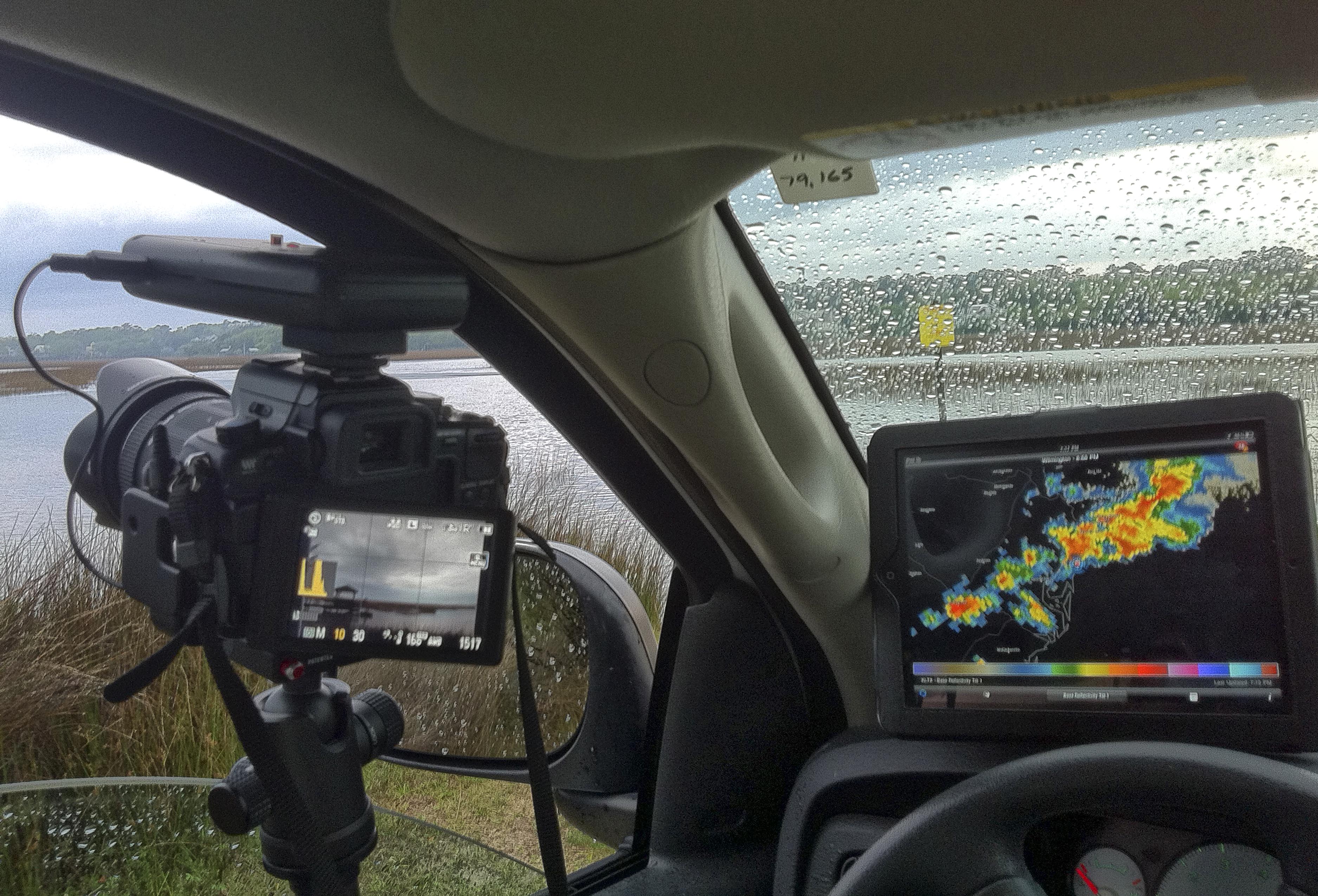
My basic truck setup…

This is the way photographers manage to get several strikes in the same image!  It is easy but you DO have to be careful and make sure that you are not in danger of being hit yourself.  I usually setup inside of my truck with a tripod and an iPad for watching the weather radar and shoot out an open crack in the window.  If the truck is struck, the metal will guide the lightning around you to the ground.

As I said, unless you simply get really lucky with your shutter release timing you are going to get very frustrated with the X Pro 1 for daylight strikes, but for night time, it is the perfect tool!

Go out and give it a try!

Nighttime Lightning Capture using the Bulb Mode

Updated Grist Mill & Covered Bridge Gallery…


Major Image Gallery Update

I have just updated the images in my Grist Mill & Covered Bridge gallery in the menu on the top of the page under galleries!  I added about 25 new mills and bridges plus provided name and state data under each image!  I hope that you enjoy them as much as I did in creating them!

There is something especially pleasing about mills and bridges that can transport me back to a different time and age!  I will literally  travel hundreds of miles out of my way to visit them!  In 2011 I spent 3 weeks visiting 19 states on the eastern seaboard doing just so, plus this year in May, I spent several days exploring the mills and bridges of south central Georgia!

You can visit the updated gallery by clicking on the drop down under Galleries in the top menu or if visiting from off site click on the link below:

https://markhilliardatelier.wordpress.com/gallery/color-infrared-grist-mills/

Tybee Island, GA, Hidden Paradise!


Once here it is difficult to leave!

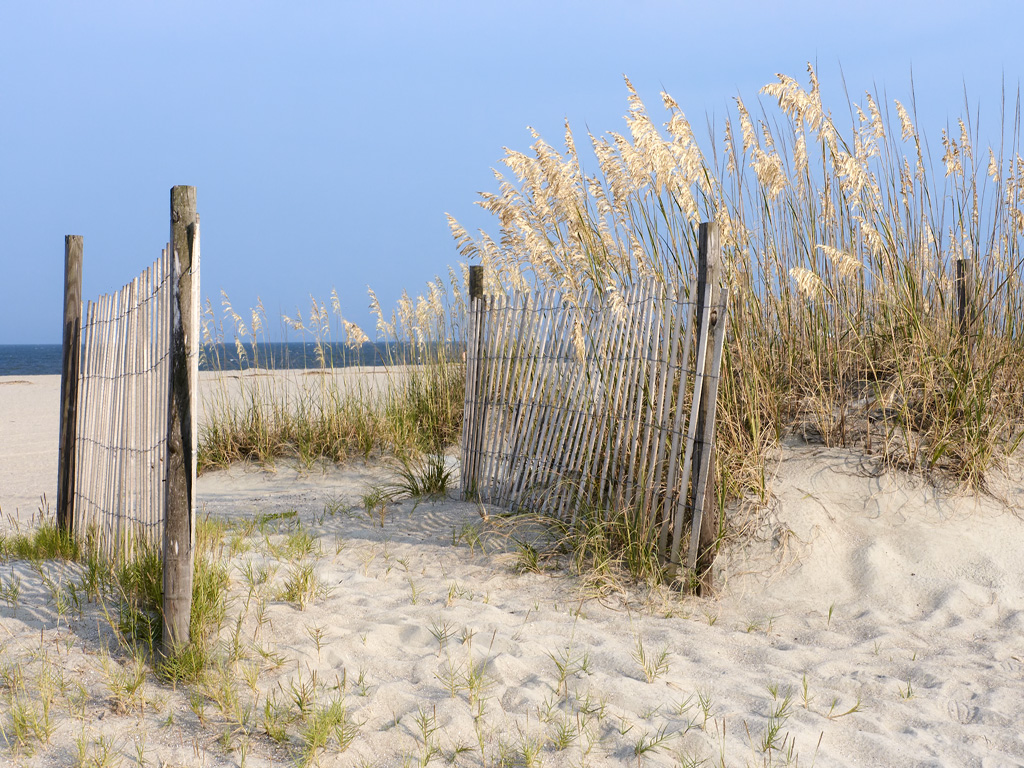
Tybee Island Beach in front of our rental!

Every year I try to make it down to Tybee Island, GA for a visit.  It is one of the hidden treasures of the Southeast coast!  There are two lighthouses there, shrimpers, beaches, birds and many more photographic subjects!  Last year, my wife Ellen made arrangements for a family vacation there with a rental right on the beach.  There were 9 of us there in all and we had a great time!  For me the exciting parts of the week were the photographic excursions out and about.  I am always excited to visit the same places many times as they will always present themselves in a different fashion on each visit!  Below is a small selection of the many things to experience while visiting…

The sand on the beaches there is a fine off white sugar sand and the kids loved to play in it.  There were ALWAYS large ships lined up  to leave and enter the river going up to the port!  Every morning there were shrimp boats going back and forth just off of the beach fishing!

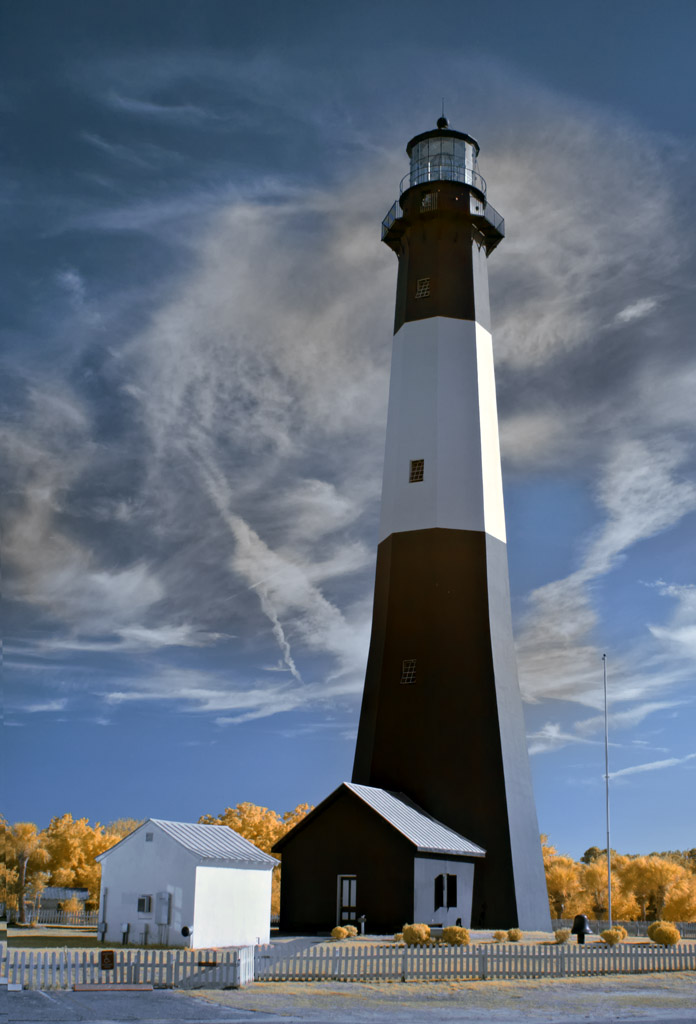
The Tybee Island Lighthouse is a MUST SEE!  It is one of the better looking lighthouses on the coast and always makes a great photographic subject!

Tybee Island Lighthouse in 590nm Infrared.

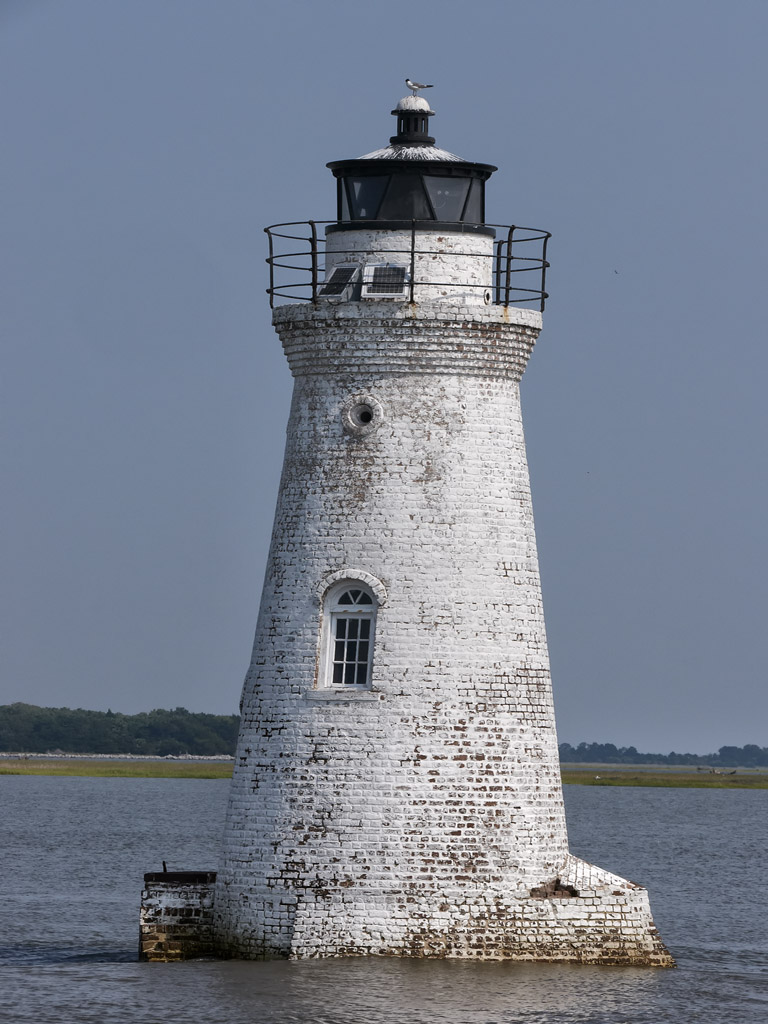
Cockspur Lighthouse , the 2nd local light house is up the river a mile or so from the Tybee Island Lighthouse.  You can visit it by heading north off of Tybee Island and stopping just before the first bridge and taking the small dirt road off to the right to the marina.  You will then have access with a longer lens to photograph it.  I have done this many times but for this trip we took a Dauphin boat trip out into the river and went around the lighthouse several times.

The Cockspur Lighthouse in Tybee Island.

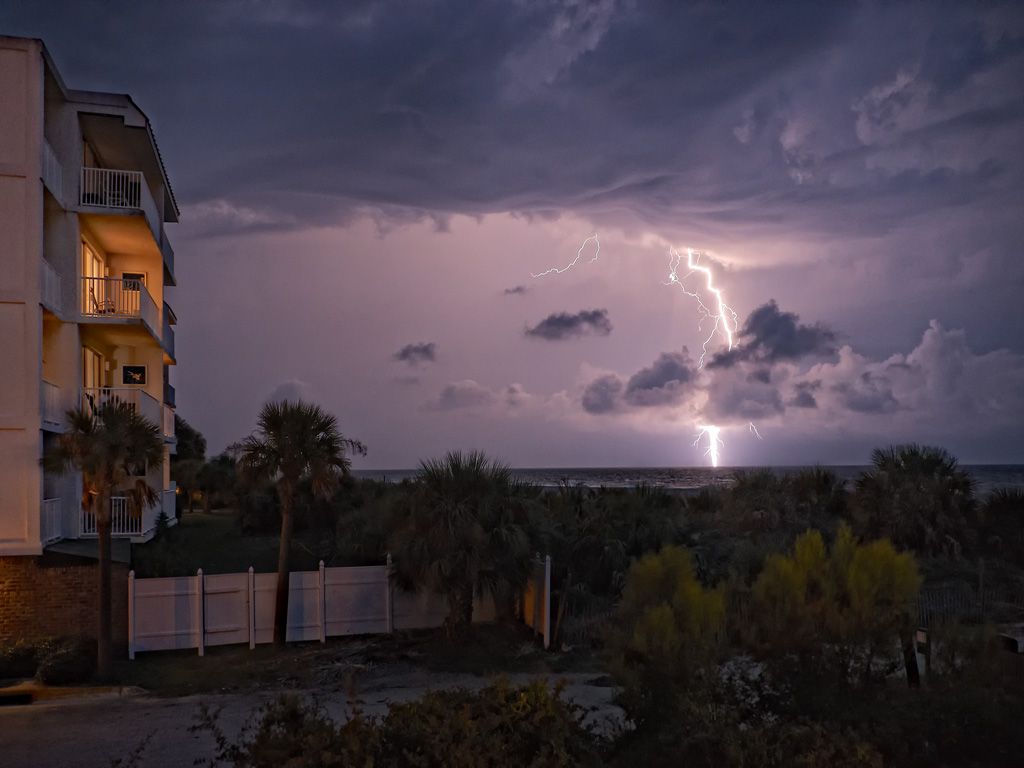
One of the more interesting things about Tybee Island is the fact that during the summer there are usually daily thunderstorms the come thru the area and this makes for a good opportunity to grab some high speed lightning shots!

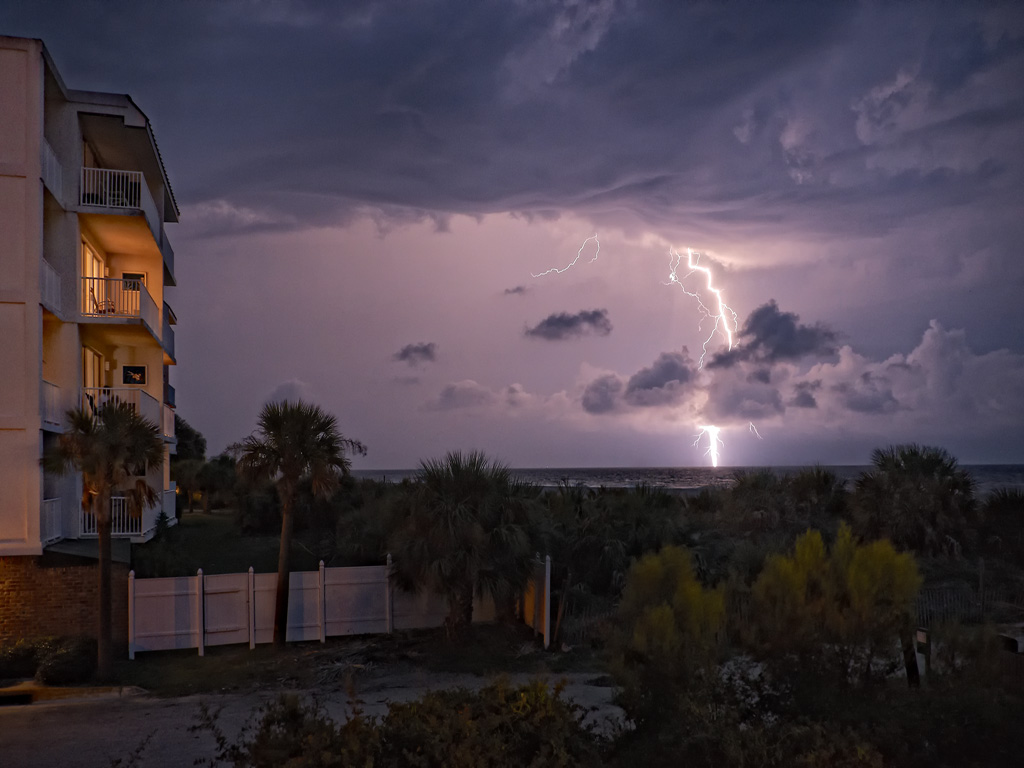
High speed daylight lightning capture from the deck of our rental!

Tybee Island is worth taking the time to visit anytime of the year.  Go for a day or a week, you will not be disappointed!

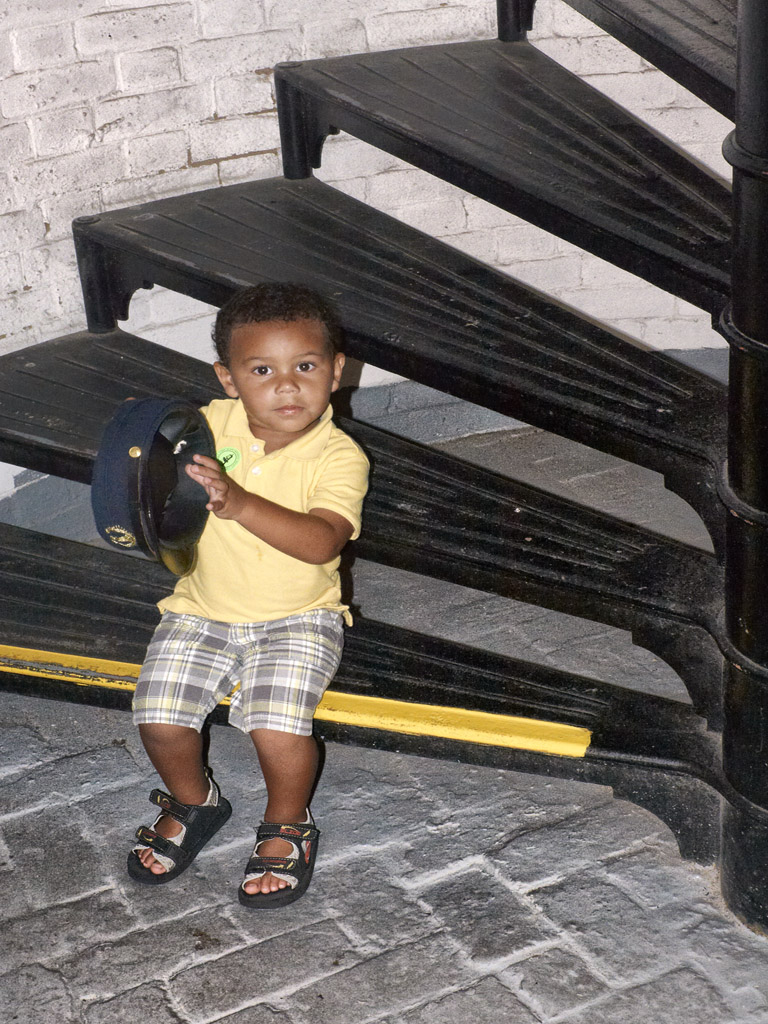
My grandson Jordan pondering the lighthouse keeper's hat as he gets ready to climb the lighthouse stairs!

Going Back To Momma…


Falling In Love With The Fuji X Pro 1 Camera system..

Or, what does a camera system have in common with a good doggie?

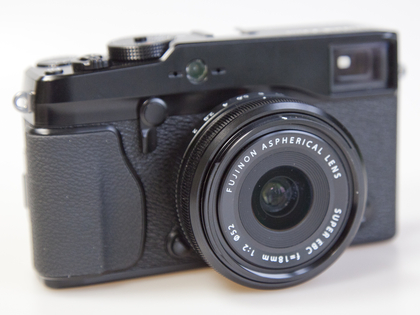
Fuji X Pro 1 System

A little history:

I started in photography over 45 years ago (yes I am an old fart)… A long time for sure!  I started using and learning on an Argus C3 35mm rangefinder camera then just started working up through many many more rangefinders.  Along came SLR camera systems and like  most other photographers of the time I decided that I too must have one of these so that I could actually see through the lens to see what I  am going to get.  Many years passed and every time I would pass a camera store I found myself looking with lust  at rangefinders of all things.  At first I thought that there must be something wrong with me, why else would I be drawn to an older technology after the many thousands of dollars I had invested in the best Canon bodies and lenses over the years?

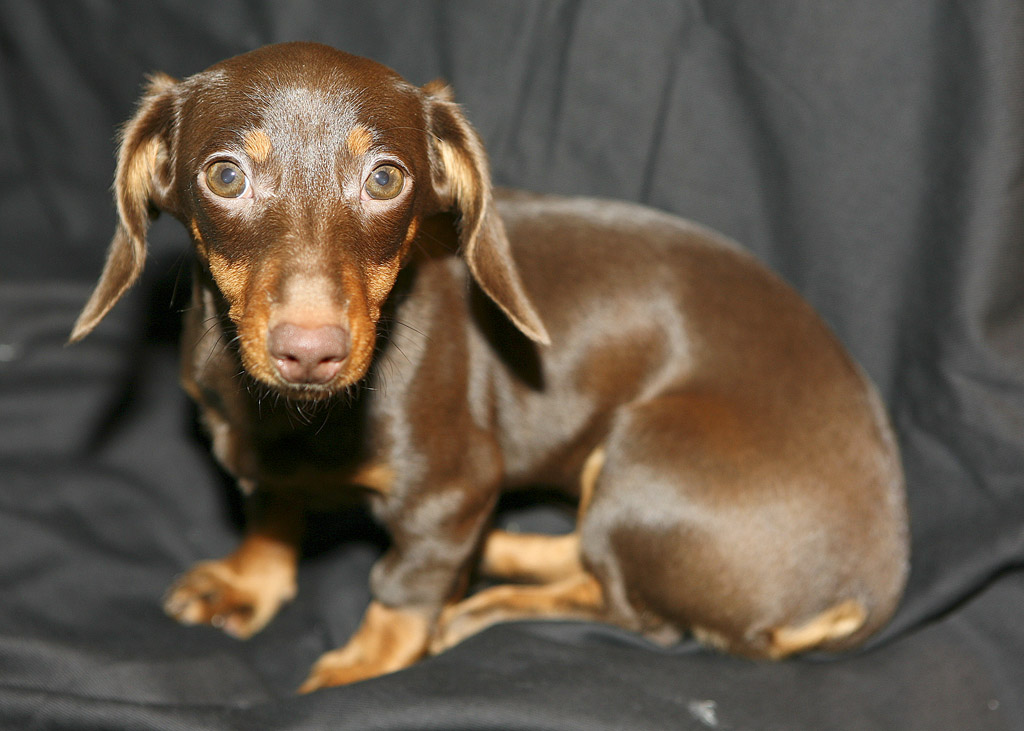
Skittles the Dashound, #9

After much reflection I decided that it must be like dogs!  You know… your parents purchase you your first dog which you fall in love with,  and you are forever imprinted with love for the dog and the type of dog.  Then for the rest of your life you desire only that type of dog!  I am on my 9th dashound now and wouldn’t dream of any other type!  So, back to the point, cameras, like dogs are imprinted upon us at an early age and we tend to gravitate back to momma so to speak!  After coming to grips with this fact I went out and spent another $2500 on the Hasselblad XPan II rangefinder and was forever re-hooked.  Yes, I still have and shoot Canon bodies and L glass, but my true passion is for rangefinders and dashounds!  I have accepted this fact as part of who I am. I find that I even occasionally purchase an old rangefinder camera to display in a glass case in my studio!

Ok, enter Fuji!  Last year, Fuji introduced the X100, which is a digital rangefinder styled camera, not a rangefinder focusing camera.  It looked great and got great press. I wanted one from the very first but held off for a year.  Last fall I actually purchased one and was instantly in love with the thing!  It was small and light and SILENT…  It has a fixed 23mm lens and did I mention that it is totally silent in operation!!  Oh yea, in love to be sure.  This February (2012) my wife and I went to Italy for 11 days of photographic heaven and the only cameras I took were a small Infrared camera (Panasonic GH2) and the Fuji X100.  It was a match made in heaven for travel.  Light,  small and no work to lug around!  I got amazing images with the Fuji even though it had a wide fixed lens.  I simply had to rely upon my sneaker zoom to get close!

I found that I was not totally satisfied with the X100 because it was limited to a single lens.  So I ordered the new digital Fuji X Pro 1 interchangeable lens system with the 35mm f/1.4 and the 60mm f/2.4 lenses, and I have the 18mm f/2 lens currently on order.  It arrived at the end March and I was amazed by its light weight but enhanced functionality that the camera system provided!  now after a month of shooting with it I feel like I have returned to momma and have again found myself through my roots in photography!  God, please help me.. I am so locked onto this camera system that I can not  see any way to ever break away, hooked, addicted with a big fuji monkey on my back!  Fuji also says that  later this year they are offering a 14mm and a 18mm to 72mm zoom!  Then 3 more new lenses next year!  I can feel the dollars slipping away now.. I hope that my wife can forgive me for these future purchases.  I WILL keep the X100, it is after all a rangefinder styled camera and it is silent in operation!  I will purchase new lenses for the X Pro 1 and look to the future for the Pro 2 and Pro 3 bodies…

It seems as though I have found yet another addiction…

X Pro 1, 30 second exposure, 35mm f/1.4 lens, B&W Seascape of Pawleys Island Groin

This post is not a review of the X Pro 1, there are a ton of those out there on the web. It is simply a short series of statements and facts about the camera and why I love it so!

It will NOT replace my Canon 7d for (5%):

  • Lightning Photography, because it does not have a electronic shutter.
  • Water Drop Collision Photography, because it does not have an electronic shutter.
  • Macro Photography, well, it might actually work out for this one.
  • Birds in flight, focus is not fast enough.
  • Sports Photography, I simply don’t do this anyways.
  • Movies, has HD movies but no external mic hookup.

I will use this camera for(95%):

  • Landscapes
  • Seascapes
  • Hummingbirds in flight, works great.
  • Grist Mills & Covered Bridges
  • Long Exposures, works great.
  • Travel, light with many lens choices.
  • My MAIN every day camera system!

Leica Pin Hole pancake

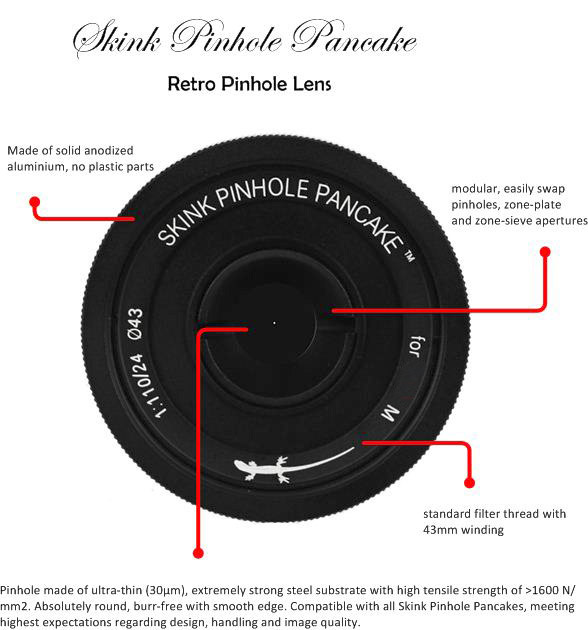
I was considering the Voigtlander Super Wide Heliar 15mm f/4.5 M Mount Lens instead of the Fuji 18mm but there have been so many web posts on how bad this lens is on the Fuji that I have decided against it.  I instead will use a Leica M mount Pin Hole plate from Skink on the Leica to Fuji adapter!   I love Pin Hole photography and have them for ALL of my camera bodies!  There is just something very peaceful and satisfying about using technology for the early 1800’s and the resulting images are very etherial!

Ok, more to come on this great new camera system in the future, I have to have a chance to actually go out and shoot the thing!

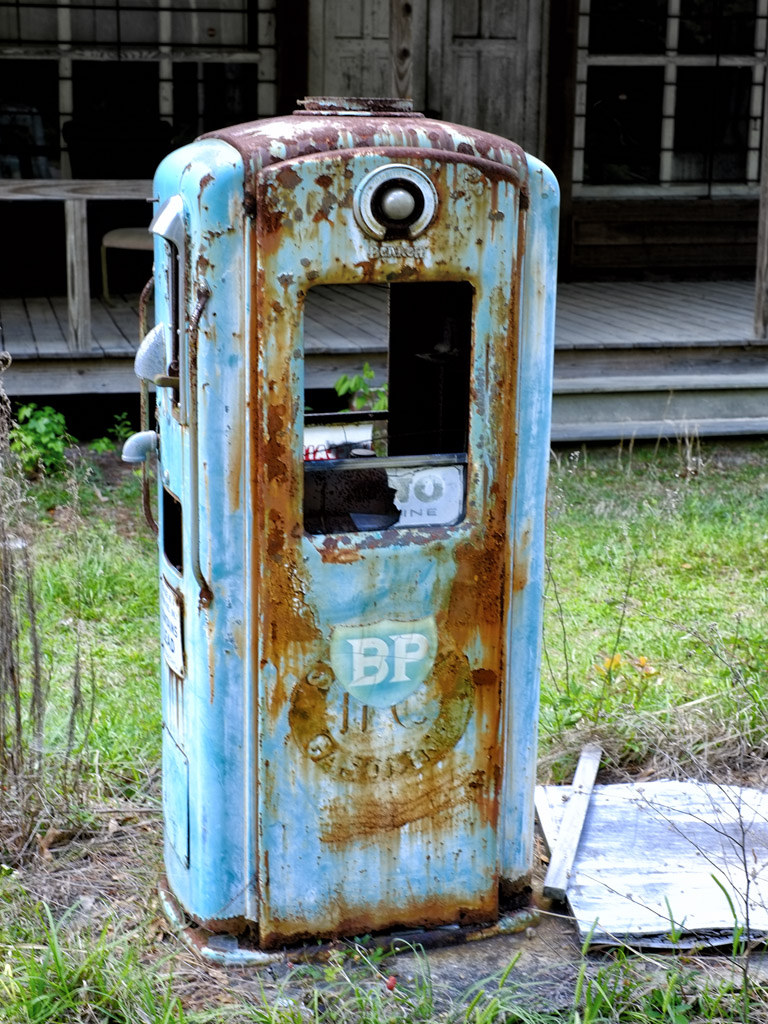
Antique Gas Pump, Fuji X Pro 1

So…

Returning to the love of our roots can mean:

Camera Love <= Really does equal => Doggy Love

Told you I was a sic person…

Smile!

Galleries Are Here!


The Gallery pages are coming online!

Sunrise on Folley Beach, Light painting on the driftwood with a white LED light! Very LONG Exposure...


On the top menu of the blog you will find several pages listed across the top.  The one labeled Galleries is actually a series of drop down menus which will let you select several organized image galleries containing my favorite work from over the years.  So far, I have 4 galleries populated but will be expanding over this month to around 15.  Please stop by for a visit and come back often to see the changes there!

I hope that you enjoy viewing them as much as I enjoyed creating them!  They cover about 15 years of my work since living in the Low Country of South Carolina and cover about 19 different states and 6 different countries! I even have some high speed water drop photography thrown in as good measure.

The Great South Carolina To Missouri Grist Mill Trip, Day 1


16 Mills in 4 Days!

A beautiful mill full of photographic possibility!

Murrays Mill, NC

I needed to visit my parents who live in St. Louis as they have moved into an assisted retirement home and were selling their house!  They wanted me to take some furniture back south to my kids so that they would have something to remember them by and assist a little with the house in general.  The entire process was pretty painfull and stressfull except for the 2 days of travel at each end of the trip!  For those 4 days I was in heaven!

Bost Mill, NC

I have 173 grist mills programmed into my GPS in the truck that covers every state from Florida north to Boston then west to Missouri down to Texas!  I had no specific stoops planned except for the Glade Creek Mill in West Virginia (which I have been wanting to visit for years) SO… I pointed the GPS to Glade Creek and then went to my Favorites section on the GPS which told me how close I was at any time to specific mills which I could then simply touch and direct the GPS to take me to as a VIA Point!  Using this process I managed to visit 16 mills and could have made 20 or so but it was simply too much to do and still have time to sleep!

Linneys Mill, NC

I spent a lot of time in North Carolina as there are just so many mills there to visit.  Some are totally useless as photographic subjects but still could be saved.  I skipped those that were in such condition along my route. I also would stop at a pretty barn as well but my priority were mills!

Several of the mills along the way were actually working mills that ground corn in order to make a living!  This style of mill is not nearly as pretty as the older 1800’s version but can still be very interesting!  The Linneys Mill in North Carolina is one such mill and very much worth the effort to find and photograph!  It sits along a very pretty stream that has been damed and if viewed from the back is a worthy photographic subject!

Linneys Double Metal Wheel!

Mitchell Mill, NC

Aside from the occasional commercial mill and tons of old mills there are quite a few of old mills that have been converted to private homes.  I especially like to visit these as long as the owners try to keep the exterior the same as designed!  The Mitchell Mill in North Carolina is one such mill and the owners have even kept the mill workings operational!  They were not home when I visited and I really did try to talk to them but alas I was only able to make friends with their three dogs before shooting the mill!  Perhaps the next time I go thru I will stop and attempt to visit them again…

Glade Creek Mill, WV, B&W

OK, it is time to visit the Glade Creek Mill in Babcock State Park in West Virginia!  As I said before, this one mill has been on the TOP of my wish list for several years and the point of my chosen route to St. Louis.  I really didn’t know if morning or evening would be better for shooting here so I kept my options open and planned to stay at a local hotel in case I needed a morning shot!  I needn’t have worried though as I actually arrived at 6 pm and the light was perfect, the fall leaves stunning and there was serious water flowing along the creek and over the various water falls!  There were about 50 photographers there and I had to wait for the locations I wished to shoot from.  I shot both in Color and Infrared but really Color was the priority due to the Fall colors.  I used a Canon 7D body with the 24-70 L f/2.8 lens and a Singh Ray 8 stop Vari-ND filter to slow the exposure way down and allow for soft creamy water motion.  Of course I shot on a heavy tripod using a remote shutter release and mirror lockup!

I processed all of my Color shots for B&W as well.  I also kept HDR in my mind as I setup and shot several sequences for later processing using the new Nik HDR Pro software!

Here are a selection of my favorite images of the Glade Creek Mill:

Glade Creek Mill, Single Shot, 30 second exposure!

Glade Creek Mill, Landscape, High Lighting The Waterfall

Next, a 3 shot HDR image using Nik’s HDR Pro Software:

Glade Creek Mill, 3 Shot HDR, Nik HDR Pro

Glade Creek Mill, 7 Shot HDR, Photo Matrix Pro Software

As you can see, the two different HDR versions give drastically different results.  I like both but can NOT decide which is best! Perhaps you can help with this?

Glade Creek Mill was a dream come true for me and while there are several more world class mill shots coming in the next 3 postings, it was the highlight of my trip.  It was worth the extra miles I drove to include it in my trip and the evening proved the best time to photograph it. I did make several discoveries while at Glade Creek, the most important is that I needed very GOOD ankle high boots in order to safely climb below the water falls and negotiate the rocks!   I did not get a local hotel but chose instead to drive much further on for the night before I stopped.

My next post will be a few mills that I saw on day two!

Stay tuned!

Comparing Color To B&W For Viewer Impact


Mattamuskeet Light, B&W Conversion

B&W or Color, The Eternal Question!

Wow, talk about a loaded topic!  I have ALWAYS preferred B&W over color, but until recently the public voted with their dollars for color over B&W about 3 to 1.  Along came Infrared and the trend totally reversed!  So I find myself looking at B&W conversions of my color images each and every time I sit down in front of the computer!  This is especially true in Infrared also.

What this means is that as I post process my color images I also do a B&W version just to be sure…


After doing my RAW conversion and basic cropping for my master image library size I use the Nik filters in the following way…

Color Work Flow:

  • Nik Define 2.0 – In the auto mode simply select the defaults and check OK to complete.  If needed you can switch over to Manual and add extra control points in noisy areas but make sure you select the measure noise button before clicking OK.  This process cleans up the  the image but doesn’t reduce clarity!
  • Nik Color EFX 4.0 – I usually run the Tonal Contrast recipe but always try the Warmth and Brilliance and others as well.  This is to sharpen and adjust the saturation levels!
  • Nik Viveza – Overall spot corrections.
  • Flatten Layers and save as a 16 bit PSD file with a usable name keeping the camera image serial number as part of the name.

B&W Work Flow:

  • Always run through this workflow after finished with your color processing.  Never switch your camera over to it’s B&W internal mode.  You will get better conversions using the Post Processing!
  • Nik Silver EFX 2.0 – Boy this is a tough one.  There are so many recipes plus millions of individual adjustments.  For me I usually use the Basic recipe, or the Full Spectrum recipe (my choice most of the time) but for some images the Wet Rocks recipe is too magic to overlook!
  • Under Image > Mode select B&W than flatten the layers keeping the image in the 16 bit mode.
  • Save As giving the image a new name with BW in the name field.

That’s all there is to my workflow from the color world.  Infrared is much different and you can read great volumes about it on my IR blog at:

infraredatelier.wordpress.com

OK, here are some color/B&W comparisons for you to ponder over…

Capt James, Very Moody & interesting image

But, check out how the B&W version draws you into the image and smacks you around a little!  Both images are good but the B&W works better for me!

Emotionally Charged, Moody... Perfect!

B&W - Down & Out, Moody, Nice but a little plain don't you think?

But the Color image is something else!

The Color version tells more of a story and works better!

As you can see, I like the Color version much better.  This goes to prove that you never know which is going to work out the best so you should process for both each and every time!

What do YOU think?

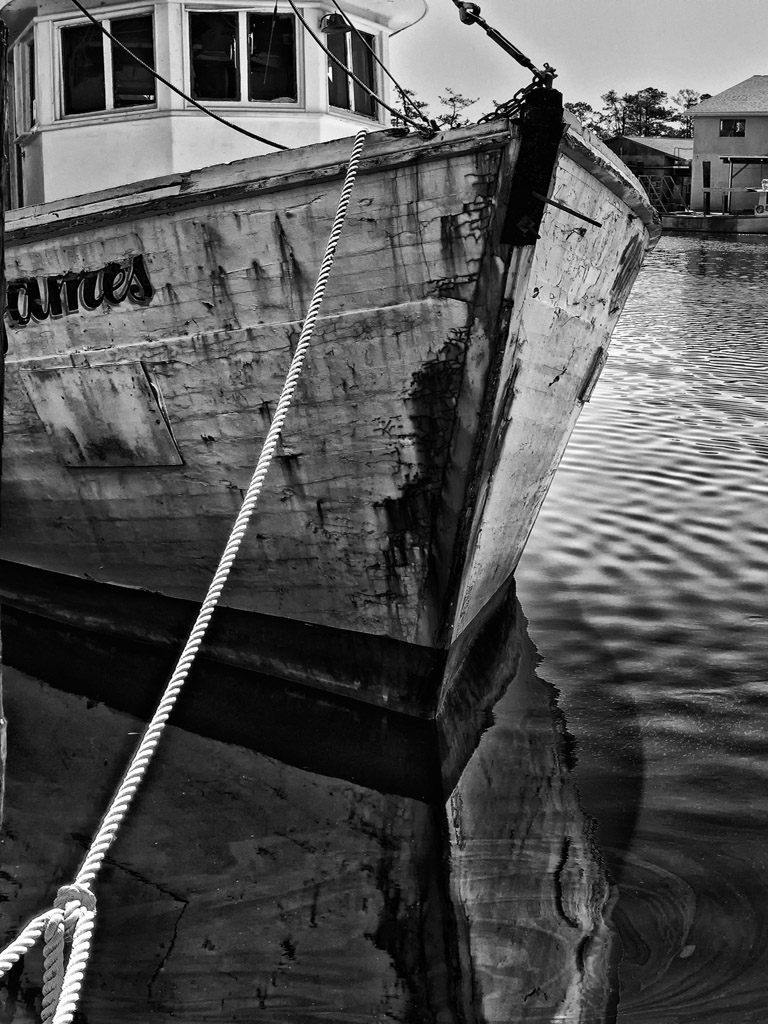
Shrimp Boats from the NC Infrared Workshop!


Infrared vs. Color/B&W, So Many Choices – So Little Time!

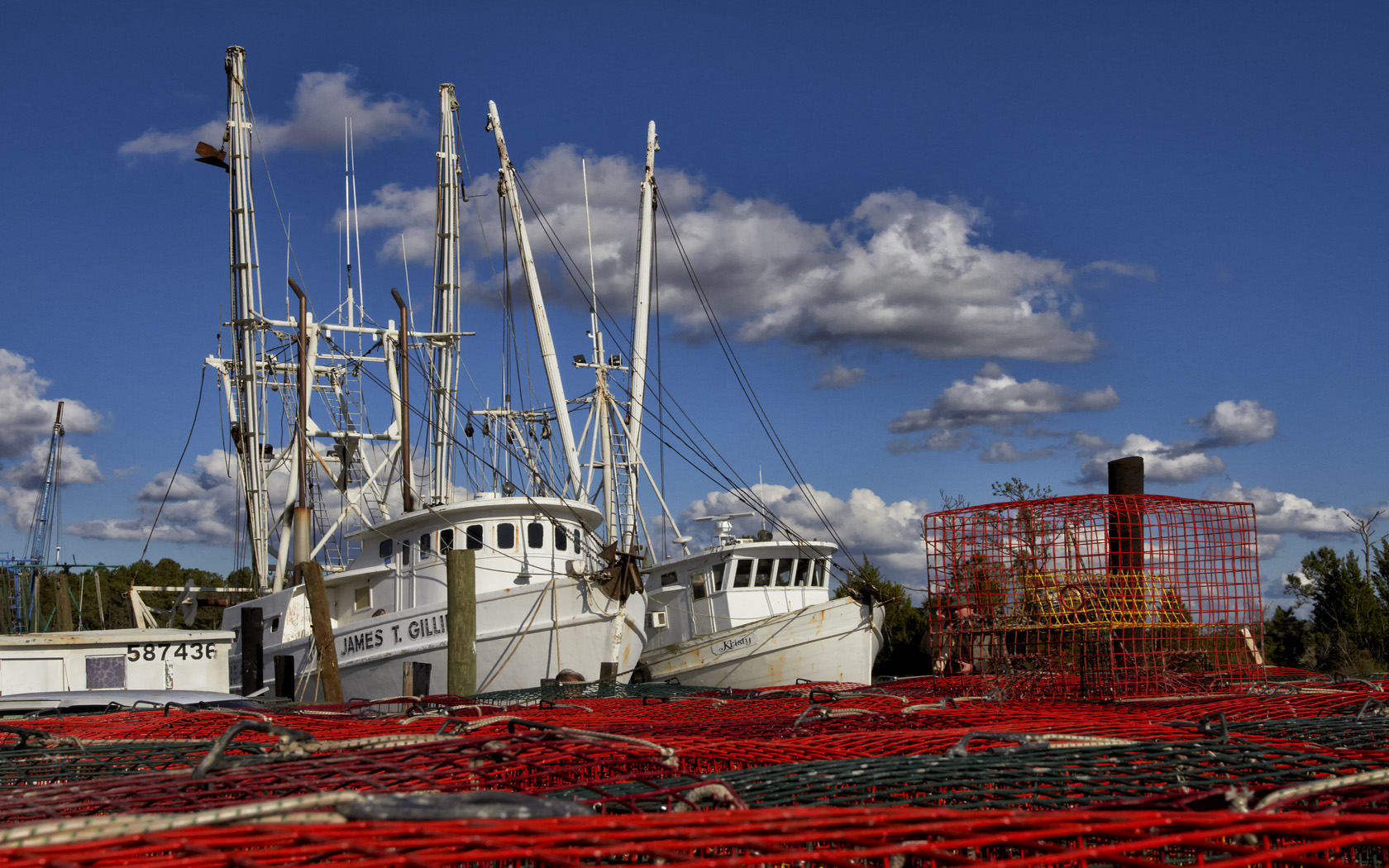
Shrimp Boats & Crab Pots!

I know, it really was an Infrared workshop given in the Swan Quarter area of North Carolina!  BUT, (really big but!) I wanted to capture these shrimpers in color.  The lighting was perfect, the clouds were moody and there were literally hundreds of the boats in port in both Swan Quarter and Englehard.  It was a dream come true!

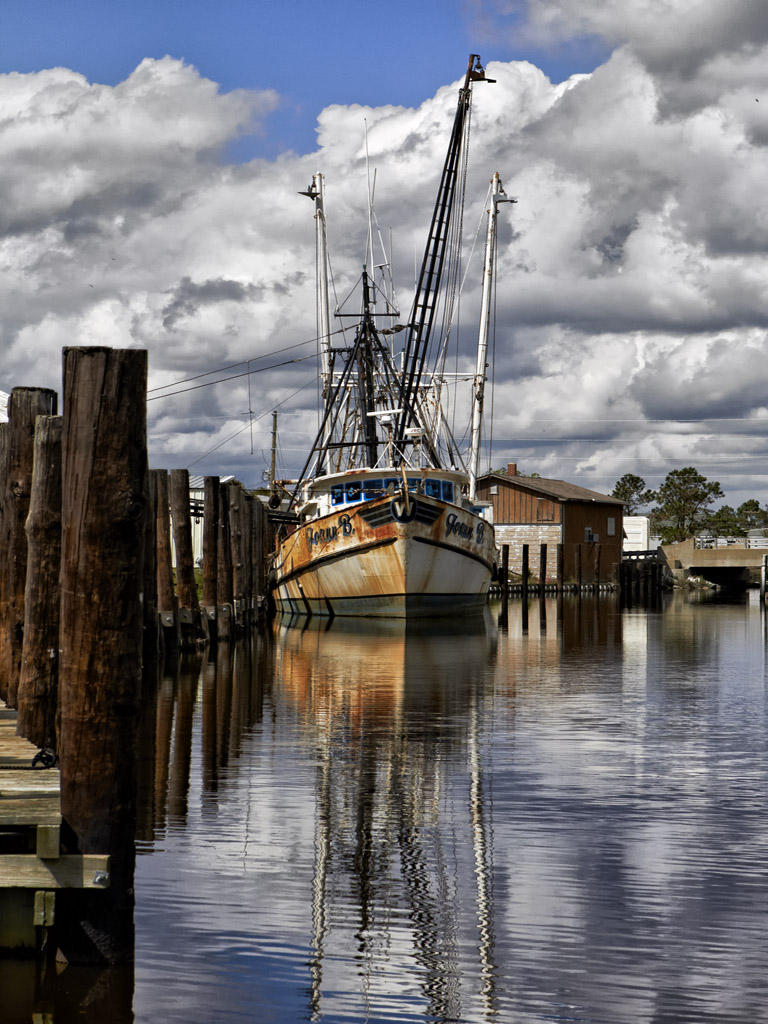
Joane B. - Englehard, NC

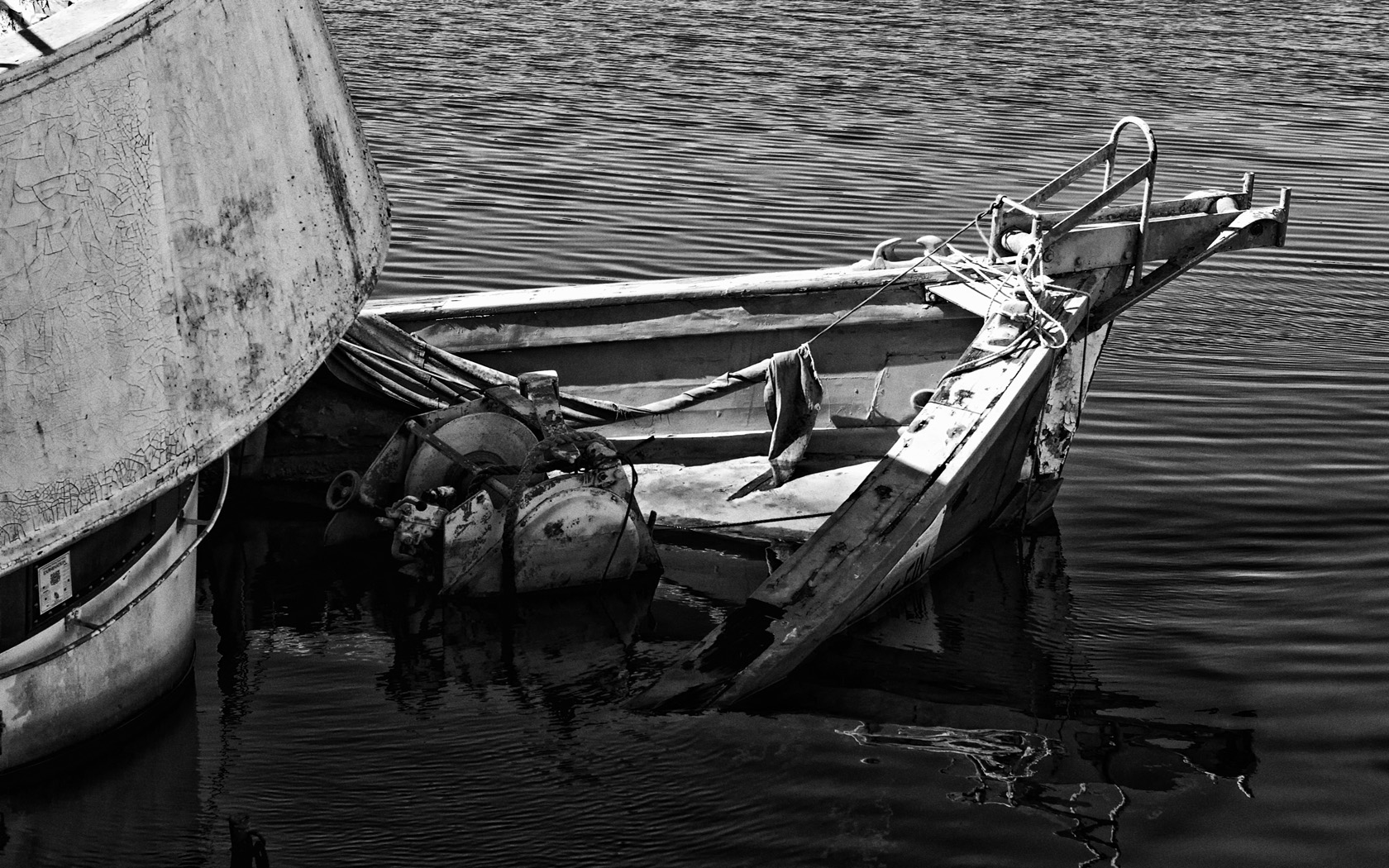
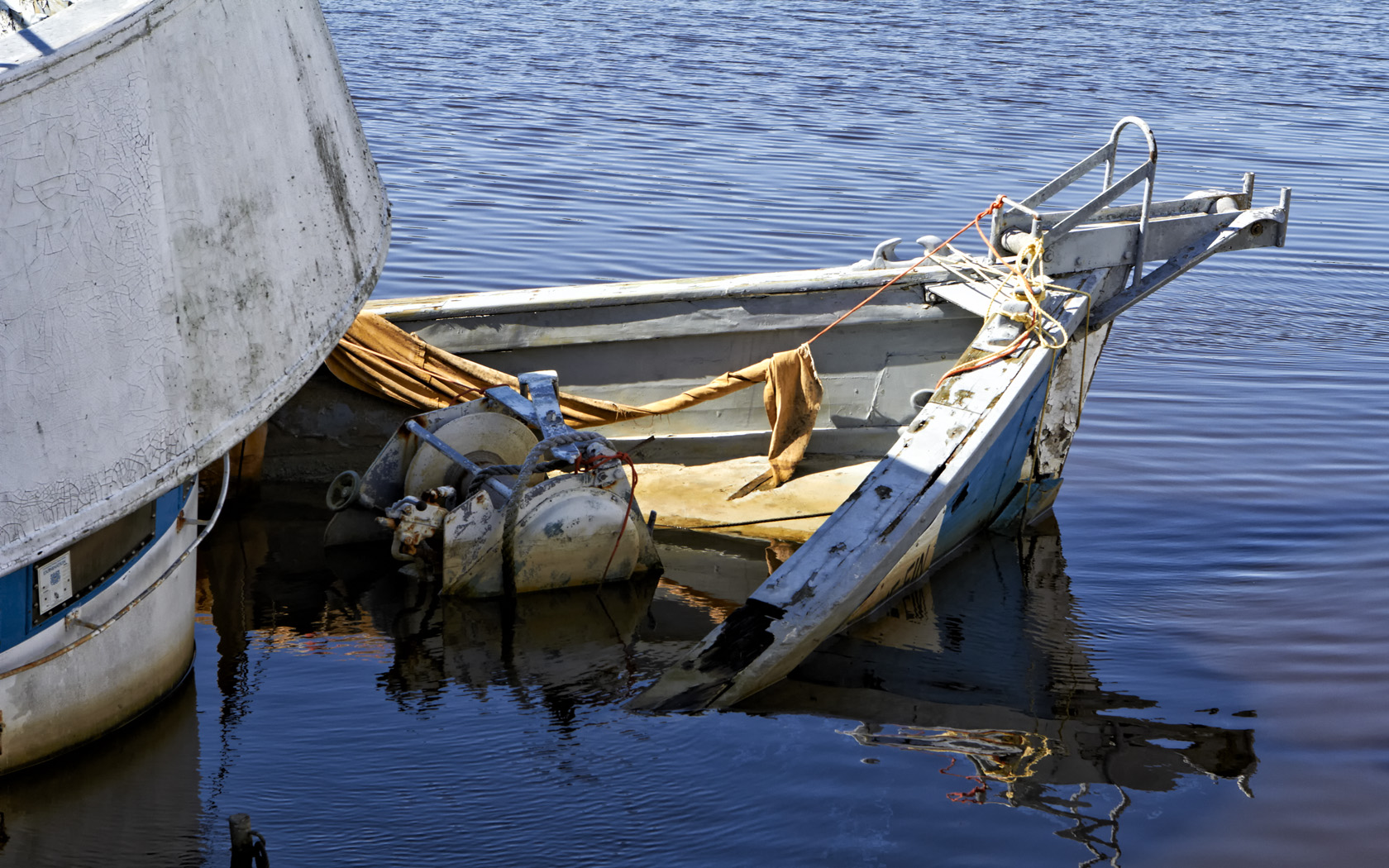
Just look at these colors!  This first image was taken in Swan Quarter.  The fleet infrastructure was dismal and beyond poor condition.  Some (most) docks were physically crumbled but yet still had boats tied up!

The difference between Swan Quarter and Englehard was simply amazing!  Englehard was well maintained and full of boats.  Everything was sparkling (well, as much as a fleet of shrimpers can be!)

And yes, I did shoot in Infrared as well but will post those images on the IR Blog at infraredatelier.wordpress.com.

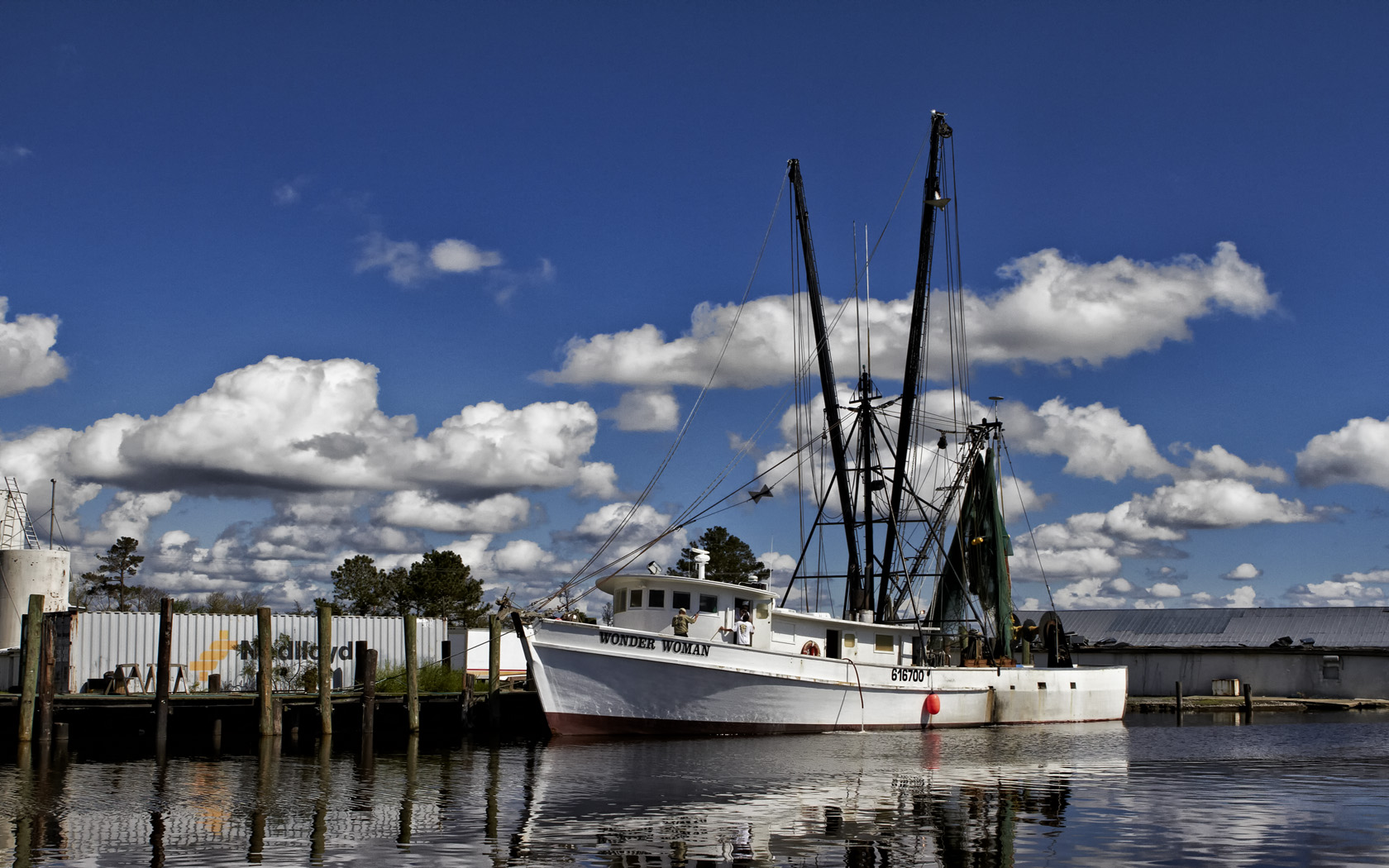
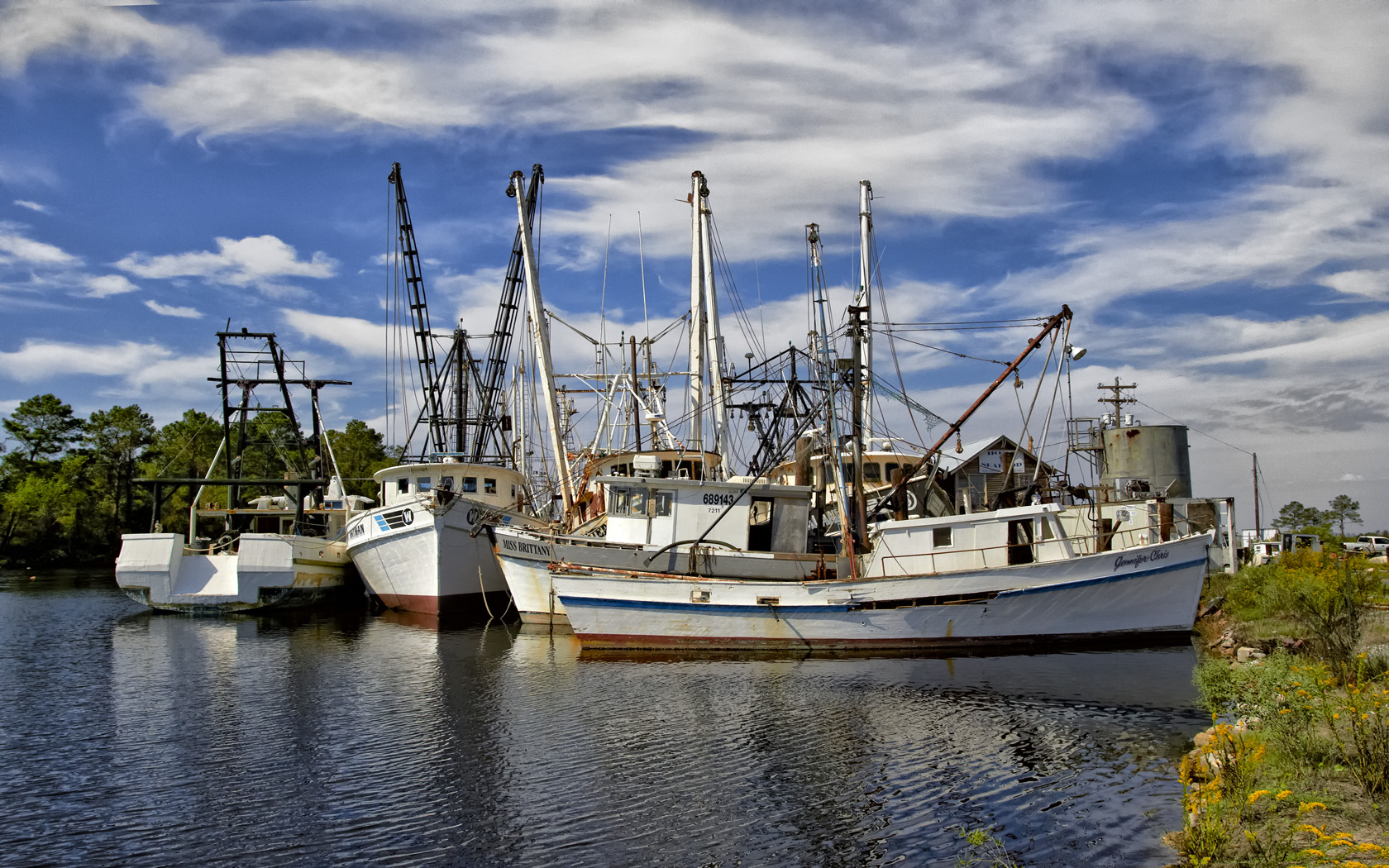
Ok, and now for some of my favorite shrimp boats of the weekend.  All were shot with the 7D switching off between the 24-70L f/2.8 and the 17-40L f/4 lenses!

Wonder Woman, Englehard, NC

Swan Quarter Fleet

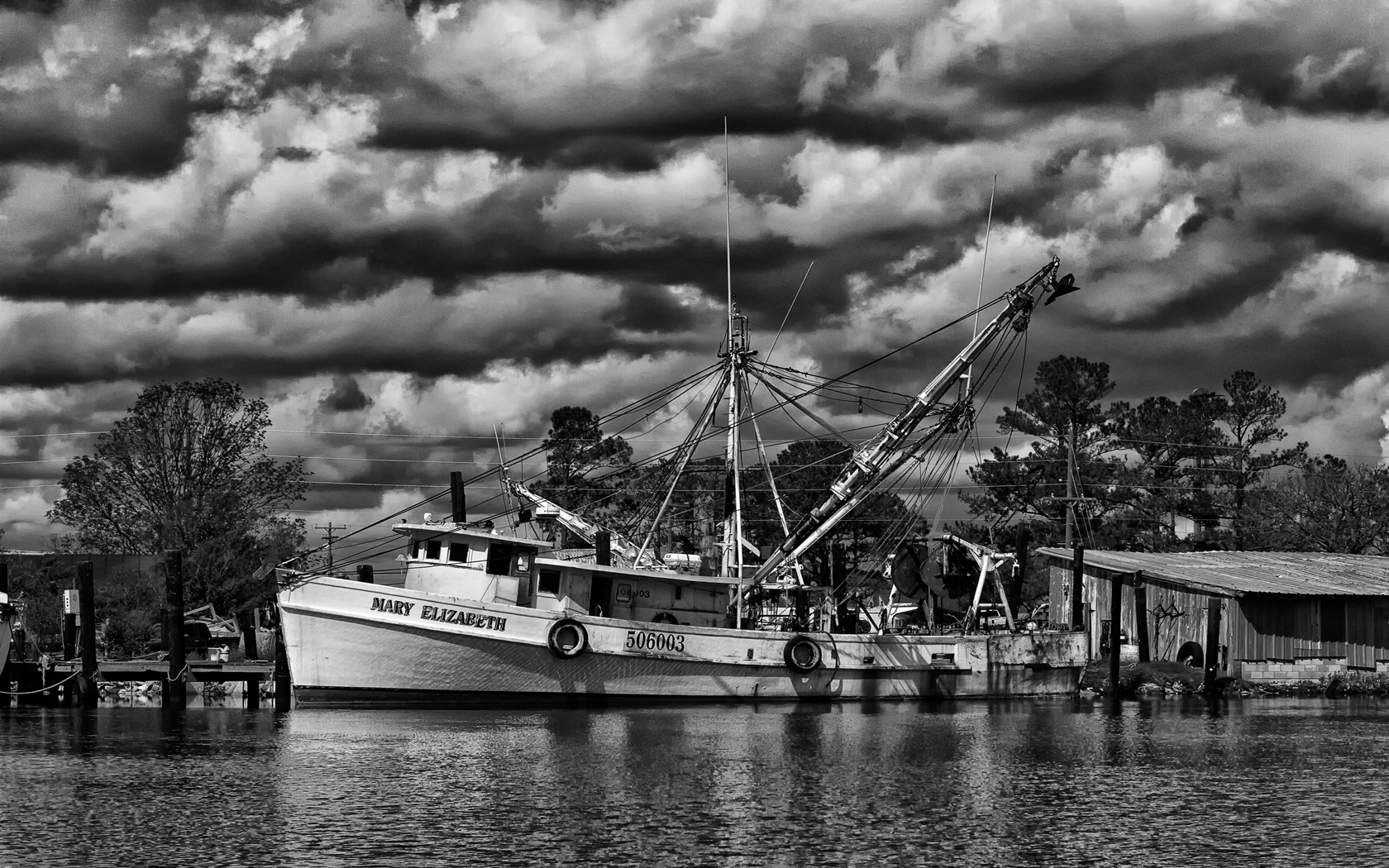
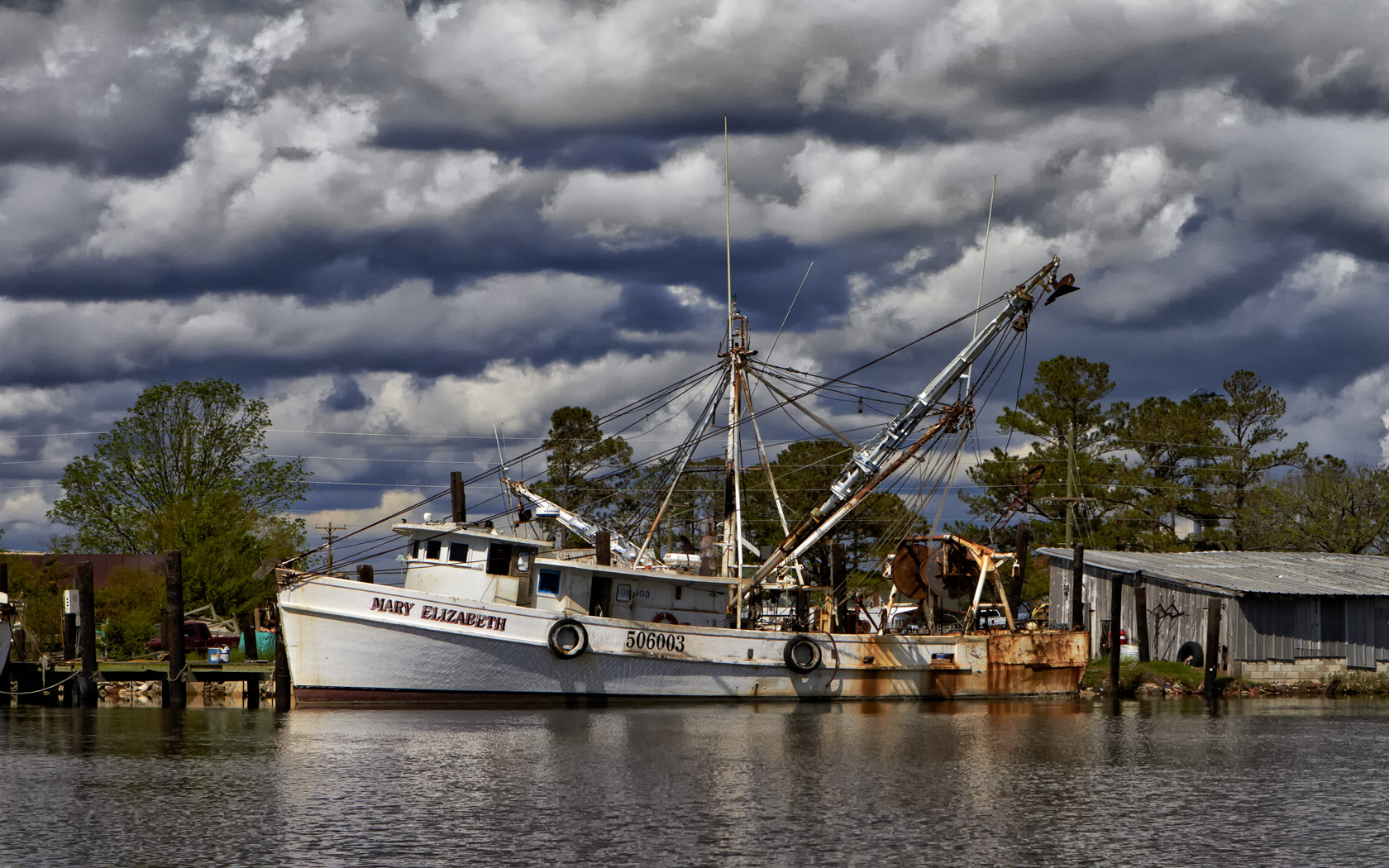
Mary Elizabeth, Englehard, NC B&W

I did mention B&W shrimp boat images didn’t I? Sometimes, B&W images can be so stunning that they can take your breath away.  They pack and incredible emotional punch that can grab the viewer by the throat and scream “Look At Me!”

Swan Quarter Fleet, B&W

Mary Elizabeth, Englehard, NC

All images were processed in Adobe CS5 using the Nik Filter set.

Please let me know what you think!

Some More Water Drops…


These Are Too Interesting To Be Boring…

Rainbow Umbrella

Balancing Act

Christmas Tree Lights

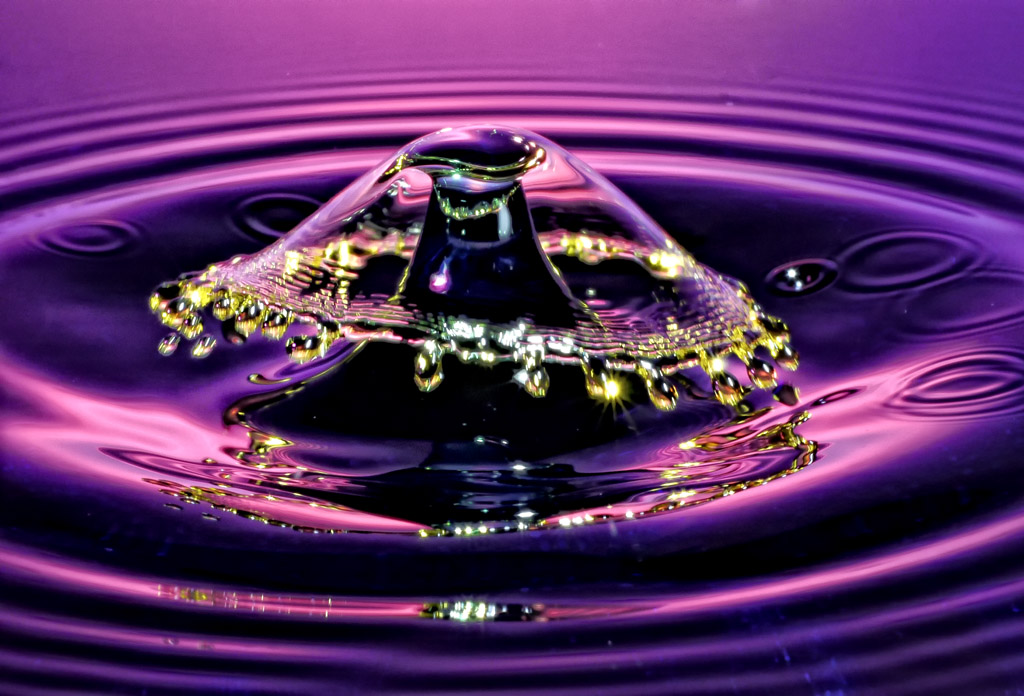
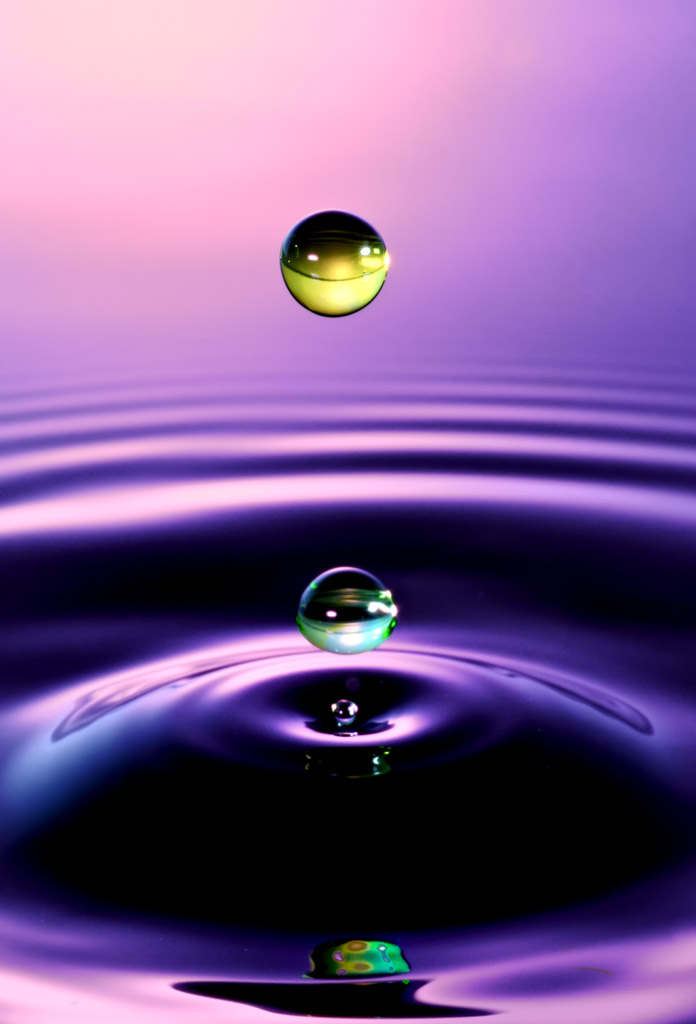
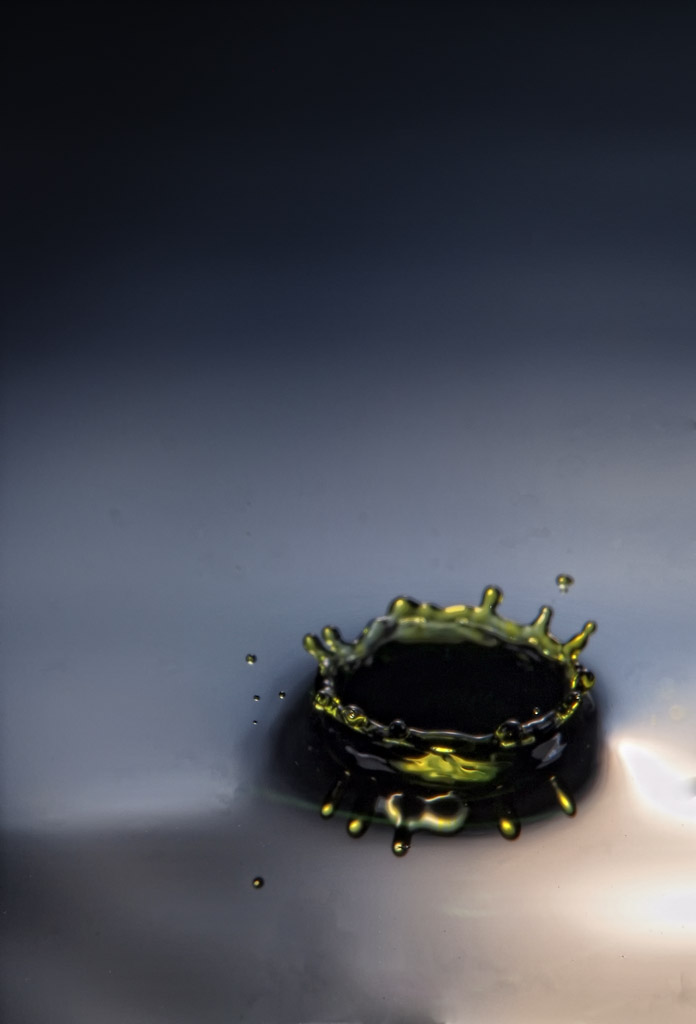
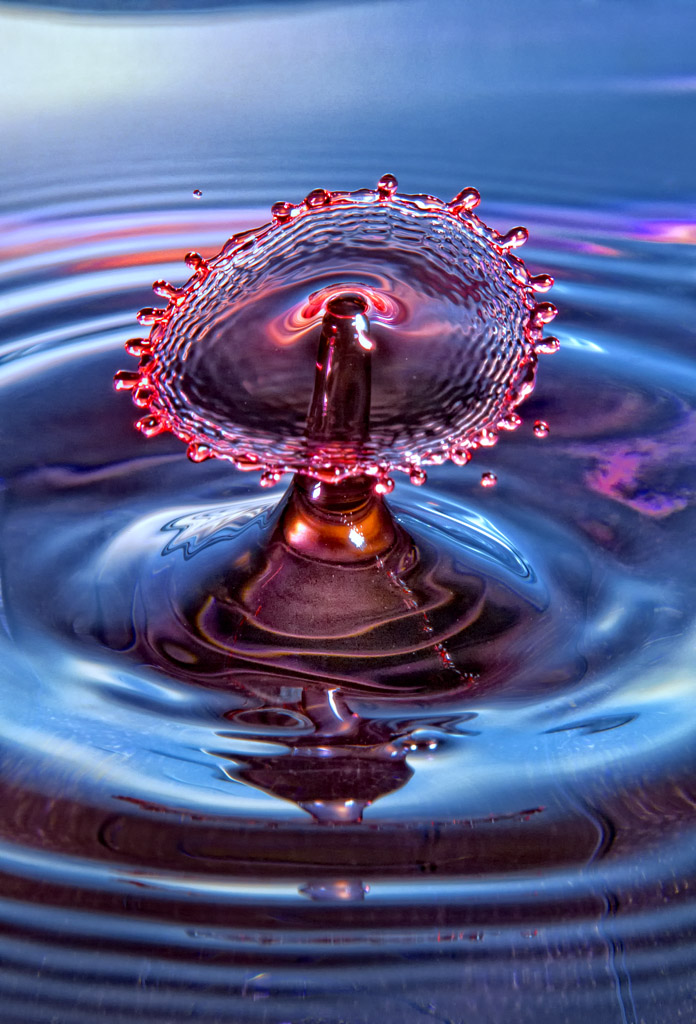
Water Drop photography is both fun and challenging!  It is in the world of MACRO where focus and Depth Of Field are things that are seriously difficult to obtain!  I do these on the table in my studio under very controlled conditions.  Feel free to stop by and watch sometime!

A Few Infrared Images


A Few Of My Favorites…

Infrared Photography has had a life changing effect on my photography.  It has caused my creative juices to be re-charged!  I cannot get enough of it and to that end I find that I take hundreds of Infrared images to each single color image!  I find Infrared Photography to be emotionally charged in a way that takes my breath away!  I hope that you agree!


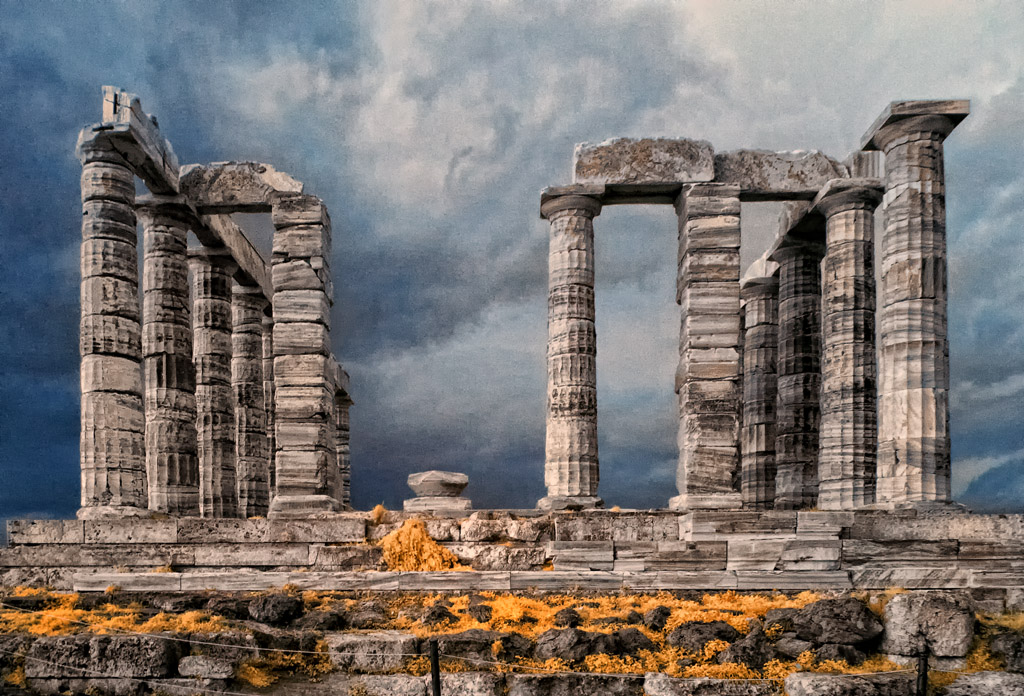
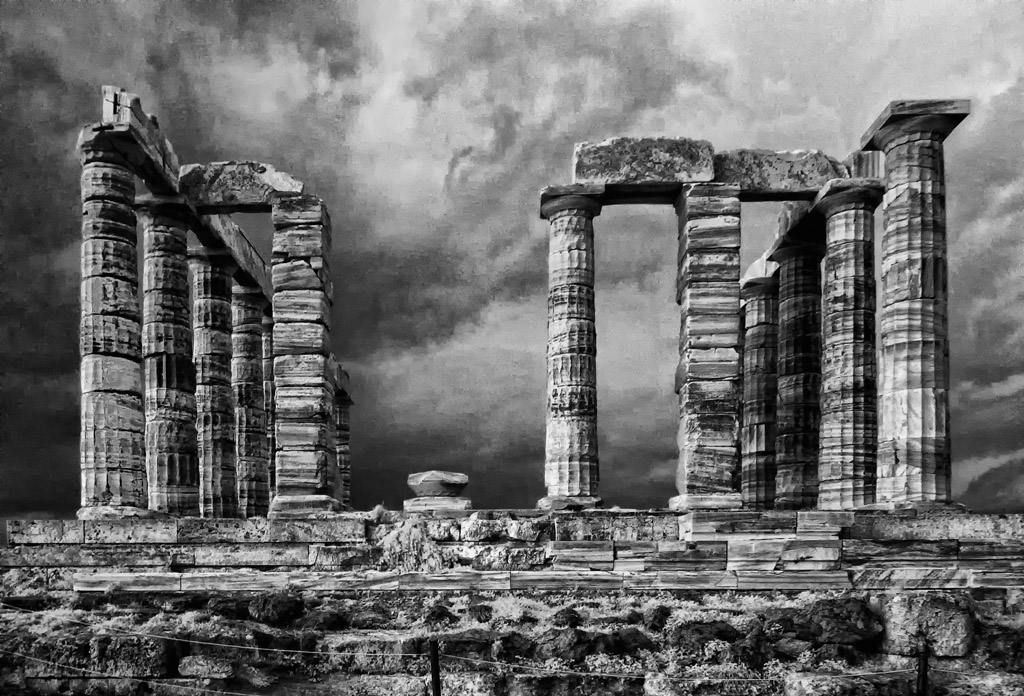
On a recent trip to Greece I visited the Temple Of Poseidon where the sky and storms work to my advantage to produce this moody image!

Temple Of Poseidon, Faux Color Infrared

The Temple Of Poseidon, B&W Infrared

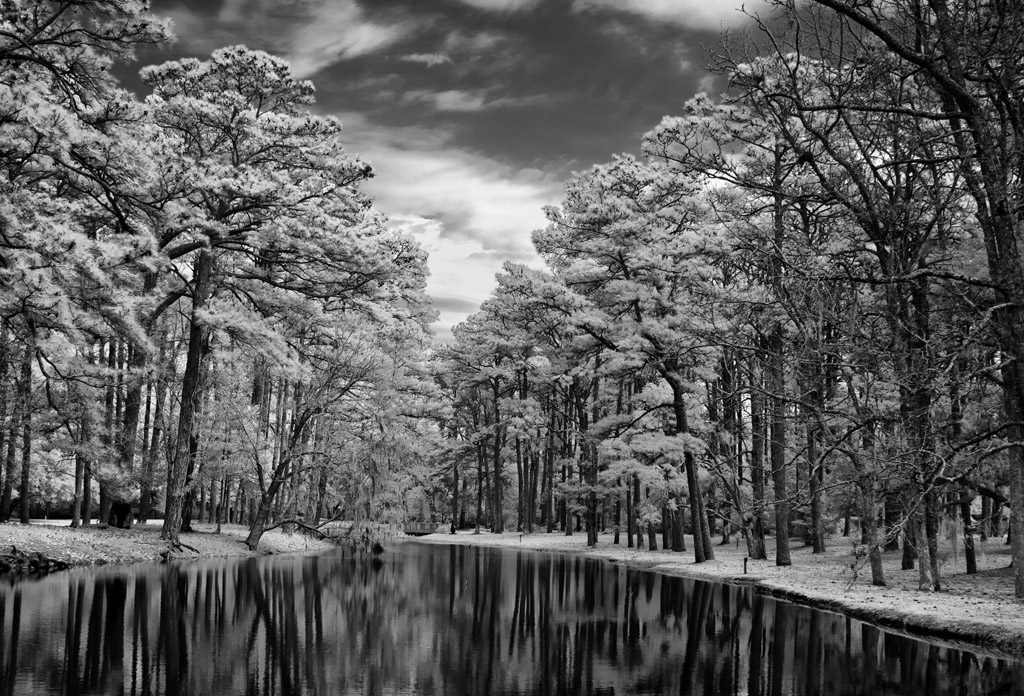
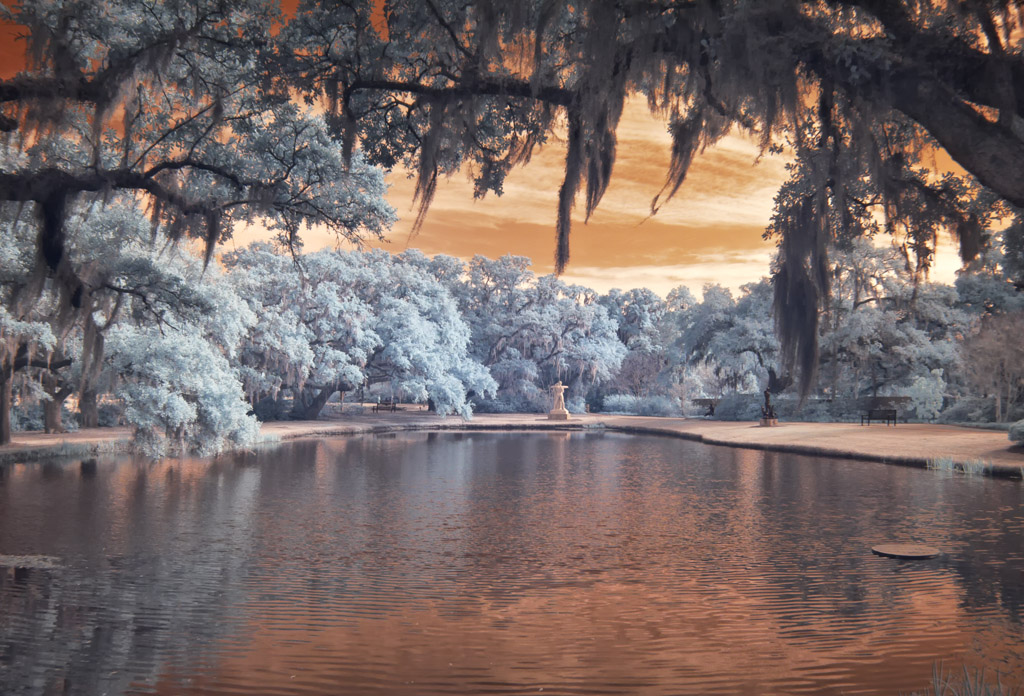
An image from Brookgreen Gardens.  Sometimes the unprocessed image straight out of the camera can be be very stunning and full of emotional impact!

Brookgreen Gardens Reflection, Unprocessed Infrared

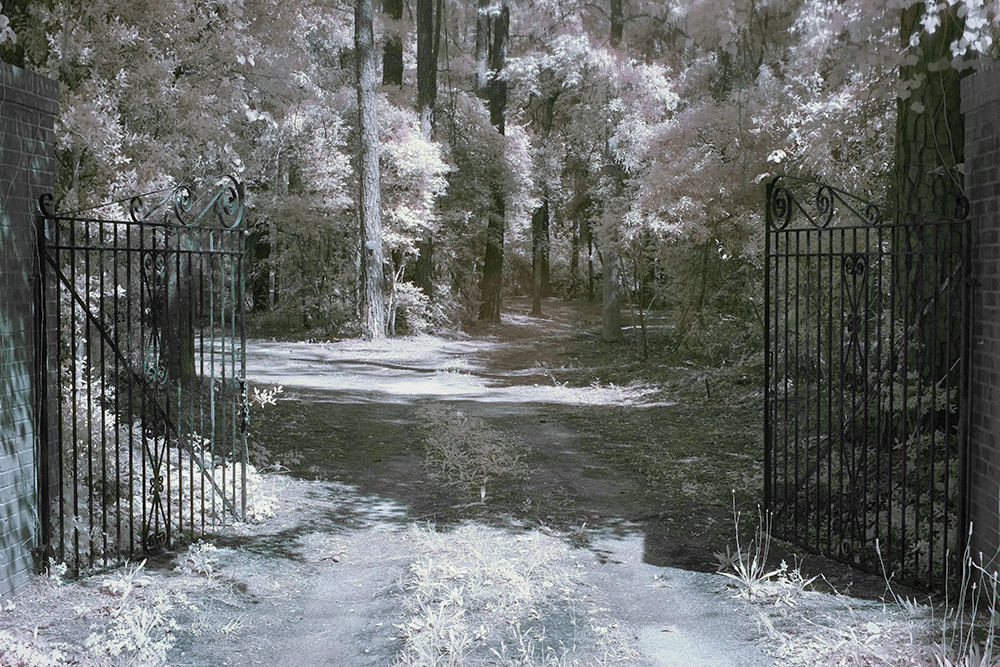
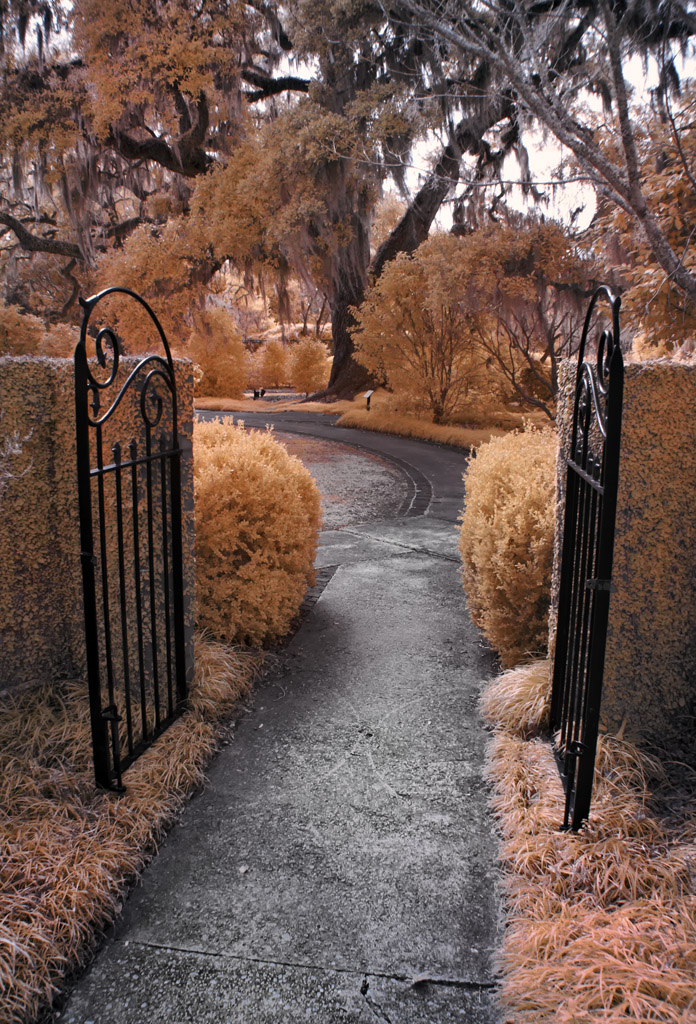
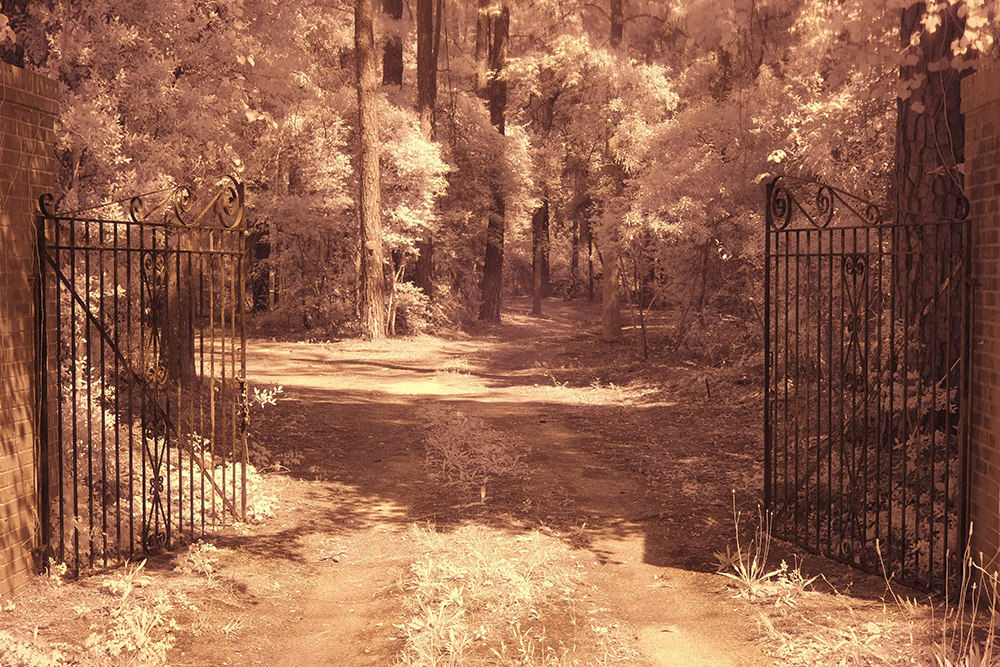
A garden gate in Brookgreen Gardens, Faux Color Processed!

Brookgreen Gardens Gate, Faux Color Infrared

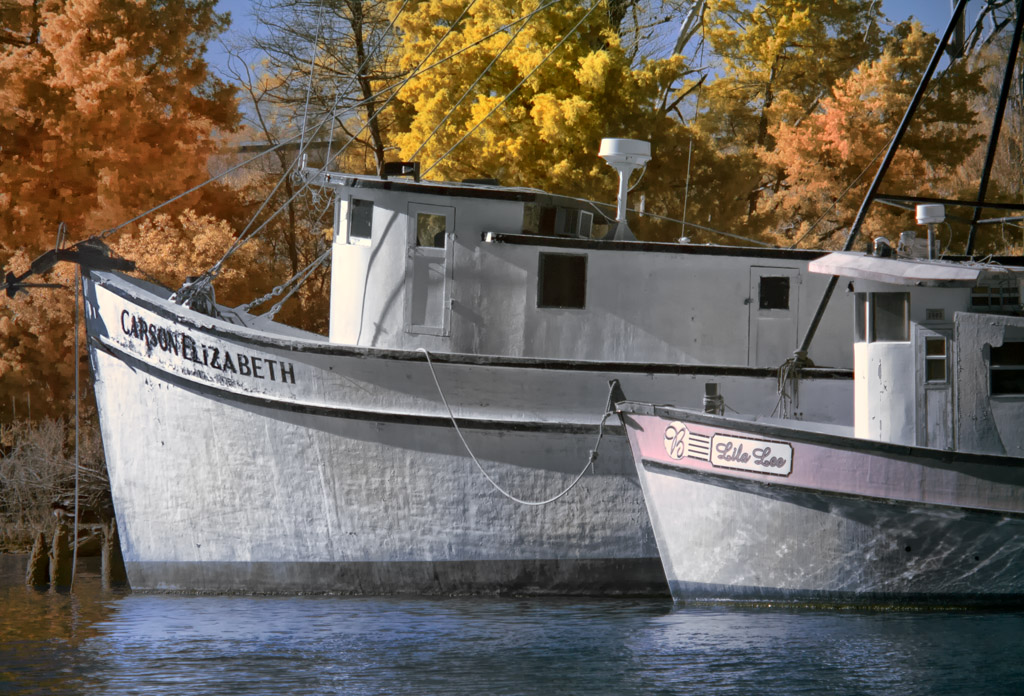
Shrimp Boats in Georgetown, SC, Faux Color Infrared.  I like the Yellows and Pinks in this one!

Carson Elizabeth In Georgetown, SC, Faux Color Infrared

This B&W  image of the wheel house and bell of a shrimper is one of my favorite Infrared images of all time!

The Wheel House Bell, B&W Infrared

I am very passionate about my Infrared Photography and tend to take 100 Infrared images to each color image! I have several WEB sites dedicated to Infrared Photography but my best one is listed below!
For a more detailed discussion of my infrared work please visit my Infrared BLOG

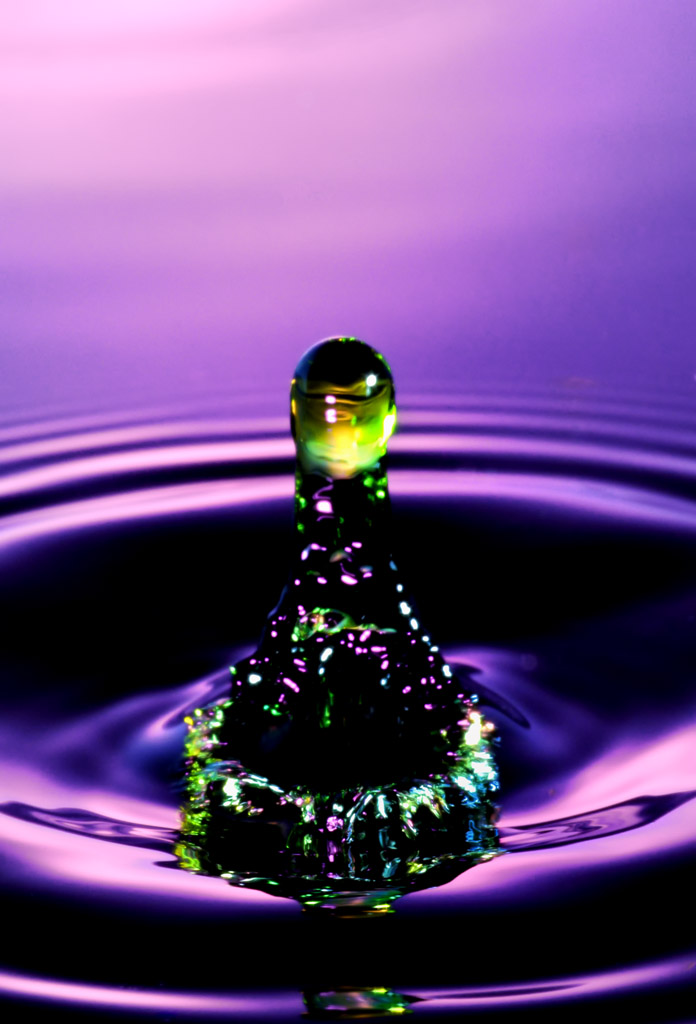
Water Drops


Ultra High Speed Water Drop Photography

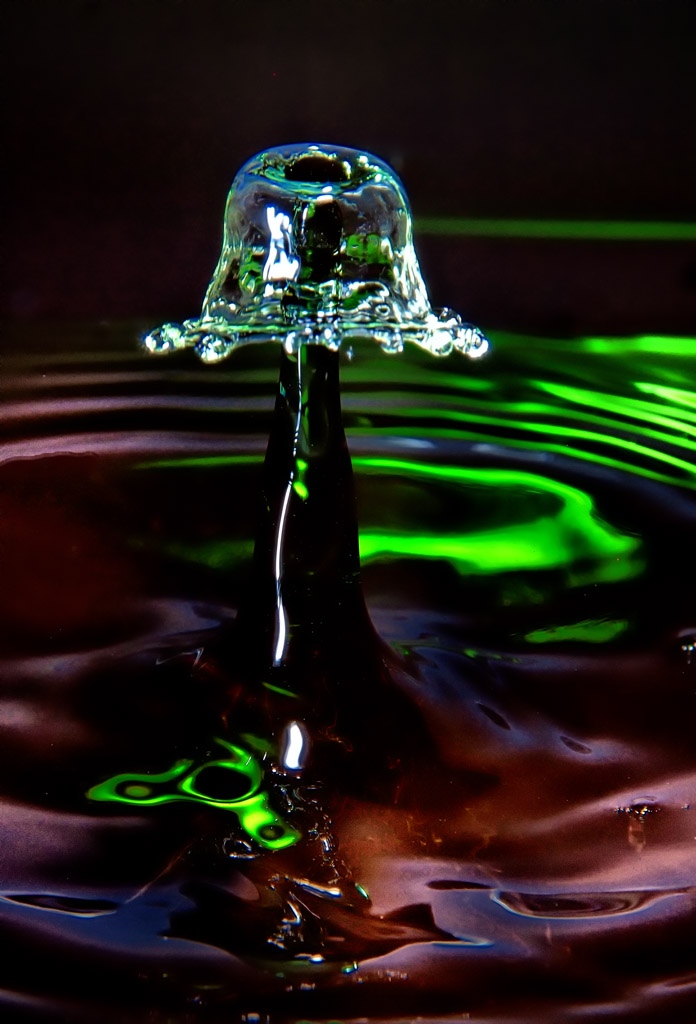
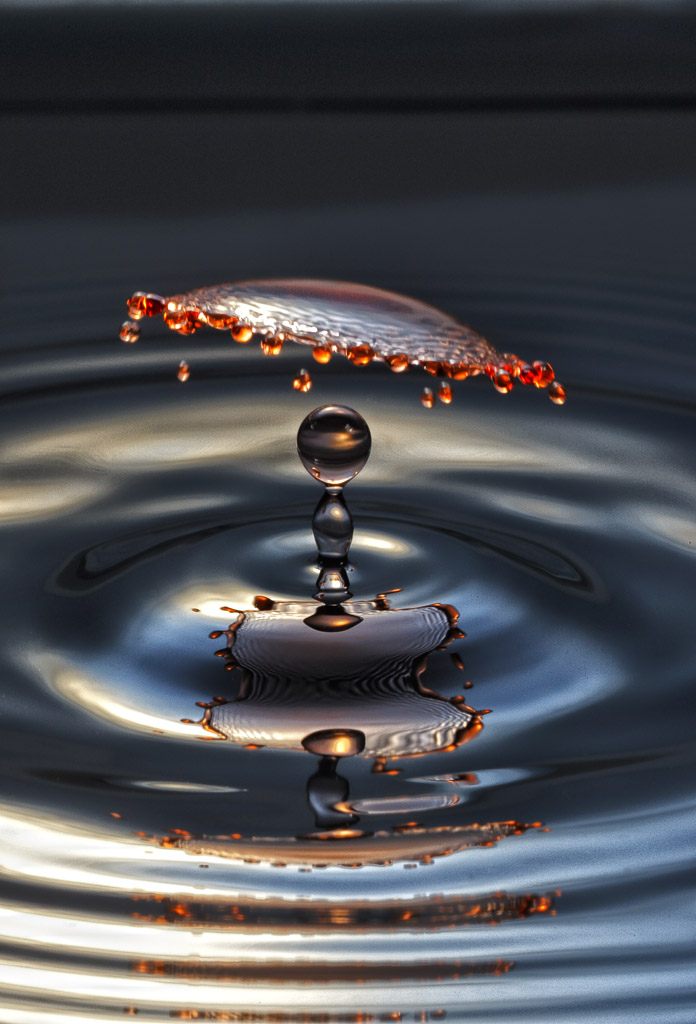
How could something as simple as falling water drops be so interesting and thought provoking? These image are an example of art that must be felt to be experienced.  There is no explanation that could possibly do them any justice at all!  They are DIFFICULT to create but very fun.  They will challenge even the best photographers in the world so I will not even try to explain the technical aspects of creating them, rather I invite you to experience them…


Alien Encounter


In The Spot Light


Help, I Am Falling Down....


It Was A Dark And Stormy Night....

Something Went BANG In The Night!


A Hole In My Soul


Alice's Mushroom

Well, what did YOU think?  They are very interesting and thought provoking, but show a secret part of life that we rarely have the chance to experience!


Time & Time Again…


How Infrared Changed My Life!

I am getting old and definitely tired.

I shoot Canon gear and always have.  I always purchase 1D bodies and currently have the 1DMK3.  For lenses I only use L glass.  I have been a photographer for 48 years and am retired from Eastman Kodak.  I have a lifetime of photographic experience.

That being said I must tell you that except for my hummingbird shots in Sept and Oct (on the tripod only) that I have not used my Canon equipment since June 2009.

On June 9, 2009 I went into the hospital to have severe spinal damage fixed in my neck that had taken the use of my arms in less than 30 days. I was only to be there for 4 days.  53 days later (25 in ICU on a ventilator) I came home with a breathing tube in my neck and a feeding tube in my stomach because everything in my neck was paralyzed and I could not swallow water or food for another 6 months. In 2010 both tubes were removed when I started to swallow again and I started thinking about photography again. I lost 50% use of both hands and 80% of my neck motion due to 3 levels of cadaver bones and 5 levels of steel cage.

I could NOT even hold the Canon body let alone a 400mm prime!  So what I did was to buy an Olympus E-P1. I was amazed by the quality from this little camera that I COULD carry so I started buying lenses. One thing led to another and along came a E-PL1 so the E-P1 was turned into Infrared and I was so happy with it that I started my IR blog (below). So (OK, I told you that IR was an addiction!)within a week of having the L1 that I had it converted to full spectrum IR!  Eventually I missed the ability to use a remote shutter release (water drops and lightning trigger) so I got an E-P2 which I am going to LEAVE color!

The only thing that I miss is the Canon L glass which is superior in ALL WAYS to the Olympus micro 4/3 glass except that it is HEAVY.  But even this would not make me give up my Olympus system!  I might never be able to fully use my Canon equipment again but I am happy enough with the PEN that I do not obsess over it any more!  Understand, the PEN is a compromise system which does have good quality glass (which is all important) and the quality it produces places my images almost on equal footing with my past works with my Canon. My normal print size is 22×32 canvas prints which the PEN’s produce brilliantly!

Well, you ask yourself, what in the world does this have with Fine Art Photography?  Simple…. Smaller Lighter ultra high quality Infrared camera systems mean that I HAVE THEM WITH ME 100% OF THE TIME! I am taking more images, better images more often! This had lead to a rejuvenation of my artistic juices!  I am re-born artistically…

That being said, you have to know now that I shoot about 100 Infrared images to every single color image except during hummingbird season! I am enthralled with the ethereal nature of a WELL TAKEN infrared image.  They talk to me on an emotional level that no other type of photography has ever accomplished!  So much so that I have dedicated TWO web pages to it (see links on the right side)!  But I digress, the reason you are here is to see and experience the images (hopefully) the way that I meant them to be experienced!
Enjoy…

"The Wheel House Bell" B&W Infrared

"The Nets" Faux Color Infrared

"Carolina Trunk" Faux Color Infrared

"The Boots" B&W Infrared

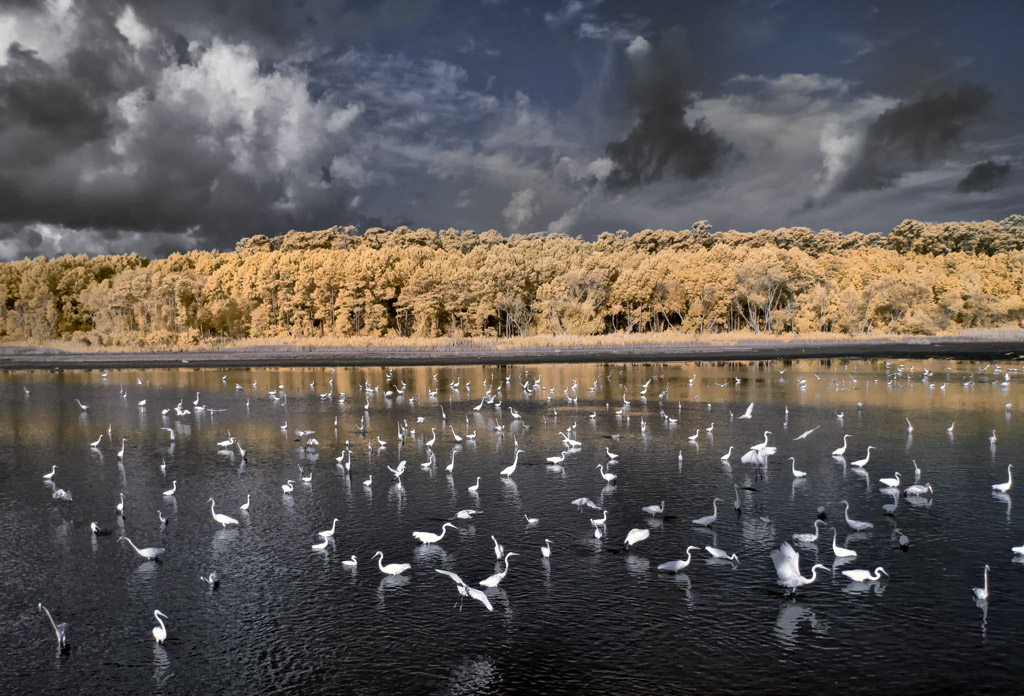
"A Gathering Of Egrets" Faux Color Infrared Image

"Hagood Mill" Faux Color Infrared, Pickins, SC

"Pawleys Pier In Hurrican Hanna" Faux Color Infrared Image

This is just a SMALL example of some of my own personal favorite Infrared work.  Each of these images have been selected based upon the emotional impact generated within me as I view them.  I literally have thousands of such images and invite you to visit my two Infrared WEB sites (links menu on right) for more information and images!

Welcome To My Photography Blog!


Starting Off!


Welcome Mark Hilliard’s Fine Art Nature Photography Blog!  Here I will showcase my favorite work with explanations of how each image was created.  I hope that you enjoy these images as much as I did in making them!

September & October here in the Low Country of South Carolina is the time that we see the greatest Hummingbird activity as they migrate to Central America.  So I thought that I would post a few of my best Hummingbird images! Here is a LINK to my hummingbird blog, please consider giving it a visit to find out how I actually take these ultra high speed images of these little birds!

This first image is of a Violet Sabre-winged Hummingbird going after an ant on the mushroom while a Red-eyed Tree Frog watches.  The image was taken in the cloud forests in Monteverdi in Costa Rica.


Violet Sabre-winged Hummingbird & Red-eyed Tree Frog


Next, is an image of an immature Ruby-throated male Hummingbird trying to feed in my back yard and chasing away the Yellow Jacket!   These little birds are afraid of nothing (which can be their downfall).


Bee Gone!


Lastly, a mature male again taken in my back yard!


Adult Male Ruby-thrated Hummingbird


I hope that you have enjoyed these images.  Hummingbirds are my FAVORITE bird subject in the whole world! I spend a lot of time and energy setting up for this and love every second of it!


Adult Ruby-throated Hummingbird